Best Disaster Recovery As a Service Solutions (2026): 5 Picks Checked on Vendor Pages
Best disaster recovery as a service solutions: 5 tools compared on price, free plans and fit. The weak spots sit next to the strengths. Pick with confidence.
- Editor's choice
 Rubrik
Quick recovery after ransomware
Starts atPricing on requestVisit rubrik.comFull review - Great alternative
 Druva
Completely managed cloud-native protection
Starts atPricing on requestVisit druva.comFull review - Also consider
 Acronis Cyber Protect
Integrated backup and cybersecurity
Starts atPricing on requestVisit acronis.comFull review
Direct answer
If you need quick recovery after ransomware, Rubrik is the first tool to look at here. For a different need, Druva covers completely managed cloud-native protection and Acronis Cyber Protect covers integrated backup and cybersecurity. The remaining 2 options are covered below with pricing notes and limits. None of these vendors publish plan prices, so pricing is on request for every option.
TL;DR:
- Rubrik sits first on this list: quick recovery after ransomware.
- None of the 5 tools, from Rubrik to Veeam Backup & Replication, has a free plan, so budget for a subscription or use a trial.
- No starting price is shown for any of the 5 tools, Rubrik and Veeam Backup & Replication included, so plan time for sales calls.
- For wide backup and replication coverage, Veeam Backup & Replication is worth a look.
Last checked November 2026. Pricing on request: vendors did not publish plan prices when this guide was last checked (November 2026), so ask each vendor for a written quote.
Quick comparison
| Tool | Best for | Starts at | Free plan? | |
|---|---|---|---|---|
| Rubrik | Quick recovery after ransomware | Pricing on request | Not stated | Visit |
| Druva | Completely managed cloud-native protection | Pricing on request | Free trial | Visit |
| Acronis Cyber Protect | Integrated backup and cybersecurity | Pricing on request | Not stated | Visit |
| Azure Site Recovery | Azure-centric disaster recovery | Pricing on request | Free trial | Visit |
| Veeam Backup & Replication | Wide backup and replication coverage | Pricing on request | Not stated | Visit |
The 5 tools in detail
LinkVetted put together this guide to disaster recovery as a service solutions for readers who want a clear shortlist without reading every vendor page. It compares 5 tools on starting price, free plans, who each one suits and where each one falls short.
For quick recovery after ransomware, Rubrik is a natural candidate. The system is pitched at enterprise requirements, so smaller organizations may find it more than they need.
In practice, getting the most from recovery speed relies on defining priorities in advance. No starting price is listed for Rubrik here; confirm pricing on the vendor site. Free plan details: Not stated.
What to check first: Enterprise positioning may exceed small-team needs.
- Identity and AI agent governance
- Immutable backups
- Planning needed to map recovery priorities
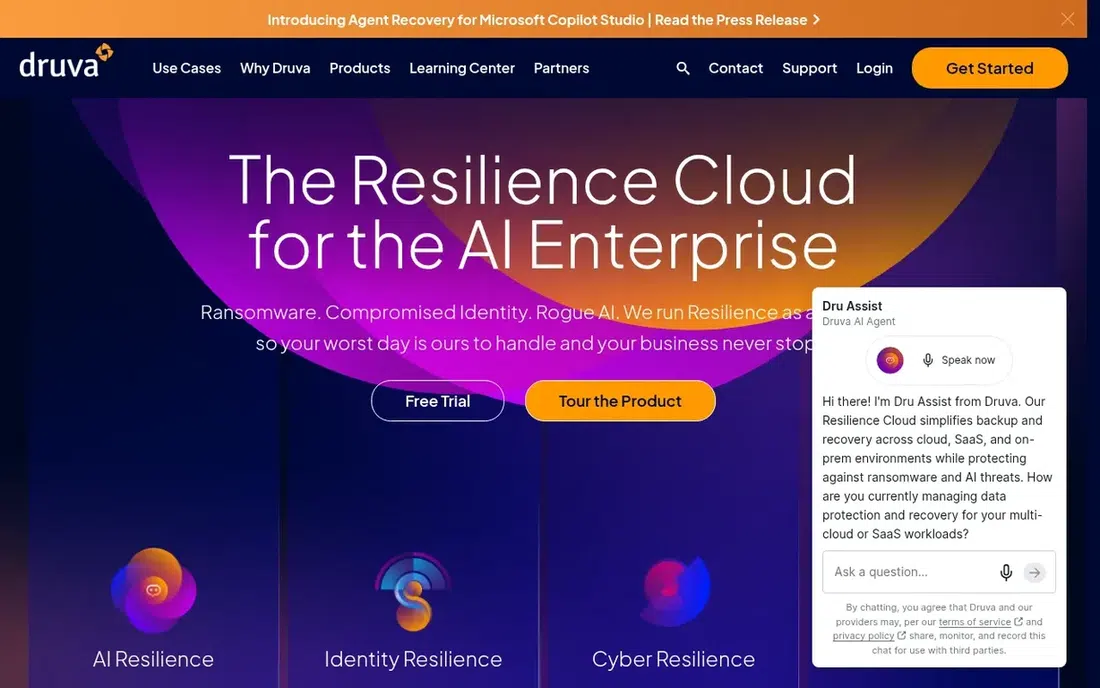
Pick Druva if this describes you: fully managed cloud-native protection. Organizations prioritizing ransomware readiness and identity protection alongside backup are a natural audience. For everyday use, workload coverage should be checked against your estate.
If you need deep on-premises control or a self-managed stack, consider a system built around infrastructure you operate. For everyday use, since it is cloud-native and vendor-managed, it suits teams that want to offload infrastructure upkeep and focus on policy and recovery outcomes. Worth adding: a completely managed SaaS model means less direct control over underlying infrastructure, which can matter to teams with strict custom requirements. This comparison lists no price for Druva; ask the vendor. Free access: Free trial.
Where it is weaker: Less suited to practical infrastructure control.
- Ransomware recovery focus
- Cloud-native SaaS delivery
- Feature scope centers on cloud workloads
Acronis Cyber Protect makes the most sense for integrated backup and cybersecurity. Acronis Cyber Protect merges backup, cybersecurity, endpoint management and automation, with vendor materials emphasizing integrated AI-powered features. Teams looking to ease vendor sprawl commonly find the integrated approach appealing.
What to check first: Breadth can complicate initial setup.
Beyond that, the breadth of the product can make initial configuration and tuning more involved, and organizations with mature separate security tools may see overlap. For everyday use, if your priority is a narrow, dedicated recovery service, a more focused product may be more straightforward. From a buyer's view, confirm that the specific workloads you need are covered. No starting price is listed for Acronis Cyber Protect here; confirm pricing on the vendor site. On free options: Not stated.
- Endpoint management and automation included
- Backup and cybersecurity in one stack
- Some features may overlap for existing tools
Azure Site Recovery
Best for: Azure-centric disaster recovery
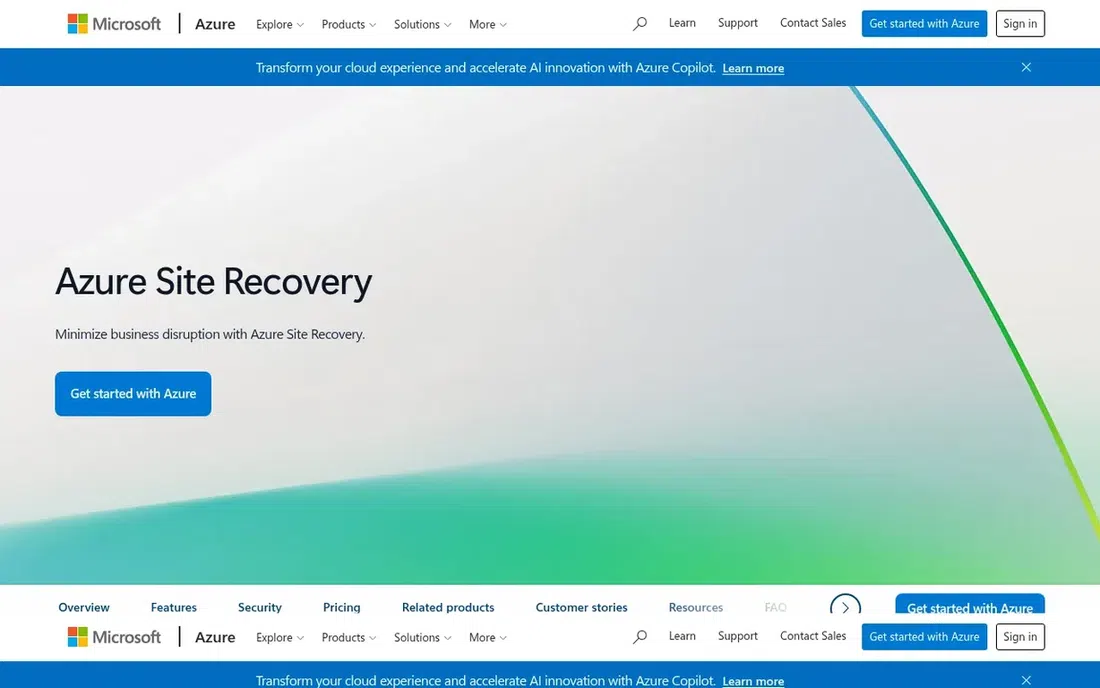
Azure Site Recovery is designed for Azure-centric disaster recovery. If you need a vendor-managed SaaS product spanning numerous environments, a dedicated recovery service may be a better fit. From a buyer's view, Azure Site Recovery is Microsoft's disaster recovery service built to keep applications available and cut business disruption.
Watch-outs: Best value primarily inside the Azure ecosystem.
Its vendor page flags simple deployment of disaster recovery, cost reduction and data protection. Teams that prefer to keep recovery orchestration within their existing Microsoft cloud tooling instead of adding a separate system. No starting price is listed for Azure Site Recovery here; confirm pricing on the vendor site. As for free access: Free trial.
- Straightforward path for Azure-based teams
- Tight fit with Microsoft Azure workloads
- Needs Azure knowledge to configure
Veeam Backup & Replication
Best for: Wide backup and replication coverage
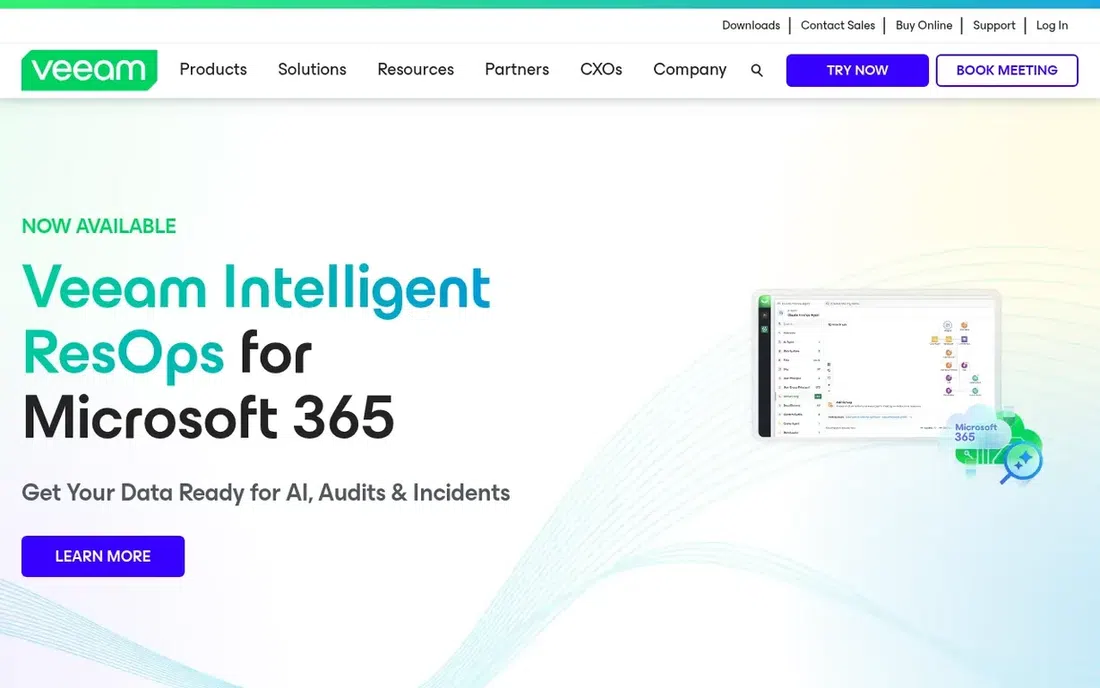
In short, Veeam Backup & Replication is for wide backup and replication coverage. Its vendor materials emphasize protecting data across environments, staying compliant and moving data securely. It tends to fit organizations that want a single, broadly adopted tool for backup and replication across on-premises and cloud workloads, and that have staff able to plan and operate the underlying infrastructure.
The system is deep, which means setup and continuing administration can be demanding for smaller teams without dedicated backup staff. It is also not a completely managed service in the way some SaaS offerings are. This comparison lists no price for Veeam Backup & Replication; ask the vendor. As for free access: Not stated.
Watch-outs: Needs planning for infrastructure and storage.
- Supports virtual
- Widely used across enterprise environments
- Full feature depth can take time to learn
How these tools were picked
LinkVetted looked at what each vendor publishes: pricing, plan limits, feature coverage for disaster recovery as a service solutions and stated drawbacks. No hands-on testing is claimed. Treat prices as a snapshot: vendors change plans often, so check the vendor site for the figure that applies today. The ranking is editorial: typical fit first, then clear pricing, then free access. If your needs are unusual, read the profiles rather than relying on position.
What to check before you buy
- Request quotes from Rubrik, Veeam Backup & Replication and the others; the list shows no fixed prices.
- Use real work to test the free trial from Druva and Azure Site Recovery, rather than a demo project.
- Before choosing Rubrik, weigh its main limit: enterprise positioning may exceed small-team needs.
- Test the integrations you rely on with Veeam Backup & Replication before committing; some connectors sit on upper tiers.
- Involve the people who will use Rubrik daily; a short pilot beats a long feature checklist.
FAQ
Is Rubrik the right pick for everyone comparing disaster recovery as a service solutions?
No single tool suits every team. Rubrik comes first because it fits fast recovery after ransomware, while Druva suits fully managed cloud-native protection and Acronis Cyber Protect suits integrated backup and cybersecurity. Match the tool to your own size, budget and workflow before deciding.
Does any tool for disaster recovery as a service solutions here have a free plan?
A permanent free plan is not offered by Rubrik, Veeam Backup & Replication or the other tools here. Druva, Azure Site Recovery offer a trial. Plan a short evaluation period instead.
How are the tools for disaster recovery as a service solutions ordered?
The order follows typical fit for disaster recovery as a service solutions, with Rubrik first and Veeam Backup & Replication last, then price clarity and free access. It is editorial judgement, not a score, so another team could rank the tools differently.
Do these tools publish their prices?
No. None of the tools, from Rubrik to Veeam Backup & Replication, shows a fixed starting price here, so budget time for quotes.
What is disaster recovery as a service?
Offerings range from self-managed software to completely managed cloud services. So the right choice relies on how much control and administration you want to keep in house.
Sources
- https://www.rubrik.com
- https://www.druva.com
- https://www.acronis.com
- https://azure.microsoft.com/en-us/products/site-recovery
- https://www.veeam.com