5 Best Windows Virtualization Software for 2026, Vetted and Compared
5 products for the best windows virtualization software, ranked by fit, with starting costs and free tiers. Short, factual notes on every option. Easy to scan.
- Editor's choiceHyper-V Server
Dedicated Microsoft hypervisor deployments
Starts at$2.00 per user a monthVisit microsoft.comFull review - Great alternativeQEMU
Adaptable open-source machine emulation
Starts atSee websiteVisit qemu.orgFull review - Also consider
 Nutanix AHV
Enterprise datacenter, edge, and cloud virtualization
Starts atSee websiteVisit nutanix.comFull review
Direct answer
If you need dedicated Microsoft hypervisor deployments, Hyper-V Server is the first tool to look at here. Listed starting prices: Hyper-V Server from $2.00 per user a month. For a different need, QEMU covers adaptable open-source machine emulation and Nutanix AHV covers enterprise datacenter, edge, and cloud virtualization. Details, prices and limits for the rest of the 5 tools are below.
TL;DR:
- Number one here is Hyper-V Server, a fit for dedicated Microsoft hypervisor deployments.
- Oracle VirtualBox is the one to check for desktop virtualization across plenty of host systems.
- A fair warning about QEMU: Command-line oriented and complicated for beginners.
- The cheapest monthly starting price in the list is $2.00 per user per month, offered by Hyper-V Server.
Last checked November 2026. Prices and plan details were read from the vendors' own pages in November 2026; vendors change plans often, so confirm the current price on the vendor site before you buy.
Quick comparison
| Tool | Best for | Starts at | Free plan? | |
|---|---|---|---|---|
| Hyper-V Server | Dedicated Microsoft hypervisor deployments | $2.00 per user a month | Not stated | Visit |
| QEMU | Adaptable open-source machine emulation | See website | Not stated | Visit |
| Nutanix AHV | Enterprise datacenter, edge, and cloud virtualization | See website | Not stated | Visit |
| Proxmox Virtual Environment | Open-source server virtualization management | See website | Not stated | Visit |
| Oracle VirtualBox | Desktop virtualization across numerous host systems | See website | Not stated | Visit |
Windows Virtualization Software, one by one
This LinkVetted guide covers 5 options for Windows virtualization software. Each profile lists a starting price, free plan details, strengths and drawbacks, so you can drop poor fits quickly.
Hyper-V Server
Best for: Dedicated Microsoft hypervisor deployments
Where Hyper-V Server fits: dedicated Microsoft hypervisor deployments. A standalone hypervisor means less built-in functionality than a full server installation, and management is generally handled from separate tools.
Where it falls short: Narrower than the full Windows Server role.
It is not targeted at desktop users. The starting price for Hyper-V Server: $2.00 per user per month. On free options: Not stated.
- Concentrated on scale and performance needs
- Standalone Microsoft hypervisor choice
- Needs planning for management tooling
QEMU
Best for: Adaptable open-source machine emulation
QEMU is designed for adaptable open-source machine emulation. QEMU is a widely known open-source machine emulator and virtualizer.
More specifically, QEMU is feature-rich but not beginner-friendly, and it does not offer the refined management experience of a desktop or server virtualization product. Choose a packaged system when you want guided setup and central management. QEMU shows no starting price here, so confirm the cost on the vendor site. Free plan details: Not stated.
Downsides: Raw tooling without a full management layer.
- Highly customizable for advanced users
- Supports a wide range of guest architectures
- Command-line oriented and complicated for beginners
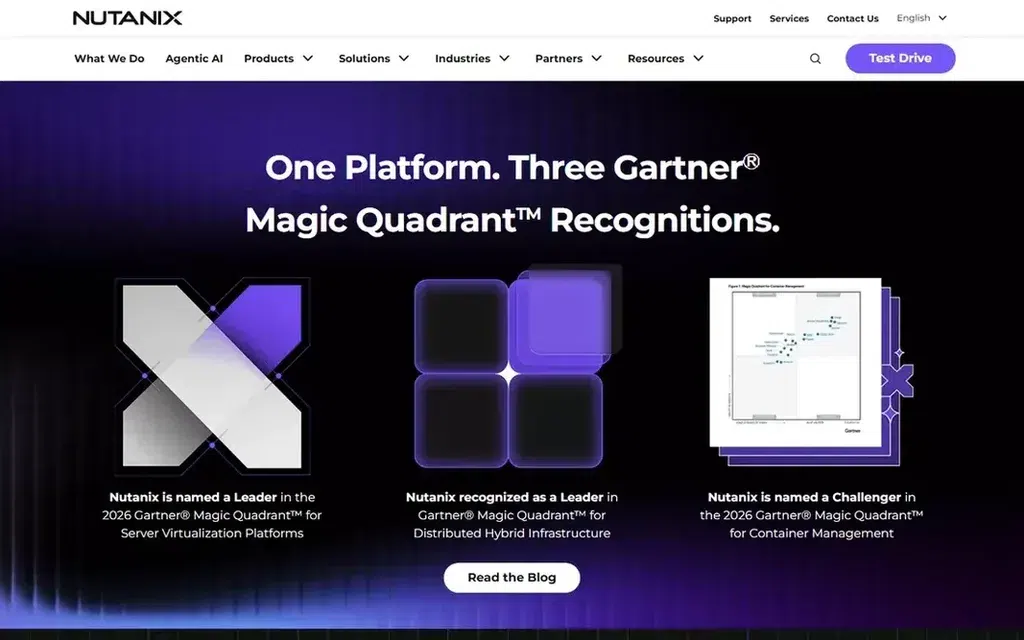
Nutanix AHV is designed for enterprise datacenter, edge, and cloud virtualization. Nutanix AHV is described as a modern and secure virtualization product that powers virtual machines for applications in the datacenter, at the edge, and in public clouds. It is positioned for enterprise environments that require a managed virtualization layer for business applications.
Drawbacks to consider: Targeted at enterprise deployments instead of desktops.
On top of that, smaller environments may prefer a lighter choice. For everyday use, AHV is an enterprise system, so it is more than a small team or a single desktop user needs, and it is usually adopted alongside Nutanix infrastructure. Nutanix AHV does not show a starting price in this comparison, so check the vendor site for current pricing. Trial and free access: Not stated.
- Made for datacenter, edge
- Public cloud
- Adoption usually tied to the Nutanix stack
Proxmox Virtual Environment
Best for: Open-source server virtualization management
Proxmox Virtual Environment is aimed squarely at open-source server virtualization management. Proxmox VE is a server product, so it is not the simplest choice for a user who just wants a virtual machine on a Windows laptop. It also assumes familiarity with Linux-style administration.
Where it is weaker: Server-focused instead of desktop-oriented.
Beyond that, Proxmox Virtual Environment is an open-source server virtualization management product. It is aimed at running and managing virtual machines on servers and suits IT teams that want an open-source alternative for hosting workloads without desktop-first constraints. This comparison lists no price for Proxmox Virtual Environment; ask the vendor. Trial and free access: Not stated.
- Fits mixed server environments
- Runs virtual machines from a central system
- Needs comfort with Linux-based administration
Oracle VirtualBox
Best for: Desktop virtualization across numerous host systems
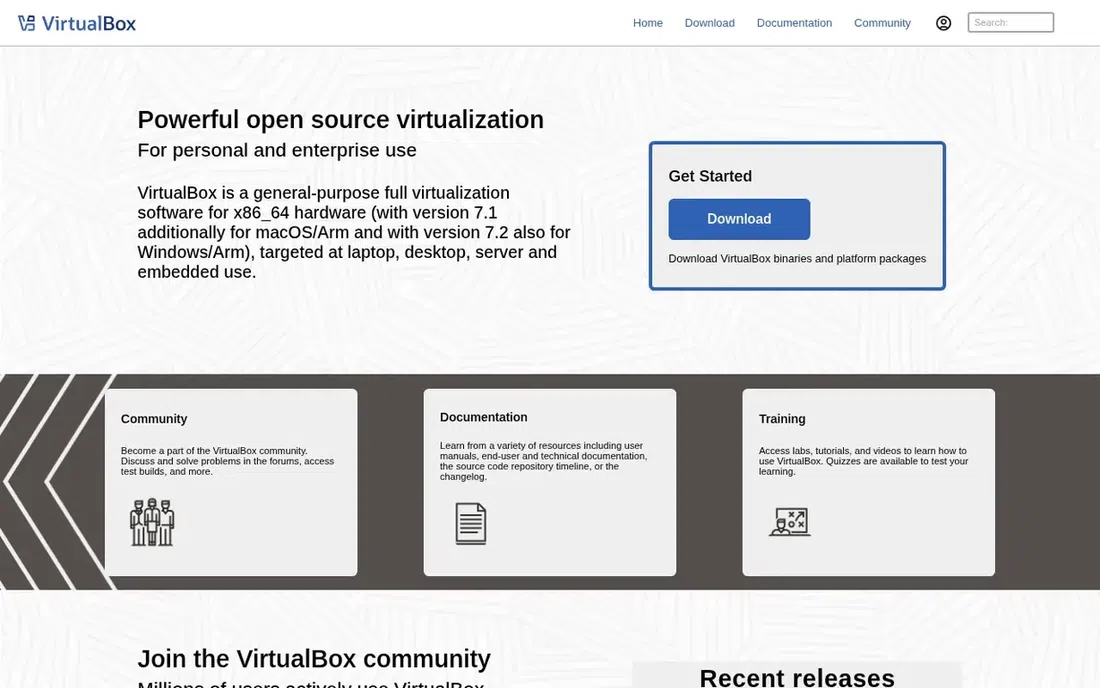
Pick Oracle VirtualBox if this describes you: desktop virtualization across numerous host systems. It is widely used for desktop test labs, development sandboxes, and trying new operating systems without repartitioning a drive.
Where it is weaker: Not designed as a large-scale server product.
It suits individual users, students, and IT teams that require local virtual machines on a Windows workstation and value portability across host products. Pricing for Oracle VirtualBox is not stated here, so ask the vendor for current figures. On free options: Not stated.
- Open source with wide guest OS support
- Straightforward interface for local virtual machines
- Performance tuning is restricted compared to type 1 hypervisors
What went into this list
LinkVetted looked at what each vendor publishes: pricing, plan limits, feature coverage for Windows virtualization software and stated drawbacks. No hands-on testing is claimed. Plan names, prices and limits change often. Treat the figures here as a starting point and verify them with the vendor. Tools are placed by general fit for Windows virtualization software, with price clarity and free access as tie-breakers. A different team can reasonably rank them differently.
What to confirm before you sign up
- Ask QEMU, Nutanix AHV, Proxmox Virtual Environment and Oracle VirtualBox for a written quote, since no starting price is shown.
- Before choosing Hyper-V Server, weigh its main limit: narrower than the full Windows Server role.
- Check the support hours and onboarding help QEMU offers; smaller vendors vary a lot here.
- Verify that exporting from Hyper-V Server is possible on your plan and covers all your records.
- Let daily users try Oracle VirtualBox on real work; their feedback beats any feature checklist.
FAQ
How are the tools for Windows virtualization software ordered?
The order follows typical fit for Windows virtualization software, with Hyper-V Server first and Oracle VirtualBox last, then price clarity and free access. It is editorial judgement, not a score, so another team could rank the tools differently.
Does any tool for Windows virtualization software here have a free plan?
A permanent free plan is not offered by Hyper-V Server, Oracle VirtualBox or the other tools here. Plan a short evaluation period instead.
Do these tools publish their prices?
Not all of them. QEMU, Nutanix AHV, Proxmox Virtual Environment and Oracle VirtualBox publish no starting price, so expect a quote request for those. The rest, Hyper-V Server included, show a starting price, though seats and billing terms still change the final cost.
Can I try these options before paying?
Not by default. None of the tools, from Hyper-V Server to Oracle VirtualBox, lists a free plan or a free trial here, so ask each vendor for a demo before committing.
Is open-source virtualization a good match for business use?
Open-source choices like Proxmox Virtual Environment and QEMU are used in real business environments, but suitability relies on your support needs and skills.
Sources
- https://www.microsoft.com/en-us/evalcenter/evaluate-hyper-v-server-2019
- https://www.qemu.org
- https://www.nutanix.com/products/ahv
- https://www.proxmox.com/en/proxmox-virtual-environment/overview
- https://www.virtualbox.org