Choosing Workforce Management Software for Warehouses in 2026: 5 Options Compared
Best workforce management software for warehouses in 2026: 5 contenders with entry costs and free tiers. Short, factual notes on every option. Plain facts.
- Editor's choice
 When I Work
Straightforward shift scheduling and time tracking
Starts at$2.50 per user per monthVisit wheniwork.comFull review - Great alternative
 Deputy
Quick employee scheduling and labor forecasting
Starts at$5 per user per monthVisit deputy.comFull review - Also considerUKG Workforce Management
Integrated HR, payroll, and operations control
Starts atSee websiteVisit ukg.comFull review
Direct answer
For straightforward shift scheduling and time tracking, When I Work is where this list starts. Listed starting prices: When I Work from $2.50 per user per month, Deputy from $5 per user per month and Homebase from $30 per location a month. Deputy is better for quick employee scheduling and labor forecasting, and UKG Workforce Management is better for integrated HR, payroll, and operations control. All 5 tools are compared below on price, free plan and limits.
TL;DR:
- Number one here is When I Work, a fit for straightforward shift scheduling and time tracking.
- ADP Workforce Now is the one to check for payroll-led HR and HCM scaling.
- Homebase is the only tool of the 5 with a free plan.
- The cheapest monthly starting price in the list is $2.50 per user per month, offered by When I Work.
Last checked November 2026. Prices and plan details were read from the vendors' own pages in November 2026; vendors change plans often, so confirm the current price on the vendor site before you buy.
Quick comparison
| Tool | Best for | Starts at | Free plan? | |
|---|---|---|---|---|
| When I Work | Straightforward shift scheduling and time tracking | $2.50 per user per month | Free trial | Visit |
| Deputy | Quick employee scheduling and labor forecasting | $5 per user per month | Free trial | Visit |
| UKG Workforce Management | Integrated HR, payroll, and operations control | See website | Not stated | Visit |
 Homebase | All-in-one hourly team management | $30 per location a month | Yes | Visit |
 ADP Workforce Now | Payroll-led HR and HCM scaling | See website | Not stated | Visit |
Workforce Management Software for Warehouses, one by one
LinkVetted put together this guide to workforce management software for warehouses for readers who want a clear shortlist without reading every vendor page. It compares 5 tools on starting price, free plans, who each one suits and where each one falls short.
In short, When I Work is for simple shift scheduling and time tracking. Warehouse supervisors can publish schedules, adjust coverage, and keep communication in the same place. Beyond that, pick When I Work when quick scheduling and time tracking for hourly staff are the core requirement.
For payroll, tax, and deeper HR administration, teams may have to link other systems. Also, very complicated multi-site structures can also push beyond straightforward scheduling needs. What you pay to start with When I Work: $2.50 per user per month. Trial and free access: Free trial.
Honest limits: Complicated multi-entity setups may need more.
- Team messaging built in
- Straightforward hourly-team focus
- Payroll depth is restricted compared to HCM suites
Deputy was built for quick employee scheduling and labor forecasting. Deputy is easy-to-use employee scheduling, HR, AI labor forecasting, and payroll software. Choose Deputy when speed of scheduling adoption is the deciding factor.
Also, teams needing deep enterprise HR administration or complicated payroll structures may outgrow the core scheduling focus. It is best treated as the operational scheduling layer, with payroll depth checked against your requirements. What you pay to start with Deputy: $5 per user per month. On free options: Free trial.
Downsides: Advanced needs may need add-ons.
- Easy-to-use employee scheduling
- HR and payroll in the same system
- Deeper enterprise HR may need other tools
UKG Workforce Management
Best for: Integrated HR, payroll, and operations control
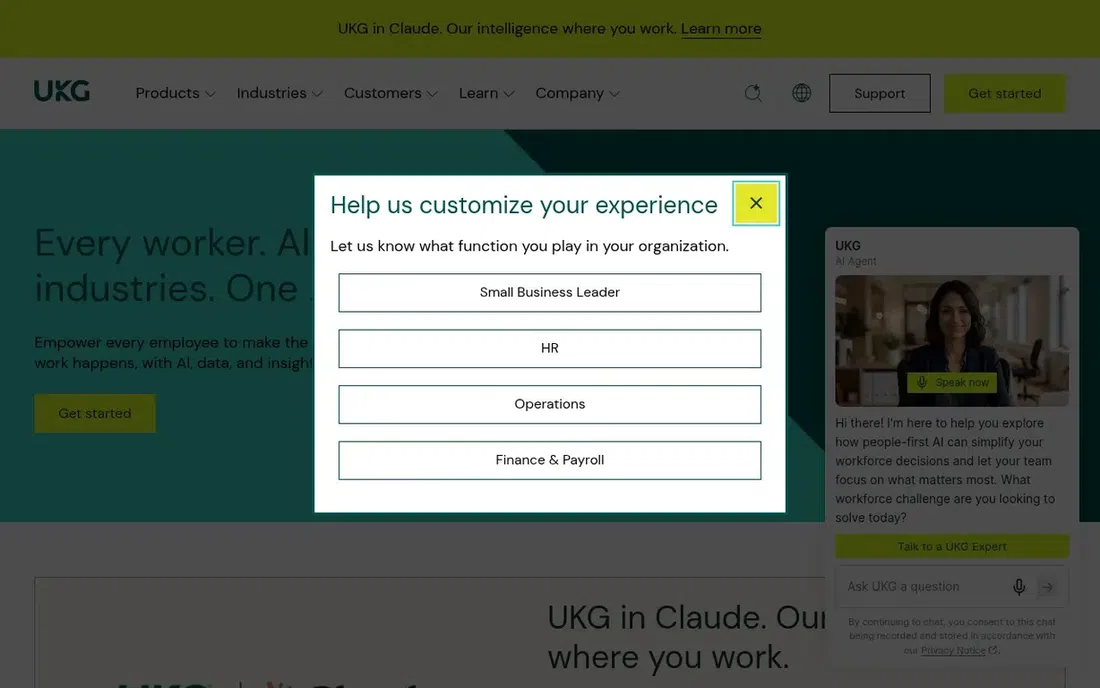
Think of UKG Workforce Management for integrated HR, payroll, and operations control. UKG presents itself as a workforce intelligence system that brings HR, payroll, and workforce management together for modern operations. As for the details, choose UKG when integrated HR and payroll depth outweighs simplicity.
Smaller warehouses with straightforward hourly scheduling may find lighter scheduling apps quicker to adopt. The breadth is also the primary caution: a full system takes configuration and internal ownership to run well. Check the vendor site for UKG Workforce Management pricing; none is listed in this comparison. On free options: Not stated.
Where it falls short: Setup usually needs planning and resources.
- Workforce management
- Merges HR, payroll
- Wide suite may feel heavy for small teams
Homebase is designed for all-in-one hourly team management. It suits smaller operations that want practical coverage of core hourly workflows.
In daily use, organizations with complicated multi-site rules or deep HR requirements may find the all-in-one approach less customizable than enterprise suites. On cost, Homebase starts like this: $30 per location per month. Free access exists with Homebase.
Downsides: Bigger operations may need more controls.
- Built for hourly teams
- Hiring in one app
- Depth may trail enterprise HCM suites
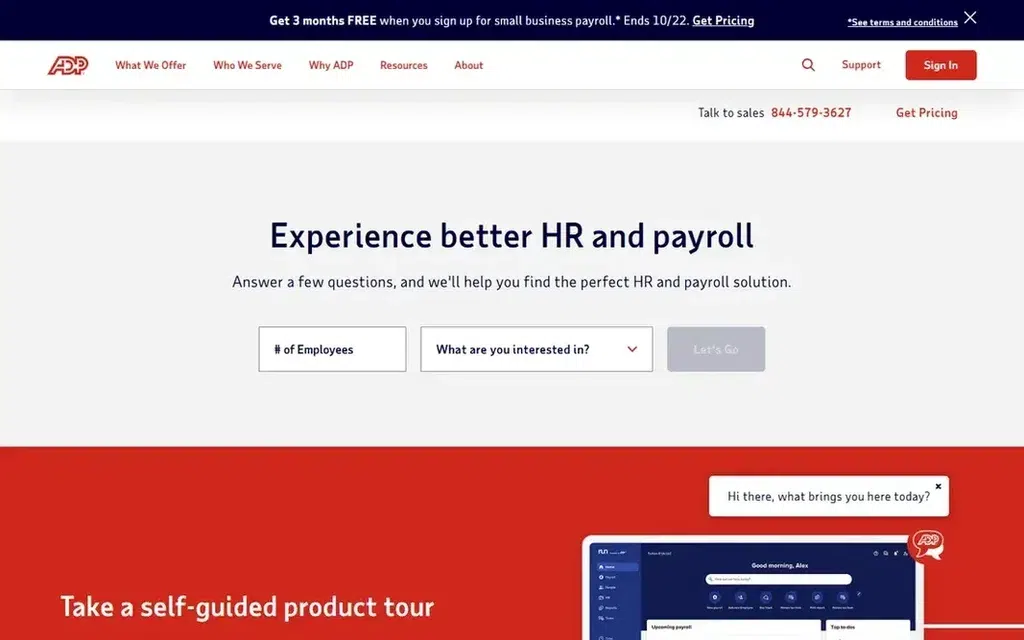
ADP Workforce Now is built with payroll-led HR and HCM scaling in mind. ADP gives you payroll, tax, HR, and HCM options for companies of every size, with products built to scale.
Where it is weaker: Full HCM setup can take time.
A warehouse that already relies on accurate payroll and tax handling can anchor its workforce processes here and add HR functions as headcount grows. In practice, because the product is payroll and HCM led, teams wanting warehouse-specific shift planning may pair it with dedicated scheduling tools. No starting price is listed for ADP Workforce Now here; confirm pricing on the vendor site. Free options: Not stated.
- Payroll, tax
- HCM coverage for expanding operations
- Payroll-first focus may not lead on shift tools
What went into this list
For each of the 5 tools we noted price, free plan or trial, fit for workforce management software for warehouses and the main limit, using vendor pages and documentation. Where a price is missing, the vendor does not list one publicly or ties it to a quote. Always confirm before budgeting. The ranking is editorial: typical fit first, then clear pricing, then free access. If your needs are unusual, read the profiles rather than relying on position.
What to check before you buy
- Ask UKG Workforce Management and ADP Workforce Now for a written quote, since no starting price is shown.
- Look at the free plan from Homebase closely: its caps decide whether it is usable for real work.
- Take the trial from When I Work and Deputy and push a live task through it before you pay.
- Before choosing When I Work, weigh its main limit: payroll depth is restricted compared to HCM suites.
- Read the plan comparison for Homebase carefully; key features often start on a higher tier.
- Look at the renewal terms for When I Work: auto-renewal, notice periods and price changes can matter more than the first-year price.
FAQ
How are the tools for workforce management software for warehouses ordered?
When I Work sits first and ADP Workforce Now last because the order follows typical fit for workforce management software for warehouses, then price clarity and free access. It is a judgement call, so read each profile for fit and limits.
Is When I Work the right pick for everyone comparing workforce management software for warehouses?
No single tool suits every team. When I Work comes first because it fits simple shift scheduling and time tracking, while Deputy suits fast employee scheduling and labor forecasting and UKG Workforce Management suits integrated HR, payroll, and operations control. Match the tool to your own size, budget and workflow before deciding.
Do these tools publish their prices?
Not all of them. UKG Workforce Management and ADP Workforce Now publish no starting price, so expect a quote request for those. The rest, When I Work included, show a starting price, though seats and billing terms still change the final cost.
Which options for workforce management software for warehouses have a free plan?
Homebase is the only tool in this list with a free plan. Free plans usually cap users, projects or features, so check the limits on the vendor page. Several others offer a trial instead. Prices, free plan details and limits for all 5 tools in this workforce management software for warehouses roundup sit on the individual cards above.
How do scheduling-focused tools differ from full HR products?
Tools like Deputy, When I Work, and Homebase center on hourly scheduling, time tracking, and team communication. Products like UKG, ADP, and Workday add broader HR, payroll, and enterprise data management.
Sources
- https://wheniwork.com
- https://www.deputy.com
- https://www.ukg.com
- https://www.joinhomebase.com
- https://www.adp.com