Best Unified Workforce Platforms in 2026: 8 Platforms Compared
Searching for the best unified workforce platform? We compare 8 HR, payroll and IT tools that bring hiring, pay and access into one system for teams today.
- Editor's choice
 Rippling
HR, payroll and IT in one
Starts atSee websiteVisit rippling.comFull review - Great alternative
 Deel
Global hiring and payroll
Starts atSee websiteVisit deel.comFull review - Also consider
 Workday
Large enterprise HR and finance
Starts atSee websiteVisit workday.comFull review
TL;DR:
- A unified workforce platform combines HR records, payroll, benefits, time and IT access, so one change updates pay, apps and devices together.
- Rippling leads for HR plus IT in one system, while Deel leads for global hiring across many countries.
- Gusto suits small US teams with published pricing, while Workday suits large enterprises with complex global needs.
- Pricing is often quote based for unified suites, so ask for the full per person cost with the modules you will actually use.
- Data quality matters. Clean job titles, managers and locations make automation work, while messy data creates payroll and access errors.
Quick comparison
| Tool | Best for | Starts at | Free plan? | |
|---|---|---|---|---|
| Rippling | HR, payroll and IT in one | See website | No | Visit |
| Deel | Global hiring and payroll | See website | No | Visit |
| Workday | Large enterprise HR and finance | See website | No | Visit |
 Gusto | Small US teams | $49 per month | No | Visit |
 BambooHR | HR records and onboarding | See website | Free trial | Visit |
 ADP Workforce Now | Mid sized and large US employers | See website | No | Visit |
 Paylocity | HR, payroll and engagement | See website | No | Visit |
 Remote | Global employment without entities | See website | No | Visit |
The best unified workforce platforms
Hiring, payroll, benefits and IT access often live in separate tools, which creates duplicate data and slow onboarding. A unified platform aims to fix that by sharing one employee record across HR, pay and IT. These eight tools cover that range for different team sizes.
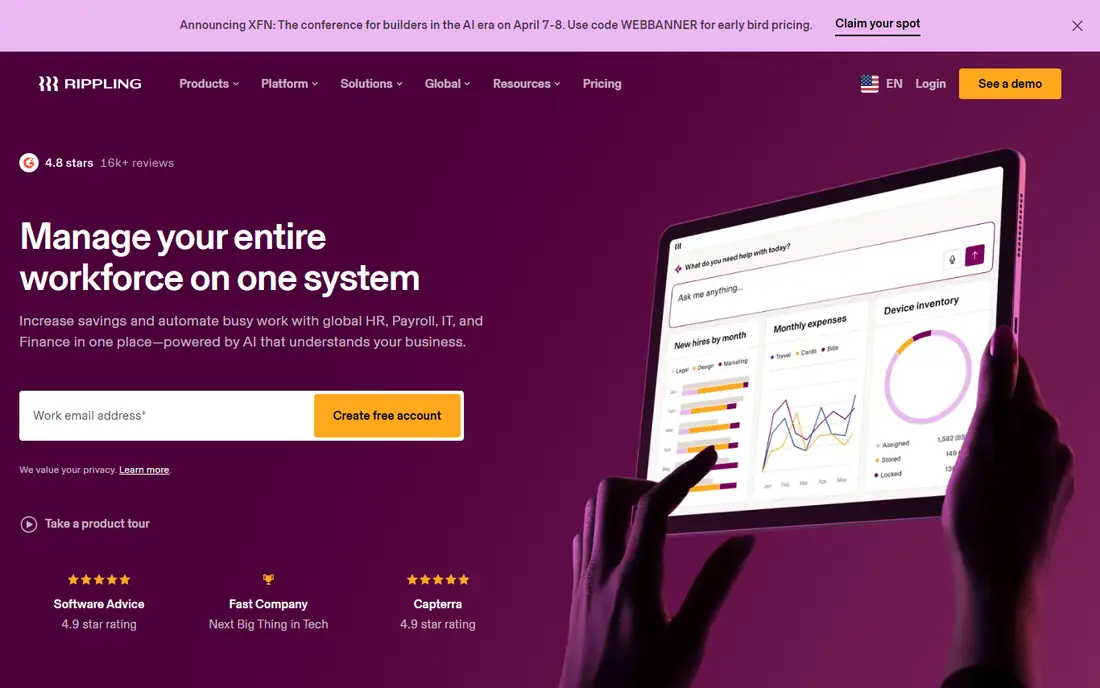
Rippling is our pick for teams that want HR and IT together. When a new hire is added, payroll, benefits, app access and device shipping can start from the same record. When someone leaves, access can be removed in the same flow. That automation saves IT and HR time and reduces security gaps.
Pricing is modular and quoted, so get a quote for the exact modules you need. For a growing team that wants one system for people and devices, Rippling is a strong and modern choice.
- HR, payroll, IT and spend in one system
- Automation from HR data
- Global payroll and employer of record options
- Quote based pricing
- Total cost rises as modules are added
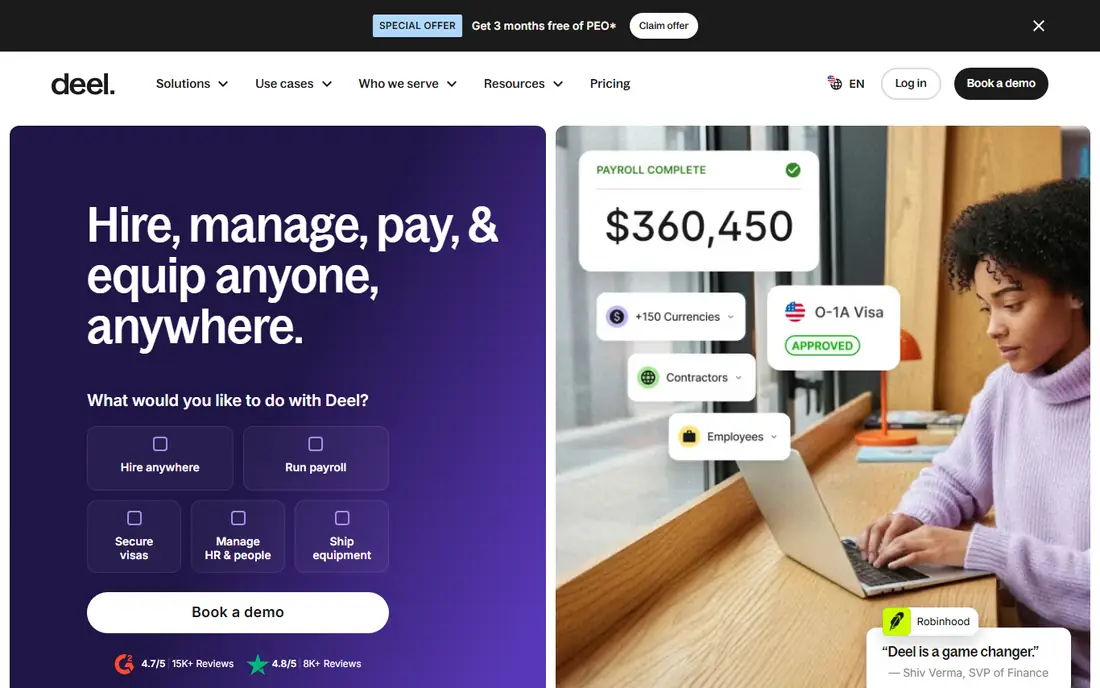
Deel suits teams hiring employees and contractors around the world. Employer of record services cover many countries, with localized contracts and compliance checks. Contractor payments start at $49 per contractor per month in published pricing, while employer of record pricing varies by country.
US only teams may find Gusto simpler and cheaper. For a global team that needs to hire abroad without setting up local entities, Deel is a leading option.
- Employer of record in many countries
- Contractor payments
- Localized contracts and compliance
- US payroll pricing is not published
- Costs vary by country and service
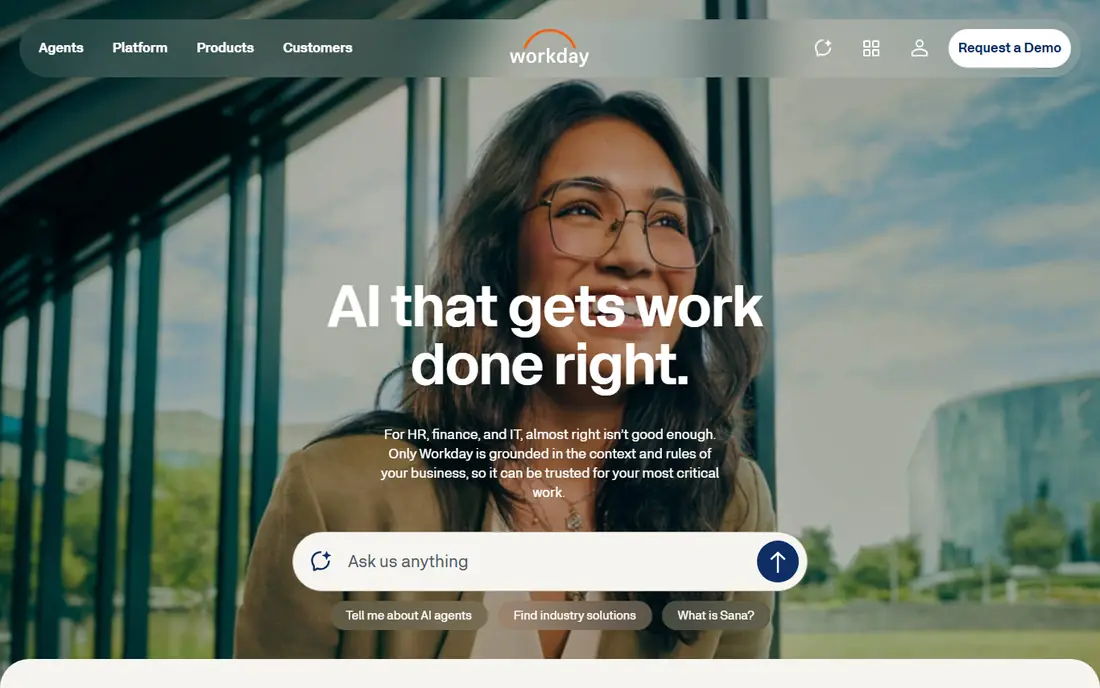
Workday is built for large enterprises with complex, multinational HR and finance needs. It unifies HR, payroll, planning and finance data, with strong reporting for leaders. Global compliance and localization support large teams operating in many countries.
Implementation takes time and budget, and it is not a small team tool. For a large enterprise that needs one system of record across entities, Workday is a proven choice.
- Deep HR and finance in one system
- Global payroll and planning
- Strong analytics
- Quote based pricing
- Implementation is a major project
Gusto suits small US businesses that want simple, published pricing. Simple starts at $49 per month plus $6 per person, with Plus at $80 plus $12 per person and Premium at $180 plus $22 per person. Payroll, tax filing, benefits and onboarding are easy to run from one dashboard.
Global employee hiring is limited compared with Deel or Remote. For a US team under about fifty people, Gusto is clear, affordable and easy to adopt.
- Published pricing
- Simple payroll and tax filing
- Benefits and onboarding tools
- International support is mainly contractors
- Advanced HR help needs higher plans
BambooHR focuses on the HR record, onboarding and employee experience. Self service portals, org charts and time off tracking are easy for staff to use. Payroll can be added, but it is not the core strength in the same way as Gusto or Rippling.
Teams that mainly need a clean HR system with good onboarding will like BambooHR. Teams that need HR, payroll and IT in one flow should compare it with Rippling first.
- Clear employee records and org charts
- Onboarding workflows
- Good reporting
- Payroll is an add on
- Pricing is largely quote based
ADP Workforce Now suits mid sized and large US employers that need broad payroll, tax, benefits and compliance coverage. It handles multi state payroll and complex time rules, with a large support network. That scale helps firms with many locations and varied worker types.
Smaller teams may find it heavier than Gusto or BambooHR. For a growing US employer that needs compliance depth, ADP is a safe and established choice.
- Broad HR, payroll and compliance coverage
- Large support network
- Time and benefits tools
- Quote based pricing
- Interface can feel complex for small teams
Paylocity combines HR, payroll and engagement in one platform, with a strong mobile experience for staff. It suits firms that want payroll accuracy plus tools for recognition, surveys and communication. AI powered analytics help leaders spot trends in turnover and engagement.
Pricing is quoted, so ask for a full module breakdown. For a mid sized employer that values employee experience alongside payroll, Paylocity is a strong contender.
- Unified HR, payroll and finance tools
- Engagement and mobile experience
- AI analytics
- Quote based pricing
- Implementation needs planning
Remote helps companies hire employees abroad without setting up local entities, using an owned entity model in many countries. It also offers global payroll and contractor management. That structure can reduce third party compliance risk compared with some partner based models.
Pricing varies by country, so get a quote for your hiring locations. For a global team that prioritizes compliance and owned entities, Remote is a strong alternative to Deel.
- Employer of record in many countries
- Owned entity model
- Global payroll and contractor tools
- Pricing varies by country
- US only teams may not need its global depth
How we picked these
We compared official pricing pages, product documentation and public reviews for workforce platforms that combine HR, payroll and IT or global employment. We looked for payroll coverage, benefits, onboarding, time tracking, IT provisioning and global hiring support. We did not claim hands on testing. We favoured tools that are actively sold in 2026 and that cover small, mid sized and enterprise teams, and we noted where pricing is quote based.
How to choose a unified workforce platform
Start with your hiring plan. A US only team needs different tools from a team hiring in ten countries. A team with remote staff needs IT provisioning and device management more than an office based team. Match the platform to where you will hire in the next two years, not only where you hire today.
Price the modules you will use
Unified pricing is often modular. A low base price can rise fast once payroll, benefits, time, IT and global modules are added. Ask for a per person total at your current headcount and at double that headcount. Check contract terms, implementation fees and support costs.
Test onboarding end to end
Run a test hire through the full flow, from offer letter to first payroll run and app access. Check how long each step takes and where manual work remains. A platform that looks unified in a demo but needs spreadsheets for onboarding will not save time.
Clean your people data first
Job titles, managers, locations and employment types drive automation. If that data is messy, payroll and access errors follow. Spend time cleaning records before migration, and assign one owner for people data after launch.
A final check helps avoid a costly mismatch. Ask for a demo with your own data, not only a vendor sample, and invite the people who will use the tool daily to join that demo. Their questions often surface limits that a feature list hides, such as slow reporting, awkward mobile use or missing exports. Note those answers next to price and contract terms, then compare vendors on the same scorecard. That simple step makes the final choice easier to defend and easier to live with after launch.
FAQ
What is a unified workforce platform?
It is software that combines HR records, payroll, benefits, time tracking and often IT access in one system. One employee record drives pay, benefits and app access, which reduces duplicate data and speeds onboarding.
Is Rippling or Gusto better for a small team?
Gusto is simpler and cheaper for small US teams, with published pricing. Rippling is better when you also need IT provisioning, device management and global hiring in the same system, but it costs more and is quote based.
Can these platforms hire employees abroad?
Yes, Deel and Remote specialize in global employment through employer of record services. Rippling also offers global payroll and employer of record options. Check country coverage and pricing for each location you plan to hire in.
Why is pricing often quote based?
Headcount, modules, countries and payroll complexity vary widely, so vendors quote per team. Ask for a full breakdown that separates base fees, per person fees and implementation costs before you compare.
How long does implementation take?
It varies from days for a small Gusto setup to months for a large Workday project. Data cleaning, payroll history and integrations drive most of the timeline. Ask vendors for a realistic plan based on your headcount and systems.