Best Workforce Management Software in 2026: 8 Tools Compared
Compare the best workforce management software for scheduling, time tracking, payroll, and team communication, with pricing and free plans inside for 2026.
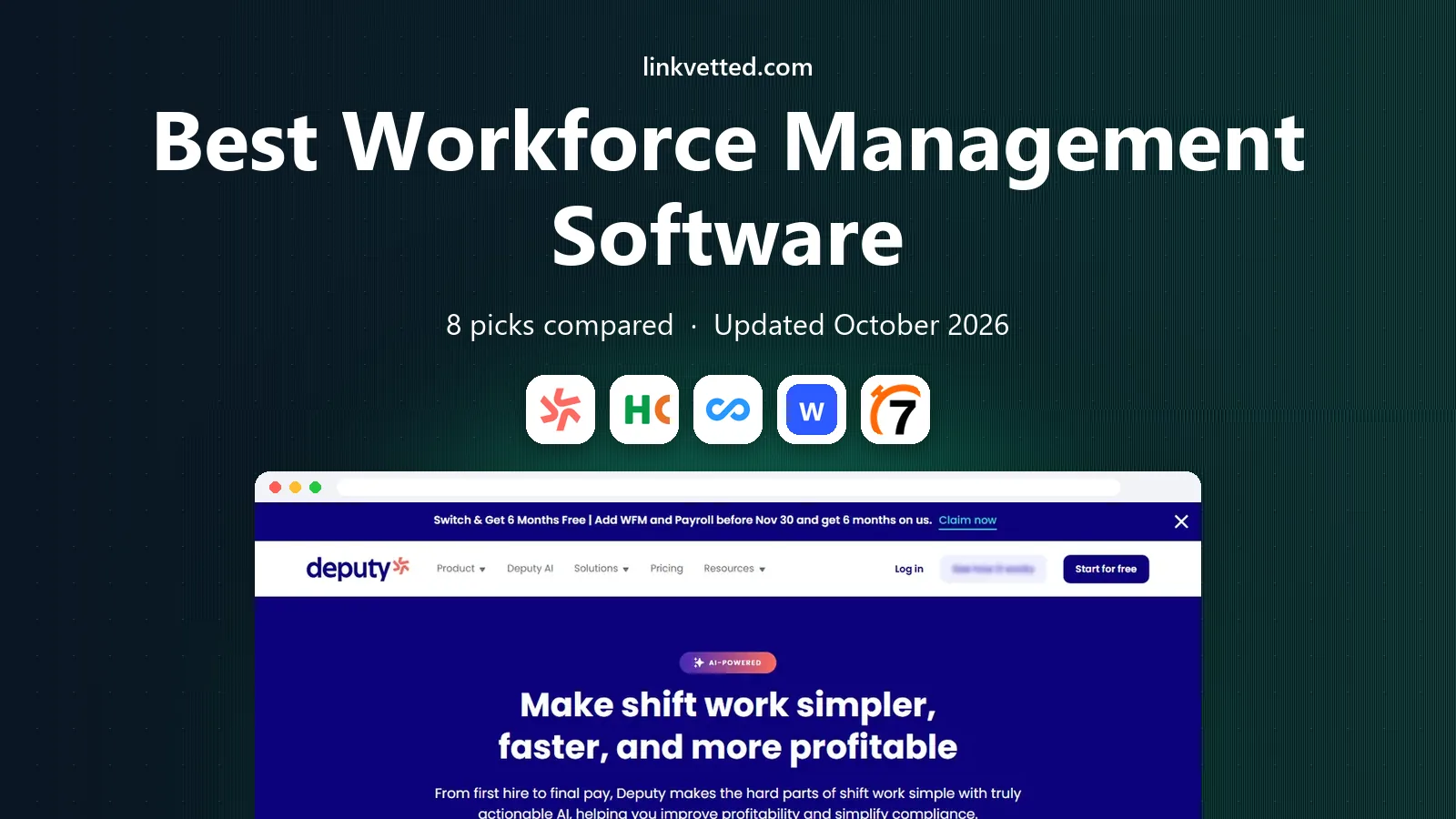
- Editor's choice
 Deputy
Hourly scheduling
Starts atSee websiteVisit deputy.comFull review - Great alternative
 Homebase
Small hourly teams
Starts atFreeVisit homebase.comFull review - Also consider
 Connecteam
Frontline mobile teams
Starts atFreeVisit connecteam.comFull review
TL;DR:
- Deputy and Homebase suit hourly teams that need scheduling and time tracking without enterprise complexity.
- Connecteam and When I Work suit frontline teams that need mobile access, messaging, and simple workflows.
- Rippling and UKG Ready suit larger organizations that need workforce management tied to HR and payroll.
- Price by active employee or user, not just the plan name, and trial scheduling with real shifts before you switch.
Quick comparison
| Tool | Best for | Starts at | Free plan? | |
|---|---|---|---|---|
| Deputy | Hourly scheduling | See website | Free trial | Visit |
| Homebase | Small hourly teams | Free | Yes | Visit |
| Connecteam | Frontline mobile teams | Free | Yes | Visit |
 When I Work | Simple shift scheduling | See website | Free trial | Visit |
 7shifts | Restaurants and hospitality | See website | Free trial | Visit |
 Rippling | HR plus workforce tools | See website | No | Visit |
 UKG Ready | Larger workforce operations | See website | No | Visit |
 ADP Workforce Now | Enterprise HR and payroll | See website | No | Visit |
The best workforce management software
We compared official pricing, feature, and help pages to judge scheduling, time tracking, labor cost control, communication, and HR integration. Workforce management covers a wide range, from a cafe rota to a multi-site enterprise, so the list below separates simple scheduling tools from broader platforms.
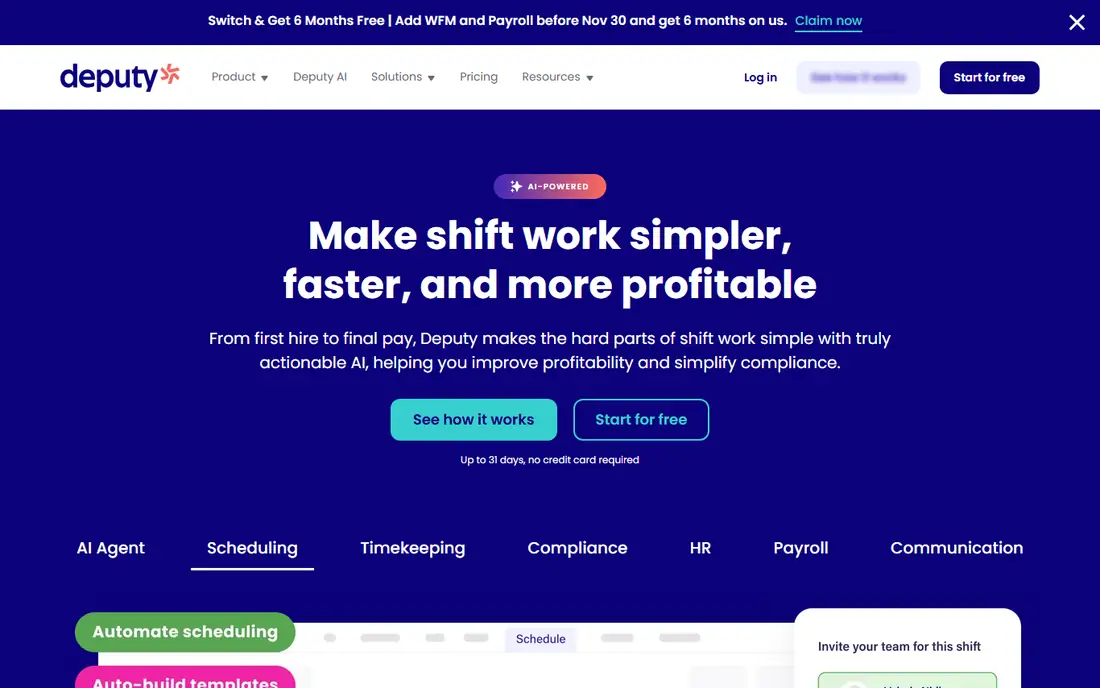
Deputy is a strong choice for hourly teams in retail, hospitality, healthcare, and services. Managers can build schedules from templates, staff can swap shifts in the app, and time tracking ties hours to the schedule. Labor cost views help managers see whether a week is over budget before payroll runs, which is a practical advantage over a spreadsheet rota.
Pricing depends on the plan and whether you add scheduling, time tracking, or both, so get a quote for your headcount. Deputy is less of a full HR suite than Rippling or UKG, but for teams whose main pain is scheduling and attendance, that focus is a strength. Trial it with a real two-week rota to see how shift swaps and approvals work in practice.
- Clear scheduling and shift swaps
- Time tracking with location checks
- Labor cost visibility
- Pricing varies by plan and add-ons
- Advanced HR features need higher tiers

Homebase is built for small businesses with hourly staff, such as cafes, shops, and salons. Its free plan covers basic scheduling, time tracking, and team messaging, which lets a small team move off paper rotas without an upfront cost. Hiring and onboarding tools also help owners who hire often and need a simple way to collect documents and set up new staff.
Paid plans add payroll, more advanced scheduling, and HR support, so growing teams can upgrade without switching systems. Very large or multi-site operations may need deeper labor forecasting than Homebase offers. For a single location or a handful of sites, though, Homebase is an easy, low-risk starting point.
- Free plan for basic scheduling
- Easy hiring and onboarding tools
- Good for small businesses
- Advanced payroll and HR tools need paid plans
- Larger multi-site needs may outgrow it

Connecteam is designed for teams that do not sit at desks, including field services, cleaning, logistics, and retail. One app covers scheduling, time tracking, messaging, forms, checklists, and training, which reduces the need for staff to juggle several tools. The free plan for small teams makes it easy to test whether frontline staff will actually use it.
As headcount and feature needs grow, pricing rises, so map your must-have features before you choose a tier. The mobile-first design is a strength for frontline work, but office managers who prefer a deep desktop dashboard may find some workflows simpler on rivals. For mobile teams, Connecteam is one of the most complete options on this list.
- All-in-one app for deskless teams
- Scheduling, forms, and training in one place
- Free plan for small teams
- Pricing rises with user count and features
- Desktop experience is secondary to mobile
When I Work focuses on the core job: building a schedule, filling open shifts, and tracking attendance. Managers can create shifts, staff can request swaps or pick up open shifts, and attendance data feeds into payroll exports. That simplicity helps teams that found larger HR systems too heavy for a weekly rota.
It does not offer the same HR, benefits, or payroll depth as Rippling or ADP, so larger organizations may need a second system. For restaurants, retail stores, and service teams that mainly need reliable scheduling, When I Work is a straightforward choice. Trial it during a busy week, when shift changes are most frequent, to judge its real value.
- Simple schedule builder
- Shift drop and pickup in the app
- Good attendance tracking
- Less HR depth than larger platforms
- Pricing varies by user count
7shifts is built specifically for restaurants, cafes, and hospitality teams. It handles department-based schedules, tip and labor tracking, and communication in a way that fits restaurant workflows, including split shifts and varied roles. Integration with point-of-sale and payroll systems helps managers compare labor cost against sales, which is a key restaurant metric.
That industry focus is a strength for restaurants and a limit elsewhere. A retail or field service team may find features too restaurant-specific, and advanced forecasting sits on higher tiers. For a restaurant group, though, 7shifts is often a better fit than a generic scheduler, because it speaks the language of covers, sections, and labor percentages.
- Built for restaurant scheduling
- Labor cost and sales data integration
- Good team communication
- Industry focus limits other sectors
- Higher tiers needed for advanced forecasting
Rippling combines HR, payroll, benefits, IT, and workforce management in one platform, which suits growing companies that want one system of record for employees. Scheduling and time tracking sit alongside onboarding, payroll, and device management, so a new hire can move from offer to schedule to pay without re-entering data in several systems. Automation reduces manual work as headcount grows.
Pricing is quote-based and implementation is heavier than a simple scheduling app, so Rippling is not the best first step for a ten-person cafe. For a company with dozens or hundreds of staff, and a need to tie workforce data to HR and payroll, the unified approach can save time and reduce errors. Request a demo with your actual org structure and payroll needs.
- Unified HR, payroll, and workforce tools
- Strong automation
- Good for growing companies
- Quote-based pricing
- Implementation takes more time than simple schedulers
UKG Ready, from UKG, is a workforce management platform for mid-sized and larger organizations with complex scheduling, timekeeping, and compliance needs. It handles multi-site schedules, overtime rules, leave, and detailed reporting in a way that simple schedulers cannot. That depth matters when labor rules vary by location, role, or union agreement.
The trade-off is implementation. UKG Ready needs careful setup, training, and often a longer rollout than Deputy or Homebase. Small teams will find it too heavy and too costly. For larger employers where compliance errors carry real cost, UKG Ready is a credible enterprise-grade choice, and a guided demo is essential before purchase.
- Deep scheduling and timekeeping
- Strong compliance and reporting
- Suits multi-site operations
- Quote-based pricing
- Setup and training take time
ADP Workforce Now is a broad HR platform that includes workforce management alongside payroll, benefits, talent, and compliance tools. Its scale and support network suit larger employers that need reliable payroll, tax handling, and HR reporting in one place. Scheduling and time data feed directly into payroll, which reduces manual transfers and errors.
Complexity is the main drawback. Small teams may find the system heavy, and pricing is quote-based, so budget planning needs a sales conversation. For mid-sized and large employers that already use ADP for payroll, adding workforce management in the same platform can be a logical step. For a small hourly team, start with a simpler scheduler first.
- Broad HR, payroll, and talent tools
- Strong compliance support
- Large vendor support network
- Quote-based pricing
- Can feel complex for small teams
How we picked these
We compared official pricing, feature, and help pages, focusing on scheduling ease, time tracking accuracy, labor cost control, mobile access, and payroll integration. We favored tools active in October 2026 that serve distinct team sizes, from small hourly teams to enterprise operations. We did not claim hands-on testing, and pricing for larger platforms is quote-based, so confirm costs for your headcount before you buy.
How to choose for your team size
Count your staff, sites, and shift types before you compare plans. A single-site cafe with 15 hourly staff needs a different tool from a 300-person multi-site operation with varied overtime rules. List must-have features, such as shift swaps, GPS time tracking, labor forecasting, or payroll integration, and treat nice-to-have features as secondary.
Trial with real data. Build two weeks of real shifts, test a swap, a late clock-in, and a payroll export, and ask frontline staff whether the app is easy on a phone. A tool that managers love but staff avoid will fail, since attendance data depends on staff use. Check contract terms, data export options, and support hours before you commit.
Compliance and labor costs
Workforce tools help with compliance, but they do not replace legal advice on overtime, breaks, minor work rules, or local labor laws. Review overtime settings, break rules, and record-keeping with your HR or legal advisor, especially across states. Use labor cost reports weekly, not just at payroll time, so you can adjust schedules before a week runs over budget.
FAQ
What is the best workforce management software for small businesses?
Homebase is a good starting point for small hourly teams because its free plan covers basic scheduling and time tracking. Deputy is a strong next step when you need more scheduling control and labor cost views. Trial both with a real rota before you pay.
How much does workforce management software cost?
Simple tools offer free plans or low monthly pricing per user, while larger platforms use quote-based pricing that depends on headcount and features. Always price by active user or employee count, and check whether scheduling, time tracking, and payroll are separate add-ons.
Does workforce management software include payroll?
Some tools, such as Homebase and Rippling, offer payroll as a paid add-on or built-in feature, while others focus on scheduling and export hours to a separate payroll system. Check whether payroll is included, how tax handling works, and what the export process looks like before you buy.
Can staff use these tools on their phones?
Yes, all tools on this list offer mobile apps for staff to view schedules, swap shifts, clock in, and message managers. Mobile ease matters most for frontline and deskless teams, so test the staff app, not just the manager dashboard, during a trial.
What is the difference between scheduling software and workforce management software?
Scheduling software focuses on building rotas and filling shifts. Workforce management is broader, covering time tracking, attendance, labor forecasting, compliance, and often HR and payroll. Small teams may only need scheduling, while larger teams benefit from the broader platform.