Choosing Workforce Scheduling Software in 2026: 6 Options Compared
Best workforce scheduling software in 2026: 6 tools with starting prices, free plans and limits. Verdicts stay brief and factual. Current for November 2026.
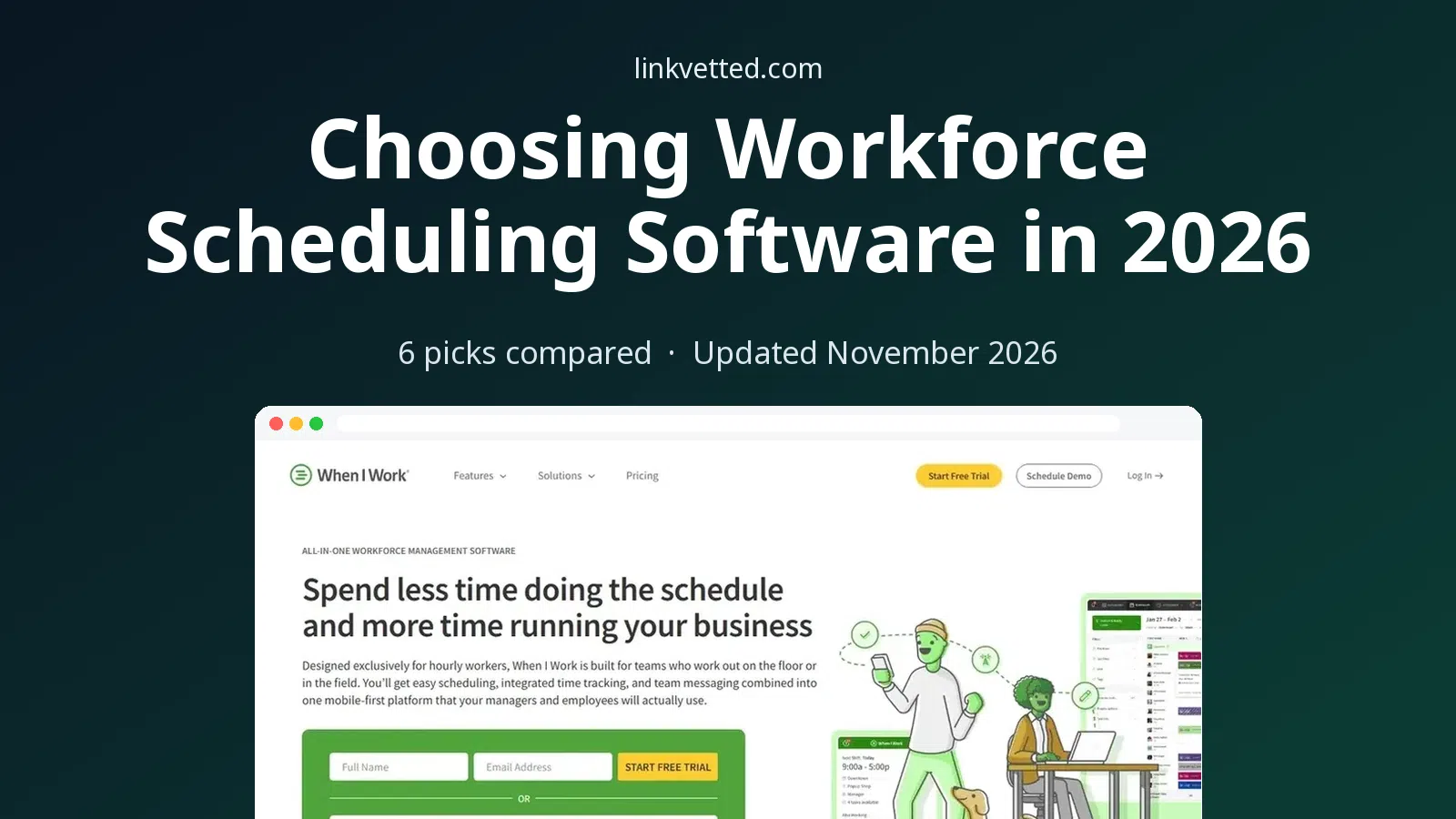
- Editor's choice
 When I Work
Scheduling with built-in team messaging
Starts at$2.50 per user a monthVisit wheniwork.comFull review - Great alternative
 Connecteam
Frontline teams in one app
Starts at$29 a monthVisit connecteam.comFull review - Also considerHotSchedules
Teams comparing choices in this category
Starts atSee websiteVisit hotschedules.comFull review
Direct answer
When I Work is the first pick on this list for scheduling with built-in team messaging. Listed starting prices: When I Work from $2.50 per user a month, Connecteam from $29 a month and Deputy from $5 per user a month. Connecteam is better for frontline teams in one app, and HotSchedules is better for teams comparing choices in this category. The remaining 3 options are covered below with prices and limits.
TL;DR:
- The list opens with When I Work, aimed at scheduling with built-in team messaging.
- Homebase suits small companies managing hourly teams.
- When I Work has the lowest monthly starting price in this list: $2.50 per user per month.
- One limit worth knowing about When I Work: narrower than full HR suites.
- Only 2 of the 6 tools have a free plan (Connecteam, Homebase), so check the caps.
Last checked November 2026. Prices and plan details were read from the vendors' own pages in November 2026; vendors change plans often, so confirm the current price on the vendor site before you buy.
Quick comparison
| Tool | Best for | Starts at | Free plan? | |
|---|---|---|---|---|
| When I Work | Scheduling with built-in team messaging | $2.50 per user a month | Free trial | Visit |
| Connecteam | Frontline teams in one app | $29 a month | Yes | Visit |
| HotSchedules | Teams comparing choices in this category | See website | Not stated | Visit |
| UKG Workforce Management | Bigger operations needing workforce intelligence | See website | Not stated | Visit |
 Deputy | Scheduling with HR and labor forecasting | $5 per user a month | Free trial | Visit |
 Homebase | Small companies managing hourly teams | $30 per location a month | Yes | Visit |
The full workforce scheduling software list
This LinkVetted guide covers 6 options for workforce scheduling software. Each profile lists a starting price, free plan details, strengths and drawbacks, so you can drop poor fits quickly.
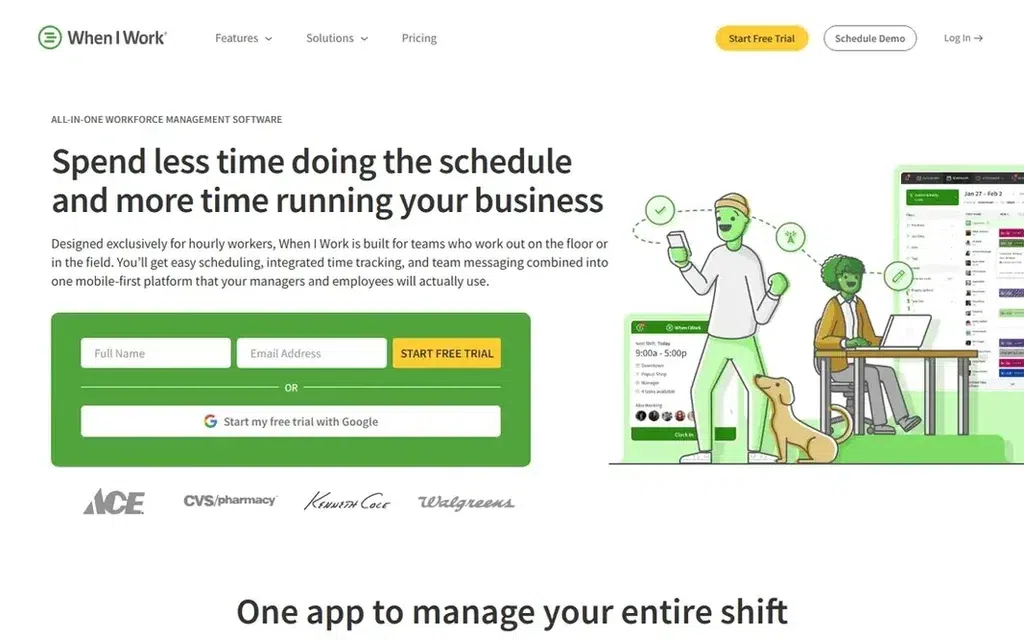
When I Work serves scheduling with built-in team messaging. Hourly teams that coordinate often through messaging are a natural fit.
From a buyer's view, the product centers on scheduling and time tracking, so firms wanting payroll or deeper HR administration may need other systems alongside it. What you pay to start with When I Work: $2.50 per user per month. On free options: Free trial.
The main drawbacks: Advanced needs may need extras.
- Team messaging in one app
- Shift scheduling and time tracking
- Narrower than full HR suites
Connecteam was built for frontline teams in one app. Field, retail, and service teams that communicate on the go are the clearest fit.
On top of that, Connecteam is an employee management app designed for frontline teams, handling scheduling, time tracking, and communication with clarity and control. Organizations needing specialized industry modules should confirm fit first. Connecteam pricing: $29 per month. A free plan is available with Connecteam.
Where it is weaker: May be more than straightforward scheduling needs.
- Scheduling and time tracking together
- Communication tools for frontline staff
- Feature range takes time to learn
HotSchedules
Best for: Teams comparing choices in this category
HotSchedules is a good fit for teams comparing choices in this category. Operators wanting payroll and HR in the same system should compare broader products.
For everyday use, the hospitality orientation means companies outside that sector may find it less relevant than general scheduling tools. No starting price is listed for HotSchedules here; confirm pricing on the vendor site. On free options: Not stated.
Limits to weigh: Less suited to non-hospitality teams.
- Scheduling and engagement focus
- Employee-facing app
- Narrow industry focus
UKG Workforce Management
Best for: Bigger operations needing workforce intelligence
In short, UKG Workforce Management is for larger operations needing workforce intelligence. More specifically, teams wanting fast, light scheduling should look at more straightforward tools.
Worth adding: the system is enterprise-oriented, so small companies may find it heavier than needed, and implementation is a substantial project. No starting price is listed for UKG Workforce Management here; confirm pricing on the vendor site. Free plan details: Not stated.
Limits to weigh: Implementation is a serious project.
- Workforce intelligence system
- Workforce management together
- Enterprise orientation
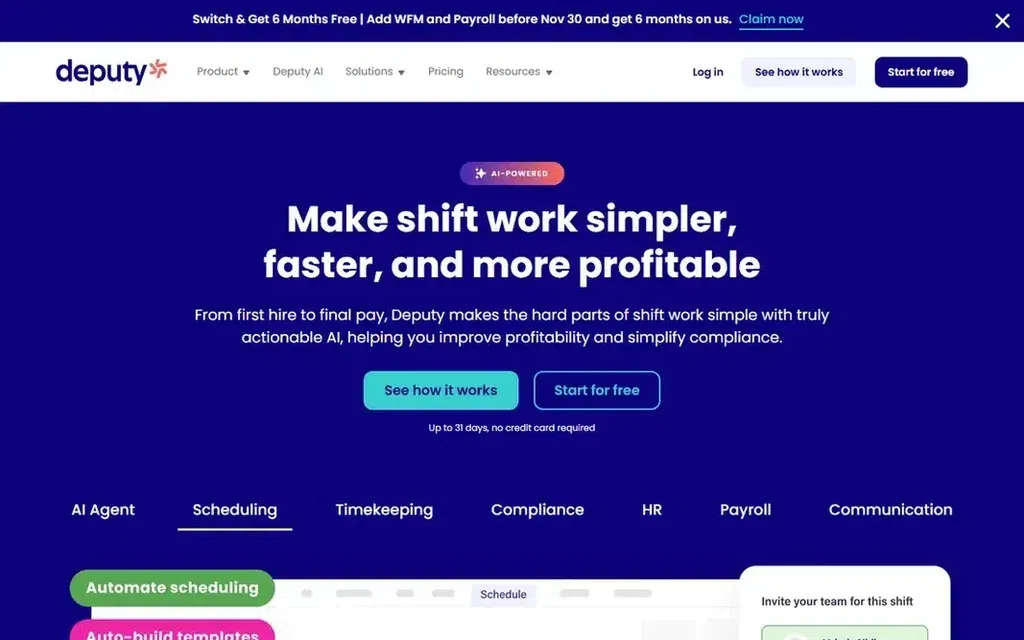
Deputy is a good fit for scheduling with HR and labor forecasting. Teams managing hourly staff across locations and needing forecasting alongside scheduling are the clearest match.
Points against: Setup takes planning.
Beyond that, the breadth of the product can be more than a very small team needs, and getting everything configured takes some planning. Worth adding: Deputy presents itself as easy-to-use employee scheduling, HR, and payroll software with AI labor forecasting. What you pay to start with Deputy: $5 per user per month. Free access: Free trial.
- Employee scheduling in one product
- HR and payroll features included
- Wide feature set can feel heavy for tiny teams
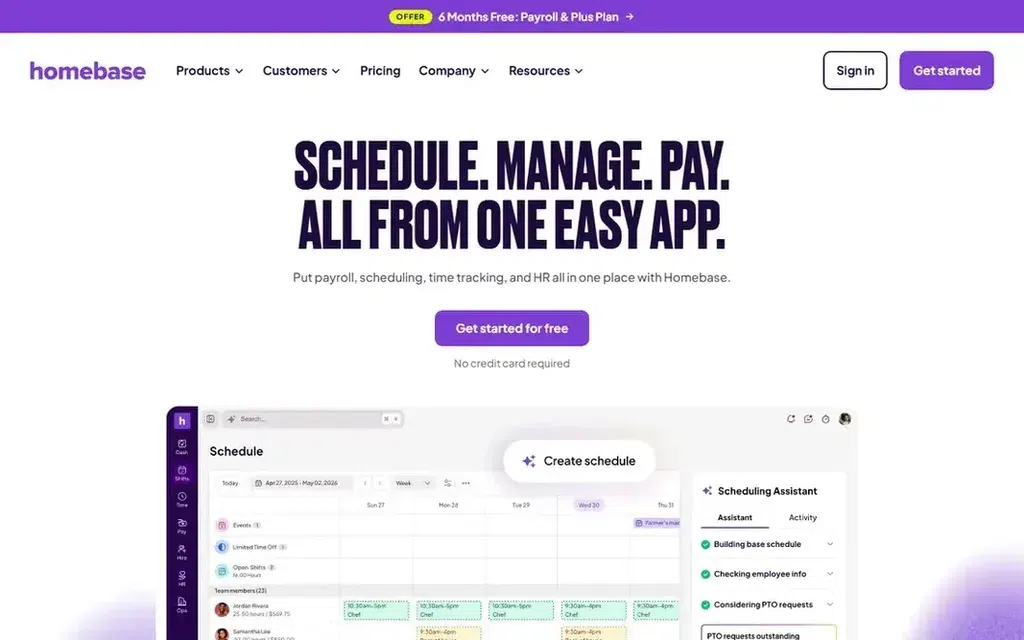
Homebase is designed for small firms managing hourly teams. Choose Homebase when you want an approachable all-in-one for hourly staff.
For everyday use, businesses needing deep workforce analytics should look at broader suites. For everyday use, the product is oriented toward small companies, so bigger or highly complicated operations may find it restricted as they scale. Starting cost for Homebase: $30 per location per month. Homebase offers a free plan.
Downsides: Targeted at smaller operations.
- Scheduling and time clocks together
- Made for hourly teams
- Large enterprises may outgrow it
How the list was put together
For each of the 6 tools we noted price, free plan or trial, fit for workforce scheduling software and the main limit, using vendor pages and documentation. Prices and plan limits come from vendor pages and can change, so confirm them on the vendor site before you buy. The ranking is editorial: typical fit first, then clear pricing, then free access. If your needs are unusual, read the profiles rather than relying on position.
Questions to settle before buying
- Ask HotSchedules and UKG Workforce Management for a written quote, since no starting price is shown.
- Look at free plan limits closely: Connecteam and Homebase have one, and the caps decide whether it is usable for real work.
- Use real work to test the free trial from When I Work and Deputy, rather than a demo project.
- Read the limits listed for When I Work first: narrower than full HR suites.
- Total up the real monthly cost of Deputy, including add-ons, extra users and usage-based fees.
- Map your must-have features to a specific Connecteam plan before you compare prices.
FAQ
Do these tools publish their prices?
Not all of them. HotSchedules and UKG Workforce Management publish no starting price, so expect a quote request for those. The rest, When I Work included, show a starting price, though seats and billing terms still change the final cost.
Can I try these options before paying?
Often, yes. Connecteam and Homebase have a free plan and When I Work and Deputy offer a free trial. Use your own data and a real task during the test, and check what the free tier or trial limits before you rely on it. For the full picture, the cards above cover all 6 entries of this workforce scheduling software list, including price, free plan and limits.
Can scheduling software bundle payroll and HR?
Deputy comes with HR and payroll alongside scheduling, Homebase merges scheduling with payroll and hiring, and UKG integrates HR, payroll, and workforce management. If payroll matters, confirm how scheduling data flows into it.
Which options for workforce scheduling software have a free plan?
Connecteam and Homebase offer a free plan in this list. Free plans usually cap users, projects or features, so check the limits on the vendor page. Several others offer a trial instead. Prices, free plan details and limits for all 6 tools in this workforce scheduling software roundup sit on the individual cards above.
How are the tools for workforce scheduling software ordered?
When I Work sits first and Homebase last because the order follows typical fit for workforce scheduling software, then price clarity and free access. It is a judgement call, so read each profile for fit and limits.
Sources
- https://wheniwork.com
- https://connecteam.com
- https://www.hotschedules.com
- https://www.ukg.com
- https://www.deputy.com
- https://www.joinhomebase.com