Best Workforce Scheduling Software for Restaurants in 2026: Prices, Free Plans and 6 Picks
Compare 6 best workforce scheduling software for restaurants, with prices, free plans and who each fits. Every pick includes one clear drawback. No filler.
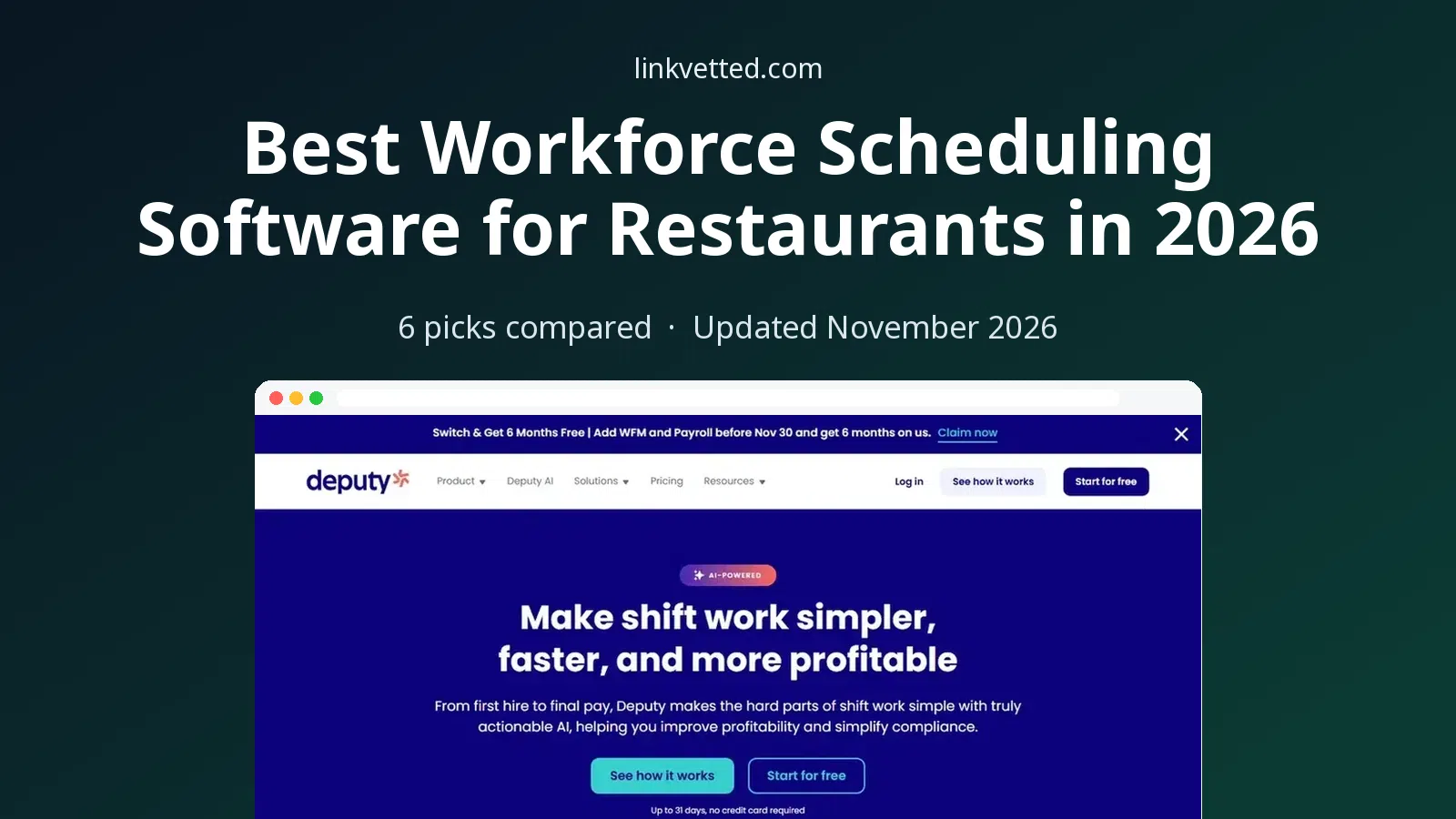
- Editor's choice
 When I Work
Straightforward shift scheduling and team messaging
Starts at$2.50 per user a monthVisit wheniwork.comFull review - Great alternativeHarri
Hospitality hiring through workforce management
Starts atSee websiteVisit harri.comFull review - Also consider
 Deputy
Scheduling with AI labor forecasting
Starts at$5 per user per monthVisit deputy.comFull review
Direct answer
This list puts When I Work first for straightforward shift scheduling and team messaging. Listed starting prices: When I Work from $2.50 per user a month, Deputy from $5 per user per month and Homebase from $30 per location per month. Alternatives: Harri for hospitality hiring through workforce management, and Deputy for scheduling with AI labor forecasting. Prices, free plans and limits for all 6 tools follow.
TL;DR:
- This list starts with When I Work, which is built for straightforward shift scheduling and team messaging.
- When I Work is the lowest-priced starter here at $2.50 per user per month.
- Homebase is the only tool of the 6 with a free plan.
- HotSchedules fits hospitality-focused employee scheduling and engagement.
Last checked November 2026. Prices and plan details were read from the vendors' own pages in November 2026; vendors change plans often, so confirm the current price on the vendor site before you buy.
Quick comparison
| Tool | Best for | Starts at | Free plan? | |
|---|---|---|---|---|
| When I Work | Straightforward shift scheduling and team messaging | $2.50 per user a month | Free trial | Visit |
| Harri | Hospitality hiring through workforce management | See website | Not stated | Visit |
| Deputy | Scheduling with AI labor forecasting | $5 per user per month | Free trial | Visit |
 Homebase | Small restaurants wanting scheduling plus time clocks | $30 per location per month | Yes | Visit |
| Push Operations | Restaurants wanting scheduling with payroll and HR | $200 per month per location | Not stated | Visit |
| HotSchedules | Hospitality-focused employee scheduling and engagement | See website | Not stated | Visit |
The full workforce scheduling software for restaurants list
This LinkVetted guide covers 6 workforce scheduling software for restaurants. Each profile lists a starting price, free plan details, strengths and drawbacks, so you can drop poor fits quickly.
When I Work is a good fit for straightforward shift scheduling and team messaging. Managers can publish shifts and staff can see them and swap coverage through the same tool.
Honest limits: Extras may be needed for full coverage.
More specifically, if you need payroll, hiring or in-depth HR in the same system, you may have to combine it with other software. On cost, When I Work starts like this: $2.50 per user per month. Trial and free access: Free trial.
- Schedule shifts and track time in one app
- Straightforward for hourly staff
- Less deep on payroll and HR
Harri
Best for: Hospitality hiring through workforce management
Harri was built for hospitality hiring through workforce management. For restaurants that struggle to recruit and retain staff, tying hiring to continuing workforce management in a single system can cut handoffs. More straightforward schedulers can be quicker to deploy for entry-level needs.
Where it is weaker: Wide system may exceed straightforward scheduling needs.
In practice, a restaurant that only needs shift scheduling may find the system bigger than required. Teams will need time to learn it. This comparison lists no price for Harri; ask the vendor. On free options: Not stated.
- Made for hospitality workforces
- AI-first positioning
- Adoption needs staff training
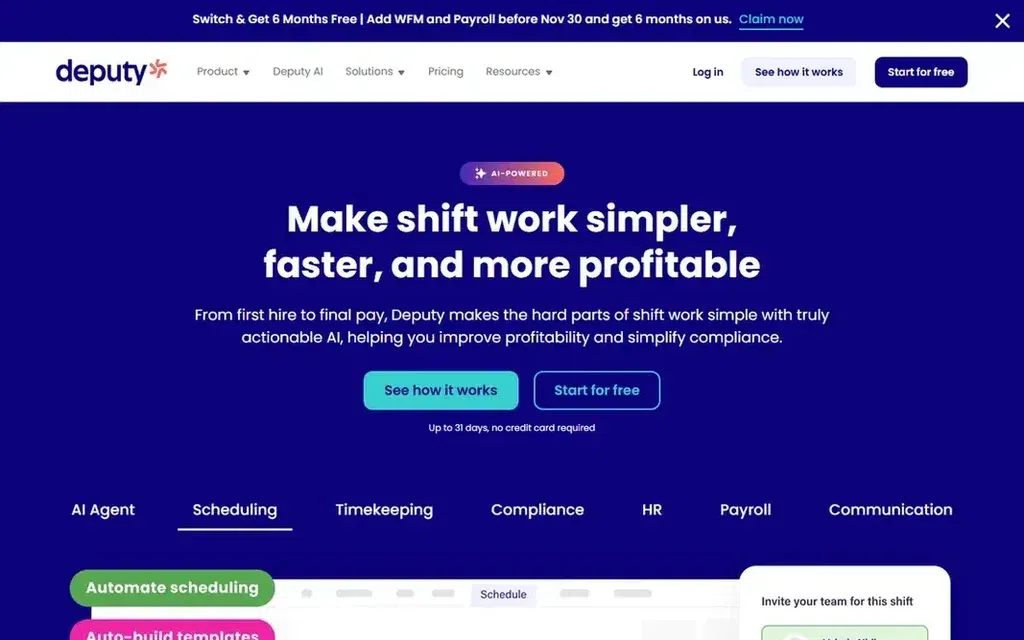
Deputy is built with scheduling with AI labor forecasting in mind. Small restaurants with straightforward, stable shift patterns may not need forecasting or HR depth, and a lighter scheduler could be quicker to adopt.
Where it is weaker: Setup needs planning.
More specifically, the labor forecasting angle appeals to restaurants that want to align staffing with expected demand instead of building schedules by hand. In daily use, bigger or multi-site operations are more likely to use the full feature set. The starting price for Deputy: $5 per user per month. Free access: Free trial.
- Payroll features included
- AI labor forecasting
- Feature depth can overwhelm small teams
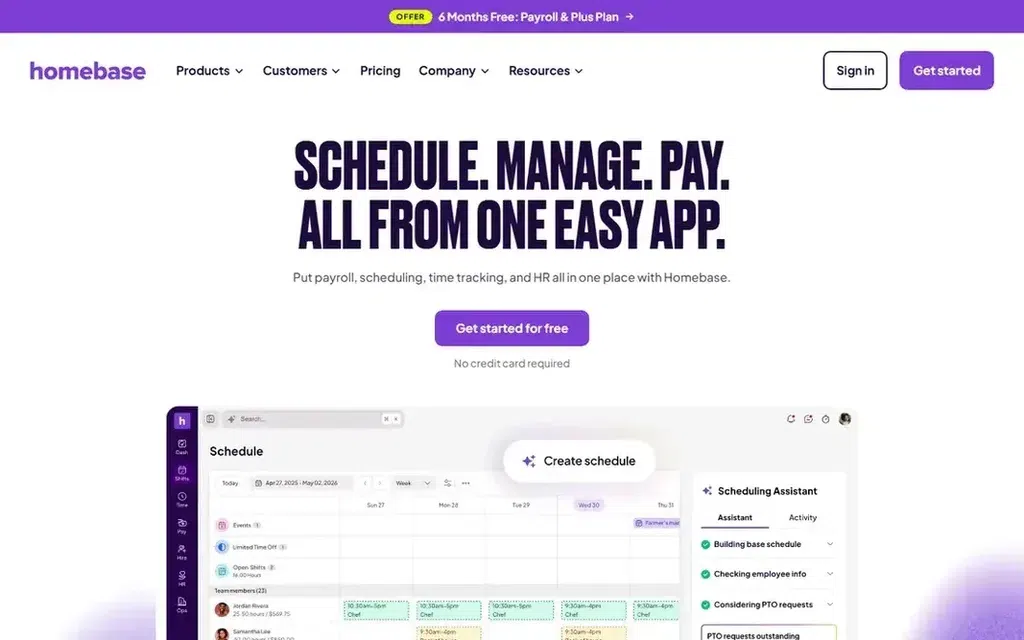
Where Homebase fits: small restaurants wanting scheduling plus time clocks. If you only need shift scheduling and messaging, a lighter tool could be more straightforward to run.
Limits to weigh: Wide feature set takes setup time.
- Hiring tools included
- Scheduling
- May be entry-level for large multi-site groups
Push Operations
Best for: Restaurants wanting scheduling with payroll and HR
Where Push Operations fits: restaurants wanting scheduling with payroll and HR. Push Operations describes itself as all-in-one restaurant management software handling HR, payroll, time tracking and scheduling in one place.
Points against: Full suite takes onboarding effort.
Worth adding: since it is positioned around restaurant management as an entire, a restaurant that only needs shift scheduling may find it broader than necessary. Beyond that, owners who are tired of moving data between separate scheduling and payroll tools are the clearest fit for this kind of product. Starting cost for Push Operations: $200 per month per location. As for free access: Not stated.
- HR
- Scheduling included in the product
- Built around restaurant operations specifically
HotSchedules
Best for: Hospitality-focused employee scheduling and engagement
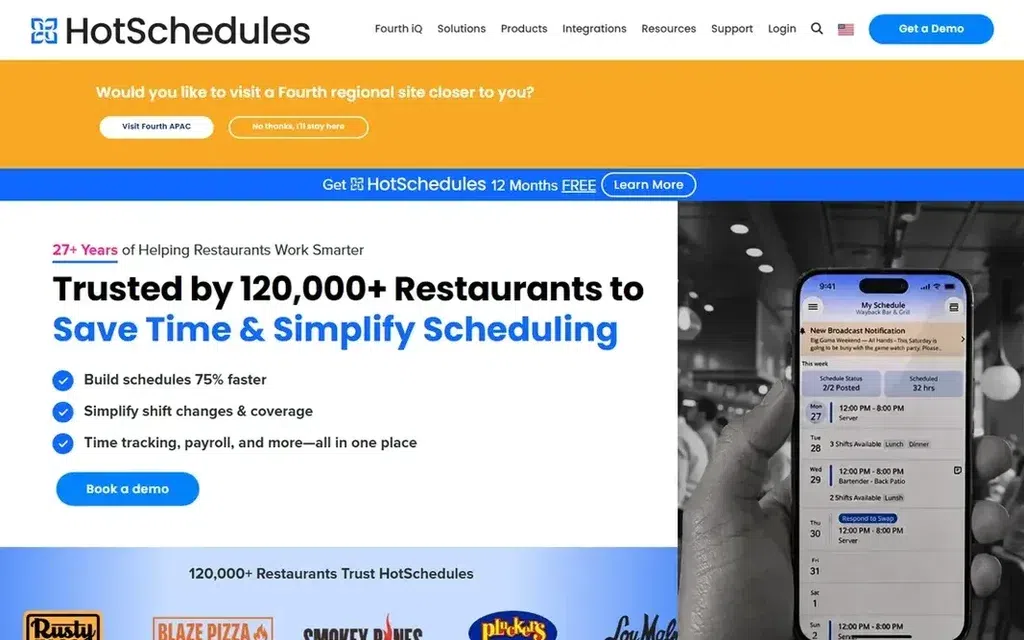
HotSchedules works best for hospitality-focused employee scheduling and engagement. It centers on building and sharing shift schedules and keeping staff connected around them. Since it centres on scheduling and engagement, restaurants that want payroll, hiring or deeper HR in the same system may have to pair it with other tools.
Trade-offs to know: Narrower than full HR suites.
As for the details, for restaurants that primarily need dependable scheduling with team communication, it is a natural starting point. The vendor supplies a demo and a trial so teams can see how it suits their operation before committing. HotSchedules does not show a starting price in this comparison, so check the vendor site for current pricing. On free options: Not stated.
- Demo and trial choices available
- Online scheduling and team engagement
- Best fit skews toward hospitality
How these tools were picked
For each of the 6 tools we noted price, free plan or trial, fit for workforce scheduling software for restaurants and the main limit, using vendor pages and documentation. Prices and plan limits come from vendor pages and can change, so confirm them on the vendor site before you buy. The order reflects how well each tool fits the most common buying scenario for workforce scheduling software for restaurants, then price clarity, then free plan access. It is a starting point, not a verdict.
Things to verify first
- Ask Harri and HotSchedules for a written quote, since no starting price is shown.
- Test the free plan from Homebase against your real workload before relying on it.
- Run a trial of When I Work and Deputy with real work before paying for a year; your own workflow is the best test.
- Before choosing When I Work, weigh its main limit: less deep on payroll and HR.
- Work out what When I Work costs with your real seat count, add-ons and usage, not just the entry price.
- Ask HotSchedules about contract length, onboarding fees and user minimums before you sign.
FAQ
Do I need payroll built into my scheduling tool?
If payroll is already handled well, a scheduling-focused tool may be enough. Also, restaurants that want fewer systems commonly prefer systems that combine scheduling, time tracking and payroll.
What is the cheapest option for workforce scheduling software for restaurants in this list?
On published monthly entry prices, When I Work is the lowest here at $2.50 per user per month. Entry price is only part of the cost, because seats, add-ons and billing terms can change the total. Each of the 6 options in this workforce scheduling software for restaurants guide has its own card above with the price, free plan and limits.
Is When I Work the right pick for everyone comparing workforce scheduling software for restaurants?
No single tool suits every team. When I Work comes first because it fits simple shift scheduling and team messaging, while Harri suits hospitality hiring through workforce management and Deputy suits scheduling with AI labor forecasting. Match the tool to your own size, budget and workflow before deciding.
How are the tools for workforce scheduling software for restaurants ordered?
When I Work sits first and HotSchedules last because the order follows typical fit for workforce scheduling software for restaurants, then price clarity and free access. It is a judgement call, so read each profile for fit and limits.
Which options for workforce scheduling software for restaurants have a free plan?
Homebase is the only tool in this list with a free plan. Free plans usually cap users, projects or features, so check the limits on the vendor page. Several others offer a trial instead. All 6 picks in this workforce scheduling software for restaurants comparison list a starting price, free plan details and the main limits on their cards above.
Sources
- https://wheniwork.com
- https://harri.com
- https://www.deputy.com
- https://www.joinhomebase.com
- https://www.pushoperations.com
- https://www.hotschedules.com