Best Workforce Software for Productivity Tracking in 2026: 8 Tools Compared
Compare the best workforce software for productivity tracking, with app and website tracking, time records, privacy controls and pricing for teams today.

- Editor's choice
 ActivTrak
Team productivity analytics
Starts at$10 per user per monthVisit activtrak.comFull review - Great alternative
 Hubstaff
Remote time and payroll
Starts at$4.99 per user per monthVisit hubstaff.comFull review - Also consider
 Time Doctor
Detailed time accountability
Starts at$6.67 per user per monthVisit timedoctor.comFull review
TL;DR:
- ActivTrak is our pick for team-level productivity trends without heavy surveillance features.
- Hubstaff and Time Doctor suit remote teams that need tracked time tied to payroll and invoices.
- Insightful and DeskTime offer cleaner, more transparent tracking for teams that want adoption rather than resistance.
- Teramind is the security-focused choice, but its depth and price suit regulated or high-risk workplaces, not every team.
Quick comparison
| Tool | Best for | Starts at | Free plan? | |
|---|---|---|---|---|
| ActivTrak | Team productivity analytics | $10 per user per month | Yes | Visit |
| Hubstaff | Remote time and payroll | $4.99 per user per month | Free trial | Visit |
| Time Doctor | Detailed time accountability | $6.67 per user per month | Free trial | Visit |
 Insightful | Transparent workforce analytics | $8 per seat per month | Free trial | Visit |
 DeskTime | Automatic tracking without timers | $6.42 per user per month | Free trial | Visit |
 Teramind | Security and behavior monitoring | $14 per seat per month | Free trial | Visit |
 Monitask | Small transparent teams | $6.49 per user per month | Free trial | Visit |
 RescueTime | Personal and team focus time | See website | Yes | Visit |
The best workforce software for productivity tracking
Productivity tracking should answer a simple question: where does work time actually go, and where do teams get stuck. The best tools show app and website use, project time and workload trends, without turning every employee into a surveillance case. We compared tracking depth, privacy controls, payroll links and pricing.
ActivTrak suits managers who want patterns, not a minute-by-minute watch on each person. It groups apps and websites into productive and unproductive categories, shows focus time and workload balance, and highlights teams that are overloaded. That team view helps leaders redistribute work before burnout, rather than after it.
Privacy settings matter here. ActivTrak can be configured for team-level reporting, and managers should agree what is tracked, why, and who sees it, before rollout. Used that way, it is a planning tool. Used for individual policing, it will damage trust fast, so set the policy first.
- Free plan up to 3 users
- Team-level trends and workload views
- App and website categorization
- Deeper features need higher tiers
- Screenshot options can raise privacy concerns if misused
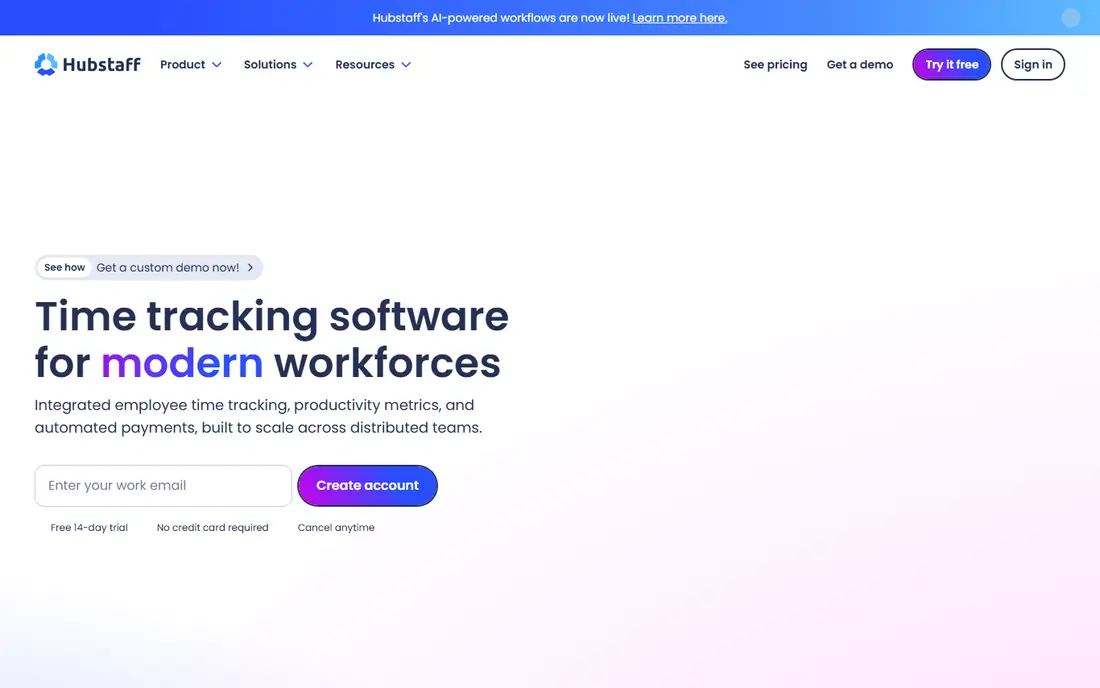
Hubstaff is a practical pick for agencies, field teams and remote workers who bill by the hour. Staff start a timer, managers see time by project and client, and payroll and invoicing flow from the same records. GPS tracking helps field managers confirm site visits, while screenshots give clients proof of work on remote projects.
The Starter plan is lean, so teams that need advanced reports, scheduling or more integrations should budget for a higher tier. Hubstaff also works best when tracking is transparent and agreed in advance. Teams that accept timers as part of billing tend to adopt it well.
- Timers, GPS and invoicing for field teams
- Payroll and payments built in
- Screenshots and activity levels
- No free plan, trial only
- Reporting depth is basic on the Starter plan
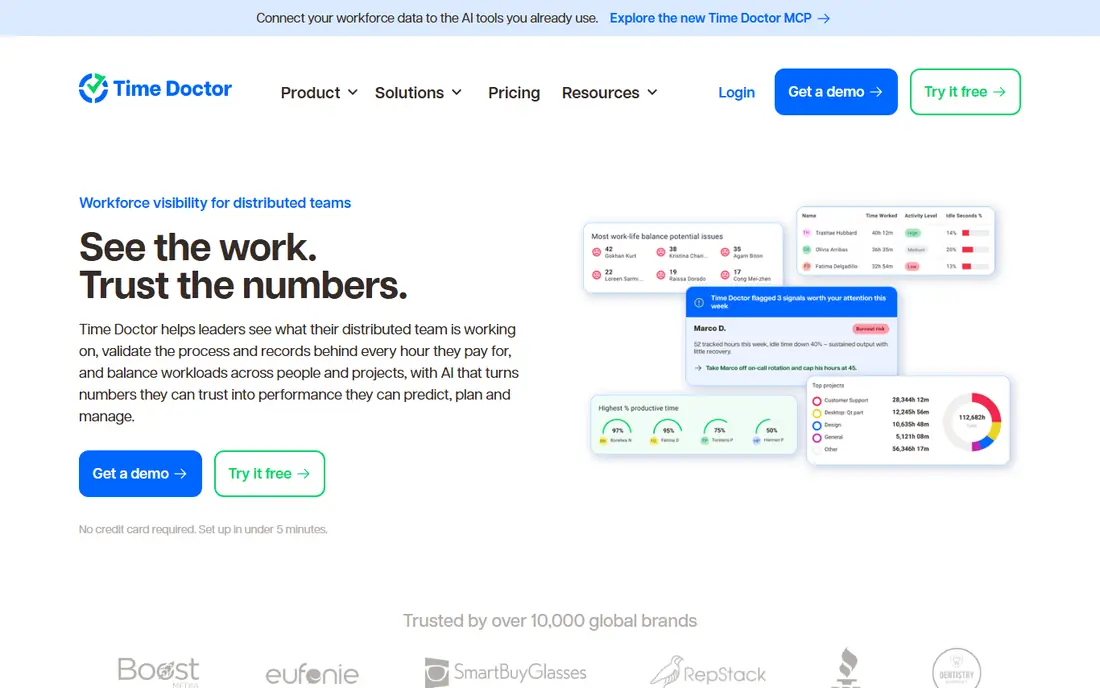
Time Doctor suits distributed teams that need defensible time records for clients or payroll. It tracks time by task and project, records app and website use, detects idle time and can feed payroll systems. Managers get clean timesheets without chasing manual entries at week end.
The detail is also the downside for small teams. If you only need a simple timer, Time Doctor may feel heavier than Hubstaff or DeskTime. It earns its place when accurate, auditable time matters more than simplicity, such as agency billing or contractor payments.
- Structured timesheets and payroll links
- App and website tracking
- Idle time detection
- No free plan, trial only
- Interface can feel detailed for casual users
Insightful, formerly Workpuls, positions itself as workforce analytics with transparency in mind. It shows app and website use, active time, attendance and project time, and it lets managers label work as productive or not. That structure helps hybrid teams compare workload across roles without relying on self-reported hours.
As with any monitoring tool, policy comes first. Tell staff what is tracked, give them access to their own data where possible, and follow local laws on employee monitoring. Insightful works best as a shared productivity view, not a hidden check on individuals.
- Clear employee monitoring and time tracking
- Productivity labeling
- Attendance and workload views
- No free plan, trial only
- Pricing differs by plan, so confirm the tier you need
DeskTime is the easiest tool here for teams that forget to start timers. It records app and website use automatically, categorizes productive time and produces daily reports without manual input. Project time and cost tracking help small teams see which clients consume the most hours.
It is not a security monitoring platform, and managers who need screenshots, keystroke data or data-loss controls should look at Teramind instead. For a small team that wants honest time data with minimal friction, DeskTime is a strong, low-drama choice.
- Automatic time tracking with no timers to press
- Simple reports
- Project and cost tracking
- No free plan, trial only
- Less depth for security-focused monitoring
Teramind is built for workplaces where data protection and insider risk matter as much as productivity. It offers behavior rules, alerts, session playback and data-loss prevention, alongside productivity tracking. Finance, healthcare and outsourcing firms often choose it when compliance or client contracts require detailed oversight.
That depth needs careful handling. Teramind should only be deployed with clear notice, a written policy and legal review for your state or country, since stealth monitoring is restricted in many places. For a standard office team that just wants time trends, ActivTrak or Insightful will be lighter and cheaper.
- Behavior rules, alerts and data-loss controls
- Detailed session records
- Forensic-level reporting
- Highest starting price here
- 5-seat minimum on some plans
- Can feel intrusive if poorly communicated
Monitask suits small remote teams and freelancers who want transparent tracking without enterprise complexity. It records screenshots, activity levels and time by project, and the dashboard stays simple enough for a team lead to use without training. Pricing is accessible for a small group.
Larger organizations may miss advanced analytics, compliance tools and integrations found in ActivTrak or Teramind. For a team of five to fifty people that bills by time or wants visible accountability, Monitask covers the core job well.
- Consent-based tracking for small teams
- Screenshots and activity tracking
- Simple dashboard
- No free plan, trial only
- Fewer enterprise integrations than larger rivals
RescueTime takes a different angle: it helps individuals understand their own focus time, rather than giving managers a control panel. It tracks app and website use automatically, scores focus time, and can block distracting sites during focus sessions. Teams can use aggregated views to spot meeting overload and distraction patterns.
It is not a payroll or client billing tool, so agencies that need timesheets should pair it with Hubstaff or Time Doctor. For knowledge teams that want better focus habits and honest time data, RescueTime is the least intrusive option on this list.
- Automatic focus and distraction tracking
- Goal setting and alerts
- Personal productivity reports
- Less payroll and project billing depth
- Team features are lighter than Hubstaff
How we picked these
We compared official vendor pricing, tracking features, privacy controls and payroll or project links. We favored tools that are still sold in October 2026 and that offer team-level reporting, not just individual surveillance. Where pricing was annual-only or tier-dependent, we noted the billed-annual rate and wrote See website where a vendor does not publish a simple starting price.
How to roll out productivity tracking without losing trust
Tracking fails when staff first hear about it from the software, not from their manager. Before rollout, write a short policy that states what is tracked, what is not tracked, who can see reports, and how data will be used. Share that policy, give staff a chance to ask questions, and check local laws, since monitoring rules vary by state and country.
Start with team trends, not individual scores
Begin with team-level reports on workload, meeting time and app categories, and use them to fix process problems such as overloaded teams or too many tools. Avoid ranking individuals in the first months, and do not use tracking data as the sole basis for performance decisions. When teams see tracking used to reduce overload rather than to punish, adoption improves and the data gets more honest.
FAQ
Is workforce productivity tracking legal?
It can be, but rules vary by state and country, and notice and consent requirements differ. Check local employment law, tell employees what is tracked, and avoid stealth monitoring. A written policy and legal review are worth the effort before any rollout.
What is the best productivity tracking software for remote teams?
Hubstaff and Time Doctor are best when tracked time must feed payroll or client invoices. ActivTrak and Insightful are better when you want team workload and productivity trends. Choose by whether billing accuracy or workload planning is your main goal.
Does productivity tracking work for hybrid teams?
Yes, if it tracks work across office and home devices with the same rules and privacy controls. Automatic tools such as DeskTime and RescueTime reduce the gap between office and remote days. Agree one policy for all locations, rather than different rules by site.
Can small teams use free productivity tracking?
Yes. ActivTrak offers a free plan for up to 3 users, and RescueTime has a free tier for personal use. Small teams can start there, then upgrade when they need more seats, reports or payroll links. Free plans are best for testing adoption before paying.
How do I choose between time tracking and productivity analytics?
Time tracking answers how many hours went to each project or client, which suits billing. Productivity analytics answers where time went by app, website and focus pattern, which suits workload planning. Many teams need both, so look for a tool that covers time and analytics in one plan.