5 Best HRIS Software for Restaurants for 2026, Vetted and Compared
Shortlisting the best HRIS software for restaurants? 5 products compared on cost, free access and ideal buyer. Limits and pricing notes included. No hype.
- Editor's choice
 Homebase
Small hourly teams needing all-in-one basics
Starts at$30 per location a monthVisit joinhomebase.comFull review - Great alternative
 Rippling
Unified HR, IT, and finance system
Starts at$8 per employee a monthVisit rippling.comFull review - Also consider
 BambooHR
Core HR, payroll, and benefits administration
Starts at$10 per employee per monthVisit bamboohr.comFull review
Direct answer
Homebase is the first pick on this list for small hourly teams needing all-in-one basics. Listed starting prices: Homebase from $30 per location a month, Rippling from $8 per employee a month and BambooHR from $10 per employee per month. If your case is different, Rippling suits unified HR, IT, and finance system and BambooHR suits core HR, payroll, and benefits administration. Prices, free plans and limits for all 5 tools follow.
TL;DR:
- The list opens with Homebase, aimed at small hourly teams needing all-in-one basics.
- Only Homebase offers a free plan among these 5 tools.
- When I Work fits straightforward shift scheduling and team messaging.
- Homebase comes with a trade-off: less depth for complex HR.
Last checked November 2026. Prices and plan details were read from the vendors' own pages in November 2026; vendors change plans often, so confirm the current price on the vendor site before you buy.
Quick comparison
| Tool | Best for | Starts at | Free plan? | |
|---|---|---|---|---|
| Homebase | Small hourly teams needing all-in-one basics | $30 per location a month | Yes | Visit |
| Rippling | Unified HR, IT, and finance system | $8 per employee a month | Not stated | Visit |
| BambooHR | Core HR, payroll, and benefits administration | $10 per employee per month | No | Visit |
| HotSchedules | Hospitality scheduling and team engagement | See website | Not stated | Visit |
 When I Work | Straightforward shift scheduling and team messaging | $2.50 per user a month | Free trial | Visit |
5 HRIS software for restaurants in detail
Short on time? The summary and table above give the quick view of 5 HRIS software for restaurants, and the profiles that follow give the detail behind each entry.
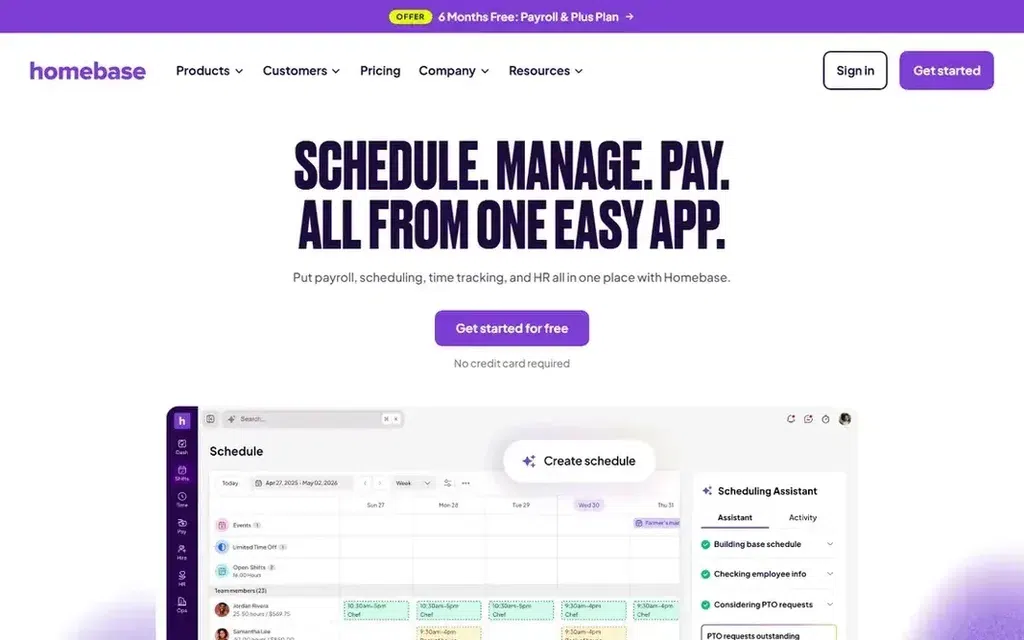
Homebase targets small hourly teams needing all-in-one basics. It is made for small firms managing hourly teams, which maps well to restaurants that want core scheduling and time tracking without stitching tools together. Also, owners who value simplicity across daily shift operations will find the scope practical.
Also, if you need advanced HR workflows or a unified HR, IT, and finance system, look at Rippling or BambooHR. More specifically, since it targets small hourly teams, very large or multi-entity restaurant groups may outgrow its depth for complicated HR administration. The starting price for Homebase: $30 per location per month. Homebase has a free plan.
Where it falls short: May suit smaller operations best.
- Scheduling and time clocks together
- Targeted at hourly teams
- Less depth for complicated HR
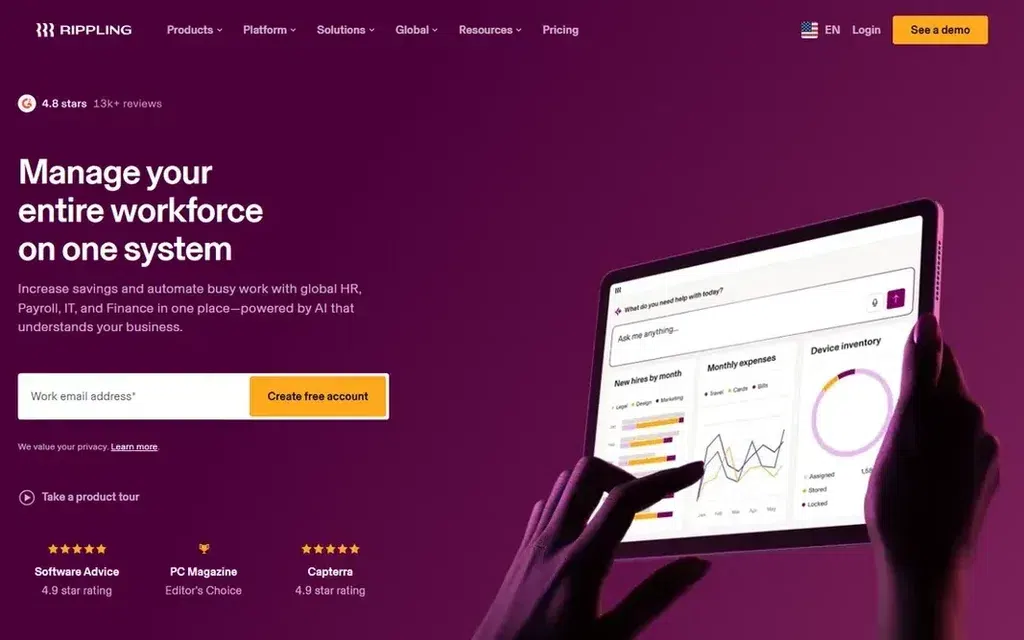
Rippling is a good fit for unified HR, IT, and finance system. Rippling describes itself as a workforce management system combining HR, IT, and finance apps on a unified data platform.
Rippling starts at: $8 per employee per month. On free options: Not stated.
Points against: May be more than small teams need.
- Finance apps combined
- Unified data product
- Broader than scheduling alone
BambooHR is aimed squarely at core HR, payroll, and benefits administration. BambooHR positions itself as complete HR software for people, payroll, and benefits, handling hire-to-retire processes.
The main drawbacks: Not scheduling-first.
Best features of BambooHR: Hire-to-retire HR coverage.
Scheduling for hourly restaurant staff is not its headline strength, so you may pair it with a dedicated scheduling tool. BambooHR is most solid as the HR system of record. Price to start with BambooHR: $10 per employee per month. BambooHR has no free tier.
- Payroll and benefits included
- Clear HR-focused scope
- May need extras for hourly shifts
HotSchedules
Best for: Hospitality scheduling and team engagement
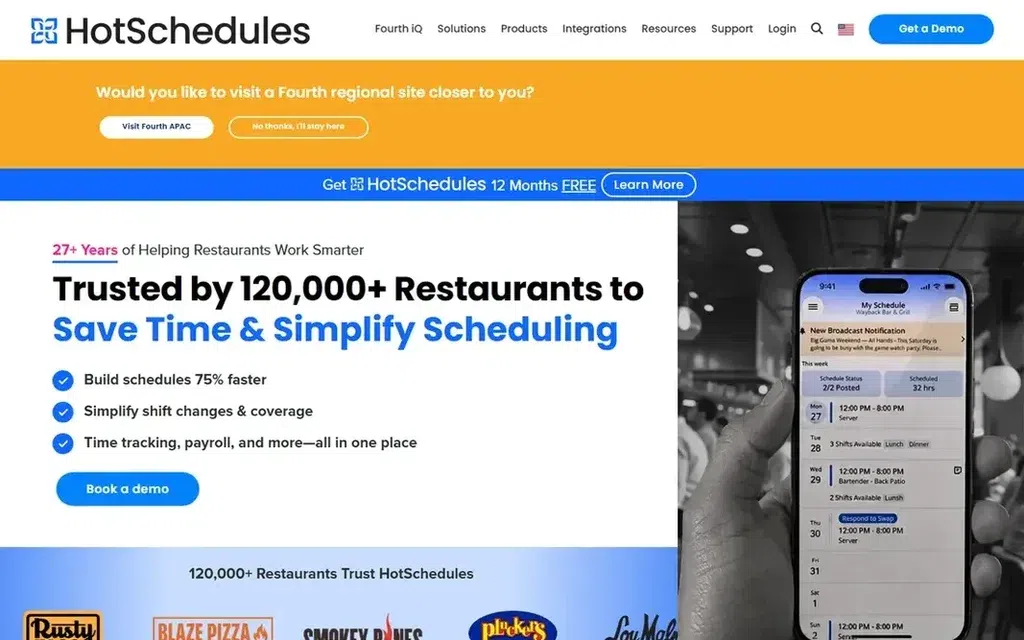
Pick HotSchedules if this describes you: hospitality scheduling and team engagement. It is a reasonable starting point for operators who want hospitality-focused scheduling and engagement in one place. Its scope is narrower than wide HR products, so payroll, benefits, and deeper HR administration may need other systems.
As for the details, if you need a single system covering hire-to-retire HR, consider BambooHR or Rippling instead. In practice, for scheduling-led restaurant operations, it remains a focused choice. HotSchedules shows no starting price here, so confirm the cost on the vendor site. Trial and free access: Not stated.
What to check first: Narrower HR suite.
- Made for hospitality scheduling
- Employee engagement features
- Less fit for corporate HR needs
In short, When I Work is for straightforward shift scheduling and team messaging. When I Work is most solid for daily shift coordination.
It fits operators who want scheduling and time tracking without a sprawling HR system. On cost, When I Work starts like this: $2.50 per user per month. Free access: Free trial.
Trade-offs to know: May need extras for payroll depth.
- Straightforward for hourly staff
- Team messaging in one app
- Narrower HR scope
Selection criteria
The comparison looks at four things: starting price, free access, how well the feature set matches HRIS software for restaurants, and the main limit of each tool. Treat prices as a snapshot: vendors change plans often, so check the vendor site for the figure that applies today. Tools are placed by general fit for HRIS software for restaurants, with price clarity and free access as tie-breakers. A different team can reasonably rank them differently.
Questions to settle before buying
- Ask HotSchedules for a written quote, since no starting price is shown.
- Test the free plan from Homebase against your real workload before relying on it.
- Use real work to test the free trial from When I Work, rather than a demo project.
- Read the limits listed for Homebase first: less depth for complicated HR.
- Let daily users try Rippling on real work; their feedback beats any feature checklist.
- Find out whether the entry plan of BambooHR covers your must-haves or only a trimmed-down version.
FAQ
Do these tools publish their prices?
Not all of them. HotSchedules publishes no starting price, so expect a quote request for it. The rest, Homebase included, show a starting price, though seats and billing terms still change the final cost. Prices, free plan details and limits for all 5 tools in this HRIS software for restaurants roundup sit on the individual cards above.
Is Homebase the right pick for everyone comparing HRIS software for restaurants?
No single tool suits every team. Homebase comes first because it fits small hourly teams needing all-in-one basics, while Rippling suits unified HR, IT, and finance platform and BambooHR suits core HR, payroll, and benefits administration. Match the tool to your own size, budget and workflow before deciding.
What is the cheapest option for HRIS software for restaurants in this list?
On published monthly entry prices, When I Work is the lowest here at $2.50 per user per month. Entry price is only part of the cost, because seats, add-ons and billing terms can change the total. Each of the 5 options in this HRIS software for restaurants guide has its own card above with the price, free plan and limits.
What should a restaurant look for in an HRIS?
Prioritize shift scheduling, time tracking, and payroll for hourly staff, since these drive daily operations. Confirm the product suits your location count and growth plans.
How do these tools handle hourly payroll and tips?
Confirm straight with each vendor how hourly pay, overtime, and tip processes are supported. This check matters most for restaurants with pooled or distributed tips.
How are the tools for HRIS software for restaurants ordered?
Homebase sits first and When I Work last because the order follows typical fit for HRIS software for restaurants, then price clarity and free access. It is a judgement call, so read each profile for fit and limits.
Sources
- https://joinhomebase.com
- https://www.rippling.com
- https://www.bamboohr.com
- https://www.hotschedules.com
- https://wheniwork.com