Choosing Workforce Management Software for Remote Teams in 2026: 6 Options Compared
Compare 6 best workforce management software for remote teams, with prices, free plans and who each fits. Every entry states what it lacks. Read before you buy.
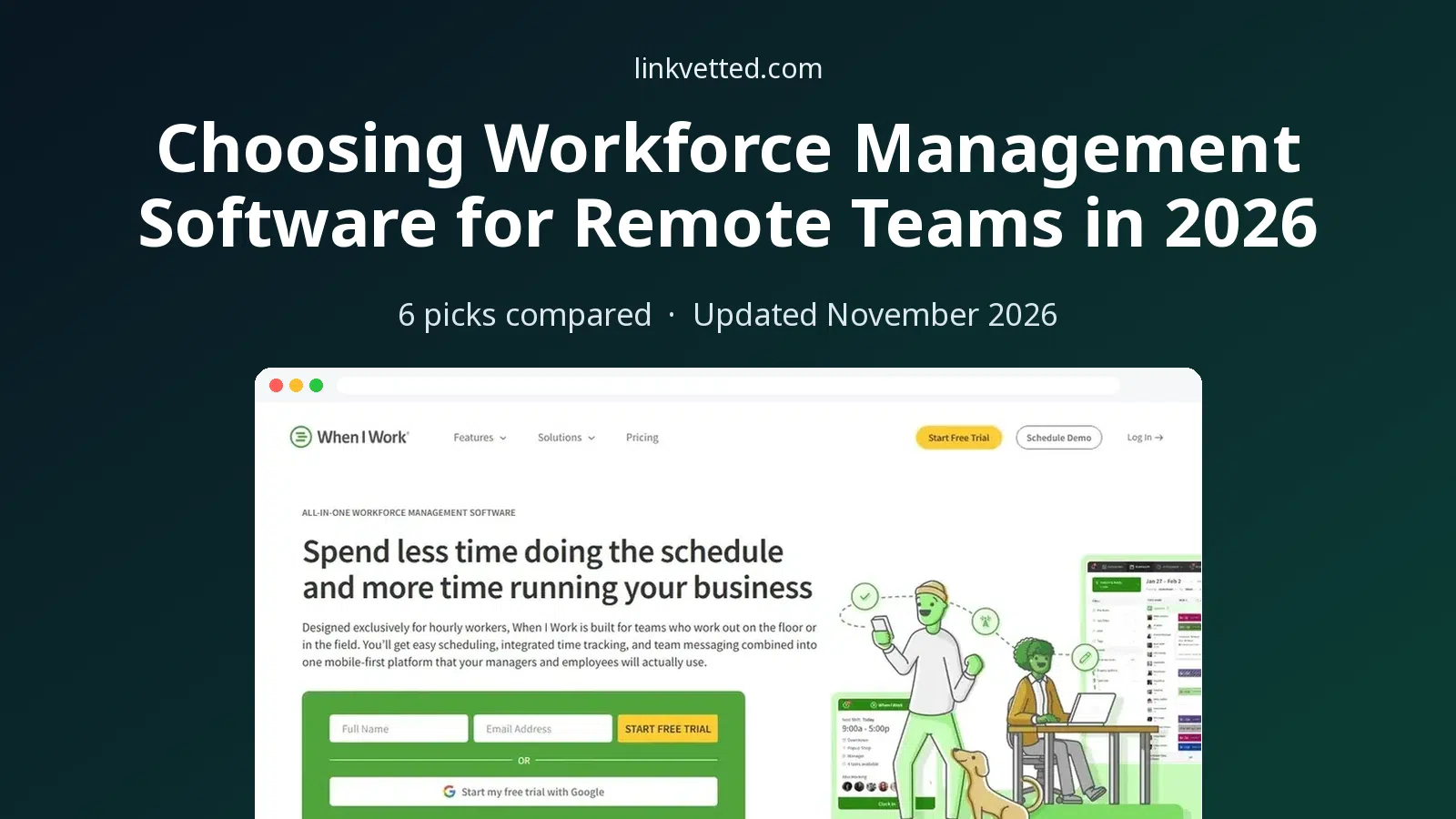
- Editor's choice
 When I Work
Shift scheduling with built-in team messaging
Starts at$2.50 per user per monthVisit wheniwork.comFull review - Great alternative
 Sling
Straightforward shift scheduling and team communication
Starts at$1.70 per user a monthVisit getsling.comFull review - Also consider
 Hubstaff
Time tracking with productivity insights
Starts at$10 per seat per monthVisit hubstaff.comFull review
Direct answer
When I Work comes first here, mainly for shift scheduling with built-in team messaging. Listed starting prices: When I Work from $2.50 per user per month, Sling from $1.70 per user a month and Hubstaff from $10 per seat per month. Alternatives: Sling for straightforward shift scheduling and team communication, and Hubstaff for time tracking with productivity insights. The other 3 tools in the list cover narrower or pricier cases.
TL;DR:
- When I Work is the opening pick, best for shift scheduling with built-in team messaging.
- A free plan is available from 3 of the 6 tools: Sling, Connecteam, Homebase.
- Before buying Deputy, weigh this: wide feature set may feel heavy for very small teams.
- Homebase is the one to check for small firms managing hourly teams.
- For the cheapest start, look at Sling: $1.70 per user per month.
Last checked November 2026. Prices and plan details were read from the vendors' own pages in November 2026; vendors change plans often, so confirm the current price on the vendor site before you buy.
Quick comparison
| Tool | Best for | Starts at | Free plan? | |
|---|---|---|---|---|
| When I Work | Shift scheduling with built-in team messaging | $2.50 per user per month | Free trial | Visit |
| Sling | Straightforward shift scheduling and team communication | $1.70 per user a month | Yes | Visit |
| Hubstaff | Time tracking with productivity insights | $10 per seat per month | Free trial | Visit |
 Deputy | Scheduling, HR and payroll in one place | $5 per user a month | Free trial | Visit |
 Connecteam | Mobile-first management for frontline teams | $29 a month | Yes | Visit |
 Homebase | Small firms managing hourly teams | $30 per location a month | Yes | Visit |
Our 6 workforce management software for remote teams
Short on time? The summary and table above give the quick view of 6 workforce management software for remote teams, and the profiles that follow give the detail behind each entry.
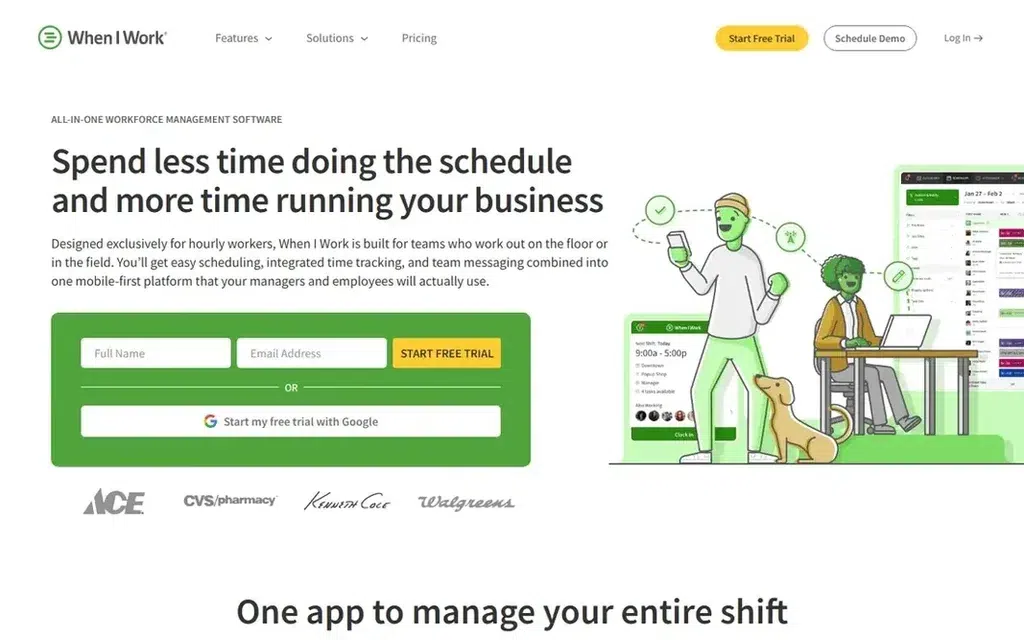
Pick When I Work if this describes you: shift scheduling with built-in team messaging. The mobile-first design helps staff check schedules from wherever they are.
Highlights: Handles both scheduling and time tracking.
When I Work centers on scheduling and time tracking. So teams needing full payroll, HR records or in-depth labor forecasting may find it less complete than a broader suite like Deputy. What you pay to start with When I Work: $2.50 per user per month. Free plan details: Free trial.
Limits to weigh: Advanced needs may need extras.
- Schedules shifts
- Straightforward mobile-friendly workflow
- Less depth in payroll and HR than broader suites
Sling is built with straightforward shift scheduling and team communication in mind. Sling is employee shift scheduling and planning software that helps firms handle shifts and communicate with employees.
As for the details, managers who require entry-level planning plus messaging can begin without a long setup. Price to start with Sling: $1.70 per user per month. Sling includes a free tier.
Where it is weaker: Fewer analytics than broader suites.
- Approachable for small teams
- Easy shift scheduling and planning
- Lighter on payroll and HR depth
Think of Hubstaff for time tracking with productivity insights. Hubstaff is time tracking software with productivity insights that helps teams track employee time, monitor productivity and turn approved hours into payments and insights.
Where it falls short: More concentrated on tracking than scheduling.
In practice, Hubstaff leans toward monitoring and time tracking, so teams wanting shift scheduling, HR or payroll in one suite may need extra tools. More specifically, approved time can feed straight into payment workflows, which helps when coordinating contractors or distributed staff. Hubstaff starts at: $10 per seat per month. On free options: Free trial.
- Tracks employee time and productivity
- Helps handle work
- Productivity monitoring can feel intrusive to some staff
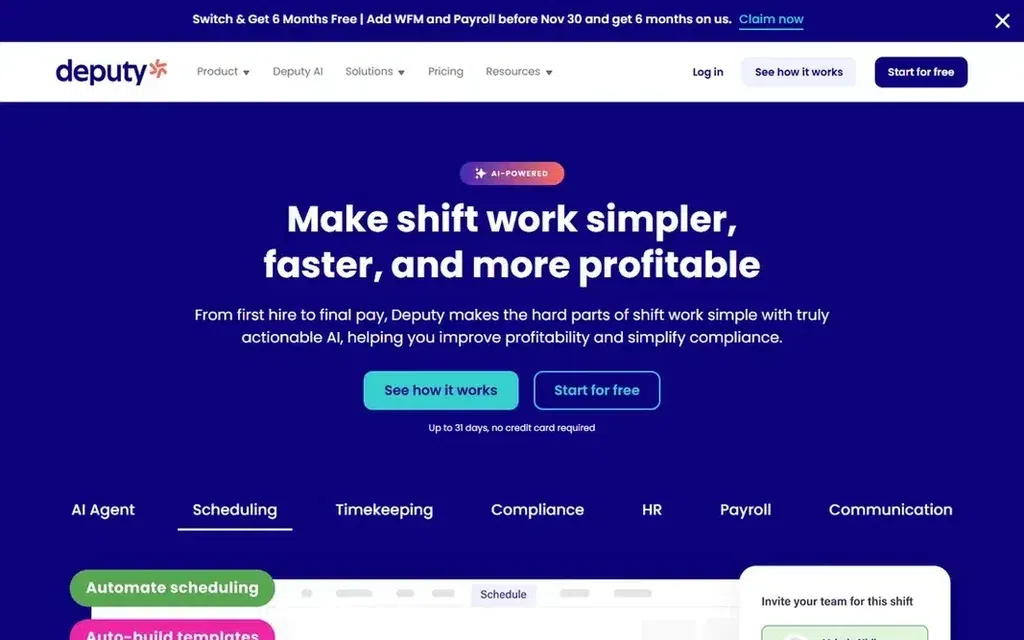
Deputy is aimed squarely at scheduling, HR and payroll in one place. Since Deputy spans scheduling, HR and payroll, setup can take more effort than a straightforward scheduler, and payroll availability relies on where your business operates.
Honest limits: Payroll support relies on your region.
For everyday use, remote managers who coordinate shifts across locations and time zones can benefit from having those functions together. Deputy pricing: $5 per user per month. As for free access: Free trial.
- Aims to cut time spent on admin
- Merges scheduling with HR and payroll features
- Wide feature set may feel heavy for very small teams
Connecteam serves mobile-first management for frontline teams. It suits remote and field-based teams that require one straightforward mobile app rather than a patchwork of spreadsheets and chat tools.
Drawbacks to consider: Frontline focus may not suit desk-based project teams.
In practice, Connecteam is designed around frontline work, so teams concentrated on project time tracking or in-depth productivity reporting may find other tools closer to their needs. The starting price for Connecteam: $29 per month. Connecteam has a free plan.
- Aimed at frontline and mobile teams
- Single app for scheduling
- Feature breadth can need setup time
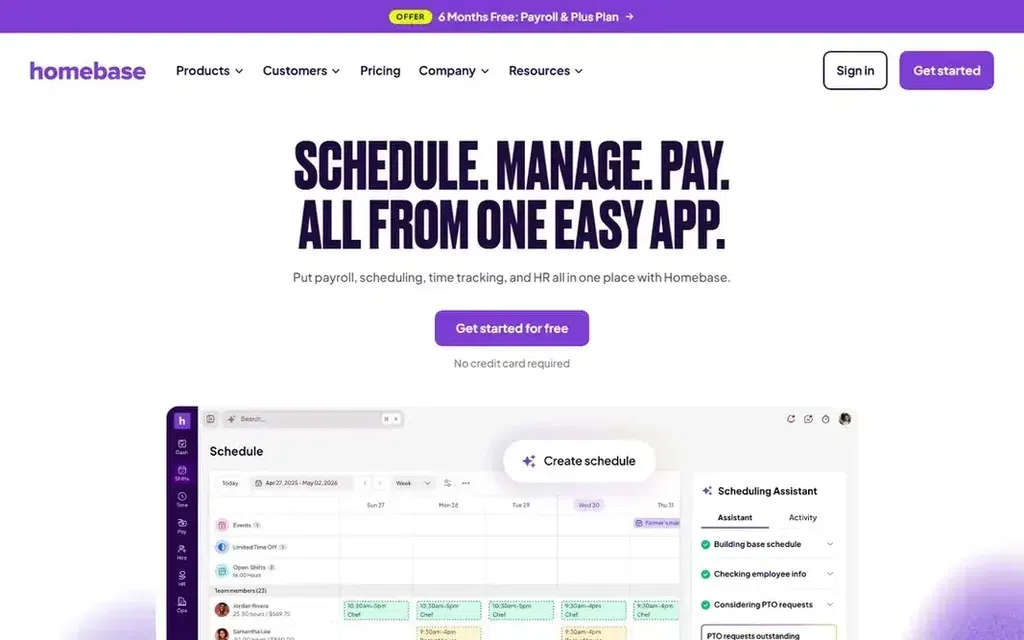
In short, Homebase is for small firms managing hourly teams. It suits owners who want one place to build schedules, track hours and deal with pay without adopting multiple separate systems.
Bigger organizations with complicated HR requirements should check whether its scope matches their needs. Entry price for Homebase: $30 per location per month. You can start on Homebase without paying.
Where it is weaker: May be less suited to salaried project teams.
- Time clocks
- Straightforward all-in-one approach
- Built around hourly and small business workflows
What went into this list
We compared the tools on published pricing, free plan or trial availability, feature coverage for workforce management software for remote teams, and the limits each vendor documents. Prices and plan limits come from vendor pages and can change, so confirm them on the vendor site before you buy. Tools are placed by general fit for workforce management software for remote teams, with price clarity and free access as tie-breakers. A different team can reasonably rank them differently.
Things to verify first
- Prices are a starting point; Sling shows $1.70 per user per month to start, so verify what your seat count would cost.
- Check what the free option really includes: Sling, Connecteam and Homebase offer a free plan, and usage caps differ.
- Run a trial of When I Work, Hubstaff and Deputy with real work before paying for a year; your own workflow is the best test.
- Read the limits listed for When I Work first: less depth in payroll and HR than broader suites.
- Get the contract term, renewal terms and any onboarding fees from When I Work in writing.
- Read the plan comparison for Sling carefully; key features often start on a higher tier.
FAQ
Can I try these tools before paying?
Often, yes. Sling, Connecteam and Homebase have a free plan and When I Work, Hubstaff and Deputy offer a free trial. Use your own data and a real task during the test, and check what the free tier or trial limits before you rely on it.
Is When I Work the right pick for everyone comparing workforce management software for remote teams?
No single tool suits every team. When I Work comes first because it fits shift scheduling with built-in team messaging, while Sling suits simple shift scheduling and team communication and Hubstaff suits time tracking with productivity insights. Match the tool to your own size, budget and workflow before deciding.
How are the tools for workforce management software for remote teams ordered?
The order follows typical fit for workforce management software for remote teams, with When I Work first and Homebase last, then price clarity and free access. It is editorial judgement, not a score, so another team could rank the tools differently.
What is the cheapest option for workforce management software for remote teams in this list?
On published monthly entry prices, Sling is the lowest here at $1.70 per user per month. Entry price is only part of the cost, because seats, add-ons and billing terms can change the total. Prices, free plan details and limits for all 6 tools in this workforce management software for remote teams roundup sit on the individual cards above.
Sources
- https://wheniwork.com
- https://getsling.com
- https://hubstaff.com
- https://www.deputy.com
- https://connecteam.com
- https://joinhomebase.com