Best HR Software for Managing Remote Teams in 2026: 8 Products Compared
Looking for the best hr software for managing remote teams? We compared 8 options for hiring, payroll, time off, benefits, and compliance across borders.
- Editor's choice
 Deel
Hiring contractors and employees abroad
Starts atSee websiteVisit deel.comFull review - Great alternative
 Remote
Compliant global employment
Starts atSee websiteVisit remote.comFull review - Also consider
 Rippling
HR, payroll, and IT in one system
Starts atSee websiteVisit rippling.comFull review
TL;DR:
- Remote teams need two different jobs covered: a clean HR record for everyone, and a legal way to pay people in each country.
- Deel and Remote are the strongest picks when you hire abroad without a local entity, while Gusto and BambooHR suit US-based remote teams.
- Rippling stands out when you also want IT access and devices handled in the same system as HR and payroll.
- Published prices hide add-ons, so get a written quote for payroll, benefits, and employer of record services before you sign.
Quick comparison
| Tool | Best for | Starts at | Free plan? | |
|---|---|---|---|---|
| Deel | Hiring contractors and employees abroad | See website | No | Visit |
| Remote | Compliant global employment | See website | No | Visit |
| Rippling | HR, payroll, and IT in one system | See website | No | Visit |
 BambooHR | Simple HR records for US remote teams | $10 per user per month | Free trial | Visit |
 Gusto | Small US teams that want payroll included | $49 per month | No | Visit |
 Oyster | Distributed teams in many countries | See website | No | Visit |
 HiBob | Mid-size teams focused on people experience | See website | No | Visit |
 Papaya Global | Payroll across many countries and entities | See website | No | Visit |
The best HR software for managing remote teams
Remote work makes the simple parts of HR harder. Time off, onboarding, and payroll still have to work when people live in different states and countries. These eight tools cover that spread, from US-only teams to companies hiring on several continents.
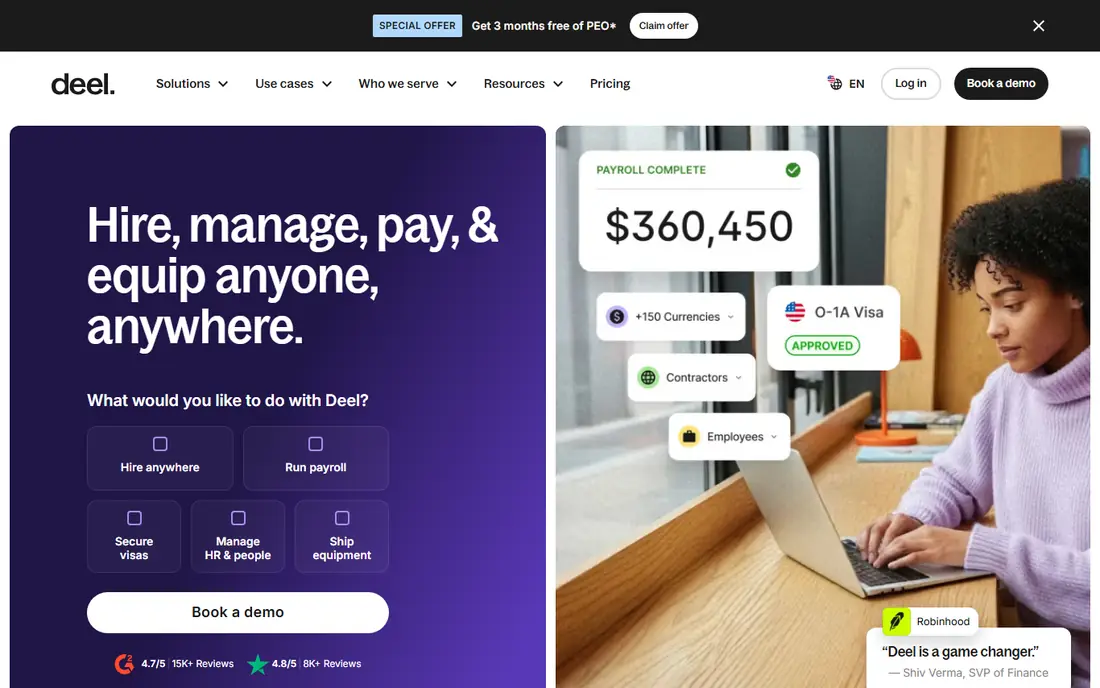
Deel fits a company that has found good people outside its home country and does not want to open a local company just to hire them. You can onboard a contractor or a full-time employee, run payroll, and keep contracts and tax documents in one record. That central record matters when a team grows from three countries to fifteen and no one can remember which form belongs where. The honest catch is cost and scope. Employer of record pricing varies by country, and benefits, equity, and immigration help are separate conversations. Deel works best when you price the exact countries you plan to hire in, rather than assuming one monthly figure covers the whole world. For a mostly US team with one or two hires abroad, a simpler HR tool plus Deel for those hires may cost less than moving everyone.
- Employer of record coverage in many countries
- Contractor payments in one place
- Local benefits and compliance handled by Deel entities
- Pricing is quote-based for employer of record work
- Add-ons can raise the total fast
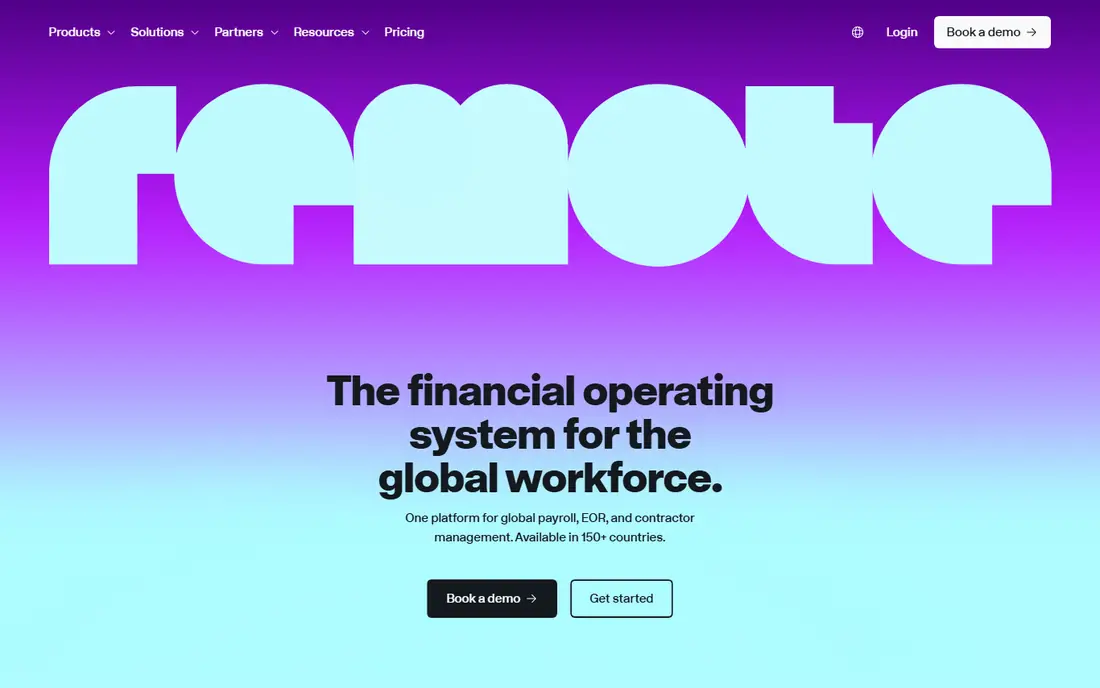
Remote takes a similar route to Deel, with its own entities doing the local employment work. That structure appeals to teams that want one accountable provider for contracts, payroll, and statutory benefits in each country. The product also covers contractors, so a mixed team of employees and freelancers does not need a second system for payments. Where Remote is weaker is for a team that is almost entirely in the United States. Its strength is cross-border employment, not deep US benefits shopping or state-by-state HR advice at a small-business price. If your hiring plan is global from the start, that trade-off is worth it. If only a handful of people work abroad, compare its quote with keeping your US HR tool and adding Remote only for the international group.
- Own local entities in many countries
- Clear contractor management
- Payroll, benefits, and taxes in one workflow
- Quote-based pricing for employer of record plans
- Less depth for US-only HR tasks than a US payroll tool

Rippling is the pick for remote teams that keep running into access problems. When someone joins, the same record can trigger payroll, benefits enrollment, and access to the apps they need. When someone leaves, access can be removed in the same workflow. That link between HR and IT saves remote managers a lot of chasing, and it reduces the risk of a former employee keeping access to a company tool. The downside is that Rippling sells in modules, and each module adds cost. A small team that only needs time off and payroll may pay for breadth it will not use. Ask for a quote that lists each module separately, and start with the ones tied to a real pain, such as payroll or device management, before adding the rest.
- One employee record drives HR, payroll, and app access
- Device ordering and offboarding workflows
- Global payroll and employer of record options
- Pricing is modular and quote-based, so totals climb as you add apps
- Setup takes more time than a simple HR tool
BambooHR works well for a remote team that is mostly in the United States and wants HR to feel simple. Employees can request time off, update their details, and complete onboarding steps without a training session. Managers get a clear view of who is out, who is new, and what is missing, which matters when you never share an office. Payroll is not included in the core price, so budget for that add-on if you want pay and HR in one place. International hiring is handled through an employer of record partner, which is useful for a few hires but is not the same as a global payroll engine built into the product. For a US remote team under a few hundred people, that simplicity is often the point.
- Clean interface that managers and employees actually use
- Onboarding and time off workflows
- Reporting without a steep learning curve
- Payroll and benefits are add-ons
- Global employer of record work comes through a partner
Gusto is a practical choice for a small remote business that is US-based and wants payroll done right without a long sales process. The base price plus a per-person fee is easy to model, and tax filing, direct deposit, and benefits can sit in one account. New hires can complete paperwork online, and managers can run payroll from anywhere. The limit shows up when hiring goes international. Gusto covers contractors abroad, but it is not built as a full global employer of record platform. A US team with occasional international contractors will be fine. A team planning to employ people in ten countries should shortlist Deel or Remote instead, and keep Gusto only if the US group stays separate.
- Published starting price
- US payroll and tax filing included on paid plans
- Benefits administration in the same account
- Limited global employment depth
- Per-person fees add up as headcount grows
Oyster suits a company that hires where the talent is, rather than where it has offices. It handles employment, payroll, and benefits through local partners and entities, and it gives managers one place to see contracts and pay across countries. For a founder-led team hiring its first engineers in Europe or Latin America, that guidance is often more valuable than a long feature list. The trade-off is price transparency. You will need a quote, and the cost will vary by country and by whether the worker is an employee or a contractor. Oyster also makes less sense as the only HR tool for a large US workforce with complex benefits needs. Use it where its global coverage solves a real hiring problem, and judge it on the countries you actually hire in.
- Global employment and contractor tools
- Local compliance guidance
- A single view of a scattered team
- Quote-based pricing
- Smaller US payroll depth than a US-first tool
HiBob, often called bob, fits a mid-size remote team that cares about how work feels day to day. Time off, onboarding checklists, performance reviews, and company updates live in a system employees are more likely to open. Managers can see team structure across locations, and HR can run reports without exporting everything to a spreadsheet. Payroll is the gap to check. HiBob integrates with payroll providers rather than replacing them in the US, so you may still need a separate payroll vendor. That is fine if you already like your payroll provider, but it adds a second bill and a second login. If your priority is a strong people system for a growing remote team, and payroll can stay elsewhere, HiBob is a strong shortlist pick.
- Modern interface for hybrid and remote teams
- Time off, onboarding, and performance tools
- Reporting across locations
- Pricing is quote-based
- Payroll is handled through partners and integrations rather than native US payroll
Papaya Global is built for companies that already have entities in several countries and need payroll to run the same way everywhere. It brings local payroll, employer of record services, and contractor payments into one reporting view, which helps finance teams close the month without chasing local providers. That breadth is its main selling point. For a small remote team, Papaya Global will feel heavy. Implementation, pricing, and support are geared toward larger, multi-entity employers. A startup with ten people in three countries will usually get a faster start with Deel, Remote, or Oyster. A company with payroll in twenty countries, though, should put Papaya Global on the shortlist and judge it on reporting and local accuracy.
- Payroll in many countries from one platform
- Employer of record and contractor options
- Reporting across entities
- Enterprise-leaning setup and pricing
- More complex than a small team needs
How we picked these
We compared official feature pages, pricing pages, app store listings, privacy policies, and public reviews for tools that serve remote and distributed teams. We looked for a real HR record, time off and onboarding workflows, payroll or employer of record coverage, and clear support for workers in more than one country or state. Tools that only handled scheduling, only handled recruiting, or only worked in one country were left out, unless they covered the US remote case well. Prices shown are starting prices from vendor pages or public pricing summaries checked in October 2026, and quote-based tools are marked as See website rather than given an estimated figure.
What to check before you choose
Start with where people legally work
List every country and US state where you employ people today, plus the next three places you plan to hire. That list decides the shortlist faster than any feature table. A US-only tool will not solve a hiring problem in Brazil, and a global platform may be overkill for a team in two states.
Separate HR, payroll, and employer of record
Many tools bundle these words, but they are different services with different prices. HR is the record and workflows. Payroll is pay calculation and tax filing. Employer of record is legal employment in a country where you have no entity. Ask each vendor which of the three is included in the quoted price, and what is an add-on.
Test time off and onboarding with real managers
Remote teams live or die on these two workflows. Run a trial with a manager in another time zone, not just with HR. Check approvals on mobile, time off balances across holidays in different countries, and what a new hire sees on day one.
Check data, security, and offboarding
Ask where employee data is stored, who can export it, and how fast access is removed when someone leaves. Remote work makes offboarding a security task, not just paperwork. A tool that ties HR changes to app access, as Rippling does, or that makes offboarding steps visible, will save trouble later.
FAQ
Do I need an employer of record tool for remote workers?
Only if you employ someone in a country where your company has no legal entity. Contractors are different from employees, and misclassifying a worker can create tax and legal risk. If everyone is in your home country, a standard HR and payroll tool is enough.
Can one tool handle both US and international payroll?
Some can, including Deel, Remote, Oyster, and Papaya Global, but coverage and price vary by country. Confirm the exact countries you need, and ask whether payroll is run by the vendor, a local partner, or your own entity.
What does remote HR software usually cost?
It depends on the model. US tools often charge a base fee plus a per-person fee, while global employer of record services charge per worker per month and vary by country. Always ask for the total for your headcount and countries, including benefits administration and payroll add-ons.
Is BambooHR or Gusto better for a small remote team?
Gusto is stronger if payroll is the priority and the team is US-based. BambooHR is stronger if you want a clean HR record, onboarding, and time off, and you are willing to add payroll separately. Both work remotely, and the choice comes down to which job matters more.
How long does setup take?
A simple US HR and payroll setup can take days to a few weeks. Global employment setup takes longer, because contracts, benefits, and local registrations vary by country. Plan extra time for your first hire in each new country.
Should remote employees use their own devices or company devices?
Either can work, but the policy should be written down. Company devices are easier to secure and recover, while personal devices need clear rules for access, updates, and data removal. Pick a tool that supports whichever policy you choose, and apply it the same way to everyone.