5 Best Remote Workforce Management Tools for 2026, Vetted and Compared
Searching for the best remote workforce management tools? Here are 5 options with prices and free plans. Every pick gets a straight assessment. Details below.
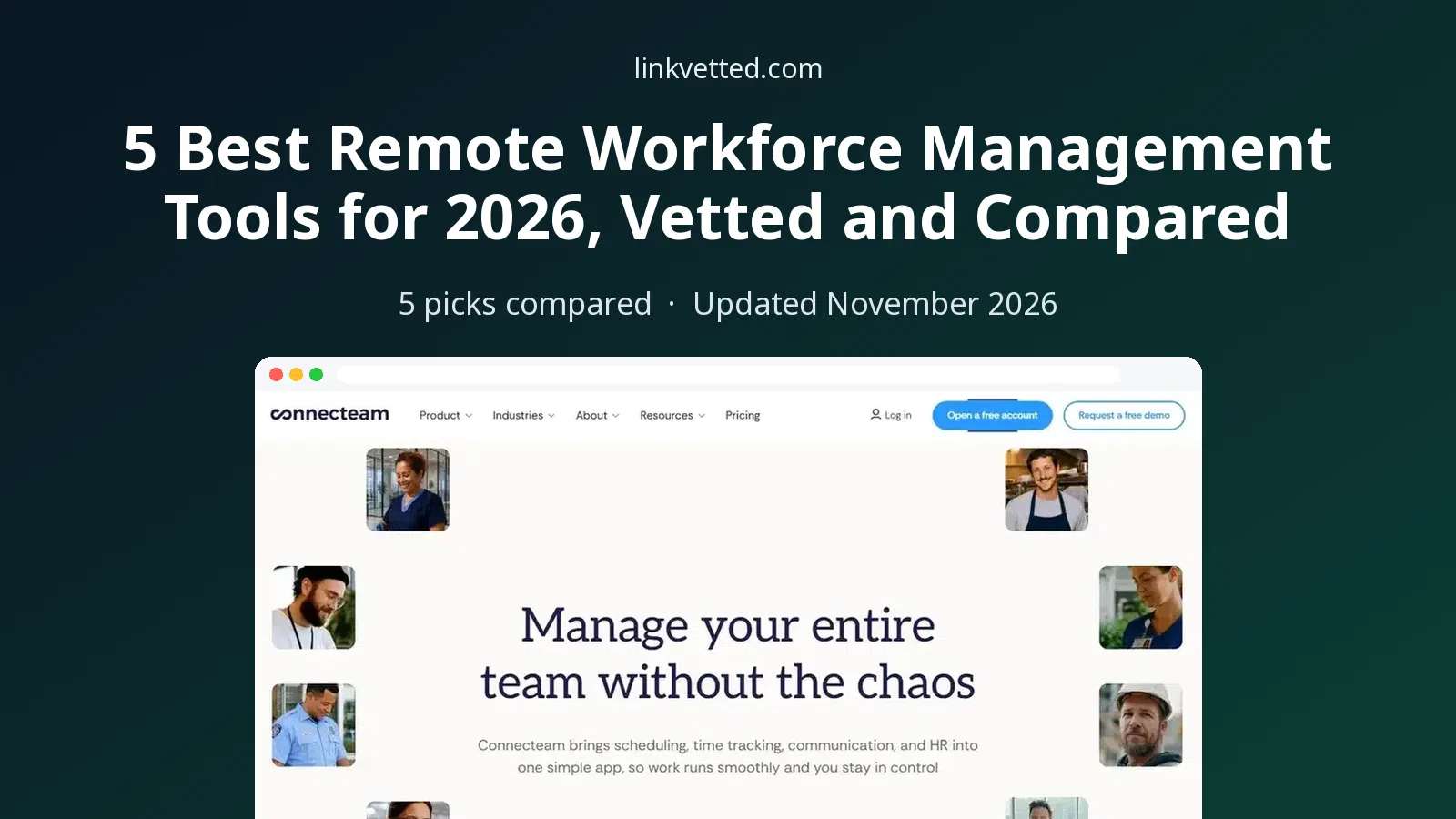
- Editor's choice
 Connecteam
Frontline teams needing one straightforward app
Starts at$29 per monthVisit connecteam.comFull review - Great alternative
 Rippling
Unified HR, IT and finance system
Starts at$8 per employee a monthVisit rippling.comFull review - Also consider
 Deputy
Scheduling, HR and payroll in one system
Starts at$5 per user a monthVisit deputy.comFull review
Direct answer
This list puts Connecteam first for frontline teams needing one simple app. Listed starting prices: Connecteam from $29 per month, Rippling from $8 per employee a month and Deputy from $5 per user a month. If your case is different, Rippling suits unified HR, IT and finance product and Deputy suits scheduling, HR and payroll in one system. All 5 tools are compared below on price, free plan and limits.
TL;DR:
- Connecteam sits first on this list: frontline teams needing one straightforward app.
- One limit worth knowing about Connecteam: focus on frontline teams may not suit desk-only staff.
- Sling is the one to check for straightforward shift scheduling and communication.
- Connecteam, Sling: these are the 2 tools out of 5 that offer a free plan.
Last checked November 2026. Prices and plan details were read from the vendors' own pages in November 2026; vendors change plans often, so confirm the current price on the vendor site before you buy.
Quick comparison
| Tool | Best for | Starts at | Free plan? | |
|---|---|---|---|---|
| Connecteam | Frontline teams needing one straightforward app | $29 per month | Yes | Visit |
| Rippling | Unified HR, IT and finance system | $8 per employee a month | Not stated | Visit |
| Deputy | Scheduling, HR and payroll in one system | $5 per user a month | Free trial | Visit |
 When I Work | Shift scheduling and team messaging | $2.50 per user per month | Free trial | Visit |
 Sling | Straightforward shift scheduling and communication | $1.70 per user a month | Yes | Visit |
Every option for remote workforce management tools explained
LinkVetted put together this guide to remote workforce management tools for readers who want a clear shortlist without reading every vendor page. It compares 5 tools on starting price, free plans, who each one suits and where each one falls short.
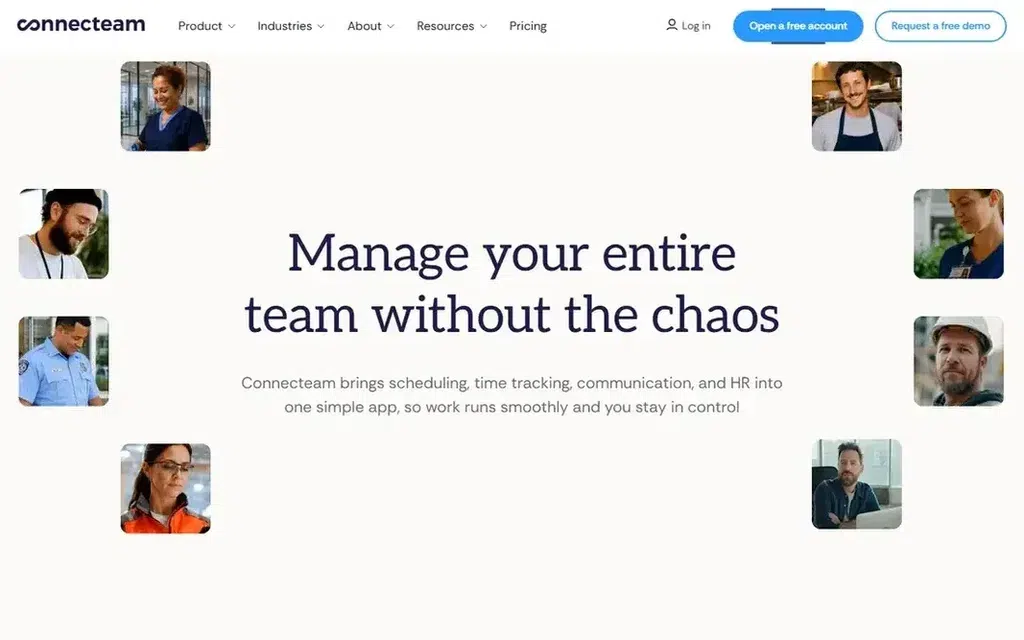
Connecteam is designed for frontline teams needing one straightforward app. Connecteam is described as an employee management app aimed at frontline teams.
On top of that, review vendor documentation for module details. The product is positioned around frontline teams, so organizations with largely desk-based remote staff may want to compare broader HR systems. Entry price for Connecteam: $29 per month. Connecteam has a free plan.
Limits to weigh: Focus on frontline teams may not suit desk-only staff.
- Built to replace scattered tools
- Time tracking and communication
- Feature depth varies by module
Rippling is a good fit for unified HR, IT and finance product. Rippling includes a broad scope, so teams that only need shift scheduling may find it more than necessary. For everyday use, smaller organizations without dedicated HR or IT administration may prefer a more straightforward tool.
Rippling is described as a workforce management system that merges HR, IT and finance apps on a unified data product. It aims to cut friction in running a business by connecting workforce processes in one place. Rippling pricing: $8 per employee per month. Free plan details: Not stated.
What to check first: Setup needs planning across departments.
- Merges HR
- IT and finance apps
- Wide scope may overwhelm straightforward scheduling needs
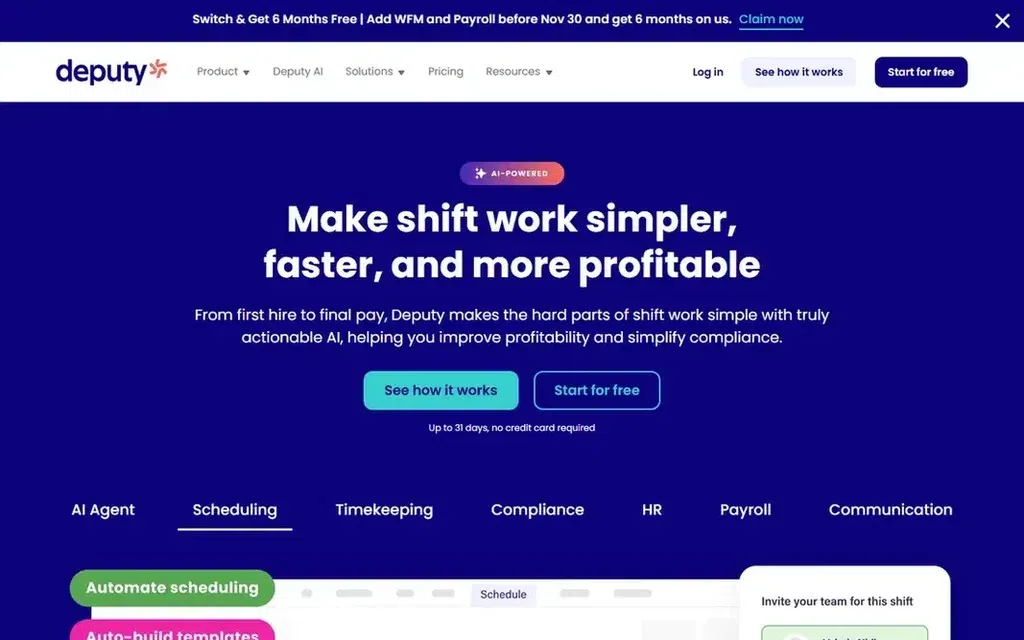
Where Deputy fits: scheduling, HR and payroll in one product. Deputy is employee scheduling, HR and payroll software that also contains AI labor forecasting.
In practice, check the vendor site for current feature details and fit before deciding. Starting cost for Deputy: $5 per user per month. Free plan details: Free trial.
Trade-offs to know: May be more than small teams need.
- Comes with AI labor forecasting
- Merges scheduling
- Pricing details need a vendor check
Where When I Work fits: shift scheduling and team messaging. It is pitched at workplaces that depend on shift coverage and need clear communication around schedules. Remote teams with hourly or shift-based staff may find the scheduling and messaging combination efficient.
Worth adding: check the vendor site for current feature scope. In daily use, organizations with largely project-based remote work may prefer a different tool. The starting price for When I Work: $2.50 per user per month. On free options: Free trial.
Where it is weaker: Payroll and HR depth may be restricted.
- Shift scheduling and time tracking
- Straightforward scheduling focus
- A good match for shift-based teams
Sling serves straightforward shift scheduling and communication. Sling is employee shift scheduling and planning software that helps firms manage shifts and communicate with employees. It is presented as an easy-to-use choice for organizing shift coverage and keeping staff informed.
In daily use, Sling concentrates on scheduling and communication, so teams that require integrated payroll, HR or labor forecasting may need extra tools. In daily use, small remote teams with shift-based work may find it a practical starting point for scheduling and communication. Confirm current features on the vendor site before choosing. More specifically, expanding organizations with complicated compliance needs should compare broader products. Entry price for Sling: $1.70 per user per month. Sling has a free plan.
Watch-outs: Restricted payroll and HR features.
- Simple shift scheduling and planning
- Built-in team communication
- May lack advanced workforce analytics
How we chose
Pricing pages, product documentation and feature lists were the main sources, and every entry carries at least one honest drawback. Seat minimums, billing terms and add-ons can move the real cost, so the starting prices here are a guide and not a quote. Tools are placed by general fit for remote workforce management tools, with price clarity and free access as tie-breakers. A different team can reasonably rank them differently.
Pre-purchase checklist
- Check the vendor page for the current price: Sling starts at $1.70 per user per month here, and seats or billing terms can move it.
- Check what the free option really includes: Connecteam and Sling offer a free plan, and usage caps differ.
- Take the trial from Deputy and When I Work and push a live task through it before you pay.
- Read the limits listed for Connecteam first: focus on frontline teams may not suit desk-only staff.
- Run a one or two week pilot of Deputy with the people who will use it every day.
- Ask When I Work how an export works before you move any records in; an easy exit lowers the risk.
FAQ
How do I choose between a specialist scheduler and a full HR platform?
A specialist scheduler fits teams that chiefly need shift planning and communication. A full HR product suits organizations that require payroll, tax and HR administration in one place.
How are the tools for remote workforce management tools ordered?
The order follows typical fit for remote workforce management tools, with Connecteam first and Sling last, then price clarity and free access. It is editorial judgement, not a score, so another team could rank the tools differently.
Do these tools publish their prices?
Yes. Every tool from Connecteam to Sling shows a starting price, though seats, add-ons and billing terms still change the final cost.
What is the cheapest option for remote workforce management tools in this list?
On published monthly entry prices, Sling is the lowest here at $1.70 per user per month. Entry price is only part of the cost, because seats, add-ons and billing terms can change the total. All 5 picks in this remote workforce management tools comparison list a starting price, free plan details and the main limits on their cards above.
Which options for remote workforce management tools have a free plan?
Connecteam and Sling offer a free plan in this list. Free plans usually cap users, projects or features, so check the limits on the vendor page. Several others offer a trial instead. For the full picture, the cards above cover all 5 entries of this remote workforce management tools list, including price, free plan and limits.
Sources
- https://connecteam.com
- https://www.rippling.com
- https://www.deputy.com
- https://wheniwork.com
- https://getsling.com