Best Workforce Planning Software for Remote Teams in 2026: 5 Tools Compared
Searching for the best workforce planning software for remote teams? Here are 5 options with prices and free plans. Details on cost, catches and fit. No hype.
- Editor's choice
 Anaplan
Scenario planning and modeling
Starts atPricing on requestVisit anaplan.comFull review - Great alternative
 Oracle Fusion Cloud HCM
Cloud HCM and decision support
Starts atPricing on requestVisit oracle.comFull review - Also consider
 Visier
People analytics and workforce insight
Starts atPricing on requestVisit visier.comFull review
Direct answer
Anaplan leads the list, best for scenario planning and modeling. Oracle Fusion Cloud HCM is the stronger choice for Cloud HCM and decision support, while Visier suits people analytics and workforce insight. Free plan facts and limits for all 5 tools follow. None of these vendors publish plan prices, so pricing is on request for every option.
TL;DR:
- Anaplan sits first on this list: scenario planning and modeling.
- Anaplan, Dayforce and the 3 others all need a premium plan or a trial, since no free plan is listed.
- Dayforce suits unified HR, pay, and time.
- Pricing across the list, from Anaplan to Dayforce, is by quote only.
- The main caution on Visier: analytics-first, not a planning suite.
Last checked November 2026. Pricing on request: vendors did not publish plan prices when this guide was last checked (November 2026), so ask each vendor for a written quote.
Quick comparison
| Tool | Best for | Starts at | Free plan? | |
|---|---|---|---|---|
| Anaplan | Scenario planning and modeling | Pricing on request | Not stated | Visit |
| Oracle Fusion Cloud HCM | Cloud HCM and decision support | Pricing on request | Not stated | Visit |
| Visier | People analytics and workforce insight | Pricing on request | Not stated | Visit |
 Workday Adaptive Planning | Finance-led enterprise workforce planning | Pricing on request | Not stated | Visit |
 Dayforce | Unified HR, pay, and time | Pricing on request | Not stated | Visit |
Workforce Planning Software for Remote Teams, one by one
If you are comparing workforce planning software for remote teams, this page covers 5 tools in one place: what each is best for, what it costs to start, whether it has a free plan, and the main limit to know about.
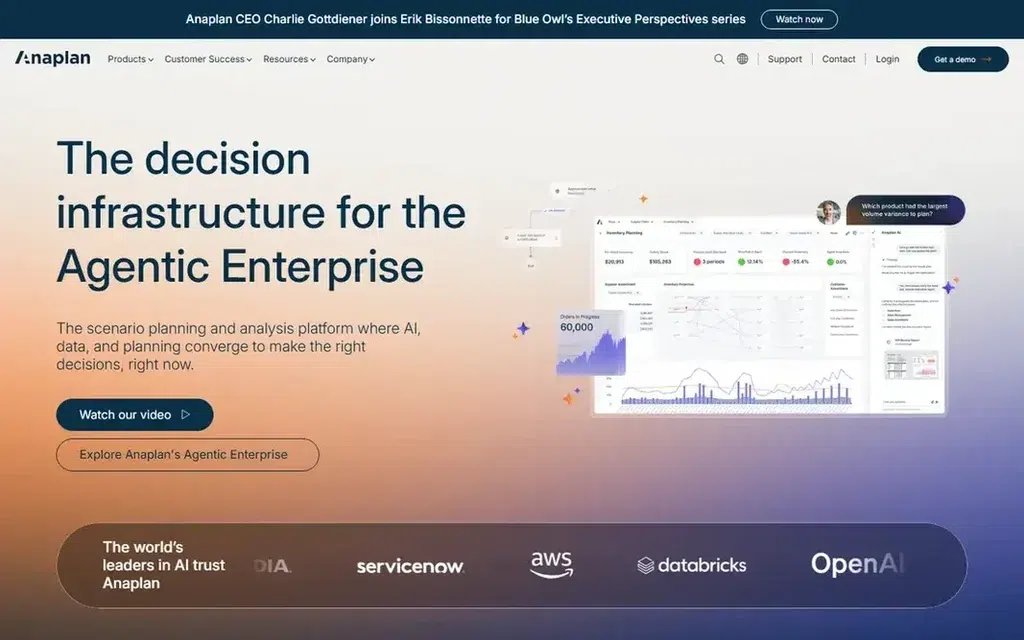
Pick Anaplan if this describes you: scenario planning and modeling. If you primarily need people analytics or scheduling, a purpose-built HR tool may be more straightforward to run.
In practice, since it is a wide planning product instead of a dedicated HR system, teams may need internal modeling skills and careful configuration. Check the vendor site for Anaplan pricing; none is listed in this comparison. Free access: Not stated.
Points against: Modeling needs planning expertise.
- Scenario planning and analysis focus
- Merges AI, data, planning
- Wide product, not HR-specific
Oracle Fusion Cloud HCM makes the most sense for Cloud HCM and decision support. Oracle Fusion Cloud HCM is cloud human capital management software that helps HR make quicker, smarter decisions and drive engagement, productivity, and business value.
The main drawbacks: Needs process design for remote work.
Check the vendor site for Oracle Fusion Cloud HCM pricing; none is listed in this comparison. On free options: Not stated.
- Cloud HCM for HR decision-making
- Integrated HR and workforce processes
- Enterprise-scale deployment
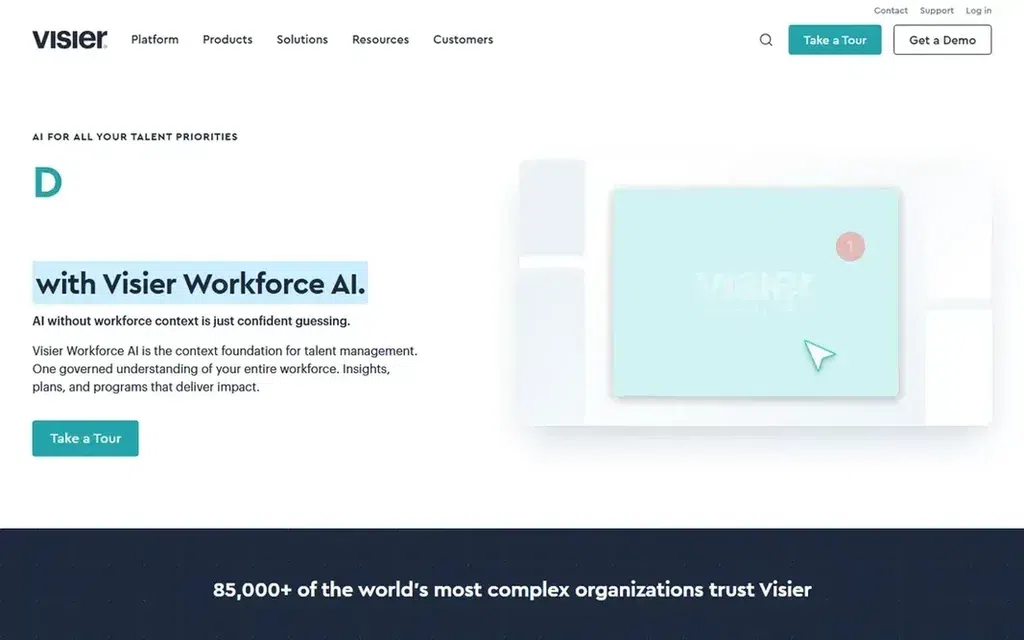
Visier works best for people analytics and workforce insight. Visier is analytics-focused, so teams expecting built-in scheduling or budgeting workflows will need other tools alongside it.
Visier shows no starting price here, so confirm the cost on the vendor site. Free options: Not stated.
The main drawbacks: not a planning suite.
- People analytics specialization
- Workforce context layer for enterprise AI
- Analytics-first
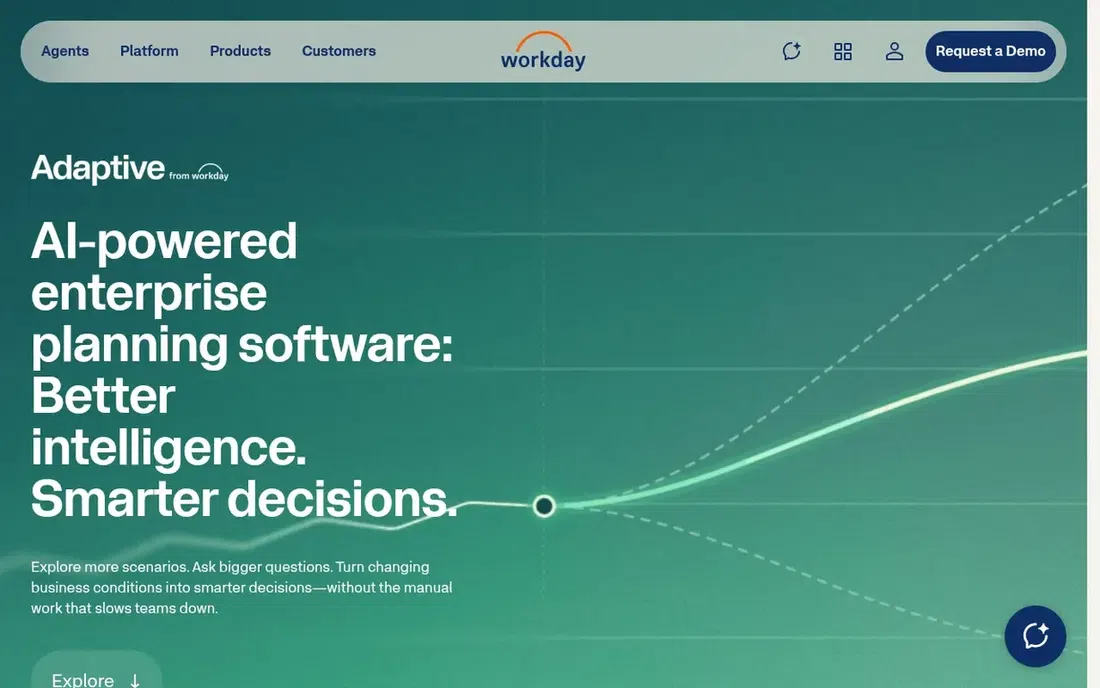
Workday Adaptive Planning is a good fit for finance-led enterprise workforce planning. Adaptive from Workday is an enterprise planning product that ties finance, workforce, and operations data together to support quicker decisions.
Points against: Not centred on shift scheduling.
Its enterprise scope can mean a heavier setup than small remote teams need, and it is not a dedicated shift scheduling tool. Teams whose primary need is daily time and attendance or hourly scheduling should look at a workforce management product instead, and keep Adaptive for higher-level planning. No starting price is listed for Workday Adaptive Planning here; confirm pricing on the vendor site. As for free access: Not stated.
- AI-driven planning and decision support
- Made for enterprise planning scale
- Enterprise-oriented complexity
Dayforce is aimed squarely at unified HR, pay, and time. If your priority is deep scenario modeling alone, a specialized planning product may be a better fit.
Drawbacks to consider: Configuration for complicated teams takes effort.
Dayforce describes itself as a global people product that merges payroll, HR, benefits, talent, and workforce management in one place. In practice, since it handles plenty of functions, teams with narrow planning needs may pay for capability they do not use. This comparison lists no price for Dayforce; ask the vendor. Free options: Not stated.
- Talent and analytics included
- Time in one place
- Wide suite may be more than needed
How we chose
A buyer's checklist
- Confirm the entry price with every vendor: no tool from Anaplan to Dayforce shows a fixed starting price.
- Read the limits listed for Anaplan first: modeling needs planning expertise.
- Before rolling out Dayforce, verify the integrations your workflow depends on.
- Ask Oracle Fusion Cloud HCM about contract length, onboarding fees and user minimums before you sign.
- The entry price of Visier is only the starting point; model the full cost with seats and extras.
FAQ
How are the tools for workforce planning software for remote teams ordered?
The order follows typical fit for workforce planning software for remote teams, with Anaplan first and Dayforce last, then price clarity and free access. It is editorial judgement, not a score, so another team could rank the tools differently.
Can I try these tools before paying?
Not by default. None of the tools, from Anaplan to Dayforce, lists a free plan or a free trial here, so ask each vendor for a demo before committing.
Is Anaplan the right pick for everyone comparing workforce planning software for remote teams?
No single tool suits every team. Anaplan comes first because it fits scenario planning and modeling, while Oracle Fusion Cloud HCM suits Cloud HCM and decision support and Visier suits people analytics and workforce insight. Match the tool to your own size, budget and workflow before deciding.
Do these tools publish their prices?
No. None of the tools, from Anaplan to Dayforce, shows a fixed starting price here, so budget time for quotes.
Sources
- https://www.anaplan.com
- https://www.oracle.com/human-capital-management
- https://www.visier.com
- https://www.workday.com/en-us/products/adaptive-planning/overview.html
- https://www.dayforce.com