Best Workforce Optimization Software in 2026: 8 Tools Compared
Compare the best workforce optimization software for forecasting, scheduling, quality, and coaching, and pick the tool that fits your contact center best.
- Editor's choice
 NICE Workforce Management
Deep forecasting at scale
Starts atSee websiteVisit nice.comFull review - Great alternative
 Verint Workforce Management
Regulated large centers
Starts atSee websiteVisit verint.comFull review - Also consider
 Genesys Cloud Workforce Management
Genesys Cloud teams
Starts atSee websiteVisit genesys.comFull review
TL;DR:
- NICE and Verint lead on forecasting depth for large contact centers, while Calabrio bundles quality and coaching with scheduling at a clearer per agent price.
- Genesys suits teams already on Genesys Cloud, since workforce tools sit close to routing and interaction data.
- Smaller and mid size centers get better value from Assembled, Playvox, and Alvaria, which focus on usable scheduling without a large enterprise project.
- Pricing models differ sharply, with per agent pricing, flat monthly minimums, and suite bundles, so compare total cost for your actual agent count.
- No tool in this list replaces HR systems for payroll and leave in full, so check leave, time off, and compliance coverage before you buy.
Quick comparison
| Tool | Best for | Starts at | Free plan? | |
|---|---|---|---|---|
| NICE Workforce Management | Deep forecasting at scale | See website | No | Visit |
| Verint Workforce Management | Regulated large centers | See website | No | Visit |
| Genesys Cloud Workforce Management | Genesys Cloud teams | See website | No | Visit |
 Calabrio ONE | Quality plus scheduling | $75 per agent per month | No | Visit |
 Alvaria Workforce | Omnichannel scheduling | See website | No | Visit |
 Assembled | Modern mid size centers | See website | Free trial | Visit |
 Playvox | Coaching and engagement | See website | Free trial | Visit |
 Aspect Workforce | Established WFM depth | See website | No | Visit |
The best workforce optimization software
We compared forecasting, scheduling, intraday management, quality, coaching, and agent self service, with attention to implementation effort and total cost.
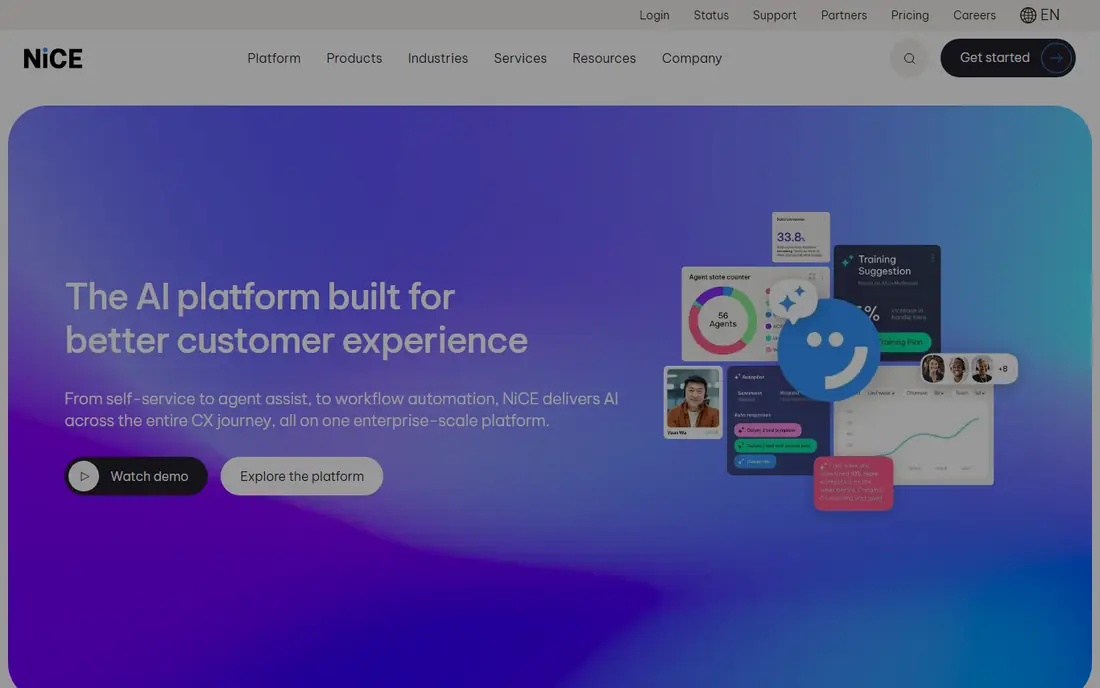
NICE is our pick for large centers where forecast accuracy drives cost. Its workforce tools offer dozens of forecasting models, including an AI assisted best pick option, plus intraday views that let managers test staffing changes before applying them. When the center already runs on CXone, routing and workforce data sit in one place, which cuts manual sync work and keeps schedules tied to real contact volume.
The cost and complexity need a clear eye. Workforce management is included in higher CXone suites, with suite pricing reported from around 135 dollars per agent per month for Essential and higher for Core and Complete, so a small center may pay for far more than scheduling alone. Training also matters, since configuration is powerful but not always intuitive. For a large, complex center, that depth pays off. For a small team, it can feel heavy.
- Wide forecasting model choice
- Intraday management
- Deep CXone integration
- Learning curve for new admins
- WFM sits inside higher CXone suites
- Engagement features are lighter than rivals
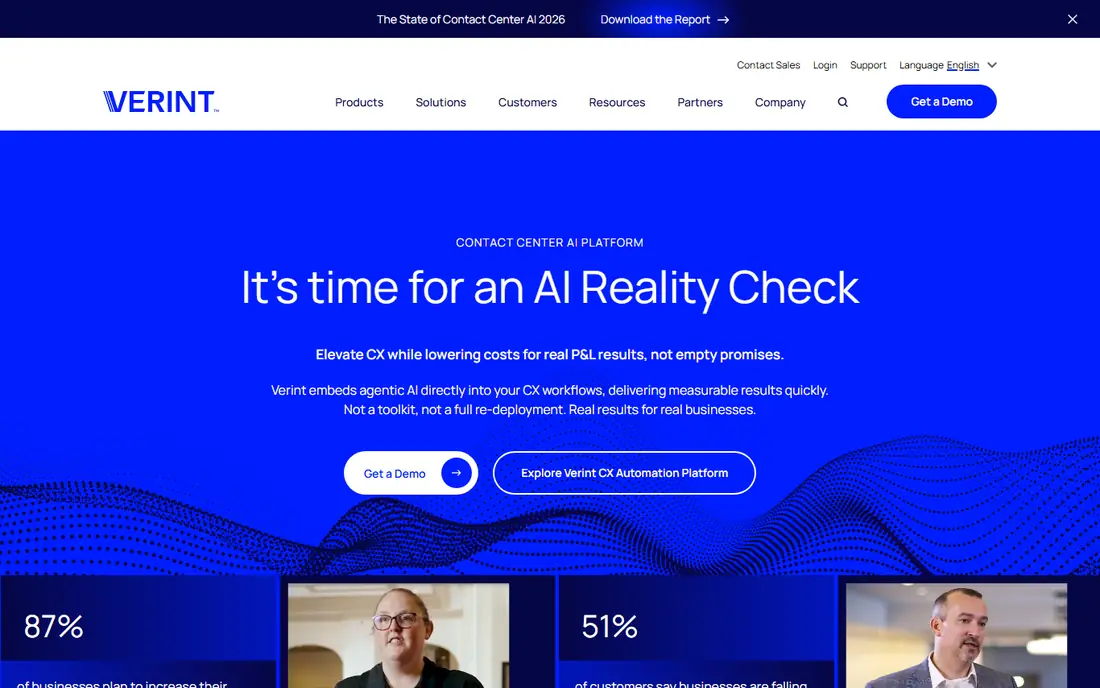
Verint suits centers in banking, health care, and government where compliance templates and reporting depth matter as much as the schedule itself. Forecasting covers skills based routing and back office work, and reporting links staffing to service levels in a way managers can defend to regulators and senior leaders. Integration with HR, payroll, and CRM systems is a stated strength, which helps larger operations keep one view of staff and demand.
Pricing is the main caution. Comparisons list Verint starting around 1,500 dollars per month, with cost scaling by users and modules, plus extra implementation and training effort. The mobile agent experience has also drawn criticism compared with desktop. If your center is large, regulated, and ready for a structured rollout, Verint is a strong fit. Smaller centers should get a written quote first.
- Strong forecasting and reporting
- Industry templates for regulated sectors
- Ties to quality and analytics
- Higher entry cost in comparisons
- Implementation can be slow
- Mobile experience trails desktop for some users

For a team already on Genesys Cloud, this is the natural workforce choice. Forecasts draw on the same interaction data that drives routing, so schedules reflect voice, chat, email, and messaging demand without a separate integration project. Agents can view schedules, request time off, and swap shifts in the same environment they use for customer contacts, which keeps adoption simpler.
The limit is ecosystem fit. A center that does not use Genesys Cloud gains little from that closeness and will face quote based pricing plus a platform decision, not just a WFM purchase. Teams on Genesys should still compare forecast accuracy and intraday tools with NICE and Verint on a trial schedule. Teams elsewhere should shortlist a standalone option first.
- Native fit with Genesys Cloud routing
- Forecasting across voice and digital channels
- Agent self service in one app
- Best value only inside Genesys Cloud
- Pricing is quote based
- Smaller centers may find setup broad
Calabrio ONE appeals to centers that want scheduling, quality management, and coaching in one purchase rather than three separate tools. Forecasting uses historical data and AI to cut overstaffing and understaffing, while call recording, speech to text, and quality reviews sit beside the schedule. Gamification, self scheduling, and coaching features help managers support retention, which matters when hiring and training costs are high.
At 75 dollars per agent per month in recent comparisons, Calabrio costs more per seat than some standalone WFM tools, and implementation still needs time and training. Reporting depth also draws mixed comments from reviewers. If quality and coaching are part of your workforce plan, the bundle can justify the price. If you only need schedules, a leaner tool may cost less.
- Scheduling bundled with quality and analytics
- Gamification and coaching tools
- Omnichannel coverage
- Higher per agent entry price than some rivals
- Configuration can feel complex
- Reporting options draw some criticism
Alvaria, formerly Aspect, brings a long history in contact center workforce tools, and that experience shows in forecasting and compliance handling. Schedules cover voice and digital channels, with rules for skills, labor requirements, and service targets that suit regulated and high volume centers. For operations with complex shift patterns and strict coverage rules, that maturity is reassuring.
The trade off is modern feel. Some users describe the interface as dated compared with newer tools such as Assembled, and pricing is quote based, so budgeting needs a sales conversation and a clear scope. Alvaria fits best when scheduling depth and compliance control outweigh a sleek agent app. Teams that prize a modern mobile experience should test the agent view early in a trial.
- Long WFM history in contact centers
- Omnichannel forecasting
- Compliance focused scheduling rules
- Interface feels dated to some users
- Quote based pricing
- Implementation support varies by deal
Assembled is built for support and contact teams that found older WFM tools too heavy to run. The interface is clean, forecasting is straightforward to set up, and agents can manage schedules, time off, and shift swaps without constant manager help. That ease matters for mid size centers with a small workforce team, where every hour spent configuring software is an hour not spent coaching.
Scale is the limit. Very large, multi site centers with complex back office forecasting may still need NICE, Verint, or Alvaria, and some enterprise controls are less mature. Pricing is also quote based, so get a figure for your agent count and channels before judging value. For a growing center that wants usable WFM fast, Assembled is a strong shortlist pick.
- Clear, modern scheduling interface
- Strong forecasting for support teams
- Good agent self service
- Less depth than NICE or Verint for very large centers
- Some enterprise features still maturing
- Pricing by quote
Playvox takes a different angle, starting from agent performance and engagement rather than forecast math alone. Quality reviews, coaching plans, recognition, and learning sit beside scheduling and workforce views, which helps remote and hybrid teams stay connected to standards. Managers can link a quality score to a coaching task in the same workflow, instead of tracking it in a separate spreadsheet.
Forecasting is not its strongest suit compared with NICE or Verint, so large centers with complex demand models may pair Playvox with a dedicated WFM engine or choose a fuller suite. Pricing is quote based, which makes early comparison harder. If agent development and retention are your main workforce problems, Playvox deserves a trial. If forecast accuracy alone drives your cost, start elsewhere.
- Coaching, quality, and motivation in one place
- Agent friendly design
- Useful for remote teams
- Forecasting depth is lighter than pure WFM leaders
- Pricing by quote
- Best as a complement in very large centers
Aspect Workforce represents the established, enterprise side of workforce management, with scheduling, forecasting, and intraday tools built for large centers. Complex shift rules, multi skill staffing, and high volume forecasting are its home ground, and long time users value that depth for operations where a missed forecast costs real service levels.
Buyers should confirm exactly which current product and support path they are buying, since Aspect branding and ownership have changed over the years and Alvaria now carries much of that lineage. The user experience also feels older than Assembled or Playvox. For a large center that values proven depth over a modern interface, Aspect style WFM still earns a place on the shortlist, provided the vendor confirms roadmap and support in writing.
- Proven scheduling and forecasting
- Strong for large, complex centers
- Broad channel coverage
- Brand and product lines have shifted over time
- Modern user experience lags newer rivals
- Pricing by quote
How we picked these
We compared official feature pages, pricing reports, and public reviews for forecasting, scheduling, intraday control, quality, coaching, and agent self service. We favored tools that are still sold and supported in 2026, cover omnichannel demand, and show clear evidence of use in real contact centers. We did not claim hands on operation of every center sized deployment, and quote based prices should be confirmed for your agent count, channels, and contract length.
How to buy workforce optimization without overbuying
Workforce tools fail most often when a center buys forecasting depth it never configures, or engagement features no manager has time to run.
Start from your forecast problem
Write down the cost of your current miss: overtime, idle time, missed service levels, or agent burnout. If the miss is small and stable, a lean tool such as Assembled may fix it. If demand swings by channel and skill each week, the model depth of NICE or Verint matters more. A trial should use your own historical data, not vendor sample data.
Test the agent experience, not just the manager view
Agents live in the schedule every day. Check mobile shift swaps, time off requests, and schedule visibility on a phone, and ask a few agents to try it during a trial. A tool managers love but agents avoid will fail, because swaps and time off will move back to chat messages and spreadsheets.
Price the whole rollout
Ask for implementation, training, integration, and support costs in the same quote as licenses. Quote based tools can look similar on license price and differ greatly on rollout cost. Also confirm minimums, contract length, and what happens to price when agent count rises or falls seasonally.
Check leave, compliance, and reporting early
Confirm how time off, sick leave, labor rules, and overtime are handled, and whether reports can prove service levels for your industry. If your center needs HR or payroll sync, test that integration with your actual systems before signing, not after.
FAQ
What is workforce optimization software?
It is software that forecasts contact demand, builds schedules, manages intraday staffing, and often adds quality reviews, coaching, and agent engagement. The goal is to staff to demand without excess overtime or idle time, while keeping service levels and agent experience in balance. Some tools focus on forecasting alone, while suites such as Calabrio add quality and coaching.
Which workforce optimization tool is best for a small contact center?
Assembled and Playvox suit smaller and mid size centers well, thanks to clearer interfaces and faster setup. Calabrio can also work if quality and coaching matter and the per agent price fits. Large enterprise tools such as NICE and Verint are usually more than a small center needs, and their rollout cost can outweigh the benefit.
How much does workforce optimization software cost?
Prices vary by model. Calabrio is listed from 75 dollars per agent per month in recent comparisons, while NICE suite pricing and Verint minimums work very differently, so a direct per seat comparison can mislead. Most enterprise tools are quote based, so ask for a total price for your agent count, channels, and contract term.
Does workforce optimization software replace HR software?
No, not in full. WFM tools handle schedules, forecasts, and often time off requests, but payroll, benefits, and full leave administration usually stay in HR systems. Check how your WFM tool syncs with HR and payroll before assuming one system covers both, and keep a clear owner for leave balances and pay rules.
Can these tools handle remote and hybrid agents?
Yes, most modern tools support remote scheduling, mobile self service, and intraday monitoring for distributed teams. Test the mobile agent view and the supervisor view for remote staff during a trial, and confirm how schedule changes and alerts reach agents who are not on site. Coaching and quality features matter more for remote teams, which favors tools such as Playvox and Calabrio.
What should I test in a workforce software trial?
Run a forecast on your own past data, build a real week of schedules, handle a sick call and a surge in the intraday view, and let agents swap a shift on mobile. Also test a quality review tied to a coaching task if that feature matters to you. If a vendor will not let you test with your data, treat that as a warning sign.