Best HR Software for Remote Teams in 2026: 8 Platforms Compared
The best HR software for remote teams in 2026, compared for global hiring, payroll, onboarding, benefits and time off across countries and time zones.
- Editor's choice
 Deel
Global hiring and contractor payments
Starts atFreeVisit deel.comFull review - Great alternative
 Remote
Global employment with local compliance
Starts atFreeVisit remote.comFull review - Also consider
 Rippling
HR, payroll, IT and spend in one place
Starts atSee websiteVisit rippling.comFull review
TL;DR:
- Deel and Remote are the strongest picks when your team spans countries, because both handle global employment and contractor payments.
- Rippling is our pick for teams that want HR, payroll, IT and spend in one system, though pricing is quote based.
- Gusto is the simplest choice for US based remote teams that need payroll and benefits without global complexity.
- BambooHR works best as a clean core HR system when payroll is already handled elsewhere.
Quick comparison
| Tool | Best for | Starts at | Free plan? | |
|---|---|---|---|---|
| Deel | Global hiring and contractor payments | Free | Yes | Visit |
| Remote | Global employment with local compliance | Free | Yes | Visit |
| Rippling | HR, payroll, IT and spend in one place | See website | No | Visit |
 Gusto | US remote teams needing payroll fast | $49 per month | No | Visit |
 BambooHR | Clean core HR and onboarding | See website | No | Visit |
 Oyster | Distributed teams needing EOR support | See website | No | Visit |
 HiBob | Mid sized teams focused on culture | See website | No | Visit |
 Papaya Global | Enterprise global payroll at scale | See website | No | Visit |
The best HR software for remote teams
Remote teams need more than a shared drive and a chat app. Someone has to handle contracts, payroll, taxes, benefits, time off and onboarding across states and countries, and mistakes there are costly. These eight platforms cover that work, from small US teams to companies hiring on several continents.
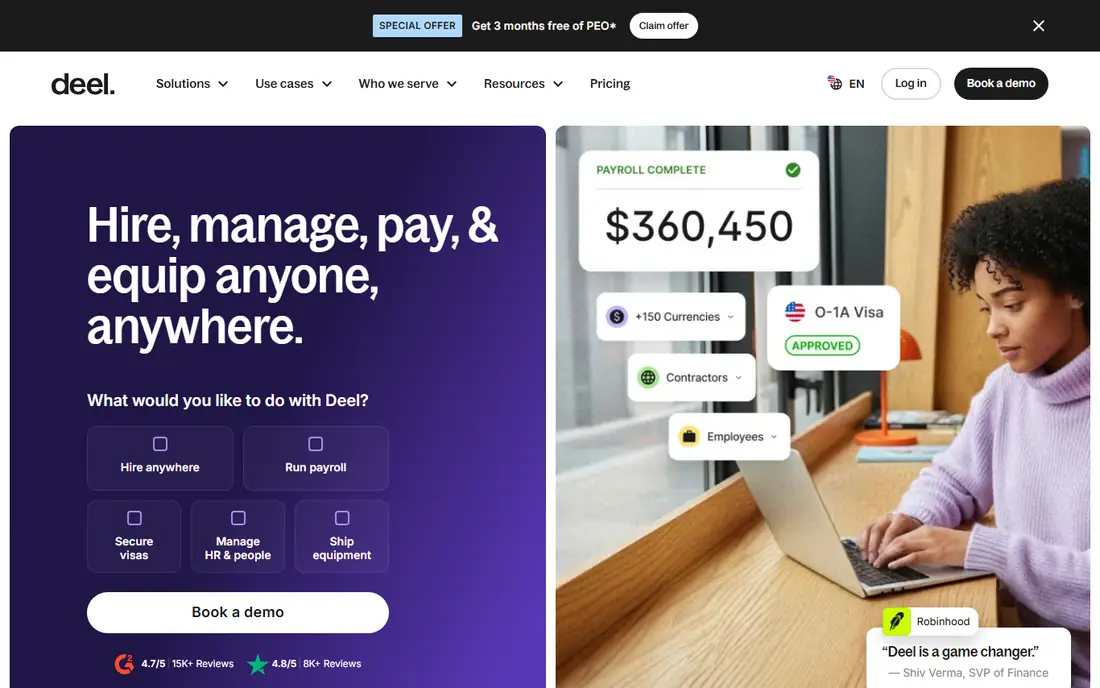
Deel is built for companies that hire across borders without setting up a local company in each place. You can bring on contractors, run employer of record employment where Deel acts as the legal employer, and manage US payroll in the same system. Its free core HR tier covers records, onboarding and time off for smaller teams, which makes it easy to try before committing to paid hiring products.
The catch is cost at scale. Employer of record fees run to hundreds of dollars per employee per month, so a large international team becomes a serious budget line. Deel suits companies that truly need global hiring, and is more than a small US team needs. If your hires are all in one country, a simpler local tool will cost less.
- Contractor and employer of record hiring in many countries
- Free core HR tier
- Payroll, benefits and compliance in one dashboard
- Employer of record pricing is high per person
- Support quality can vary by country
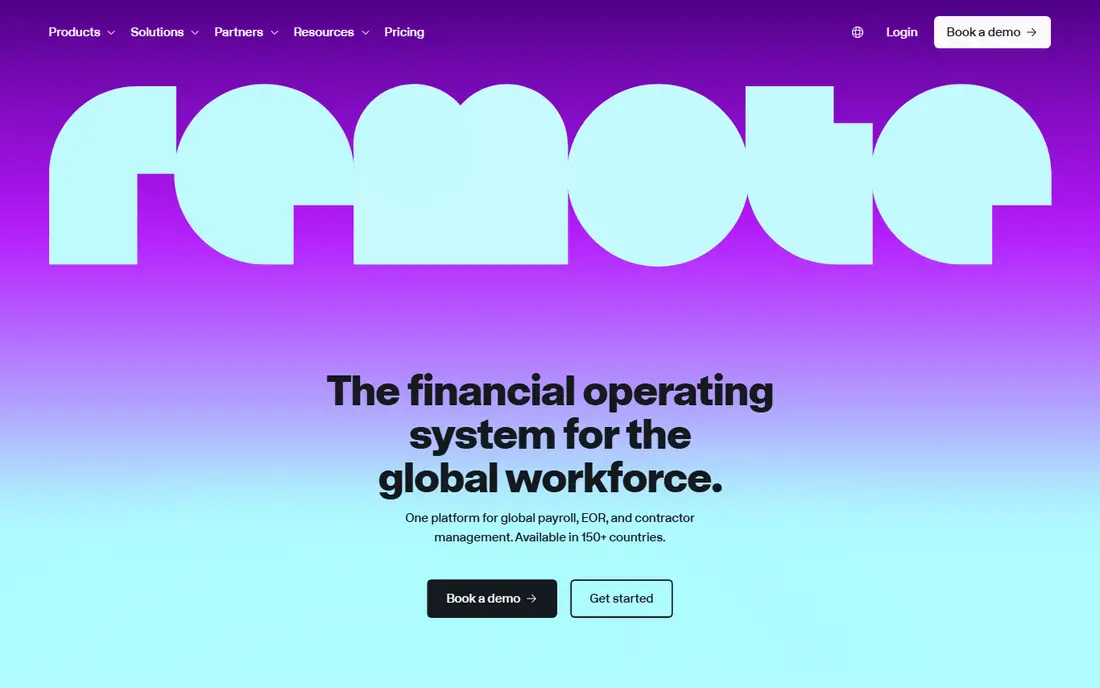
Remote takes a similar approach to Deel but leans on its own local entities rather than partners in many countries. That setup can mean steadier compliance and a clearer line of responsibility when local rules change. The free Remote HR tier handles employee records, documents and time off, while paid employer of record and contractor products handle the harder cross border work.
We like Remote for teams that want predictable global employment pricing and strong compliance coverage. The trade off is the same as with Deel: global employment is not cheap, and you pay per person per month. Remote is a strong choice when you hire employees abroad regularly, and overkill if you only have one or two contractors overseas.
- Own local entities in many countries
- Clear employer of record pricing
- Free HR tier for records and onboarding
- Employer of record fees add up quickly
- Some advanced features sit on higher tiers
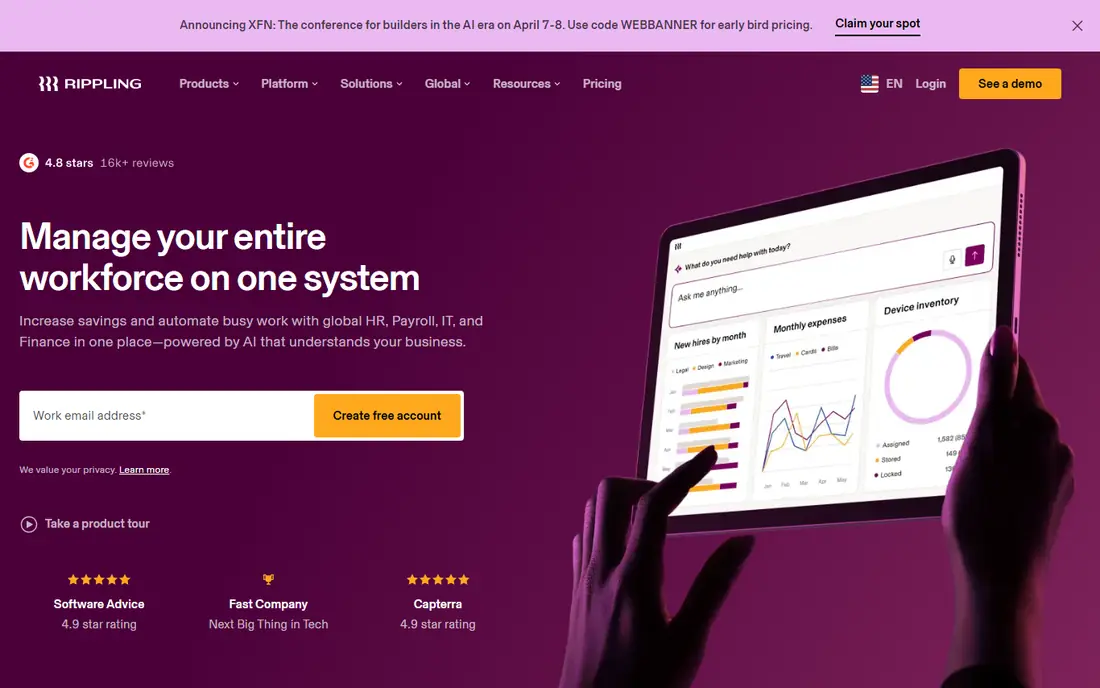
Rippling stands out by joining HR with IT and spend management. When a new remote hire joins, Rippling can set up payroll, benefits, device shipping and app access from one workflow, and remove access just as cleanly when someone leaves. That joined up approach saves real admin time for teams that hire often and work across many tools.
The main drawback is pricing transparency. Rippling quotes by modules and headcount, so you cannot easily compare it to a published price list without a sales conversation. Small teams may also find the platform more than they need. For a growing remote company that wants one system of record, though, the breadth is a genuine advantage.
- One system for HR, payroll, devices and app access
- Strong automation for onboarding and offboarding
- Good for fast growing teams
- Pricing is quote based and hard to compare
- The breadth can feel heavy for small teams
Gusto is the easiest recommendation for a US based remote team. Payroll runs with automatic tax filing, employees can self serve pay and documents, and pricing is published and easy to understand, starting with a base fee plus a per person charge. The interface is friendly, and setup is faster than with enterprise platforms.
The limit is geography. Gusto does not replace an employer of record for hiring employees in other countries, so a team that later goes global will need to add Deel or Remote alongside it. If your whole team is in the US, that limit rarely matters, and Gusto gives you the best balance of simplicity and price.
- Simple US payroll with tax filing
- Clear published pricing
- Benefits and time tracking on higher tiers
- US focused, so global hiring needs another tool
- Contractor only plans are limited
BambooHR focuses on core HR: employee records, time off, onboarding, performance notes and reporting. It does that job with a clean interface that HR teams tend to like, and it works well for remote teams that need one reliable place for people data. Onboarding checklists and e-signatures help remote hires get started without office visits.
The honest catch is payroll. BambooHR offers US payroll as an add on, but teams that need payroll as the main job often pick Gusto or Rippling instead. BambooHR fits best when you already have payroll covered, or when clean people data and onboarding matter more than running pay in the same tool.
- Clear employee records and reporting
- Smooth onboarding workflows
- Well liked by HR teams for ease of use
- US payroll is an add on and not its core strength
- Pricing is quote based
Oyster is a global employment platform aimed at distributed companies that want to hire anywhere without local entities. It handles compliant contracts, payroll and benefits for full time hires abroad, plus contractor payments, and it adds guides and tools for managing teams across time zones. That focus on distributed work, not just paperwork, sets it apart.
Oyster suits mid sized companies that are remote first by design and hire in many countries. Pricing is quote based, so budgeting needs a sales conversation, and its integration catalog is smaller than the largest rivals. If global hiring is occasional, Deel or Remote may offer a simpler path, but Oyster is a serious option for committed distributed teams.
- Employer of record hiring across many countries
- Contractor management included
- Tools for distributed team culture
- Quote based pricing
- Smaller partner ecosystem than Deel or Remote
HiBob, often called bob, is a human capital platform for mid sized companies that care about employee experience. It covers core HR, onboarding, time off, performance and engagement surveys, with analytics that help managers spot attrition risk and pay gaps. For remote teams, its strength is keeping people visible and connected when no one shares an office.
The limit is payroll. HiBob is not a global payroll provider, so you will pair it with a payroll or employer of record tool for cross border pay. It also prices by quote, and smaller teams may find simpler tools cheaper. For a remote company of a few dozen to a few hundred people that wants culture and performance in its HR system, HiBob is a strong pick.
- Modern interface with strong people analytics
- Good for engagement, feedback and performance
- Works across countries
- No native global payroll
- Quote based pricing
- Best value at mid sized headcounts
Papaya Global is aimed at larger companies running payroll in many countries at once. It brings payroll, payments and compliance data together, with tools for managing contractors and employees side by side. Finance teams like the consolidated reporting, which replaces spreadsheets stitched across local payroll providers.
This is not a small team tool. Implementation takes planning, pricing is enterprise level, and a team of ten will find it far heavier than needed. For a company with hundreds of staff across dozens of countries, though, Papaya Global offers control and consistency that point tools cannot match.
- Global payroll across many countries
- Workforce payments and compliance tools
- Built for larger, complex teams
- Enterprise focus and pricing
- Implementation can be heavy
- Too much for small teams
How we picked these
We compared official product pages, pricing pages and feature documentation for HR platforms that serve remote and distributed teams, and checked public reviews for recurring complaints. We kept platforms that handle at least one hard remote problem well, such as global employment, multi state payroll or remote onboarding, and dropped tools that only offer chat or project tracking. Prices shown are starting points from vendor sites in October 2026, and quote based tools are marked as such.
What to check before you buy
Remote HR buying goes wrong when teams pick on features alone and skip the compliance questions. Work through these checks before signing.
Map where your people actually are
List every country and US state where staff and contractors sit today, plus where you plan to hire next year. A US payroll tool cannot cover an employee in another country, and an employer of record fee only makes sense where you truly need it. Your map decides your shortlist more than any feature table.
Separate employees from contractors
Contractor payments and full employment are different products with different prices and risks. Misclassifying a worker can bring fines and back taxes, so confirm how each platform classifies, contracts and pays each group. If a vendor is vague on this point, treat that as a warning sign.
Test onboarding end to end
Run a trial hire through the full flow: offer letter, documents, payroll setup, benefits choices and first day access. Remote onboarding is where weak tools show, in missing documents, slow approvals and confused new hires. A smooth trial run is worth more than a polished sales demo.
Count the total cost per person
Add base fees, per person fees, employer of record charges, benefits admin and implementation costs, then divide by headcount. A cheap per seat price can hide a large employer of record bill, and a quote based platform can look dear until you count the tools it replaces. Compare totals, not headlines.
FAQ
Which HR software is best for remote teams?
The best choice depends on where your team sits. Deel or Remote lead for global hiring across countries, Rippling leads for one system covering HR, payroll and IT, and Gusto leads for simple US remote teams. Map your countries and headcount first, then shortlist two platforms and trial both.
Can HR software handle hiring in other countries?
Yes, employer of record platforms like Deel, Remote and Oyster can legally employ staff in countries where you have no local company. They handle local contracts, payroll, taxes and benefits, and charge per employee per month. Contractor tools are cheaper but do not give the same protections or status as employment.
Is Gusto good for remote teams?
Gusto is good for US based remote teams that need payroll, tax filing and benefits in a simple package. It is less suited to teams with employees abroad, since global employment needs a separate employer of record platform. Many US remote companies pair Gusto with a global contractor tool when they hire overseas.
Does BambooHR do payroll for remote teams?
BambooHR offers US payroll as an add on, but its core strength is employee records, onboarding and time off. Teams that need payroll as the central job often choose Gusto or Rippling instead, or pair BambooHR with a dedicated payroll provider. Check payroll coverage for each state where your team sits.
How much does HR software for remote teams cost?
Costs vary widely. Core HR tools may charge around ten dollars per employee per month, US payroll adds a base fee plus a per person charge, and employer of record services often cost several hundred dollars per employee per month. Quote based platforms need a sales conversation before you can budget with confidence.
What is the difference between an EOR and a contractor platform?
An employer of record legally employs a worker in their country and handles payroll, taxes and benefits. A contractor platform pays self employed workers under a service agreement, which is cheaper but carries misclassification risk if the working relationship looks like employment. When in doubt, get local legal advice before choosing.