Workflow Automation Software for Plumbers in 2026: The 6 Best Options Side by Side
6 products for the best workflow automation software for plumbers, ranked by fit, with starting costs and free tiers. Fit, price and catches for every tool.
- Editor's choice
 ServiceTitan
Bigger home and commercial contractors
Starts atSee websiteVisit servicetitan.comFull review - Great alternative
 Make
Custom no-code workflow automation
Starts atSee websiteVisit make.comFull review - Also consider
 Airtable
Custom databases and app building
Starts at$20 per user a monthVisit airtable.comFull review
Direct answer
Our first pick is ServiceTitan, best for bigger home and commercial contractors. Listed starting prices: Airtable from $20 per user a month, Housecall Pro from $59 per month and monday.com from $9 per seat a month. Make is the stronger choice for custom no-code workflow automation, while Airtable suits custom databases and app building. Details, prices and limits for the rest of the 6 tools are below.
TL;DR:
- Number one here is ServiceTitan, a fit for bigger home and commercial contractors.
- monday.com has the lowest monthly starting price in this list: $9 per seat per month.
- A free plan is available from 3 of the 6 tools: Make, Airtable, monday.com.
- monday.com is the one to check for team work management and tracking.
- Before buying Jobber, weigh this: less suited to highly custom automation.
Last checked November 2026. Prices and plan details were read from the vendors' own pages in November 2026; vendors change plans often, so confirm the current price on the vendor site before you buy.
Quick comparison
| Tool | Best for | Starts at | Free plan? | |
|---|---|---|---|---|
| ServiceTitan | Bigger home and commercial contractors | See website | Free trial | Visit |
| Make | Custom no-code workflow automation | See website | Yes | Visit |
| Airtable | Custom databases and app building | $20 per user a month | Yes | Visit |
 Jobber | All-in-one service business operations | See website | Not stated | Visit |
 Housecall Pro | Home service business management | $59 per month | Free trial | Visit |
 monday.com | Team work management and tracking | $9 per seat a month | Yes | Visit |
Workflow Automation Software for Plumbers compared in detail
LinkVetted put together this guide to workflow automation software for plumbers for readers who want a clear shortlist without reading every vendor page. It compares 6 tools on starting price, free plans, who each one suits and where each one falls short.
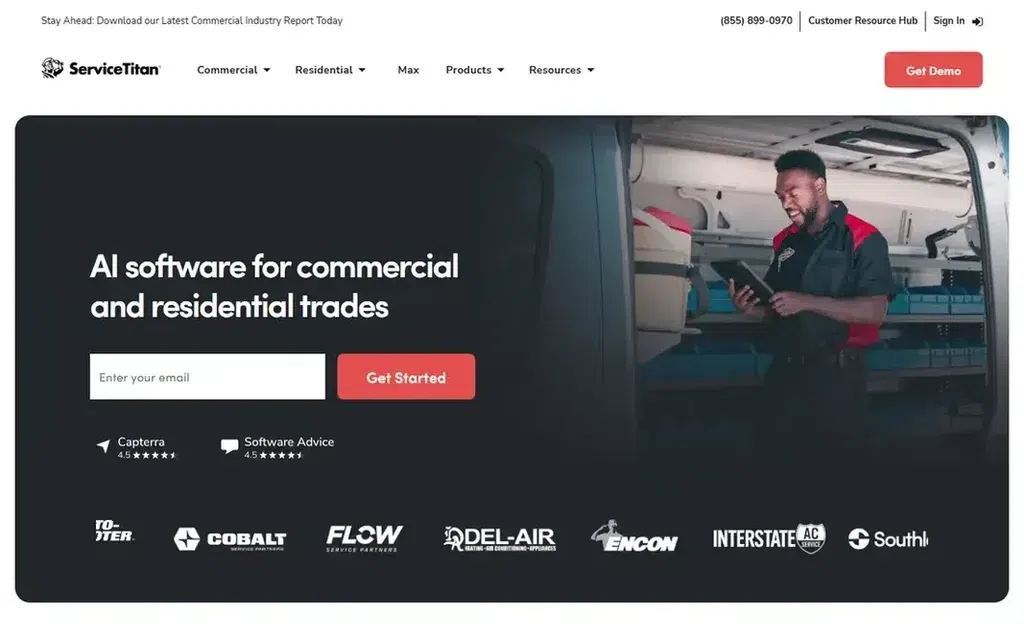
Choose ServiceTitan for bigger home and commercial contractors. ServiceTitan describes its all-in-one software as designed for home and commercial contractors, keeping service visits and construction projects running smoothly. From a buyer's view, for plumbing companies that manage both maintenance calls and bigger project work, that combined scope can ease how jobs are tracked and coordinated.
The product is oriented toward contractors managing substantial service and project volume, so very small plumbing shops may find it heavier than necessary. Its wide scope can also mean more setup than a straightforward scheduling app. ServiceTitan shows no starting price here, so confirm the cost on the vendor site. On free options: Free trial.
Watch-outs: Targeted at established contracting companies.
- Manages service visits and construction projects
- All-in-one software for the trades
- Broader scope than small shops need
Make serves custom no-code workflow automation. Make is AI workflow automation software that lets users visually build, scale and automate AI and agentic workflows through a user-friendly no-code integration tool. Also, Make does not offer plumbing-specific dispatch, quoting or invoicing features, so it complements instead of replaces a field service product.
Strengths: Links and automates numerous apps.
Building steady workflows takes planning and continuing maintenance. Worth adding: for plumbers already using separate apps for forms, email, spreadsheets or scheduling, Make can link them so repetitive steps happen automatically. No starting price is listed for Make here; confirm pricing on the vendor site. Make includes a free tier.
Honest limits: No built-in plumbing dispatch features.
- Visual no-code workflow builder
- Supports AI and agentic workflows
- Needs workflow design effort
For custom databases and app building, Airtable is a natural candidate. Airtable provides building blocks instead of plumbing-specific features, so scheduling, dispatch and invoicing logic must be designed and maintained.
The main drawbacks: No native plumbing dispatch tools.
That demands time and some comfort with structured data. On top of that, Airtable lets teams build enterprise-ready AI workflows, apps and agents, enabling live collaboration whereas automating repetitive tasks and manual work. Airtable starts at: $20 per user per month. Free access exists with Airtable.
- Live collaboration on records
- Automates repetitive tasks
- Needs setup and structure design
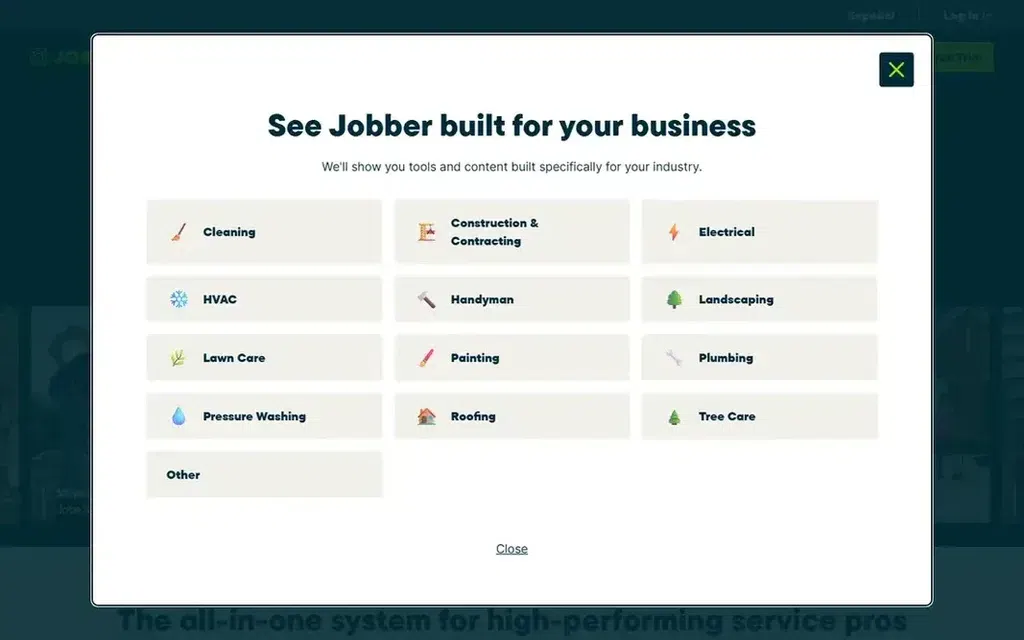
Jobber is designed for all-in-one service business operations. Jobber is home and commercial service software that organizes a service business around quoting, scheduling, invoicing and getting premium in one place.
Limits to weigh: Less suited to highly custom automation.
Also, consider a general automation system instead if your priority is connecting plenty of external tools instead of running field service workflows. More specifically, since Jobber centers on service business operations, plumbers needing deep custom automation across unrelated apps may find it less adaptable than a dedicated automation builder. Check the vendor site for Jobber pricing; none is listed in this comparison. On free options: Not stated. What Jobber does well: Easy-to-use app for sales and operations.
- Schedule and invoice in one place
- Quote
- May overlap with tools you already use
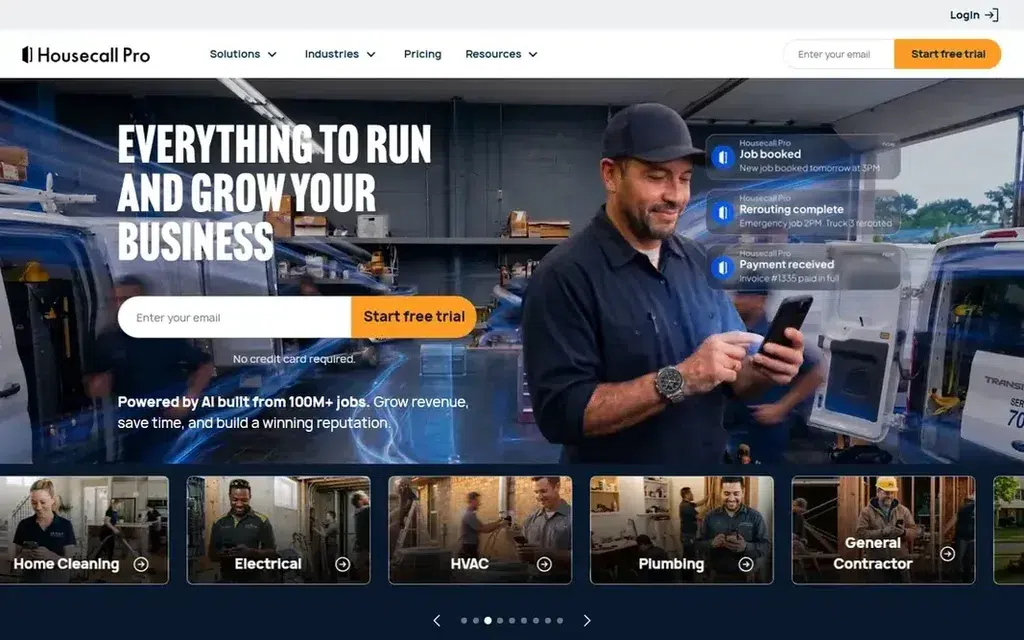
Housecall Pro is aimed squarely at home service business management. Housecall Pro is home services business management software geared toward field service professionals. It concentrates on the everyday workflows home service firms depend on, which makes it relevant for plumbers who want scheduling, job management and customer handling in a single service-oriented system.
Honest limits: Custom automation choices are restricted.
Since it is built around home service management, Housecall Pro is not a general-purpose automation engine, so plumbers wanting to link numerous unrelated apps may need a tool like Make alongside it. For everyday use, companies with heavy commercial project workflows may also want a broader contractor system. Housecall Pro starts at: $59 per month. Trial and free access: Free trial.
- Centred on home service companies
- Positioned as simple to adopt
- Less depth for complicated project work
monday.com is a good fit for team work management and tracking. Plumbing firms can use it to track jobs, tasks and internal processes on shared boards, which helps when office staff and field teams need one view of work in progress.
Teams without someone to set up and maintain boards may find it takes effort to match field service needs. monday.com cost at the entry level: $9 per seat per month. monday.com includes a free tier.
Watch-outs: Not tailored to plumbing operations.
- AI workspace for teams and agents
- Supports collaborative execution
- Needs configuration for field workflows
How we chose
Selection started from tools commonly considered for workflow automation software for plumbers, then narrowed to 6 that have clear pricing information or a clear quote process. Treat prices as a snapshot: vendors change plans often, so check the vendor site for the figure that applies today. The order reflects how well each tool fits the most common buying scenario for workflow automation software for plumbers, then price clarity, then free plan access. It is a starting point, not a verdict.
What to check before you buy
- Ask ServiceTitan, Make and Jobber for a written quote, since no starting price is shown.
- Check what the free option really includes: Make, Airtable and monday.com offer a free plan, and usage caps differ.
- Use real work to test the free trial from ServiceTitan and Housecall Pro, rather than a demo project.
- Read the limits listed for ServiceTitan first: geared toward established contracting firms.
- Confirm you can export your data from Jobber, so leaving later does not mean losing records.
- A short pilot of Airtable with your real workflow tells you more than a feature table.
FAQ
Do these tools publish their prices?
Not all of them. ServiceTitan, Make and Jobber publish no starting price, so expect a quote request for those. The rest, Airtable included, show a starting price, though seats and billing terms still change the final cost.
Is ServiceTitan the right pick for everyone comparing workflow automation software for plumbers?
No single tool suits every team. ServiceTitan comes first because it fits larger home and commercial contractors, while Make suits custom no-code workflow automation and Airtable suits custom databases and app building. Match the tool to your own size, budget and workflow before deciding.
How should a small plumbing shop choose between these choices?
Small shops typically do best with a straightforward service business tool that includes quoting, scheduling and payments without heavy setup. If custom automation is the priority, consider Make, monday.com or Airtable alongside your core service software.
Which options for workflow automation software for plumbers have a free plan?
Make, Airtable and monday.com offer a free plan in this list. Free plans usually cap users, projects or features, so check the limits on the vendor page. Several others offer a trial instead.
Can I try these tools before paying?
Often, yes. Make, Airtable and monday.com have a free plan and ServiceTitan and Housecall Pro offer a free trial. Use your own data and a real task during the test, and check what the free tier or trial limits before you rely on it.
Sources
- https://www.servicetitan.com
- https://www.make.com
- https://www.airtable.com
- https://www.getjobber.com
- https://www.housecallpro.com
- https://monday.com