Best Workflow Automation Software for Cleaning Businesses in 2026: 6 Tools Compared
Weighing the best workflow automation software for cleaning businesses? We lined up 6 products by cost, free access and fit. Read the caveats before you buy.
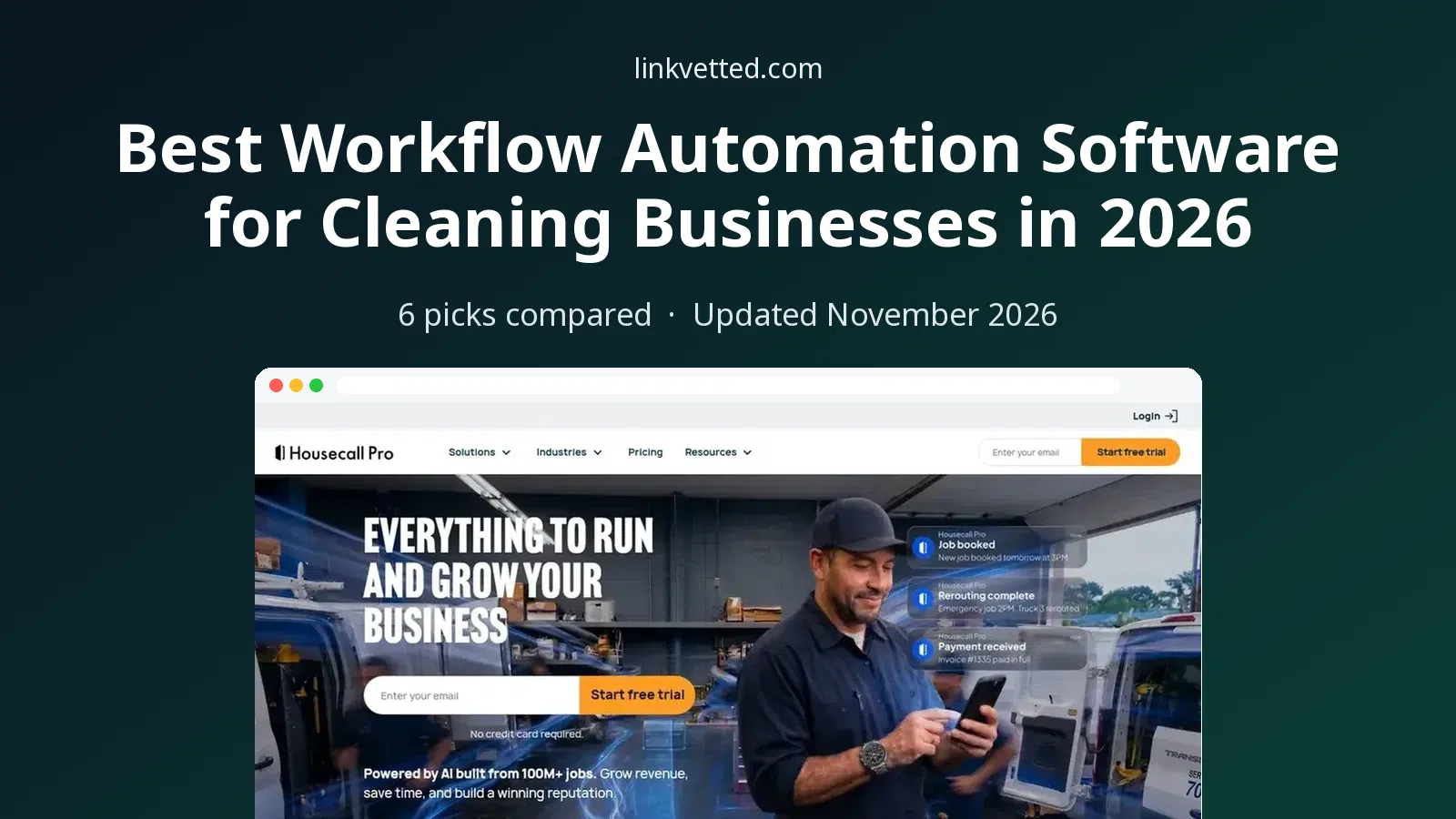
- Editor's choice
 Housecall Pro
Home service field operations
Starts at$59 per monthVisit housecallpro.comFull review - Great alternative
 ServiceTitan
Bigger home and commercial contractors
Starts atSee websiteVisit servicetitan.comFull review - Also consider
 FieldEdge
Tracking customers and dispatches
Starts atSee websiteVisit fieldedge.comFull review
Direct answer
Housecall Pro leads the list, best for home service field operations. Listed starting prices: Housecall Pro from $59 per month, Airtable from $20 per user a month and monday.com from $9 per seat per month. If your case is different, ServiceTitan suits bigger home and commercial contractors and FieldEdge suits tracking customers and dispatches. The remaining 3 options are covered below with prices and limits.
TL;DR:
- Housecall Pro is the opening pick, best for home service field operations.
- The cheapest monthly starting price in the list is $9 per seat per month, offered by monday.com.
- Free plans exist at 2 of 6 tools (Airtable, monday.com).
- What to know about ServiceTitan first: oriented toward established contracting operations.
- monday.com fits team work management with AI agents.
Last checked November 2026. Prices and plan details were read from the vendors' own pages in November 2026; vendors change plans often, so confirm the current price on the vendor site before you buy.
Quick comparison
| Tool | Best for | Starts at | Free plan? | |
|---|---|---|---|---|
| Housecall Pro | Home service field operations | $59 per month | Free trial | Visit |
| ServiceTitan | Bigger home and commercial contractors | See website | Free trial | Visit |
| FieldEdge | Tracking customers and dispatches | See website | No | Visit |
 Airtable | Custom databases with built-in automation | $20 per user a month | Yes | Visit |
 Jobber | All-in-one service business operations | See website | Not stated | Visit |
 monday.com | Team work management with AI agents | $9 per seat per month | Yes | Visit |
Workflow Automation Software for Cleaning Businesses compared in detail
LinkVetted compared 6 workflow automation software for cleaning businesses. The goal is a practical shortlist: published prices, free plan facts, best-fit use cases and honest limits for every entry.
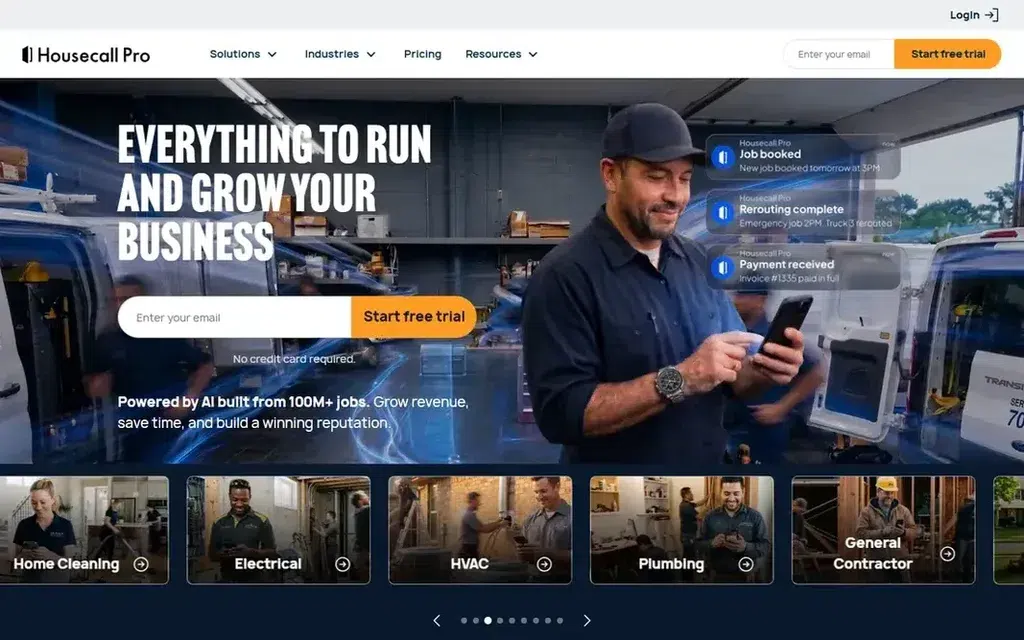
Housecall Pro makes the most sense for home service field operations. Housecall Pro is a software option for home service companies, including the field service management tasks that cleaning firms deal with every day, for example scheduling, dispatching and customer records.
On cost, Housecall Pro starts like this: $59 per month. Trial and free access: Free trial.
Watch-outs: Less handy for firms outside service work.
- Field service management features
- Supports scheduling and customer workflows
- Geared toward field service teams instead of general automation
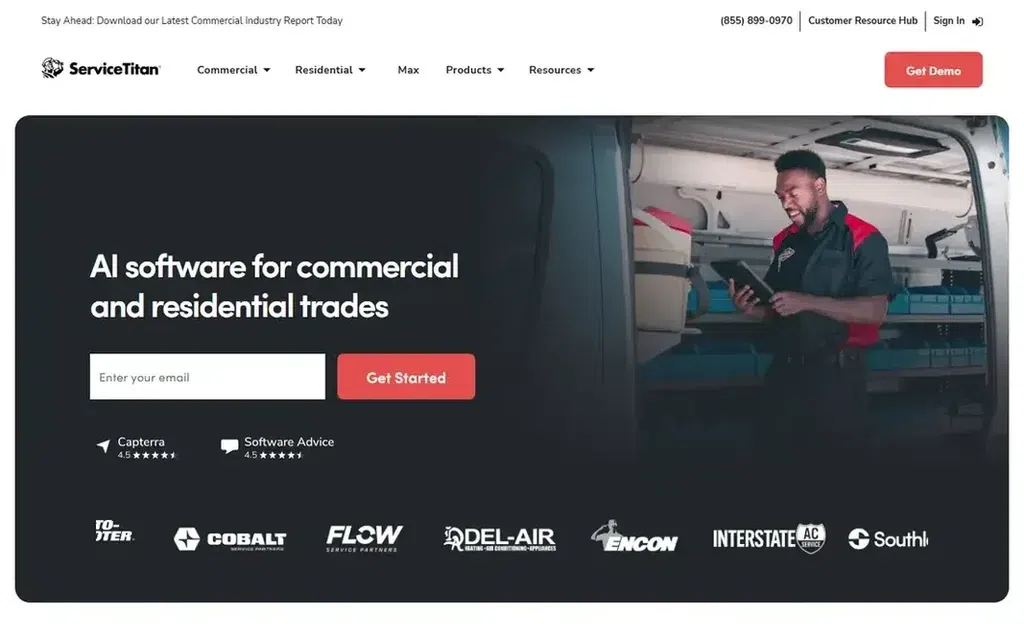
ServiceTitan works best for bigger home and commercial contractors. The system is built for established contracting operations, so a small cleaning company may find it more than it needs.
If you want light scheduling and automation without a full contractor suite, a more straightforward service tool or no-code system is worth considering. ServiceTitan shows no starting price here, so confirm the cost on the vendor site. Trial and free access: Free trial.
Points against: Oriented toward established contracting operations.
- All-in-one software for contractors
- Includes service visits and projects
- Heavier than a straightforward cleaning schedule needs
FieldEdge is aimed squarely at tracking customers and dispatches. Cleaning firms that want a clear record of who was dispatched where, and what happened on past visits, can use it to keep office staff and field crews aligned on each job.
The main drawbacks: Restricted for cross-app automation needs.
- Field service app included
- Tracks customers and service history
- Centred on field service management
Airtable is built with custom databases with built-in automation in mind. Airtable lets teams build enterprise-ready AI workflows, apps and agents, enabling live collaboration and automation of repetitive tasks and manual work. If you prefer a product that already manages scheduling, dispatch and invoicing, choose a field service tool instead.
As for the details, Airtable is an adaptable building block, not a ready-made cleaning management system. So you will have to design the structure and automations yourself. Airtable starts at: $20 per user per month. A free plan is available with Airtable.
Limits to weigh: Needs design work to fit cleaning operations.
- Automates repetitive tasks
- Supports live collaboration
- Not a dedicated field service tool
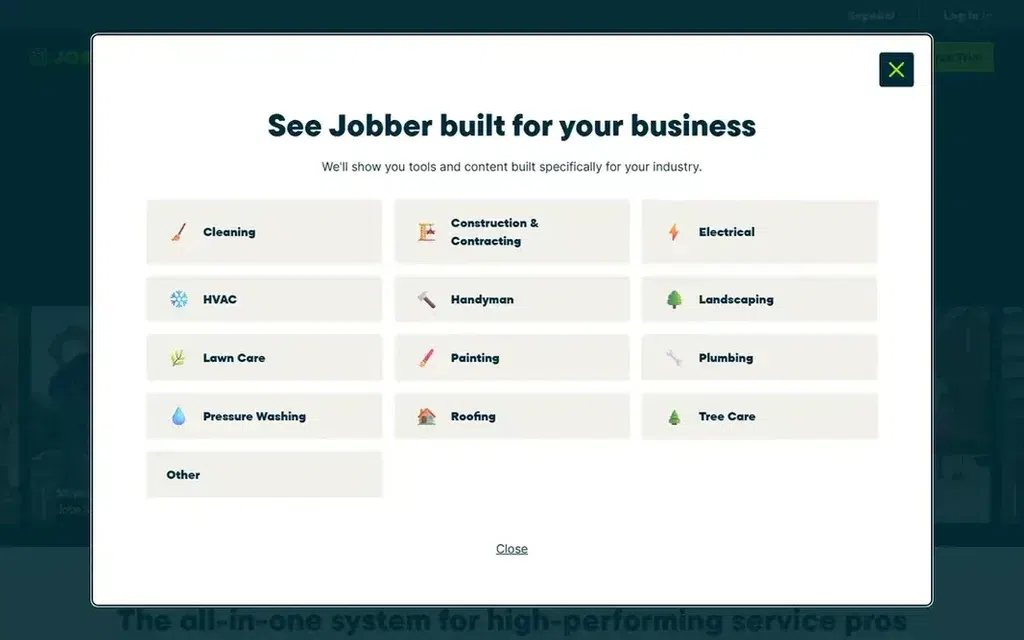
In short, Jobber is for all-in-one service business operations. Jobber is a home and commercial service software that organizes quoting, scheduling, invoicing and payments in a single system.
Upsides: Designed for home and commercial service work.
Drawbacks to consider: Concentrated on service operations instead of deep app integrations.
From a buyer's view, if your priority is wide no-code integration instead of running jobs end to end, a dedicated automation product may fit better. Jobber shows no starting price here, so confirm the cost on the vendor site. Trial and free access: Not stated.
- Easy-to-use app for sales and operations
- Scheduling and invoicing in one place
- May be more than a very small operation needs
monday.com serves team work management with AI agents. If you want job management and billing in one ready-made system, a field service product is the more direct fit. More specifically, for cleaning companies, it can serve as a central place to track jobs, tasks and team responsibilities, with automation helping move work forward and keep everyone aligned on what needs to happen next.
It is a general work management workspace instead of a cleaning-specific service system, so scheduling, invoicing and dispatch may need additional configuration or a companion tool. Beyond that, monday.com is an AI workspace where AI agents work side by side with people to execute, run and operate together. monday.com cost at the entry level: $9 per seat per month. You can start on monday.com without paying.
Watch-outs: Needs setup to match service workflows.
- Workspace for people and AI agents
- Flexible for plenty of business processes
- Not made for cleaning operations
Selection criteria
What to confirm before you sign up
- Confirm the entry price on the vendor page. For ServiceTitan, FieldEdge and Jobber that means a quote rather than a fixed price.
- Look at free plan limits closely: Airtable and monday.com have one, and the caps decide whether it is usable for real work.
- Run a trial of Housecall Pro and ServiceTitan with real work before paying for a year; your own workflow is the best test.
- Before choosing Housecall Pro, weigh its main limit: targeted at field service teams instead of general automation.
- Map your must-have features to a specific ServiceTitan plan before you compare prices.
- Ask the daily users to test Airtable on a live task before you roll it out to everyone.
FAQ
What is the cheapest option for workflow automation software for cleaning businesses in this list?
On published monthly entry prices, monday.com is the lowest here at $9 per seat per month. Entry price is only part of the cost, because seats, add-ons and billing terms can change the total. For the full picture, the cards above cover all 6 entries of this workflow automation software for cleaning businesses list, including price, free plan and limits.
Do these tools publish their prices?
Not all of them. ServiceTitan, FieldEdge and Jobber publish no starting price, so expect a quote request for those. The rest, Housecall Pro included, show a starting price, though seats and billing terms still change the final cost.
Which tool is a good match for automating recurring cleaning jobs?
The first pick on this list is Housecall Pro, because it suits home service field operations. ServiceTitan is better for bigger home and commercial contractors, and FieldEdge for tracking customers and dispatches. Check price and limits against your own needs before choosing.
How are the tools for workflow automation software for cleaning businesses ordered?
The order follows typical fit for workflow automation software for cleaning businesses, with Housecall Pro first and monday.com last, then price clarity and free access. It is editorial judgement, not a score, so another team could rank the tools differently.
Which options for workflow automation software for cleaning businesses have a free plan?
Airtable and monday.com offer a free plan in this list. Free plans usually cap users, projects or features, so check the limits on the vendor page. Several others offer a trial instead.
Sources
- https://www.housecallpro.com
- https://www.servicetitan.com
- https://www.fieldedge.com
- https://www.airtable.com
- https://www.getjobber.com
- https://monday.com