Choosing Workflow Automation Software for Government Contractors in 2026: 6 Options Compared
Compare 6 best workflow automation software for government contractors, with prices, free plans and who each fits. Short verdicts, no fluff. Decide faster.
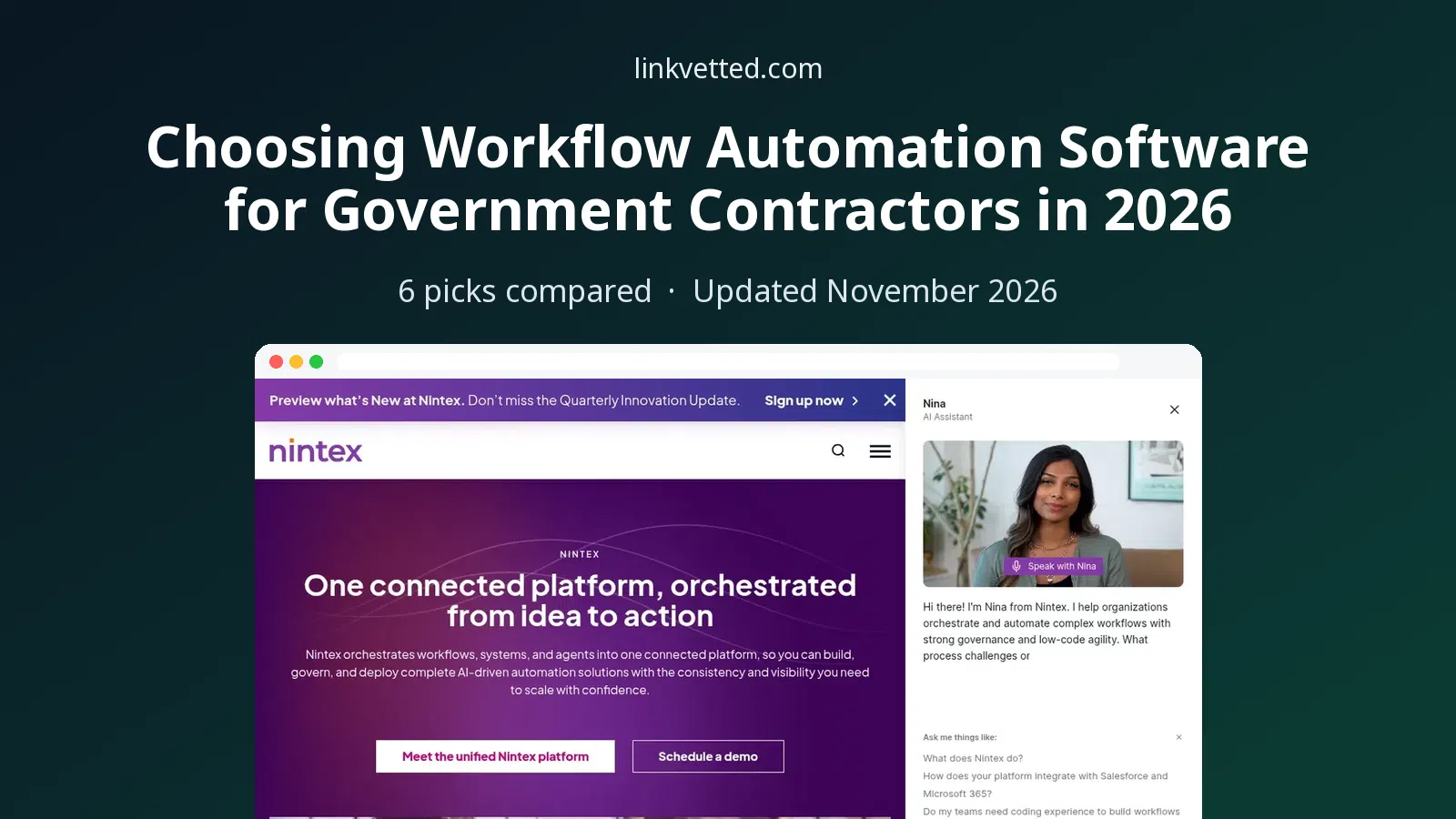
- Editor's choiceNintex Workflow
End-to-end process management
Starts atSee websiteVisit nintex.comFull review - Great alternative
 Make
Visual no-code workflow building
Starts atSee websiteVisit make.comFull review - Also consider
 ServiceNow
Wide enterprise workflow coverage
Starts atSee websiteVisit servicenow.comFull review
Direct answer
For end-to-end process management, Nintex Workflow is where this list starts. Listed starting prices: Workato from $100 a month and UiPath from $25 a month. Make is better for visual no-code workflow building, and ServiceNow is better for wide enterprise workflow coverage. The full list of 6 tools follows, with prices and free plan facts.
TL;DR:
- Top of the list is Nintex Workflow, which targets end-to-end process management.
- Starting prices begin at $25 per month with UiPath.
- UiPath suits secure, compliant automation at scale.
- Free plans exist at 3 of 6 tools (Make, Workato, UiPath).
Last checked November 2026. Prices and plan details were read from the vendors' own pages in November 2026; vendors change plans often, so confirm the current price on the vendor site before you buy.
Quick comparison
| Tool | Best for | Starts at | Free plan? | |
|---|---|---|---|---|
| Nintex Workflow | End-to-end process management | See website | Free trial | Visit |
| Make | Visual no-code workflow building | See website | Yes | Visit |
| ServiceNow | Wide enterprise workflow coverage | See website | Not stated | Visit |
 Workato | Governing and scaling enterprise integrations | $100 a month | Yes | Visit |
 Appian | Orchestrating critical processes | See website | Not stated | Visit |
 UiPath | Secure, compliant automation at scale | $25 a month | Yes | Visit |
Workflow Automation Software for Government Contractors compared in detail
LinkVetted compared 6 workflow automation software for government contractors. The goal is a practical shortlist: published prices, free plan facts, best-fit use cases and honest limits for every entry.
Nintex Workflow
Best for: End-to-end process management
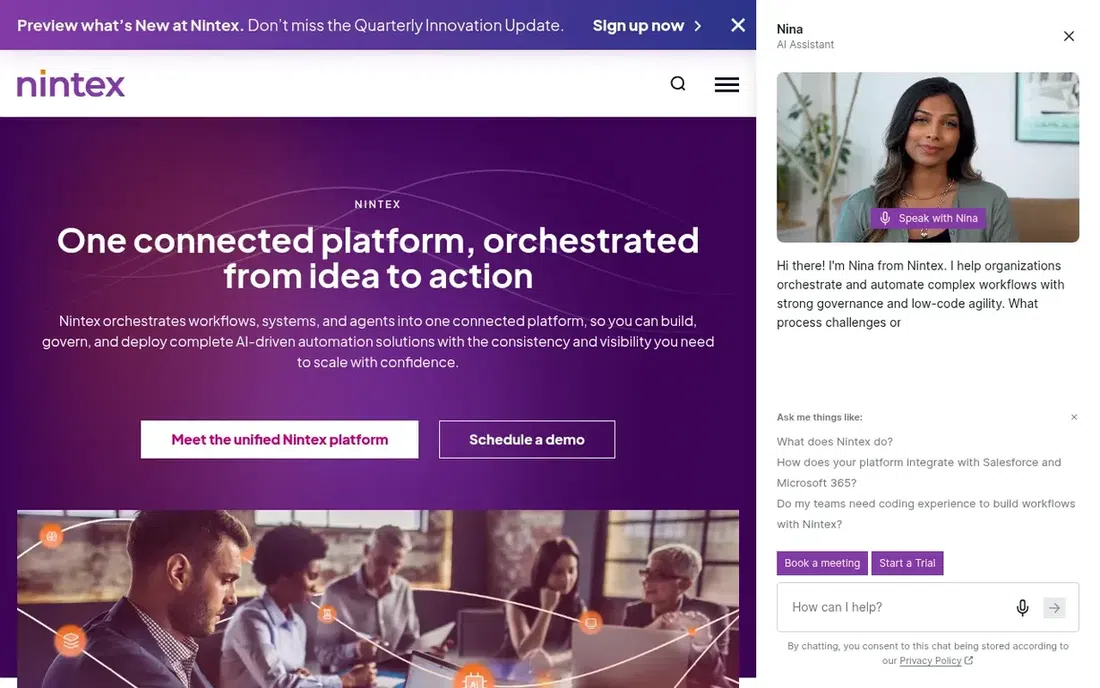
Nintex Workflow works best for end-to-end process management. Nintex Workflow positions itself around end-to-end process and workflow automation, with custom app development for integrated workflow automation. More specifically, contractors needing very deep system-to-system integrations may pair it with other tools.
Where it falls short: Process design needs discipline.
Also, pick Nintex when process visibility and custom workflow apps are the central requirement. Process-centric systems reward teams that document and standardize their workflows first; without that groundwork, value is restricted. Check the vendor site for Nintex Workflow pricing; none is listed in this comparison. Free options: Free trial.
- Process and workflow automation focus
- Custom app development included
- Deep integrations may need extras
Think of Make for visual no-code workflow building. For government contractors, that visual approach can help small operations or business development teams automate routine tasks without developer involvement. Beyond that, very large or regulated workflows may call for a heavier system.
The main drawbacks: Less suited to complicated enterprise governance.
Choose Make when quick, visual automation of everyday processes is the priority. Worth adding: no-code tools trade some governance depth for speed, so contractors with strict audit or data-handling requirements should review controls carefully. Check the vendor site for Make pricing; none is listed in this comparison. A free plan is available with Make.
- No-code integration builder
- Approachable for non-developers
- Very large scenarios need careful design
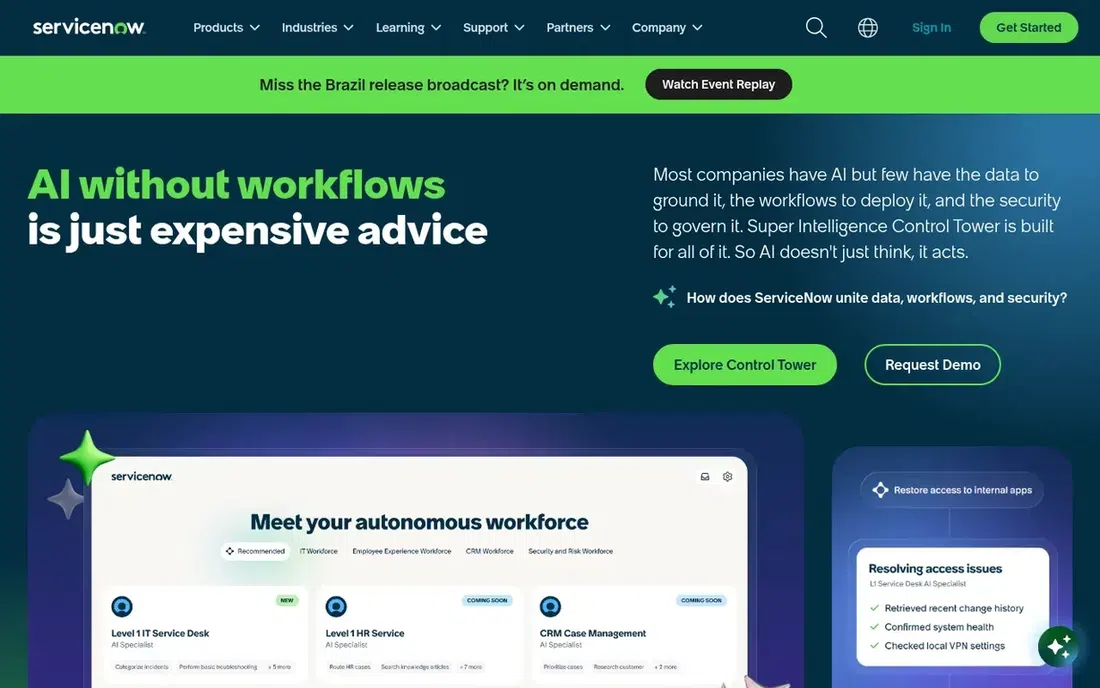
ServiceNow is aimed squarely at wide enterprise workflow coverage. ServiceNow presents itself as an AI product for simplifying enterprise workflows, with the stated aim of enabling customers and employees across every part of a business. It tends to fit bigger organizations with the staff to configure and maintain a substantial enterprise system.
The trade-off is complexity. A product this wide normally demands dedicated administration and a clear process roadmap before rollout. Smaller contractors with a narrow automation scope may find lighter tools faster to adopt, whereas large prime contractors with numerous interconnected workflows are the natural fit. ServiceNow does not show a starting price in this comparison, so check the vendor site for current pricing. Free plan details: Not stated.
Downsides: Can be heavy for small teams.
- Fits large
- Regulated organizations
- Configuration effort is significant
Workato targets governing and scaling enterprise integrations. Workato links apps, data, workflows and AI agents on one enterprise product to securely orchestrate, automate and govern work.
Worth adding: the governance angle fits government contractors that require integrations to be visible and controlled across departments. Beyond that, pick Workato when connecting many systems securely and governing those integrations is central to your automation strategy. Workato pricing: $100 per month. Free access exists with Workato.
Watch-outs: Enterprise focus may exceed small needs.
- Emphasis on governing enterprise AI
- Single product for orchestration
- Integration design needs oversight
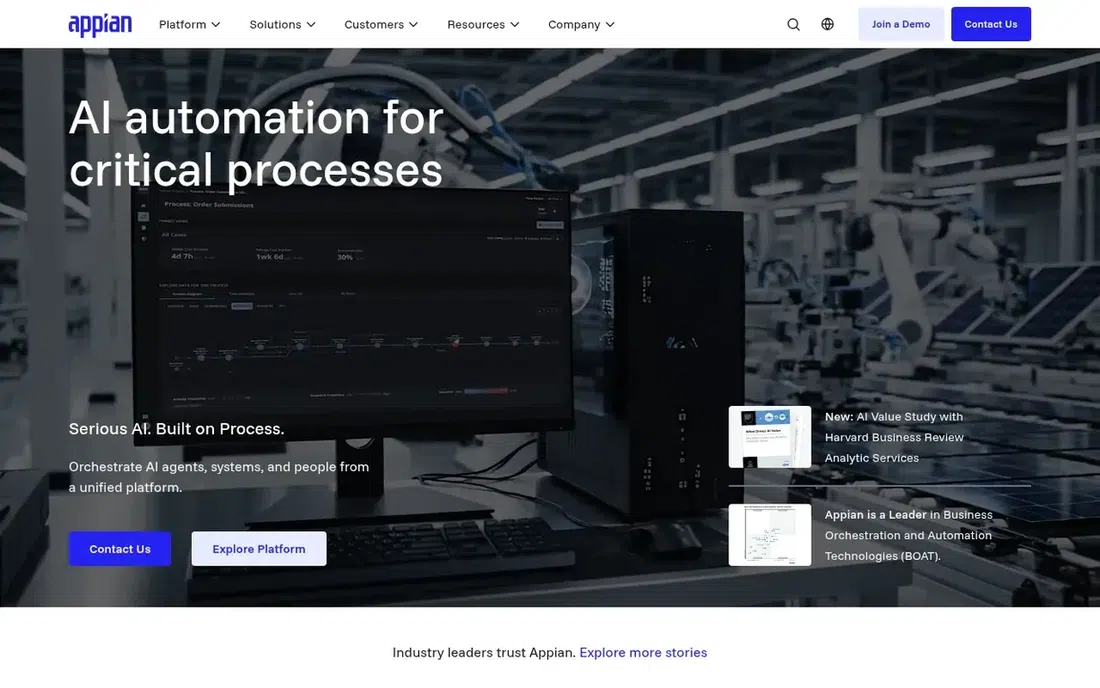
Choose Appian for orchestrating critical processes. Since Appian targets critical, cross-system processes, setup and governance take deliberate effort.
Watch-outs: Wide scope needs planning.
As for the details, choose Appian when the priority is orchestrating complicated, high-stakes workflows that span several systems and stakeholders. Appian shows no starting price here, so confirm the cost on the vendor site. On free options: Not stated. What works well: Orchestrates AI agents.
- Systems and people
- Focus on critical enterprise processes
- Specialized skill set may be needed
UiPath works best for secure, compliant automation at scale. Automation built on robots needs clear governance, change control and monitoring to stay steady. In practice, organizations new to automation may start with a narrower scope before expanding.
Also, the compliance emphasis is relevant for contractors handling sensitive data and audit requirements. More specifically, pick UiPath when secure, compliant automation at scale is the goal and you can support continuing oversight. On cost, UiPath starts like this: $25 per month. Free access exists with UiPath.
Reasons to shortlist it: Emphasis on secure. Honest limits: Product breadth can overwhelm newcomers.
- Business orchestration and automation
- Compliant outcomes
- Robot-based work needs governance
How we chose
What to check before you buy
- Get a written quote from Nintex Workflow, Make, ServiceNow and Appian; the list shows no starting price for them.
- Check what the free option really includes: Make, Workato and UiPath offer a free plan, and usage caps differ.
- Run a trial of Nintex Workflow with real work before paying for a year; your own workflow is the best test.
- Before choosing Nintex Workflow, weigh its main limit: deep integrations may need extras.
- See whether Workato offers onboarding or training, and whether it is included in the price.
- Work out what Appian costs with your real seat count, add-ons and usage, not just the entry price.
FAQ
Can I try these tools before paying?
Often, yes. Make, Workato and UiPath have a free plan and Nintex Workflow offers a free trial. Use your own data and a real task during the test, and check what the free tier or trial limits before you rely on it.
What is the cheapest option for workflow automation software for government contractors in this list?
On published monthly entry prices, UiPath is the lowest here at $25 per month. Entry price is only part of the cost, because seats, add-ons and billing terms can change the total. Each of the 6 options in this workflow automation software for government contractors guide has its own card above with the price, free plan and limits.
How should contractors evaluate compliance features?
Focus on audit trails, access controls and how automation activity is logged and reviewed. UiPath emphasizes secure, compliant outcomes, whereas Workato stresses governing integrations, so ask each vendor for specifics tied to your contract obligations.
Which options for workflow automation software for government contractors have a free plan?
Make, Workato and UiPath offer a free plan in this list. Free plans usually cap users, projects or features, so check the limits on the vendor page. One other tool offers a trial instead. All 6 picks in this workflow automation software for government contractors comparison list a starting price, free plan details and the main limits on their cards above.
Do these tools publish their prices?
Not all of them. Nintex Workflow, Make, ServiceNow and Appian publish no starting price, so expect a quote request for those. The rest, Workato included, show a starting price, though seats and billing terms still change the final cost.
Sources
- https://www.nintex.com
- https://www.make.com
- https://www.servicenow.com
- https://www.workato.com
- https://appian.com
- https://www.uipath.com