Best Workflow Automation Software for Contractors (2026): 5 Picks Checked on Vendor Pages
Best workflow automation software for contractors: 5 tools compared on price, free plans and fit. Every profile names its biggest catch. Pick by budget.
- Editor's choice
 Jobber
Small service teams organizing quotes to payments
Starts atSee websiteVisit getjobber.comFull review - Great alternative
 Housecall Pro
Home service companies managing field operations
Starts at$59 a monthVisit housecallpro.comFull review - Also consider
 Fieldwire
Live jobsite task and drawing management
Starts at$39 per user a monthVisit fieldwire.comFull review
Direct answer
This list puts Jobber first for small service teams organizing quotes to payments. Listed starting prices: Housecall Pro from $59 a month, Fieldwire from $39 per user a month and Knowify from $19 per unit a month. For a different need, Housecall Pro covers home service companies managing field operations and Fieldwire covers live jobsite task and drawing management. The other 2 tools in the list cover narrower or pricier cases.
TL;DR:
- Jobber is the opening pick, best for small service teams organizing quotes to payments.
- ServiceTitan suits all-in-one trades operations and project management.
- Only Fieldwire offers a free plan among these 5 tools.
- For the cheapest start, look at Knowify: $19 per unit per month.
Last checked November 2026. Prices and plan details were read from the vendors' own pages in November 2026; vendors change plans often, so confirm the current price on the vendor site before you buy.
Quick comparison
| Tool | Best for | Starts at | Free plan? | |
|---|---|---|---|---|
| Jobber | Small service teams organizing quotes to payments | See website | Not stated | Visit |
| Housecall Pro | Home service companies managing field operations | $59 a month | Free trial | Visit |
| Fieldwire | Live jobsite task and drawing management | $39 per user a month | Yes | Visit |
 Knowify | Trade contractors bidding and invoicing jobs | $19 per unit a month | Free trial | Visit |
 ServiceTitan | All-in-one trades operations and project management | See website | Free trial | Visit |
Workflow Automation Software for Contractors compared in detail
LinkVetted compared 5 workflow automation software for contractors. The goal is a practical shortlist: published prices, free plan facts, best-fit use cases and honest limits for every entry.
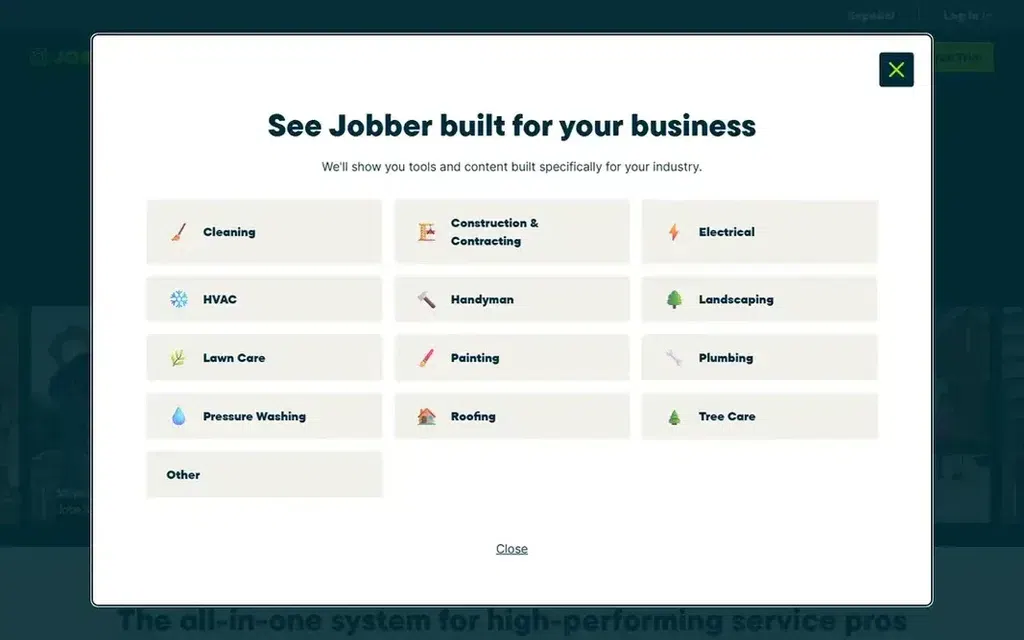
For small service teams organizing quotes to payments, Jobber is a natural candidate. Jobber describes itself as home and commercial service software that organizes a service business by handling quoting, scheduling, invoicing and payments in one place.
Upsides: Suited to home and commercial service work.
In daily use, pick Jobber when straightforward service operations and fast quoting are the priority. Jobber does not show a starting price in this comparison, so check the vendor site for current pricing. Free options: Not stated.
Watch-outs: May not fit highly specialized workflows.
- Quote, schedule
- Easy-to-use app for sales and operations
- Less depth for large construction projects
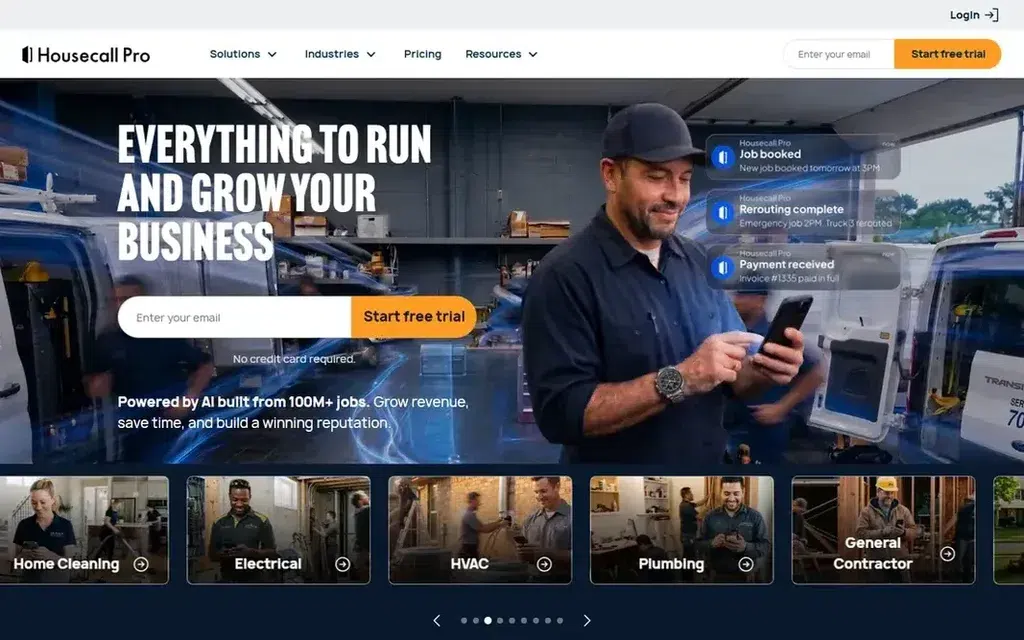
Think of Housecall Pro for home service companies managing field operations. Housecall Pro is home services business management software geared toward field service professionals.
Honest limits: Feature depth varies by business type.
For everyday use, home service firms looking for a single operational hub are the natural audience. Price to start with Housecall Pro: $59 per month. On free options: Free trial.
- Field-focused management features
- Positioned as simple for field professionals
- Home service focus may not suit general contractors
For real-time jobsite task and drawing management, Fieldwire is a natural candidate. Fieldwire by Hilti is live jobsite management software that lets teams track tasks, update drawings and cut expensive rework. Its homepage notes use by owners, general contractors and subcontractors.
Pick Fieldwire when accurate field coordination and drawing control are the central goals. Beyond that, Fieldwire concentrates on jobsite management, so invoicing, quoting and broader business administration usually need other tools alongside it. Fieldwire starts at: $39 per user per month. Free access exists with Fieldwire.
Downsides: Concentrated on jobsite management, not back-office billing.
Highlights: Used by owners.
- Helps cut expensive rework
- Track tasks and update drawings on site
- May need pairing with other business software
Knowify works best for trade contractors bidding and invoicing jobs. Knowify concentrates on bidding, job management and invoicing, so firms needing broad dispatch or customer service features may want extra tools.
Where it is weaker: May not handle every operational need.
Best features of Knowify: Designed for commercial and residential trade work.
- Bid
- Focus on on-time
- Narrower scope than full field service suites

In short, ServiceTitan is for all-in-one trades operations and project management. Choose ServiceTitan when you need depth across service and project operations.
Honest limits: Wide scope may overwhelm very small teams.
- Aimed at home and commercial contractors
- Handles service visits and construction projects
- Setup can need significant time
How we compared the tools
Pre-purchase checklist
- Get a written quote from Jobber and ServiceTitan; the list shows no starting price for them.
- Look at the free plan from Fieldwire closely: its caps decide whether it is usable for real work.
- Use real work to test the free trial from Housecall Pro, Knowify and ServiceTitan, rather than a demo project.
- Before choosing Jobber, weigh its main limit: less depth for large construction projects.
- Map your must-have features to a specific Jobber plan before you compare prices.
- See whether Housecall Pro offers onboarding or training, and whether it is included in the price.
FAQ
Is Jobber the right pick for everyone comparing workflow automation software for contractors?
No single tool suits every team. Jobber comes first because it fits small service teams organizing quotes to payments, while Housecall Pro suits home service businesses managing field operations and Fieldwire suits real-time jobsite task and drawing management. Match the tool to your own size, budget and workflow before deciding.
Do these tools publish their prices?
Not all of them. Jobber and ServiceTitan publish no starting price, so expect a quote request for those. The rest, Housecall Pro included, show a starting price, though seats and billing terms still change the final cost. For the full picture, the cards above cover all 5 entries of this workflow automation software for contractors list, including price, free plan and limits.
Can I try these tools before paying?
Often, yes. Fieldwire has a free plan and Housecall Pro, Knowify and ServiceTitan offer a free trial. Use your own data and a real task during the test, and check what the free tier or trial limits before you rely on it.
How are the tools for workflow automation software for contractors ordered?
The order follows typical fit for workflow automation software for contractors, with Jobber first and ServiceTitan last, then price clarity and free access. It is editorial judgement, not a score, so another team could rank the tools differently.
Sources
- https://www.getjobber.com
- https://www.housecallpro.com
- https://www.fieldwire.com
- https://www.knowify.com
- https://www.servicetitan.com
Related guides
- Best AP Automation Software for Construction (2026): 5 Picks Checked on Vendor Pages
- Best Access Management Software for Government Contractors for 2026: Our 5 Vetted Picks
- Best Accounting Software for Contractors in 2026: 9 Tools Compared
- 6 Analytics Software for Contractors Worth Shortlisting in 2026