Top WordPress Page Builder Alternatives in 2026: 5 Picks Ranked
Best WordPress page builder alternatives to Elementor: 5 contenders ranked by fit, with entry costs and free tiers. Plus the drawbacks of each tool. Facts only.
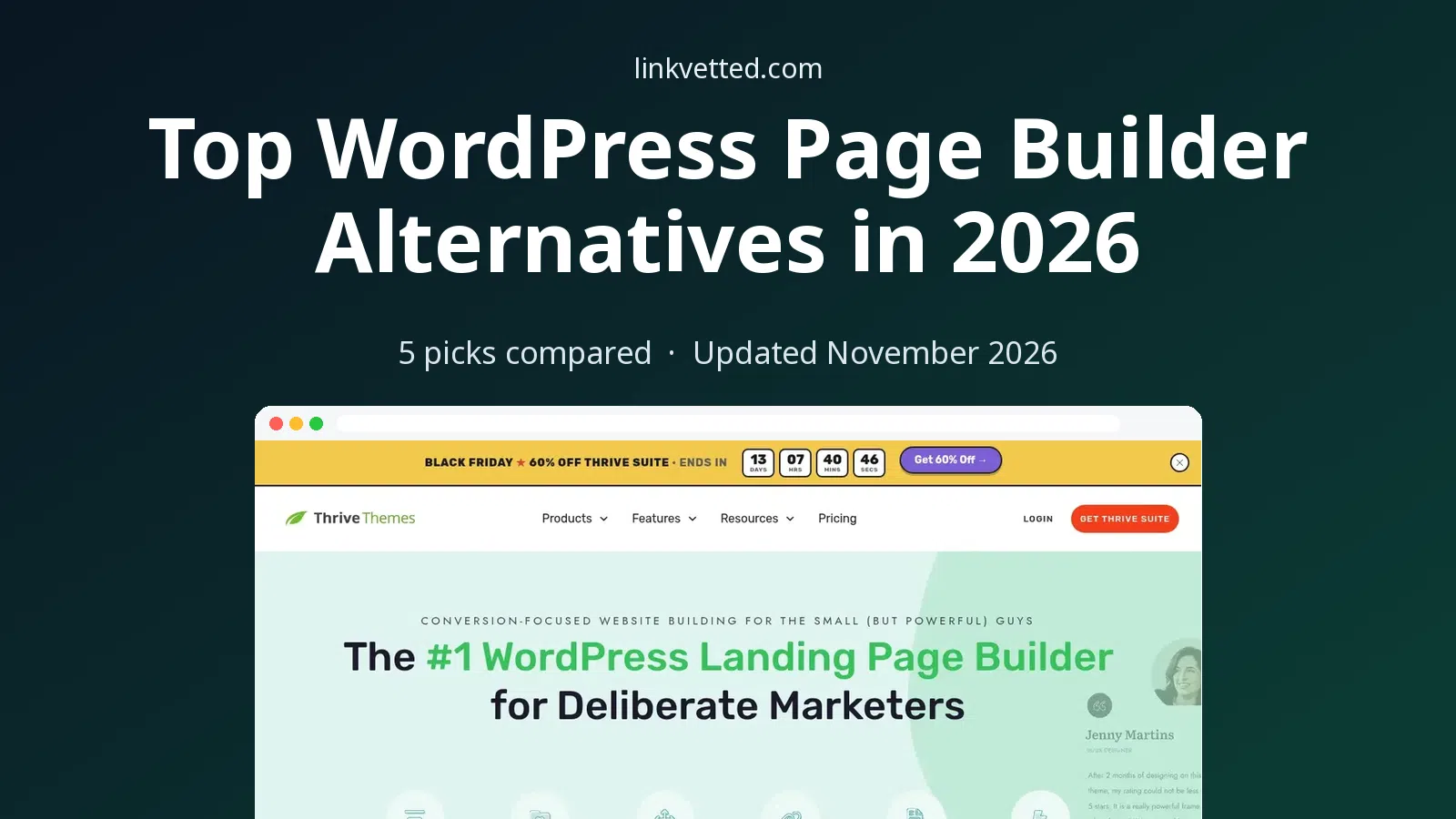
- Editor's choiceThrive Architect
Conversion-focused landing pages
Starts atSee websiteVisit thrivethemes.comFull review - Great alternativeBreakdance
AI-assisted website creation
Starts at$99.99 a yearVisit breakdance.comFull review - Also considerVisual Composer
Free drag-and-drop website building
Starts at$49 a yearVisit visualcomposer.comFull review
Direct answer
Thrive Architect leads the list, best for conversion-focused landing pages. Listed starting prices: Breakdance from $99.99 a year, Visual Composer from $49 a year and SeedProd from $79. For a different need, Breakdance covers AI-assisted website creation and Visual Composer covers free drag-and-drop website building. The other 2 tools in the list cover narrower or pricier cases.
TL;DR:
- Thrive Architect sits first on this list: conversion-focused landing pages.
- One limit worth knowing about Breakdance: newer to the market.
- Divi suits all-in-one theme and visual builder.
- Expect to ask for a quote from Thrive Architect and Divi; the other tools show a starting price.
Last checked November 2026. Prices and plan details were read from the vendors' own pages in November 2026; vendors change plans often, so confirm the current price on the vendor site before you buy.
Quick comparison
| Tool | Best for | Starts at | Free plan? | |
|---|---|---|---|---|
| Thrive Architect | Conversion-focused landing pages | See website | Not stated | Visit |
| Breakdance | AI-assisted website creation | $99.99 a year | Yes | Visit |
| Visual Composer | Free drag-and-drop website building | $49 a year | Yes | Visit |
| SeedProd | Drag-and-drop landing pages | $79 | Not stated | Visit |
| Divi | All-in-one theme and visual builder | See website | Not stated | Visit |
Tool-by-tool breakdown
If you are comparing WordPress Page Builder Alternatives to Elementor, this page covers 5 tools in one place: what each is best for, what it costs to start, whether it has a free plan, and the main limit to know about.
Thrive Architect
Best for: Conversion-focused landing pages
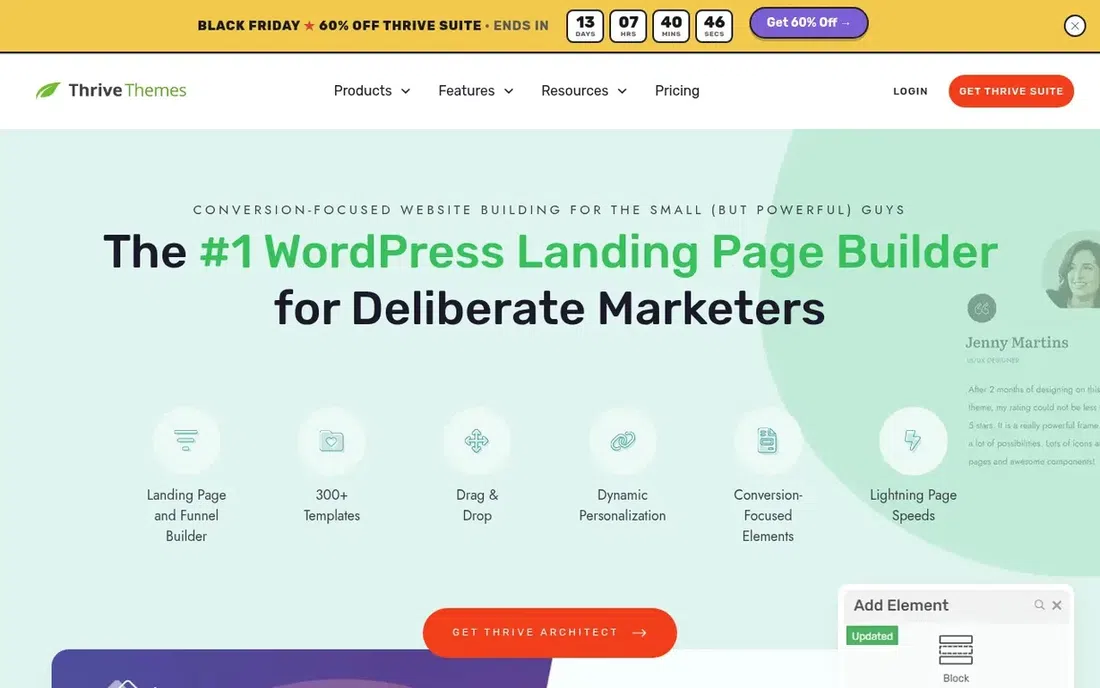
Where Thrive Architect fits: conversion-focused landing pages. Thrive Architect is not intended as a complete site-building option; it fits best alongside a theme.
It is also less suited to those who prefer block-based editing. Pricing for Thrive Architect is not stated here, so ask the vendor for current figures. As for free access: Not stated.
The main drawbacks: Concentrated on marketing pages.
- Landing page elements
- Visual editor for sales pages
- Not a full-site theme builder
Breakdance
Best for: AI-assisted website creation
Breakdance works best for AI-assisted website creation. Consider a more established builder if you need proven long-term stability. In daily use, the AI-generated output might need manual adjustments to match specific requirements.
The main drawbacks: Newer to the market.
Worth adding: Breakdance is an AI website builder for WordPress that creates a designed, on-brand site from a text description, which you can then edit in a visual editor. It appeals to users who want a head start on design whereas retaining full control over the final layout. Breakdance cost at the entry level: $99.99 per year. A free plan is available with Breakdance.
- Editable output
- AI site generation from a description
- AI results may need refinement
Visual Composer
Best for: Free drag-and-drop website building
Visual Composer was built for free drag-and-drop website building. Visual Composer is a free drag-and-drop website builder for WordPress that lets you build professional-looking sites without coding.
What to check first: Interface can feel dated.
What you pay to start with Visual Composer: $49 per year. Visual Composer has a free plan.
- Drag-and-drop interface
- Free version available
- Advanced features may be restricted
SeedProd
Best for: Drag-and-drop landing pages
SeedProd is designed for drag-and-drop landing pages. SeedProd is a drag-and-drop WordPress website and landing page builder that emphasizes speed and simplicity. It is well-suited for creating landing pages and straightforward websites rapidly, particularly for users who want to avoid complicated setup.
SeedProd is primarily known for landing pages, so it may not offer the full-site design adaptability of some competitors. As for the details, if you have to build a complete site with custom headers, footers, and archives, a full-site builder could be more appropriate. The starting price for SeedProd: $79. Free plan details: Not stated.
The main drawbacks: Restricted full-site building.
What works well: Fast setup.
- Landing page templates
- Drag-and-drop builder
- Concentrated on landing pages
Divi
Best for: All-in-one theme and visual builder
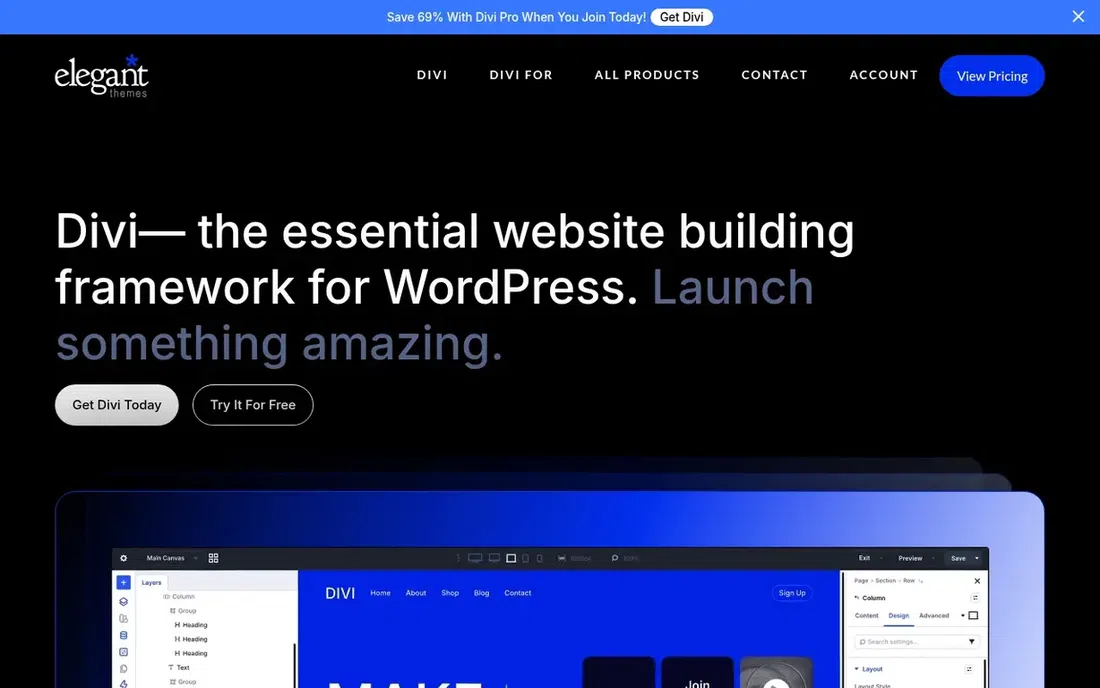
Divi is a good fit for all-in-one theme and visual builder. It may be overkill for straightforward blogs or sites that require light performance.
As for the details, consider a dedicated landing page builder if you only need conversion-focused pages. Check the vendor site for Divi pricing; none is listed in this comparison. Free options: Not stated.
Where it falls short: Shortcode-based content can lock you in.
- Deep integration with its theme
- Large template library
- Ramp-up time for advanced layouts
Selection criteria
Pricing pages, product documentation and feature lists were the main sources, and every entry carries at least one honest drawback. Where a price is missing, the vendor does not list one publicly or ties it to a quote. Always confirm before budgeting. Tools are placed by general fit for WordPress Page Builder Alternatives to Elementor, with price clarity and free access as tie-breakers. A different team can reasonably rank them differently.
What to check before you buy
- Confirm the entry price on the vendor page. For Thrive Architect and Divi that means a quote rather than a fixed price.
- Check what the free option really includes: Breakdance and Visual Composer offer a free plan, and usage caps differ.
- Before choosing Thrive Architect, weigh its main limit: not a full-site theme builder.
- Look at which plan of Thrive Architect unlocks the features you need; entry tiers are often cut down.
- Check whether Visual Composer bills monthly or annually, and what cancelling early costs.
FAQ
What is the best free alternative to Elementor?
The first pick on this list is Thrive Architect, because it suits conversion-focused landing pages. Breakdance is better for AI-assisted website creation, and Visual Composer for free drag-and-drop website building. Check price and limits against your own needs before choosing.
How are the tools for WordPress Page Builder Alternatives to Elementor ordered?
Thrive Architect sits first and Divi last because the order follows typical fit for WordPress Page Builder Alternatives to Elementor, then price clarity and free access. It is a judgement call, so read each profile for fit and limits.
Do these tools publish their prices?
Not all of them. Thrive Architect and Divi publish no starting price, so expect a quote request for those. The rest, Breakdance included, show a starting price, though seats and billing terms still change the final cost.
Will switching builders break my existing site?
Switching builders can leave shortcodes or custom layouts that may not render correctly. Plan a migration strategy, test on a staging site, and consider rebuilding pages if necessary to avoid broken content.
Which alternative is a good match for landing pages?
For most readers this guide would start with Thrive Architect, built for conversion-focused landing pages. Breakdance is the alternative for AI-assisted website creation, and Visual Composer for free drag-and-drop website building. The right answer depends on budget and workflow.
Which options for WordPress Page Builder Alternatives to Elementor have a free plan?
Breakdance and Visual Composer offer a free plan in this list. Free plans usually cap users, projects or features, so check the limits on the vendor page.
Sources
- https://thrivethemes.com/architect
- https://breakdance.com
- https://visualcomposer.com
- https://www.seedprod.com
- https://www.elegantthemes.com/gallery/divi