Top DreamHost Alternatives in 2026: 5 Picks Ranked
DreamHost alternatives in 2026: 5 tools with starting prices, free plans and limits. Trade-offs are spelled out for each entry. A comparison table is included.

- Editor's choice
 Liquid Web
Managed infrastructure and dedicated servers
Starts atSee websiteVisit liquidweb.comFull review - Great alternative
 WP Engine
Managed WordPress at scale
Starts at$28.00 a monthVisit wpengine.comFull review - Also consider
 SiteGround
Speed and security focused shared hosting
Starts atSee websiteVisit siteground.comFull review
Direct answer
Liquid Web is the first pick on this list for managed infrastructure and dedicated servers. Listed starting prices: WP Engine from $28.00 a month, GreenGeeks from $1.95 a month and Kinsta from $17.50 a month. WP Engine is the stronger choice for managed WordPress at scale, while SiteGround suits speed and security focused shared hosting. Prices, free plans and limits for all 5 tools follow.
TL;DR:
- Liquid Web takes the first slot, best suited to managed infrastructure and dedicated servers.
- Neither Liquid Web nor Kinsta, nor any of the other 3 tools, has a permanent free plan; trials and quotes are the norm.
- Kinsta fits managed WordPress hosting performance.
- A fair warning about SiteGround: less suited to complicated custom stacks.
Last checked November 2026. Prices and plan details were read from the vendors' own pages in November 2026; vendors change plans often, so confirm the current price on the vendor site before you buy.
Quick comparison
| Tool | Best for | Starts at | Free plan? | |
|---|---|---|---|---|
| Liquid Web | Managed infrastructure and dedicated servers | See website | Not stated | Visit |
| WP Engine | Managed WordPress at scale | $28.00 a month | Not stated | Visit |
| SiteGround | Speed and security focused shared hosting | See website | Not stated | Visit |
 GreenGeeks | Eco-conscious buyers seeking standard hosting | $1.95 a month | Not stated | Visit |
 Kinsta | Managed WordPress hosting performance | $17.50 a month | Free trial | Visit |
DreamHost, one by one
Short on time? The summary and table above give the quick view of 5 tools for DreamHost, and the profiles that follow give the detail behind each entry.
For managed infrastructure and dedicated servers, Liquid Web is a natural candidate. If you run a small blog or entry-level brochure site, a more straightforward shared host is likely a better match.
What to check first: Less beginner-friendly positioning.
More specifically, Liquid Web's infrastructure focus makes it more than plenty of straightforward sites need, and its positioning assumes some technical comfort. Pricing for Liquid Web is not stated here, so ask the vendor for current figures. Trial and free access: Not stated.
- Dedicated and managed choices
- Compliant infrastructure focus
- Overkill for straightforward blogs
Where WP Engine fits: managed WordPress at scale. WP Engine is a website hosting system centered on WordPress, with round-the-clock support and security options.
From a buyer's view, buyers seeking a WordPress-specialist alternative to DreamHost often compare it. What you pay to start with WP Engine: $28.00 per month. Free options: Not stated.
Trade-offs to know: Not for custom non-WordPress apps.
- WordPress-focused product
- Security options included
- WordPress-only scope

SiteGround is a good fit for speed and security focused shared hosting. SiteGround is a web hosting company positioned around ultrafast speed, security, and round-the-clock expert support.
Worth adding: SiteGround's focus on managed environments means less control over low-level server configuration than some users want. Check the vendor site for SiteGround pricing; none is listed in this comparison. Trial and free access: Not stated.
What to check first: Less suited to complicated custom stacks.
- Round-the-clock expert support
- Emphasis on quick loading
- Managed choices cost more
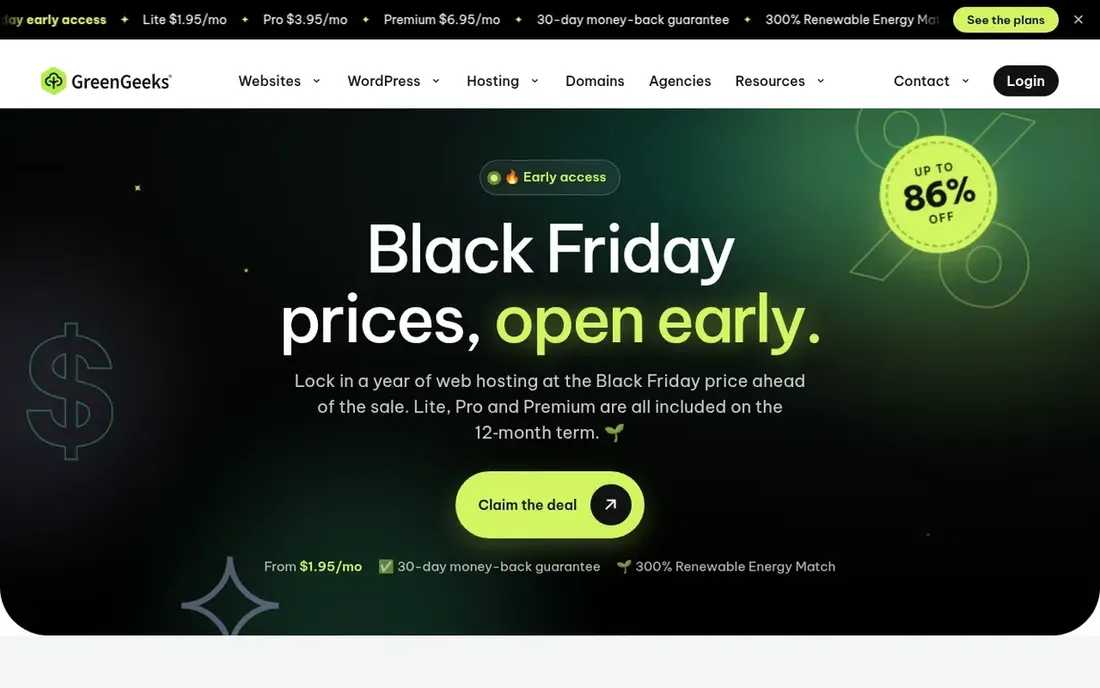
GreenGeeks is designed for Eco-conscious buyers seeking standard hosting. GreenGeeks markets quick, scalable, and eco-friendly web hosting, positioning itself around green energy hosting services.
Choose GreenGeeks when eco-friendly positioning and everyday hosting needs align. Buyers comparing DreamHost alternatives who care about sustainability commonly shortlist it. Entry price for GreenGeeks: $1.95 per month. On free options: Not stated.
The main drawbacks: Restricted detail on advanced managed stacks.
- Green energy positioning
- Straightforward hosting focus
- Eco angle may not matter to every buyer
Kinsta is a good fit for managed WordPress hosting performance. Kinsta is built around WordPress, so it is not the right fit for sites running other products or mixed custom stacks.
Worth adding: choose Kinsta when WordPress performance and managed support are the priorities. Kinsta cost at the entry level: $17.50 per month. On free options: Free trial.
Where it is weaker: Concentrated on WordPress only.
- WordPress-specific system
- Enterprise-grade speed focus
- Less suited to non-WordPress stacks
How we compared the tools
LinkVetted looked at what each vendor publishes: pricing, plan limits, feature coverage for DreamHost and stated drawbacks. No hands-on testing is claimed. Treat prices as a snapshot: vendors change plans often, so check the vendor site for the figure that applies today. The ranking is editorial: typical fit first, then clear pricing, then free access. If your needs are unusual, read the profiles rather than relying on position.
Before you commit
- Get a written quote from Liquid Web and SiteGround; the list shows no starting price for them.
- Run a trial of Kinsta with real work before paying for a year; your own workflow is the best test.
- Read the limits listed for Liquid Web first: overkill for straightforward blogs.
- Look at the renewal terms for WP Engine: auto-renewal, notice periods and price changes can matter more than the first-year price.
- Ask Liquid Web which support channels and response times come with the plan you would buy.
FAQ
What should I check before switching hosts?
Confirm the new host supports your product, review migration assistance, and check uptime commitments and support availability. Also verify that security features and scalability match your site's needs.
Is Liquid Web the right pick for everyone comparing DreamHost?
No single tool suits every team. Liquid Web comes first because it fits managed infrastructure and dedicated servers, while WP Engine suits managed WordPress at scale and SiteGround suits speed and security focused shared hosting. Match the tool to your own size, budget and workflow before deciding.
Can I try these tools before paying?
Often, yes. Kinsta offers a free trial. Use your own data and a real task during the test, and check what the free tier or trial limits before you rely on it.
How are the tools for DreamHost ordered?
Liquid Web sits first and Kinsta last because the order follows typical fit for DreamHost, then price clarity and free access. It is a judgement call, so read each profile for fit and limits.
Are there alternatives for larger or dedicated workloads?
Liquid Web supplies dedicated servers, managed hosting, and compliant infrastructure aimed at uptime and performance. It fits companies and agencies with heavier requirements than shared hosting.
Do any alternatives focus on sustainability?
GreenGeeks positions itself around green energy web hosting whereas offering quick and scalable service. It fits buyers who want standard hosting with an environmental angle. Compare its features against your technical requirements before deciding.
Sources
- https://www.liquidweb.com
- https://wpengine.com
- https://www.siteground.com
- https://www.greengeeks.com
- https://kinsta.com