5 Best WordPress Developers Software for Small Business for 2026, Vetted and Compared
Best wordpress developers software for small business: 5 tools compared on price, free plans and fit. Strengths and weak spots are spelled out. Costs up front.
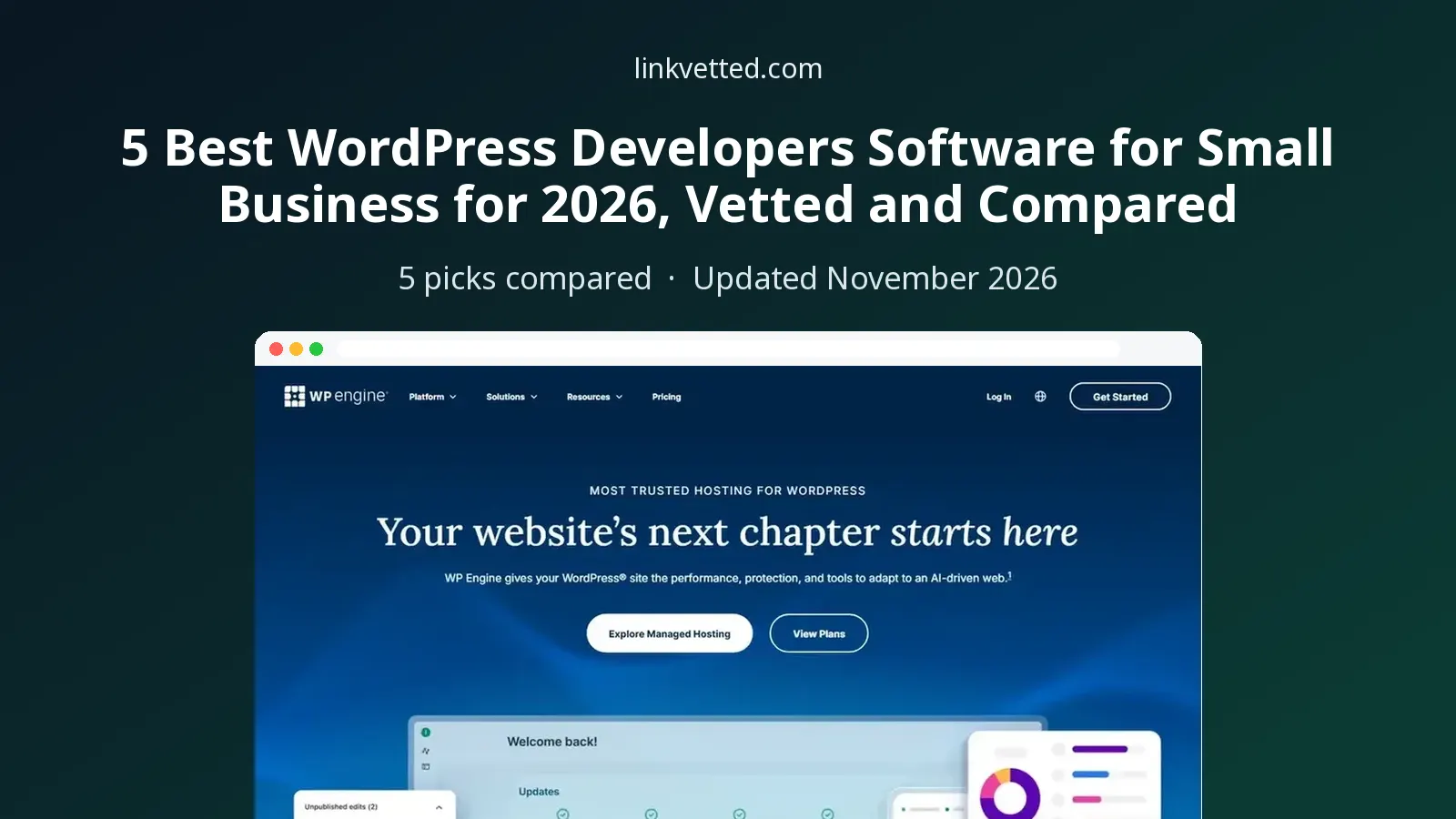
- Editor's choice
 SiteGround
General web hosting with quick support
Starts atSee websiteVisit siteground.comFull review - Great alternative
 WP Engine
Managed WordPress hosting with support
Starts at$28.00 a monthVisit wpengine.comFull review - Also consider
 WordPress.com
All-in-one site building without setup
Starts at$4 a monthVisit wordpress.comFull review
Direct answer
Start with SiteGround if you need general web hosting with quick support. Listed starting prices: WP Engine from $28.00 a month, WordPress.com from $4 a month and Kinsta from $17.50 per month. If your case is different, WP Engine suits managed WordPress hosting with support and WordPress.com suits all-in-one site building without setup. The remaining 2 options are covered below with prices and limits.
TL;DR:
- SiteGround is the opening pick, best for general web hosting with quick support.
- WordPress.com has the lowest monthly starting price in this list: $4 per month.
- Cloudways suits managed cloud hosting for growing sites.
- Check the limits for SiteGround before you commit: not restricted to WordPress.
Last checked November 2026. Prices and plan details were read from the vendors' own pages in November 2026; vendors change plans often, so confirm the current price on the vendor site before you buy.
Quick comparison
| Tool | Best for | Starts at | Free plan? | |
|---|---|---|---|---|
| SiteGround | General web hosting with quick support | See website | Not stated | Visit |
| WP Engine | Managed WordPress hosting with support | $28.00 a month | Not stated | Visit |
| WordPress.com | All-in-one site building without setup | $4 a month | Yes | Visit |
 Kinsta | Performance-focused managed WordPress hosting | $17.50 per month | Free trial | Visit |
 Cloudways | Managed cloud hosting for expanding sites | $20 a month | Free trial | Visit |
WordPress Developers Software for Small Business, one by one
LinkVetted compared 5 tools for wordpress developers software for small business. The goal is a practical shortlist: published prices, free plan facts, best-fit use cases and honest limits for every entry.
In short, SiteGround is for general web hosting with quick support. It suits small firms that want a conventional hosting provider they can grow with, whether they run WordPress or another product.
Since SiteGround serves plenty of kinds of sites, it is a general host instead of a WordPress-only specialist. Check the vendor site for SiteGround pricing; none is listed in this comparison. On free options: Not stated.
Trade-offs to know: Feature depth varies by hosting type.
- Web hosting for numerous domains
- Round-the-clock expert support
- Not restricted to WordPress
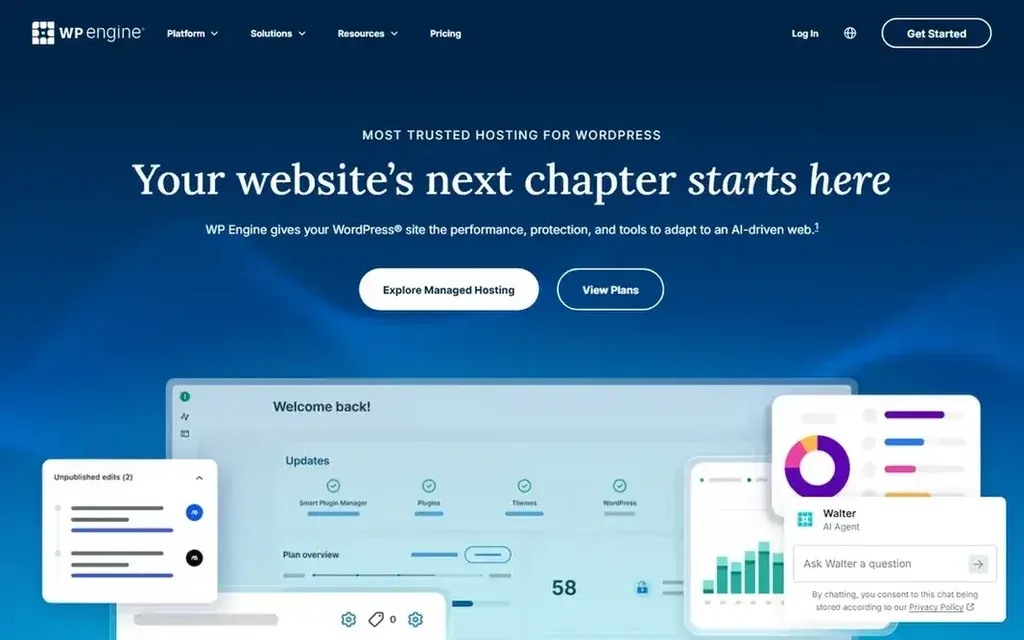
WP Engine is designed for managed WordPress hosting with support. WP Engine describes itself as a website hosting product built around WordPress, with support and security options included.
Its homepage emphasizes trusted hosting and round-the-clock support. The starting price for WP Engine: $28.00 per month. As for free access: Not stated.
The main drawbacks: Concentrated on WordPress only.
- Suited to business websites
- Support and security options
- Less suited to non-WordPress sites

For all-in-one site building without setup, WordPress.com is a natural candidate. If your business needs custom plugins, full code access or a specific hosting stack, a managed host on this list may be a better match.
Drawbacks to consider: Less control than self-hosted WordPress.
WordPress.com starts at: $4 per month. You can start on WordPress.com without paying.
- Built-in hosting included
- No technical setup required
- Advanced customization can be restricted

Kinsta serves performance-focused managed WordPress hosting. Kinsta presents itself as hosting made for WordPress, with enterprise-grade speed, security and support as its stated focus. On top of that, Kinsta is a hosting system instead of a website builder.
Limits to weigh: WordPress-specific platform.
So you still have to set up and maintain WordPress itself. The homepage positions it around performance and managed service. In practice, small companies wanting a guided, no-setup experience may find WordPress.com or SiteGround simpler to start with. Kinsta pricing: $17.50 per month. Free options: Free trial. What works well: Managed WordPress hosting.
- Emphasis on speed and security
- Support included
- Not an all-in-one site builder
In short, Cloudways is for managed cloud hosting for growing sites. Cloudways provides a managed cloud hosting product that eases running sites on cloud infrastructure.
Its homepage frames the service around managed cloud hosting for firms. Starting cost for Cloudways: $20 per month. On free options: Free trial.
The main drawbacks: Cloud hosting needs some learning.
- Managed cloud hosting system
- Simplified server management
- Not a website builder
Selection criteria
For each of the 5 tools we noted price, free plan or trial, fit for wordpress developers software for small business and the main limit, using vendor pages and documentation. Figures are shown as the vendors publish them. Billing terms, seat minimums and add-ons can change the real cost. We ordered the tools by general fit, then by how clearly pricing is shown, then by free access. A buyer with unusual needs may reorder them.
Questions to settle before buying
- Confirm the entry price on the vendor page. For SiteGround that means a quote rather than a fixed price.
- Look at the free plan from WordPress.com closely: its caps decide whether it is usable for real work.
- Take the trial from Kinsta and Cloudways and push a live task through it before you pay.
- Read the limits listed for SiteGround first: not restricted to WordPress.
- Check the support hours and onboarding help SiteGround offers; smaller vendors vary a lot here.
- Add up seats, add-ons and usage charges for Kinsta before comparing it with cheaper entries.
FAQ
Do these tools publish their prices?
Not all of them. SiteGround publishes no starting price, so expect a quote request for it. The rest, WP Engine included, show a starting price, though seats and billing terms still change the final cost.
What is the cheapest option for wordpress developers software for small business in this list?
On published monthly entry prices, WordPress.com is the lowest here at $4 per month. Entry price is only part of the cost, because seats, add-ons and billing terms can change the total. Prices, free plan details and limits for all 5 tools in this WordPress developers software for small business roundup sit on the individual cards above.
What should I check before choosing a WordPress system?
Confirm whether the service is a builder or a host, how much setup and maintenance you will manage, what support is stated, and how security and backups work.
Is cloud hosting a solid fit for a small business site?
Cloudways supplies managed cloud hosting that can provide expanding sites adaptability and headroom.
How are the tools for wordpress developers software for small business ordered?
The order follows typical fit for wordpress developers software for small business, with SiteGround first and Cloudways last, then price clarity and free access. It is editorial judgement, not a score, so another team could rank the tools differently.
Can I try these tools before paying?
Often, yes. WordPress.com has a free plan and Kinsta and Cloudways offer a free trial. Use your own data and a real task during the test, and check what the free tier or trial limits before you rely on it.
Sources
- https://www.siteground.com
- https://wpengine.com
- https://wordpress.com
- https://kinsta.com
- https://www.cloudways.com