5 Blogger Alternatives Worth Switching To in 2026
Compare 5 picks for Blogger alternatives, with prices, free plans and who each fits. Trade-offs are spelled out for each entry. Last reviewed November 2026.
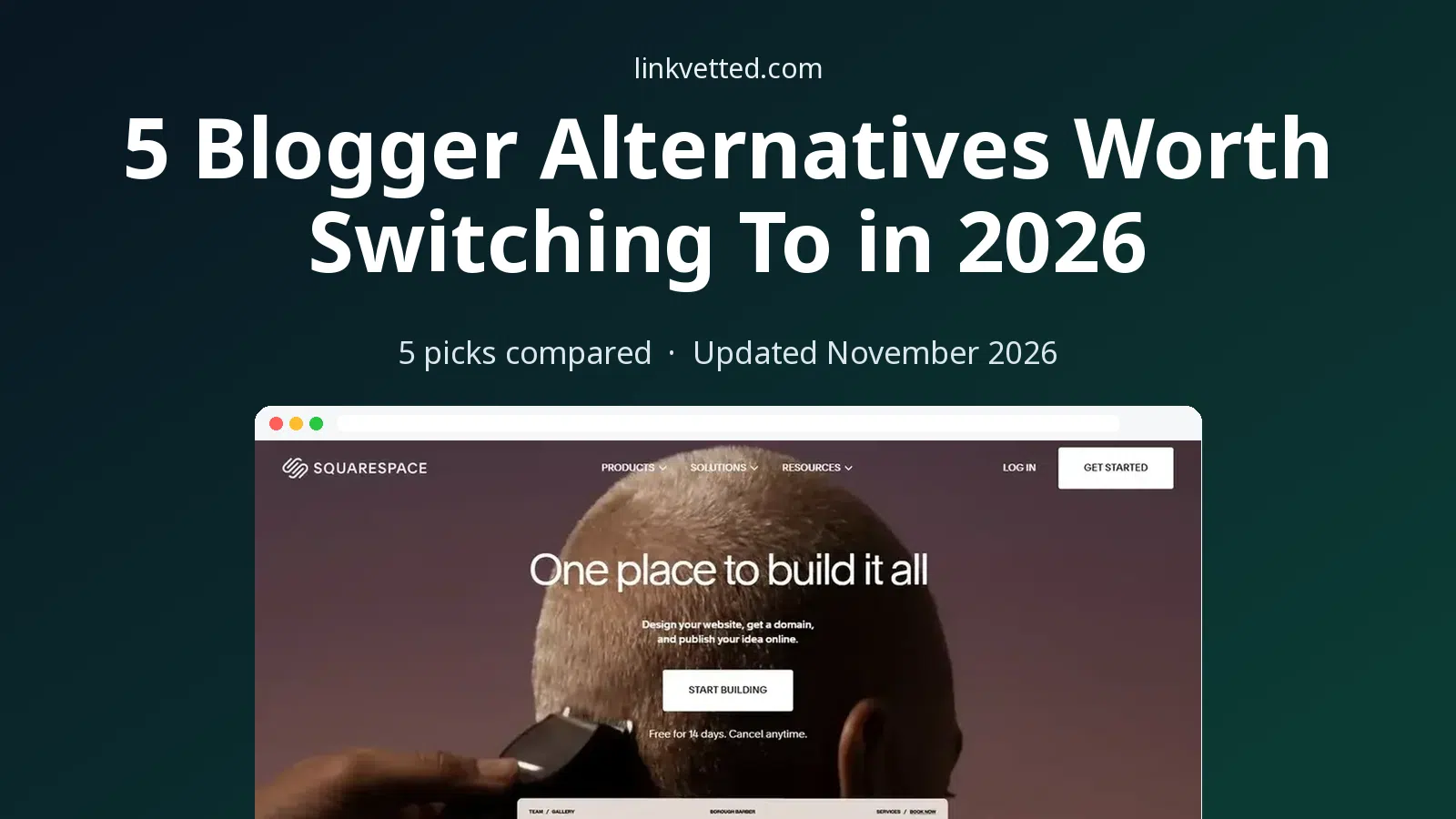
- Editor's choice
 Squarespace
Design-led sites with templates
Starts at$12 per monthVisit squarespace.comFull review - Great alternative
 Ghost
Newsletters and subscription publishing
Starts at$18 a monthVisit ghost.orgFull review - Also consider
 WordPress.com
Familiar blogging with managed hosting
Starts at$4 per monthVisit wordpress.comFull review
Direct answer
Squarespace comes first here, mainly for design-led sites with templates. Listed starting prices: Squarespace from $12 per month, Ghost from $18 a month and WordPress.com from $4 per month. Ghost fits newsletters and subscription publishing; WordPress.com fits familiar blogging with managed hosting. All 5 tools are compared below on price, free plan and limits.
TL;DR:
- Number one here is Squarespace, a fit for design-led sites with templates.
- Webflow fits design control and content management.
- 3 of 5 tools offer a free plan: WordPress.com, Weebly, Webflow.
- Before buying Squarespace, weigh this: less adaptable for unusual layouts.
Last checked November 2026. Prices and plan details were read from the vendors' own pages in November 2026; vendors change plans often, so confirm the current price on the vendor site before you buy.
Quick comparison
| Tool | Best for | Starts at | Free plan? | |
|---|---|---|---|---|
| Squarespace | Design-led sites with templates | $12 per month | Free trial | Visit |
| Ghost | Newsletters and subscription publishing | $18 a month | Free trial | Visit |
| WordPress.com | Familiar blogging with managed hosting | $4 per month | Yes | Visit |
 Weebly | Straightforward blogs and small online keeps | $13 a month | Yes | Visit |
 Webflow | Design control and content management | $15 a month | Yes | Visit |
Every option for Blogger explained
If you are comparing Blogger, this page covers 5 tools in one place: what each is best for, what it costs to start, whether it has a free plan, and the main limit to know about.
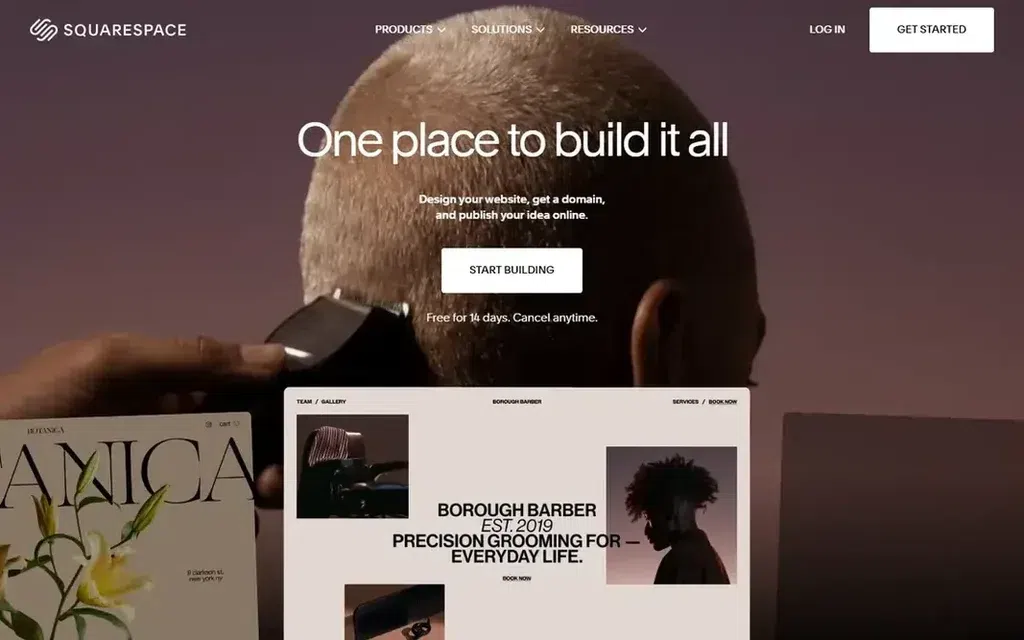
Where Squarespace fits: design-led sites with templates. Squarespace is a website builder centered on configurable templates and design quality, with AI website builder tools and domain choices noted on its homepage. Worth adding: templates shape what you can do, so highly custom layouts may feel constrained compared to a code-level builder.
If your site is primarily a high-volume publication or newsletter operation, a publishing-specific tool may fit better. More specifically, Blogging is supported but is not the sole focus of the product. Photographers, portfolios and brand-focused writers tend to find the template-driven approach comfortable. Squarespace cost at the entry level: $12 per month. As for free access: Free trial.
Points against: Blogging is one feature among plenty of.
- Configurable website templates
- AI website builder tools
- Less adaptable for unusual layouts
Ghost makes the most sense for newsletters and subscription publishing. For a Blogger user planning to build a direct relationship with readers, it supplies a focused alternative to general website builders.
Honest limits: Fewer general-purpose site features.
In practice, Ghost is an open source blog and newsletter system made for modern publishing, with email newsletters and premium subscriptions included based on its homepage. Also, customization is more restricted than a fully code-driven builder. Ghost starts at: $18 per month. Free plan details: Free trial.
- Premium subscriptions supported
- Open source publishing system
- Narrower scope than general site builders

WordPress.com works best for familiar blogging with managed hosting. If you need full control over plugins and hosting configuration, self-hosted WordPress or a more developer-oriented system may suit you better. WordPress.com is a hosted publishing product built around the WordPress editing experience, with hosting, themes and site tools included.
Its homepage emphasizes that no technical setup is required, which makes it approachable for bloggers who want to move off Blogger without managing a server. Otherwise it is a sensible default for a straightforward blog. What you pay to start with WordPress.com: $4 per month. Free access exists with WordPress.com.
Where it is weaker: Plugin adaptability differs from self-hosted WordPress.
- Built-in hosting and premium themes
- Large theme and tool ecosystem
- Advanced customization can need upgrades
Weebly is designed for straightforward blogs and small online keeps. Weebly is a website builder that its homepage describes as making it simple to build a website, blog or online store, with configurable templates and domain choices.
Bloggers leaving Blogger for an entry-level, low-friction setup may find it approachable. Price to start with Weebly: $13 per month. A free plan is available with Weebly.
Limits to weigh: Design adaptability is modest.
- Supports blogs and keeps
- Configurable templates
- Fewer advanced publishing tools
Webflow is built with design control and content management in mind. The design freedom includes a ramp-up time, and the system is more complicated than an usual blog setup. More specifically, Webflow is a web system for designing, building and optimizing sites, with CMS, hosting and security features built in, per its homepage.
It provides designers fine visual control without hand-coding, which appeals to agencies, marketing teams and bloggers who want a distinctive layout. Firms that treat their site as a product tend to gravitate toward it. Consider it when layout control and a structured CMS matter more than fast publishing. Entry price for Webflow: $15 per month. Free access exists with Webflow.
Downsides: Overkill for a straightforward personal blog.
- Built-in CMS and hosting
- Visual design with code-level control
- Steeper learning curve
Selection criteria
LinkVetted looked at what each vendor publishes: pricing, plan limits, feature coverage for Blogger and stated drawbacks. No hands-on testing is claimed. Prices and plan limits come from vendor pages and can change, so confirm them on the vendor site before you buy. The order reflects how well each tool fits the most common buying scenario for Blogger, then price clarity, then free plan access. It is a starting point, not a verdict.
What to check before you buy
- Check the vendor page for the current price: WordPress.com starts at $4 per month here, and seats or billing terms can move it.
- Check what the free option really includes: WordPress.com, Weebly and Webflow offer a free plan, and usage caps differ.
- Run a trial of Squarespace and Ghost with real work before paying for a year; your own workflow is the best test.
- Read the limits listed for Squarespace first: less adaptable for unusual layouts.
- Ask Ghost about contract length, onboarding fees and user minimums before you sign.
- Check the support hours and onboarding help WordPress.com offers; smaller vendors vary a lot here.
FAQ
Which Blogger alternative is a good match for a straightforward personal blog?
This list starts with Squarespace, which fits design-led sites with templates. For other needs, Ghost is aimed at newsletters and subscription publishing, and WordPress.com at familiar blogging with managed hosting. Check each tool's price and main limit first.
Do these tools publish their prices?
Yes. Every tool from Squarespace to Webflow shows a starting price, though seats, add-ons and billing terms still change the final cost.
How are the tools for Blogger ordered?
The order follows typical fit for Blogger, with Squarespace first and Webflow last, then price clarity and free access. It is editorial judgement, not a score, so another team could rank the tools differently.
Which options for Blogger have a free plan?
WordPress.com, Weebly and Webflow offer a free plan in this list. Free plans usually cap users, projects or features, so check the limits on the vendor page. Several others offer a trial instead.
Is Squarespace the right pick for everyone comparing Blogger?
No single tool suits every team. Squarespace comes first because it fits design-led sites with templates, while Ghost suits newsletters and subscription publishing and WordPress.com suits familiar blogging with managed hosting. Match the tool to your own size, budget and workflow before deciding.
Sources
- https://www.squarespace.com
- https://ghost.org
- https://wordpress.com
- https://www.weebly.com
- https://webflow.com