5 Best Website Builder for MSPS for 2026, Vetted and Compared
Need the best website builder for msps? We compare 5 tools on cost, free access and who each suits. Strengths and weak spots are spelled out. Details below.
- Editor's choiceGoDaddy Website Builder
Quick, straightforward site launch
Starts atSee websiteVisit godaddy.comFull review - Great alternative
 Duda
Managing client websites at scale
Starts at$19 a monthVisit duda.coFull review - Also consider
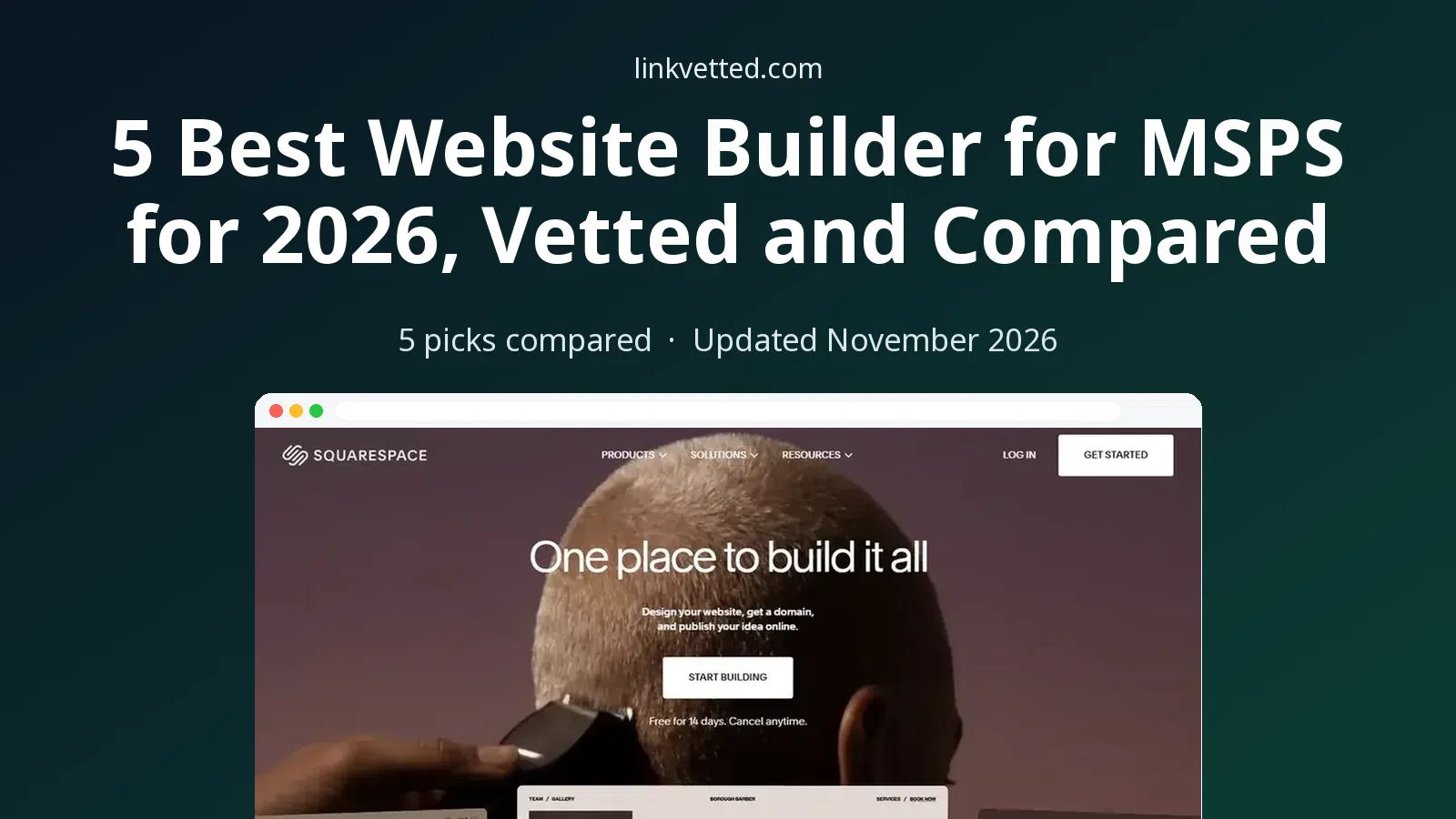
 Squarespace
Design-led MSP marketing site
Starts at$12 a monthVisit squarespace.comFull review
Direct answer
For quick, straightforward site launch, GoDaddy Website Builder is where this list starts. Listed starting prices: Duda from $19 a month, Squarespace from $12 a month and Webflow from $15 per month. Look at Duda for managing client websites at scale, and at Squarespace for design-led MSP marketing site. The remaining 2 options are covered below with prices and limits.
TL;DR:
- GoDaddy Website Builder is the opening pick, best for quick, straightforward site launch.
- Webflow is the only tool of the 5 with a free plan.
- The lowest published monthly entry price here is $12 per month, from Squarespace.
- One limit worth knowing about Duda: geared toward agencies instead of DIY.
- Webflow is the one to check for design control and CMS depth.
Last checked November 2026. Prices and plan details were read from the vendors' own pages in November 2026; vendors change plans often, so confirm the current price on the vendor site before you buy.
Quick comparison
| Tool | Best for | Starts at | Free plan? | |
|---|---|---|---|---|
| GoDaddy Website Builder | Quick, straightforward site launch | See website | Not stated | Visit |
| Duda | Managing client websites at scale | $19 a month | Free trial | Visit |
| Squarespace | Design-led MSP marketing site | $12 a month | Free trial | Visit |
 Wix | All-in-one MSP site with hosting | See website | Not stated | Visit |
 Webflow | Design control and CMS depth | $15 per month | Yes | Visit |
Tool-by-tool breakdown
This LinkVetted guide covers 5 website builder for msps. Each profile lists a starting price, free plan details, strengths and drawbacks, so you can drop poor fits quickly.
GoDaddy Website Builder
Best for: Quick, straightforward site launch
GoDaddy Website Builder is aimed squarely at quick, straightforward site launch. GoDaddy Website Builder is positioned for creating a mobile-friendly website in minutes without technical skills, with modern templates and support available at all hours.
Where it is weaker: Less suited to complicated client work.
When client site management or deeper integrations are required, a professional system like Duda or Webflow is a better fit. Also, the builder is oriented toward simplicity, so advanced customization and multi-site client management are restricted. Pricing for GoDaddy Website Builder is not stated here, so ask the vendor for current figures. Free access: Not stated.
- Minimal technical skill required
- Support available around the clock
- Entry-level feature depth
Duda targets managing client websites at scale. Duda markets itself as an AI web presence system for pros, centred on building, getting found, and converting, with tools for creating client websites that rank and drive results.
Since Duda is made for professionals managing client sites, it may be more than a small MSP needs for its own single marketing page. Duda cost at the entry level: $19 per month. As for free access: Free trial.
Honest limits: Feature set oriented to client work.
- AI-powered site creation
- Purpose-built for professionals
- Pitched at agencies instead of DIY

Pick Squarespace if this describes you: design-led MSP marketing site. MSPs that want a clean, design-forward marketing presence without a developer can use its template system to get a professional look rapidly.
Watch-outs: Restricted deep customization.
As for the details, if your priority is a single branded marketing site, it suits well. Squarespace cost at the entry level: $12 per month. Free access: Free trial.
- AI website builder tools
- Domain and growth features
- Fewer MSP-specific workflows
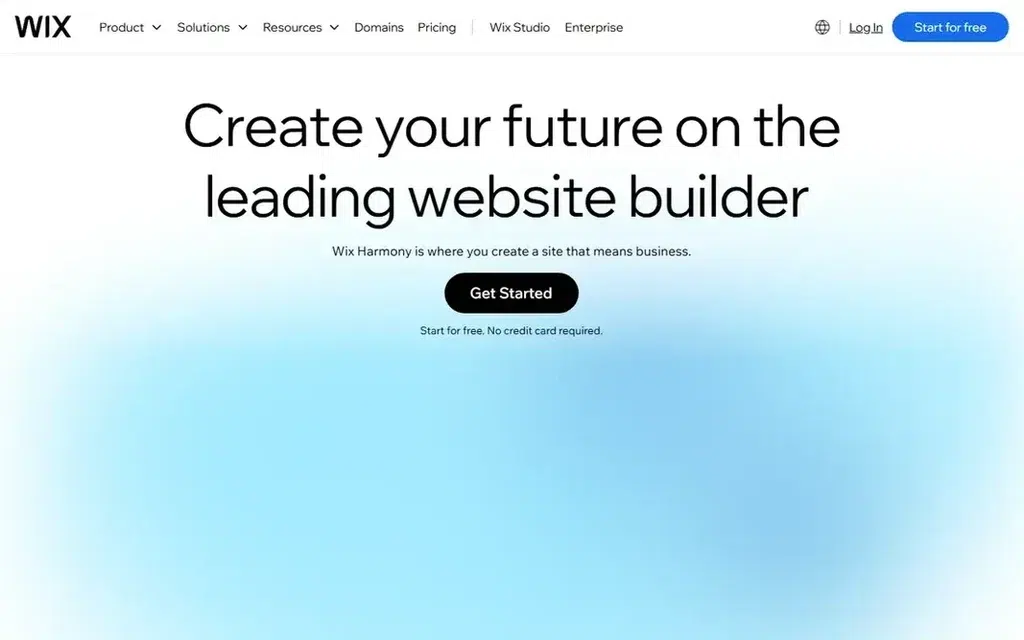
Wix serves all-in-one MSP site with hosting. The trade-off is adaptability. Consider Wix when speed and bundled tools matter more than granular control, and look at a more open system when custom development is a core requirement.
What to check first: Less control over code.
Beyond that, Wix presents itself as a system with hosting, business tools, domains, and marketing built in. On top of that, the template-driven approach suits teams that prefer guided setup over custom development. Check the vendor site for Wix pricing; none is listed in this comparison. Free plan details: Not stated.
- Hosting and domains built in
- Template-driven setup
- Platform-specific ecosystem
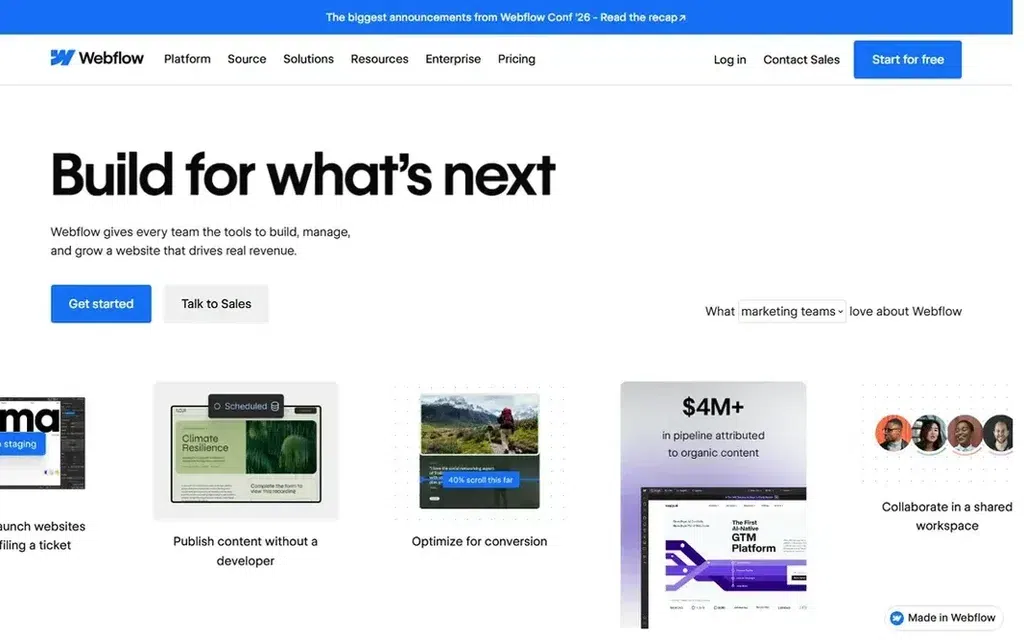
In short, Webflow is for design control and CMS depth. Webflow describes itself as an agentic web platform for modern firms, with design, build, optimize, and AI search ranking capabilities plus enterprise-grade security, CMS, and hosting. The platform assumes more design and technical fluency than template-first builders.
Honest limits: Steeper ramp-up time.
Beyond that, teams without that skill may need training or outside help. From a buyer's view, MSPs with technical staff who want precise design control and structured content can build sophisticated sites and landing pages on the system. Entry price for Webflow: $15 per month. Free access exists with Webflow.
- Enterprise-grade security and hosting
- AI search optimization features
- Needs design and technical skill
How these tools were picked
What to check before you buy
- Confirm the entry price on the vendor page. For GoDaddy Website Builder and Wix that means a quote rather than a fixed price.
- Test the free plan from Webflow against your real workload before relying on it.
- Use real work to test the free trial from Duda and Squarespace, rather than a demo project.
- Read the limits listed for GoDaddy Website Builder first: entry-level feature depth.
- Check how data leaves Squarespace: formats, limits and whether exports are available on every plan.
- Confirm minimum seats and billing terms with Wix before you commit to an annual plan.
FAQ
Which website builder for msps have a free plan?
Webflow is the only tool in this list with a free plan. Free plans usually cap users, projects or features, so check the limits on the vendor page. Several others offer a trial instead. All 5 picks in this website builder for Msps comparison list a starting price, free plan details and the main limits on their cards above.
Do these tools publish their prices?
Not all of them. GoDaddy Website Builder and Wix publish no starting price, so expect a quote request for those. The rest, Duda included, show a starting price, though seats and billing terms still change the final cost.
Can I move my site to another system later?
Migration ease varies by product and is not guaranteed. Before choosing, ask each vendor about export choices and how content and domains can be transferred.
Can I try these tools before paying?
Often, yes. Webflow has a free plan and Duda and Squarespace offer a free trial. Use your own data and a real task during the test, and check what the free tier or trial limits before you rely on it. For the full picture, the cards above cover all 5 entries of this website builder for Msps list, including price, free plan and limits.
Is GoDaddy Website Builder the right pick for everyone comparing website builder for msps?
No single tool suits every team. GoDaddy Website Builder comes first because it fits fast, simple site launch, while Duda suits managing client websites at scale and Squarespace suits design-led MSP marketing site. Match the tool to your own size, budget and workflow before deciding.
Sources
- https://www.godaddy.com/websites/website-builder
- https://www.duda.co
- https://www.squarespace.com
- https://www.wix.com
- https://webflow.com