5 Wireframing Software for Product Managers Worth Shortlisting in 2026
Need the best wireframing software for product managers? We compare 5 tools on cost, free access and who each suits. Real limits included. Pick with confidence.
- Editor's choice
 Sketch
Designer-led wireframing and handoff
Starts at$12 per editor a monthVisit sketch.comFull review - Great alternative
 Lucidchart
Diagramming flows and systems
Starts atSee websiteVisit lucidchart.comFull review - Also consider
 Figma
Collaborative wireframing and handoff
Starts at$3 per monthVisit figma.comFull review
Direct answer
Our first pick is Sketch, best for designer-led wireframing and handoff. Listed starting prices: Sketch from $12 per editor a month, Figma from $3 per month and Balsamiq from $16 per editor a month. If your case is different, Lucidchart suits Diagramming flows and systems and Figma suits collaborative wireframing and handoff. Prices, free plans and limits for all 5 tools follow.
TL;DR:
- Top of the list is Sketch, which targets designer-led wireframing and handoff.
- A fair warning about Lucidchart: not aimed at UI wireframe fidelity.
- Miro is the one to check for visual collaboration and ideation.
- Figma is the lowest-priced starter here at $3 per month.
- Only Miro offers a free plan among these 5 tools.
Last checked November 2026. Prices and plan details were read from the vendors' own pages in November 2026; vendors change plans often, so confirm the current price on the vendor site before you buy.
Quick comparison
| Tool | Best for | Starts at | Free plan? | |
|---|---|---|---|---|
| Sketch | Designer-led wireframing and handoff | $12 per editor a month | Free trial | Visit |
| Lucidchart | Diagramming flows and systems | See website | Not stated | Visit |
| Figma | Collaborative wireframing and handoff | $3 per month | Not stated | Visit |
 Balsamiq | Quick low-fidelity wireframing | $16 per editor a month | Free trial | Visit |
 Miro | Visual collaboration and ideation | $8 per member per month | Yes | Visit |
Every option for wireframing software for product managers explained
Choosing wireframing software for product managers usually comes down to price, fit and limits. This LinkVetted guide sets 5 tools side by side on those three points, with the facts kept short and checkable.
Sketch is designed for designer-led wireframing and handoff. Sketch describes itself as a tool for design, prototyping, collaboration and handoff, made by designers for designers.
What you pay to start with Sketch: $12 per editor per month. Free access: Free trial.
What to check first: Less centered on product manager collaboration.
Where it shines: collaborate and handoff.
- Focused work environment
- Design, prototype
- Mac-oriented workflow
Lucidchart is built with Diagramming flows and systems in mind. Lucidchart centres on diagramming powered by intelligence, letting teams build diagrams with AI, data and automation to understand and optimize systems and processes. Choose Lucidchart when flow and system diagrams are the central deliverable.
Product managers can use it to map user flows, system architecture and process logic that sit around a wireframe. Beyond that, teams needing clickable interface prototypes should pair it with a dedicated design tool. Pricing for Lucidchart is not stated here, so ask the vendor for current figures. Free plan details: Not stated.
Points against: Not aimed at UI wireframe fidelity.
- Supports understanding complicated flows
- A decent match for process and system mapping
- Design handoff is restricted
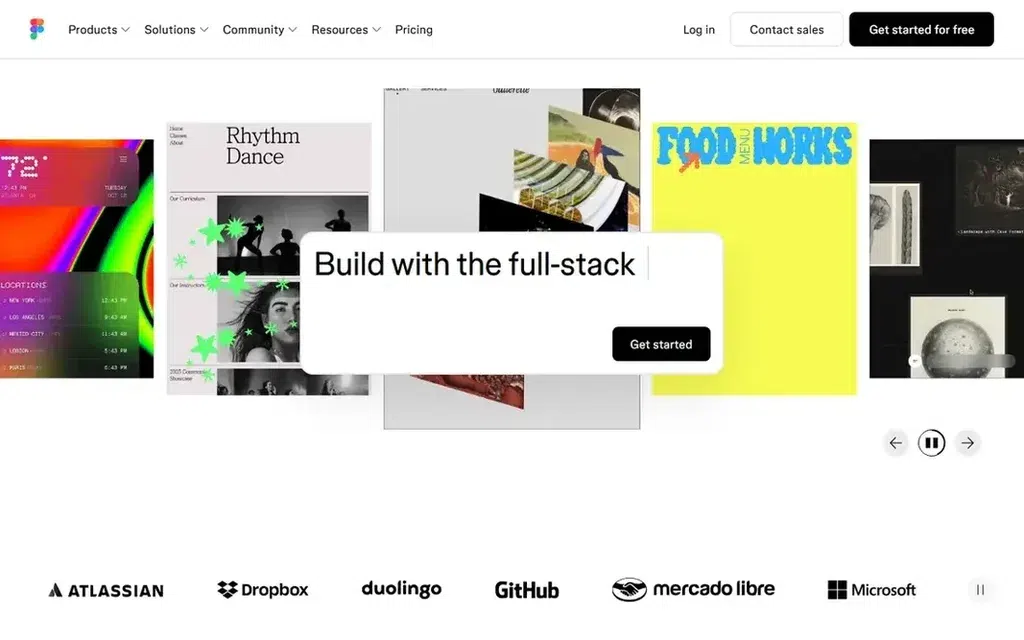
Pick Figma if this describes you: collaborative wireframing and handoff. Figma presents itself as a collaborative canvas where design, code and AI come together, supporting the path from first idea to shipped product. Since the canvas covers so much, product managers who only need rough, quick sketches may find it more than necessary.
Watch-outs: Needs internet for full collaboration.
From a buyer's view, choose Figma when collaboration and continuity from concept to production matter most. For product managers, that means wireframes can live alongside broader product work and be shared with the entire team in one place. What you pay to start with Figma: $3 per month. On free options: Not stated.
- Code and AI in one canvas
- Moves from concept to production
- Can feel feature-heavy for fast sketches
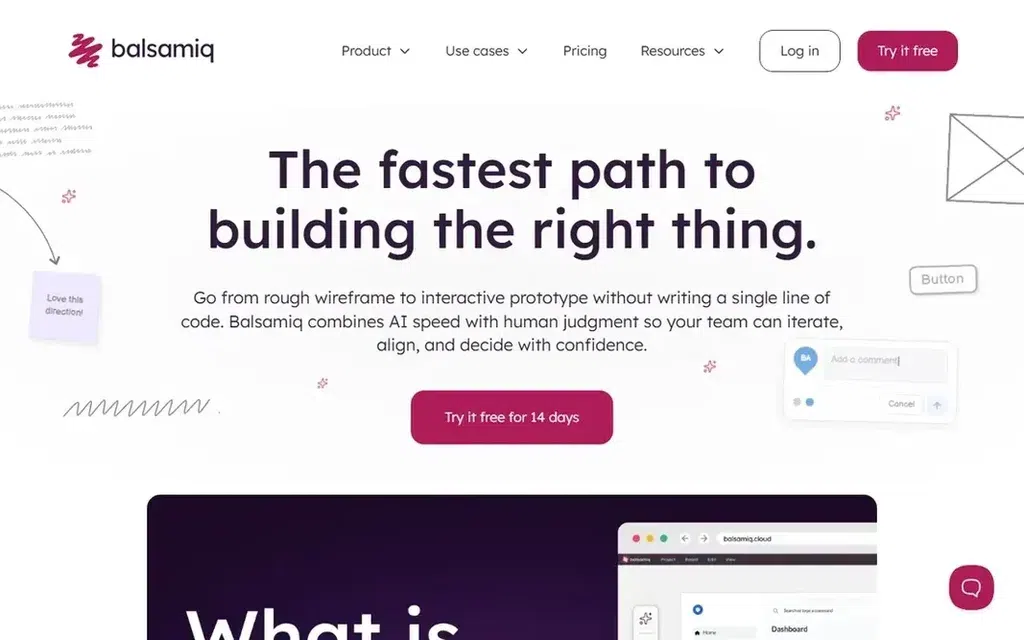
Balsamiq was built for quick low-fidelity wireframing. The deliberate simplicity means Balsamiq is not the place for in-depth visual design or pixel-perfect production assets.
On top of that, Balsamiq describes itself as a quick wireframing and prototyping tool for product, tech and business minds, built to sketch, test and refine UI rapidly. If your wireframes need to evolve straight into finished interfaces, a broader design tool may serve better. Starting cost for Balsamiq: $16 per editor per month. Trial and free access: Free trial.
Points against: Restricted for high-fidelity visual design.
- Geared toward product
- Low-friction sketching workflow
- Less suited to full production handoff
Think of Miro for visual collaboration and ideation. Miro presents an AI-powered visual system pitched at speeding product development from ideation to launch, aligning teams and breaking tool silos. Worth adding: for product managers, it does well as a shared space for journey maps, flow sketches and early wireframe concepts discussed with stakeholders.
What to check first: Not a dedicated wireframing editor.
More specifically, teams producing in-depth, reusable UI components will likely need a dedicated design tool alongside it. Choose Miro when alignment and shared thinking matter more than wireframe fidelity. Miro is a collaboration and diagramming system first, so precise wireframe editing is not its core strength. Miro pricing: $8 per member per month. A free plan is available with Miro.
- Breaks down tool silos
- AI-powered visual workspace
- Wireframe detail depends on templates and extras
How the list was put together
The comparison looks at four things: starting price, free access, how well the feature set matches wireframing software for product managers, and the main limit of each tool. Treat prices as a snapshot: vendors change plans often, so check the vendor site for the figure that applies today. Tools are placed by general fit for wireframing software for product managers, with price clarity and free access as tie-breakers. A different team can reasonably rank them differently.
Pre-purchase checklist
- Confirm the entry price on the vendor page. For Lucidchart that means a quote rather than a fixed price.
- Look at the free plan from Miro closely: its caps decide whether it is usable for real work.
- Run a trial of Sketch and Balsamiq with real work before paying for a year; your own workflow is the best test.
- Before choosing Sketch, weigh its main limit: Mac-oriented workflow.
- Total up the real monthly cost of Lucidchart, including add-ons, extra users and usage-based fees.
- Check whether Sketch bills monthly or annually, and what cancelling early costs.
FAQ
Do product managers need a design tool if designers already use one?
Not necessarily, but shared access helps product managers review wireframes and provide feedback in context. Confirm how your team shares files and comments before standardizing.
Do these tools publish their prices?
Not all of them. Lucidchart publishes no starting price, so expect a quote request for it. The rest, Sketch included, show a starting price, though seats and billing terms still change the final cost. Prices, free plan details and limits for all 5 tools in this Wireframing software for product managers roundup sit on the individual cards above.
Which wireframing tool is best for a product manager new to design software?
Sketch comes first here and is built for designer-led wireframing and handoff. Buyers with other needs may prefer Lucidchart (for Diagramming flows and systems) or Figma (for collaborative wireframing and handoff). Compare costs and limits first.
Which options for wireframing software for product managers have a free plan?
Miro is the only tool in this list with a free plan. Free plans usually cap users, projects or features, so check the limits on the vendor page. Several others offer a trial instead. Each of the 5 options in this Wireframing software for product managers guide has its own card above with the price, free plan and limits.
Can I try these tools before paying?
Often, yes. Miro has a free plan and Sketch and Balsamiq offer a free trial. Use your own data and a real task during the test, and check what the free tier or trial limits before you rely on it. All 5 picks in this Wireframing software for product managers comparison list a starting price, free plan details and the main limits on their cards above.
Is Sketch the right pick for everyone comparing wireframing software for product managers?
No single tool suits every team. Sketch comes first because it fits designer-led wireframing and handoff, while Lucidchart suits Diagramming flows and systems and Figma suits collaborative wireframing and handoff. Match the tool to your own size, budget and workflow before deciding.
Sources
- https://www.sketch.com
- https://www.lucidchart.com
- https://www.figma.com
- https://balsamiq.com
- https://miro.com