5 Video Conferencing Software for Retail Stores Worth Shortlisting in 2026
Best video conferencing software for retail stores: 5 tools compared on price, free plans and fit. The catches are listed up front. Current for November 2026.
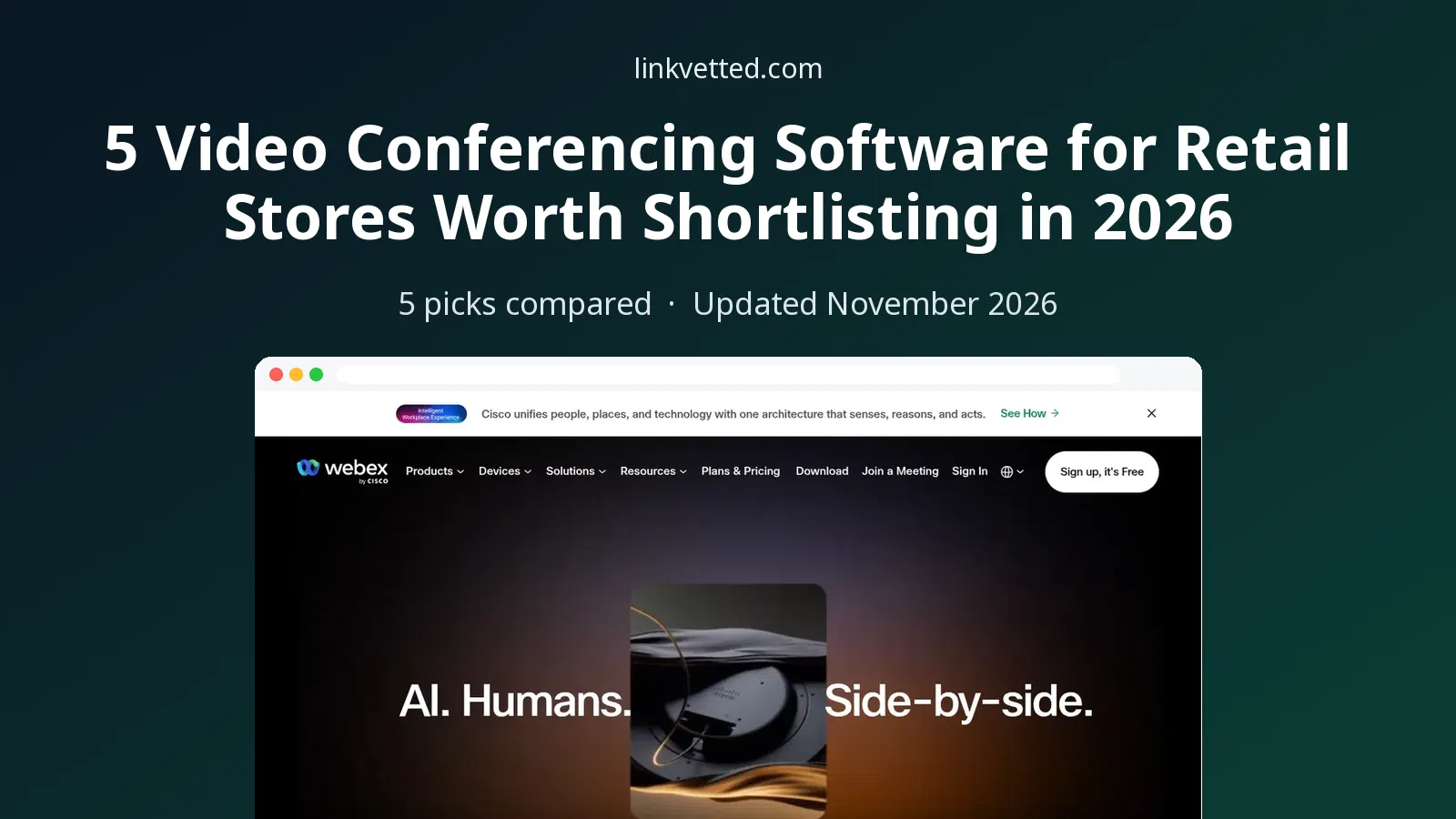
- Editor's choice
 Cisco Webex
AI-assisted collaboration with devices
Starts atPricing on requestVisit webex.comFull review - Great alternativePexip
Secure video communications
Starts atPricing on requestVisit pexip.comFull review - Also considerLifesize
Enterprise video communication suites
Starts atPricing on requestVisit lifesize.comFull review
Direct answer
For AI-assisted collaboration with devices, Cisco Webex is where this list starts. Pexip fits secure video communications; Lifesize fits enterprise video communication suites. The full list of 5 tools follows, with free plan facts. None of these vendors publish plan prices, so pricing is on request for every option.
TL;DR:
- Cisco Webex is the opening pick, best for AI-assisted collaboration with devices.
- A fair warning about Cisco Webex: wide portfolio can be complicated to navigate.
- For retailers inside the Microsoft ecosystem, Microsoft Teams is worth a look.
- Cisco Webex stands alone as the one tool in this list with a free plan.
- Pricing across the list, from Cisco Webex to Microsoft Teams, is by quote only.
Last checked November 2026. Pricing on request: vendors did not publish plan prices when this guide was last checked (November 2026), so ask each vendor for a written quote.
Quick comparison
| Tool | Best for | Starts at | Free plan? | |
|---|---|---|---|---|
| Cisco Webex | AI-assisted collaboration with devices | Pricing on request | Yes | Visit |
| Pexip | Secure video communications | Pricing on request | Not stated | Visit |
| Lifesize | Enterprise video communication suites | Pricing on request | Not stated | Visit |
 Zoom Workplace | All-in-one retail communication | Pricing on request | Not stated | Visit |
 Microsoft Teams | Retailers inside the Microsoft ecosystem | Pricing on request | Not stated | Visit |
Video Conferencing Software for Retail Stores profiles
If you are comparing video conferencing software for retail stores, this page covers 5 tools in one place: what each is best for, what it costs to start, whether it has a free plan, and the main limit to know about.

In short, Cisco Webex is for AI-assisted collaboration with devices. For retail, it can serve meeting needs alongside room devices and customer interaction scenarios, which fits bigger chains that want a single vendor across headquarters, keeps and contact points. Organizations evaluating hardware for meeting rooms will find device choices part of the same portfolio.
Compare the specific Webex capabilities you need against more straightforward alternatives before deciding. More specifically, keeps seeking a light meeting tool may find the product approach heavier than needed. The portfolio is wide, so smaller retailers may struggle to identify the right combination of collaboration and device offerings without careful scoping. No starting price is listed for Cisco Webex here; confirm pricing on the vendor site. A free plan is available with Cisco Webex.
Drawbacks to consider: Device extras add planning work.
- System approach for bigger organizations
- AI-powered collaboration features
- Wide portfolio can be complicated to navigate
Pexip
Best for: Secure video communications
Pexip serves secure video communications. Pexip is a video technology product centered on secure video communications.
Where it is weaker: Security-first design may suit specialized needs.
The security focus means Pexip is commonly more specialized than what an usual store needs for daily huddles. Retailers seeking straightforward, low-friction meeting tools may find it heavier to adopt. No starting price is listed for Pexip here; confirm pricing on the vendor site. As for free access: Not stated.
- Built for controlled environments
- Security-focused video system
- Less oriented toward casual ad hoc meetings
Lifesize
Best for: Enterprise video communication suites
Pick Lifesize if this describes you: enterprise video communication suites. Lifesize, part of Enghouse Video, supplies adaptable options for business communications with a suite of enterprise video products.
Honest limits: Needs planning around existing infrastructure.
Beyond that, keeps wanting a fast, self-serve meeting tool should compare more straightforward choices, whereas bigger chains can assess Lifesize against their corporate video strategy. Worth adding: deployments can need planning around existing infrastructure and internal support. This comparison lists no price for Lifesize; ask the vendor. Free options: Not stated.
- Adaptable option choices
- Positioned for corporate communication
- Enterprise focus may exceed small-store needs

Zoom Workplace serves all-in-one retail communication. Zoom Workplace is a collaboration system that merges video meetings with chat, VoIP phone, webinars, whiteboard, contact center and events. In practice, for retail, that breadth means store managers can run daily huddles, district leads can host training sessions.
Support teams can coordinate across locations without stitching together separate tools. More specifically, retailers wanting a tightly scoped meeting tool or one already standardized on another ecosystem may prefer a simpler or more integrated choice. More specifically, the product spans a broad surface area, so smaller keeps may find the full set of modules unnecessary and should map features to real workflows first. Check the vendor site for Zoom Workplace pricing; none is listed in this comparison. Free options: Not stated.
What to check first: Add-on modules can complicate the choice.
- Webinars and events for bigger retail gatherings
- Contact center choices for customer-facing teams
- Numerous features may be more than small keeps need
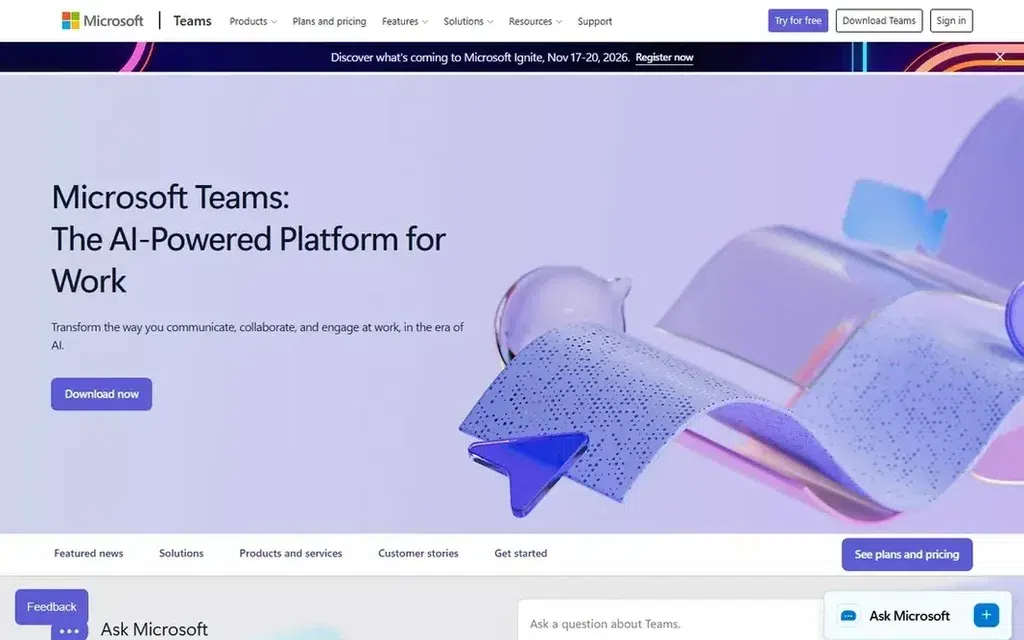
For retailers inside the Microsoft ecosystem, Microsoft Teams is a natural candidate. Microsoft Teams brings chat, video meetings and calling together with shared files and tools, so retail teams can keep conversations and documents in one workspace.
Where it is weaker: Interface can feel heavy for occasional users.
For everyday use, occasional users like seasonal store staff can find the interface busy compared to a single-purpose meeting app. Microsoft Teams shows no starting price here, so confirm the cost on the vendor site. Free plan details: Not stated. What users get: meetings and calling in one workspace.
- Chat
- Meant to keep teams organized
- Best value relies on existing Microsoft tools
How these tools were picked
Each tool was reviewed on what its vendor publishes: price, plan limits, core features and stated drawbacks. We did not run hands-on tests. Where a price is missing, the vendor does not list one publicly or ties it to a quote. Always confirm before budgeting. The order reflects how well each tool fits the most common buying scenario for video conferencing software for retail stores, then price clarity, then free plan access. It is a starting point, not a verdict.
Things to verify first
- Ask each vendor, from Cisco Webex to Microsoft Teams, for a written quote; none of them publishes a starting price.
- Look at the free plan from Cisco Webex closely: its caps decide whether it is usable for real work.
- Before choosing Cisco Webex, weigh its main limit: wide portfolio can be complicated to navigate.
- Add up seats, add-ons and usage charges for Lifesize before comparing it with cheaper entries.
- Check the support hours and onboarding help Cisco Webex offers; smaller vendors vary a lot here.
FAQ
Do retail keeps need contact center features in a video tool?
Not every store does, but chains that manage customer video support or remote assistance may benefit. Zoom Workplace and Cisco Webex both describe customer experience capabilities alongside meetings.
How are the tools for video conferencing software for retail stores ordered?
The order follows typical fit for video conferencing software for retail stores, with Cisco Webex first and Microsoft Teams last, then price clarity and free access. It is editorial judgement, not a score, so another team could rank the tools differently.
Can these tools support plenty of store locations?
Systems for example Microsoft Teams, Cisco Webex and Lifesize are positioned for organization-wide deployments, which helps when managing numerous locations. Worth adding: more straightforward tools can still work if meetings are small and frequent.
Can I try these tools before paying?
Often, yes. Cisco Webex has a free plan. Use your own data and a real task during the test, and check what the free tier or trial limits before you rely on it. All 5 picks in this video Conferencing software for retail stores comparison list a starting price, free plan details and the main limits on their cards above.
Do these tools publish their prices?
No. None of the tools, from Cisco Webex to Microsoft Teams, shows a fixed starting price here, so budget time for quotes.
Is Cisco Webex the right pick for everyone comparing video conferencing software for retail stores?
No single tool suits every team. Cisco Webex comes first because it fits AI-assisted collaboration with devices, while Pexip suits secure video communications and Lifesize suits enterprise video communication suites. Match the tool to your own size, budget and workflow before deciding.
Sources
- https://www.webex.com
- https://www.pexip.com
- https://www.lifesize.com
- https://www.zoom.com
- https://www.microsoft.com/en-us/microsoft-teams/group-chat-software