The 5 Best SaaS Tools for Product Managers in 2026, Ranked
Best SaaS tools for product managers: 5 contenders ranked by fit, with entry costs and free tiers. Caveats come with every verdict. Last reviewed November 2026.
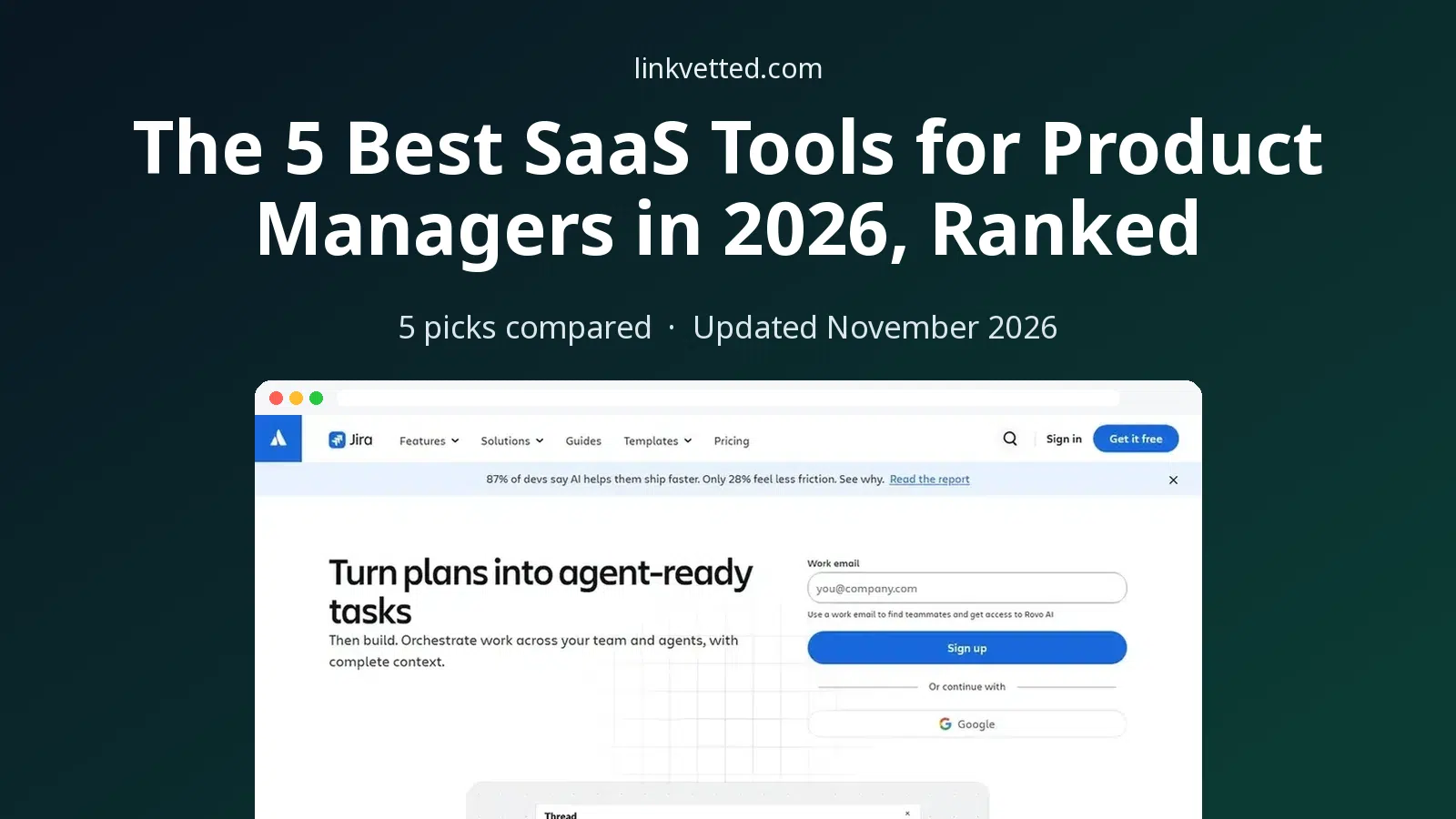
- Editor's choice
 Trello
Straightforward boards and personal to-dos
Starts at$5 per user per monthVisit trello.comFull review - Great alternative
 Monday.com
Adaptable workspace for mixed teams
Starts at$9 per seat a monthVisit monday.comFull review - Also consider
 Jira
Planning and tracking delivery work
Starts atSee websiteVisit atlassian.comFull review
Direct answer
Trello leads the list, best for straightforward boards and personal to-dos. Listed starting prices: Trello from $5 per user per month, Monday.com from $9 per seat a month and Notion from $10 per member a month. Monday.com is better for adaptable workspace for mixed teams, and Jira is better for planning and tracking delivery work. The remaining 2 options are covered below with prices and limits.
TL;DR:
- Trello sits first on this list: straightforward boards and personal to-dos.
- One limit worth knowing about Notion: structure must be designed at the start.
- Starting prices begin at $5 per user per month with Trello.
- Trello, Monday.com, Notion, Asana: these are the 4 tools out of 5 that offer a free plan.
- Asana suits cross-team work and workflow automation.
Last checked November 2026. Prices and plan details were read from the vendors' own pages in November 2026; vendors change plans often, so confirm the current price on the vendor site before you buy.
Quick comparison
| Tool | Best for | Starts at | Free plan? | |
|---|---|---|---|---|
| Trello | Straightforward boards and personal to-dos | $5 per user per month | Yes | Visit |
| Monday.com | Adaptable workspace for mixed teams | $9 per seat a month | Yes | Visit |
| Jira | Planning and tracking delivery work | See website | Not stated | Visit |
 Notion | Docs, wikis and connected workspaces | $10 per member a month | Yes | Visit |
 Asana | Cross-team work and workflow automation | $10.99 per user a month | Yes | Visit |
The best SaaS tools for product managers
If you are comparing SaaS tools for product managers, this page covers 5 tools in one place: what each is best for, what it costs to start, whether it has a free plan, and the main limit to know about.
Trello targets straightforward boards and personal to-dos. Trello focuses on capturing, organizing and tackling to-dos from anywhere, with boards, an inbox and a planner that work even on mobile. For everyday use, Trello is intentionally light, so complicated dependencies, reporting and multi-team programs rapidly outgrow it.
Strengths: Simple board-based organization.
From a buyer's view, product managers running large roadmaps or in-depth delivery tracking should look at a fuller project or product management system instead. From a buyer's view, for product managers it fits personal task tracking, straightforward backlogs and small team coordination where clarity matters more than depth. Trello pricing: $5 per user per month. Free access exists with Trello. Points against: Fewer product-specific features.
- Does well on mobile
- Low ramp-up time
- Restricted for complicated programs
Think of Monday.com for adaptable workspace for mixed teams. Monday.com is an AI workspace for people and agents, positioned around executing, managing and operating work together to drive business results.
Without clear conventions, boards can multiply and become hard to govern, so plan your structure before rolling it out widely. The starting price for Monday.com: $9 per seat per month. Monday.com offers a free plan.
Watch-outs: Product-specific depth is restricted.
- AI agents alongside people
- Customizable boards and workflows
- Adaptability needs governance
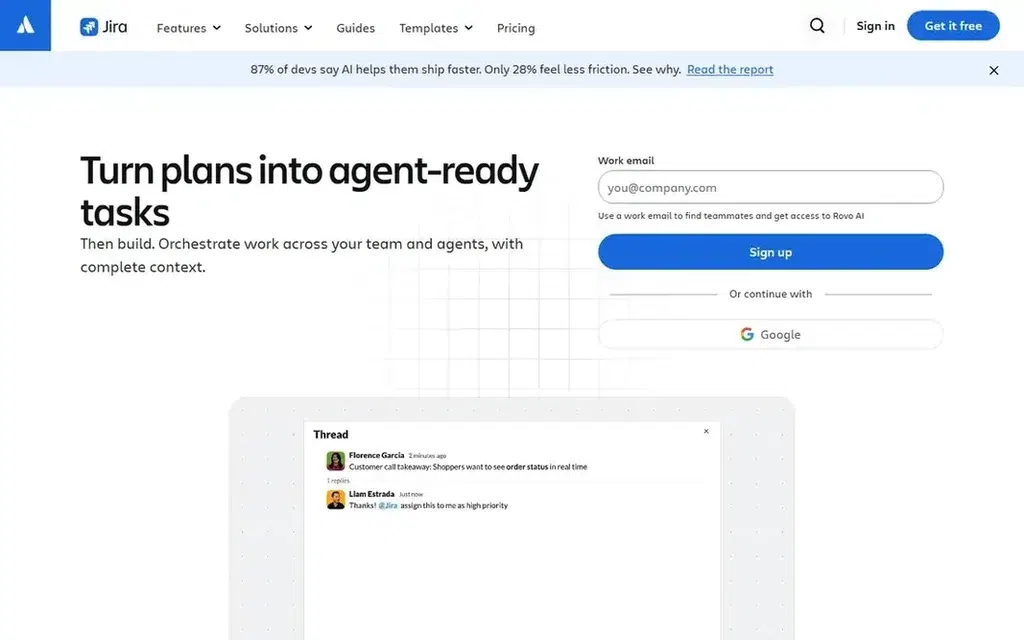
Where Jira fits: planning and tracking delivery work. Its homepage flags AI agents that orchestrate, plan and track projects at scale.
Jira does not show a starting price in this comparison, so check the vendor site for current pricing. As for free access: Not stated.
The main drawbacks: Configuration can get complicated.
- AI agents for planning and orchestration
- Strong project and issue tracking
- Setup effort is higher for small teams
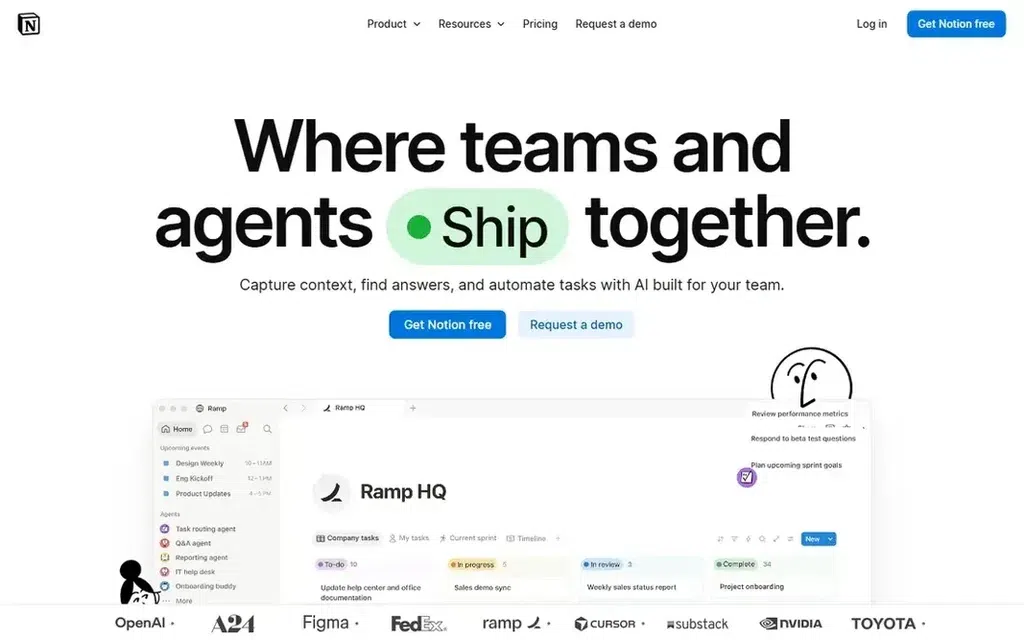
Notion serves docs, wikis and connected workspaces. Product managers commonly use it for specs, meeting notes, wikis and light databases.
As for the details, teams that require strict sprint reporting or deep engineering workflows may want a purpose-built project tool alongside it. For everyday use, since Notion is so adaptable, it can become cluttered without clear conventions, and it is not a dedicated delivery tracker. Notion cost at the entry level: $10 per member per month. You can start on Notion without paying.
Points against: Can sprawl without conventions.
- Search across connected apps
- Adaptable pages and databases
- Structure must be designed at the start
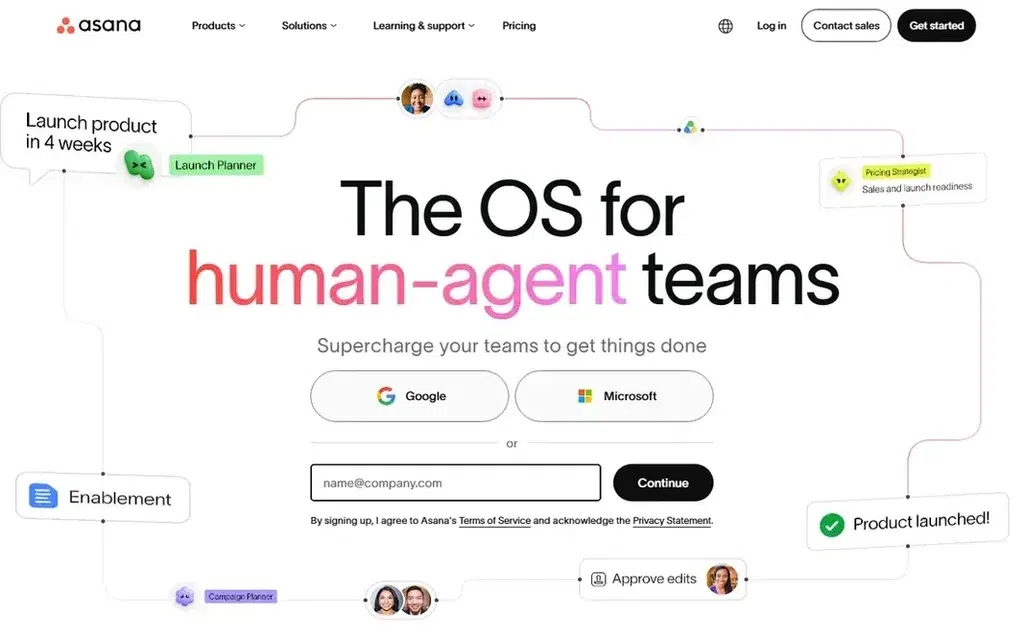
Asana works best for cross-team work and workflow automation. Asana is general work management, so product-specific artifacts like feedback scoring and roadmap prioritization are not its core focus.
What to check first: Less concentrated on product-specific planning.
Asana is work management software for teams and AI agents, built to plan, automate and execute critical workflows together. Asana cost at the entry level: $10.99 per user per month. Free access exists with Asana.
- Clear work and project views
- Automation for critical workflows
- Advanced setups take time
Our selection method
The comparison looks at four things: starting price, free access, how well the feature set matches SaaS tools for product managers, and the main limit of each tool. Plan names, prices and limits change often. Treat the figures here as a starting point and verify them with the vendor. Tools are placed by general fit for SaaS tools for product managers, with price clarity and free access as tie-breakers. A different team can reasonably rank them differently.
What to confirm before you sign up
- Confirm the entry price on the vendor page. For Jira that means a quote rather than a fixed price.
- Read the fine print on the free plans from Trello, Monday.com, Notion and Asana; seat, project and feature caps differ.
- Read the limits listed for Trello first: restricted for complicated programs.
- Ask Notion how an export works before you move any records in; an easy exit lowers the risk.
- Let daily users try Jira on real work; their feedback beats any feature checklist.
FAQ
How should a team choose between Jira, Asana and monday.com?
Consider where most of your work already lives. Jira leans toward engineering delivery, Asana toward cross-team workflows, and monday.com toward an adaptable shared workspace. Compare how each manages dependencies and reporting for your team size.
Can I try these tools before paying?
Often, yes. Trello, Monday.com, Notion and Asana have a free plan. Use your own data and a real task during the test, and check what the free tier or trial limits before you rely on it.
Which tool is a good match for a product manager new to these platforms?
This list starts with Trello, which fits straightforward boards and personal to-dos. For other needs, Monday.com is aimed at adaptable workspace for mixed teams, and Jira at planning and tracking delivery work. Check each tool's price and main limit first.
Which options for SaaS tools for product managers have a free plan?
Trello, Monday.com, Notion and Asana offer a free plan in this list. Free plans usually cap users, projects or features, so check the limits on the vendor page.
Do these tools publish their prices?
Not all of them. Jira publishes no starting price, so expect a quote request for it. The rest, Trello included, show a starting price, though seats and billing terms still change the final cost. For the full picture, the cards above cover all 5 entries of this SaaS tools for product managers list, including price, free plan and limits.
Is Trello the right pick for everyone comparing SaaS tools for product managers?
No single tool suits every team. Trello comes first because it fits simple boards and personal to-dos, while Monday.com suits flexible workspace for mixed teams and Jira suits planning and tracking delivery work. Match the tool to your own size, budget and workflow before deciding.
Sources
- https://trello.com
- https://monday.com
- https://www.atlassian.com/software/jira
- https://www.notion.so
- https://asana.com