The 5 Best SAP Store Software for Remote Teams in 2026, Ranked
Best SAP store software for remote teams: 5 contenders ranked by fit, with entry costs and free tiers. Each tool is judged on the same checks. Numbers first.
- Editor's choice
 Workday
Enterprise HR, finance and IT system
Starts atPricing on requestVisit workday.comFull review - Great alternative
 HubSpot CRM
Small remote teams organizing contacts
Starts atPricing on requestVisit hubspot.comFull review - Also consider
 SAP S/4HANA Cloud
Modular cloud ERP for fast-growth teams
Starts atPricing on requestVisit sap.comFull review
Direct answer
Start with Workday if you need enterprise HR, finance and IT platform. HubSpot CRM fits small remote teams organizing contacts; SAP S/4HANA Cloud fits modular cloud ERP for fast-growth teams. Free plan facts and limits for all 5 tools follow. None of these vendors publish plan prices, so pricing is on request for every option.
TL;DR:
- Top of the list is Workday, which targets enterprise HR, finance and IT product.
- Neither Workday nor Zoho CRM, nor any of the other 3 tools, has a permanent free plan; trials and quotes are the norm.
- For remote sales pipeline management, Zoho CRM is worth a look.
- A fair warning about SAP S/4HANA Cloud: ERP focus may be heavy for small teams.
- Every tool from Workday to Zoho CRM works by quote, with no list price shown.
Last checked November 2026. Pricing on request: vendors did not publish plan prices when this guide was last checked (November 2026), so ask each vendor for a written quote.
Quick comparison
| Tool | Best for | Starts at | Free plan? | |
|---|---|---|---|---|
| Workday | Enterprise HR, finance and IT system | Pricing on request | Not stated | Visit |
| HubSpot CRM | Small remote teams organizing contacts | Pricing on request | Not stated | Visit |
| SAP S/4HANA Cloud | Modular cloud ERP for fast-growth teams | Pricing on request | Not stated | Visit |
 Microsoft Dynamics 365 | Connected CRM and ERP for teams | Pricing on request | Not stated | Visit |
 Zoho CRM | Remote sales pipeline management | Pricing on request | Not stated | Visit |
Tool-by-tool breakdown
This LinkVetted guide covers 5 SAP store software for remote teams. Each profile lists a starting price, free plan details, strengths and drawbacks, so you can drop poor fits quickly.
Pick Workday if this describes you: enterprise HR, finance and IT product. Choose Workday when HR, finance and IT coverage is the core need and sales automation is handled elsewhere.
Remote teams spread across locations can use it to bring people, finance and IT processes onto a shared product. In practice, Workday is not a dedicated sales CRM, so remote sales teams needing pipeline tools should look to CRM choices instead. Workday does not show a starting price in this comparison, so check the vendor site for current pricing. On free options: Not stated.
Limits to weigh: Enterprise orientation may suit bigger teams.
- Finance and IT
- Agentic AI positioning
- Not a dedicated sales CRM
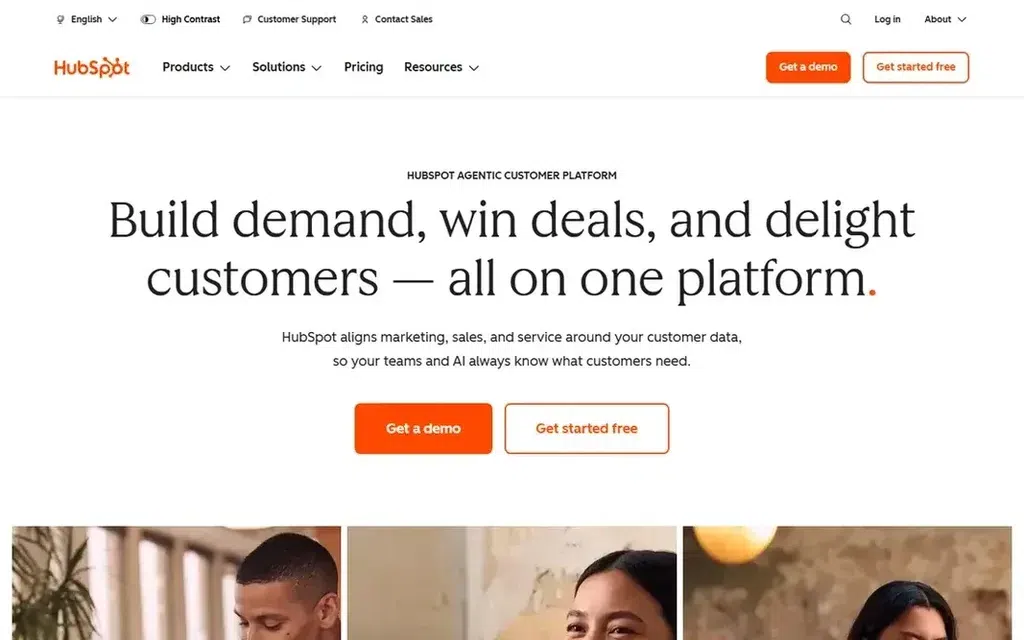
HubSpot CRM is built with small remote teams organizing contacts in mind. Teams that require deep ERP-style finance and inventory functions should look at broader systems.
Choose HubSpot CRM when the primary goal is a clean, AI-assisted CRM for a compact remote team instead of a full business suite. HubSpot CRM does not show a starting price in this comparison, so check the vendor site for current pricing. Free options: Not stated.
Watch-outs: Deeper customization can need more work.
- Built-in AI features
- Organizes contacts and deals
- Small-business focus may limit scale
SAP S/4HANA Cloud works best for modular cloud ERP for fast-growth teams. SAP S/4HANA Cloud Public Edition is a modular ERP option meant to bring built-in AI to core business processes so firms can scale. More specifically, consider a focused CRM or a combined CRM and ERP platform when ERP depth is not the priority for your distributed teams.
Points against: Modular adoption needs scoping.
Modular adoption still requires scoping and planning. Also, for remote teams, modularity lets phased adoption of the processes they need whereas keeping data in one cloud ERP. SAP S/4HANA Cloud does not show a starting price in this comparison, so check the vendor site for current pricing. Free options: Not stated.
- Modular ERP design
- Geared toward fast-growth firms
- ERP focus may be heavy for small teams
Pick Microsoft Dynamics 365 if this describes you: connected CRM and ERP for teams. Microsoft Dynamics 365 is described as agentic CRM and ERP business applications that link teams, processes and data. In practice, organizations needing only a sales CRM may find a focused tool faster to adopt.
On top of that, consider Dynamics 365 when connecting processes and data across departments matters more than a single-purpose sales tool. For remote organizations, that connected approach helps distributed departments work from shared information instead of separate silos. Microsoft Dynamics 365 does not show a starting price in this comparison, so check the vendor site for current pricing. Free access: Not stated.
Trade-offs to know: Wide scope can mean longer setup.
- Agentic business positioning
- Merges CRM and ERP applications
- Needs planning across modules
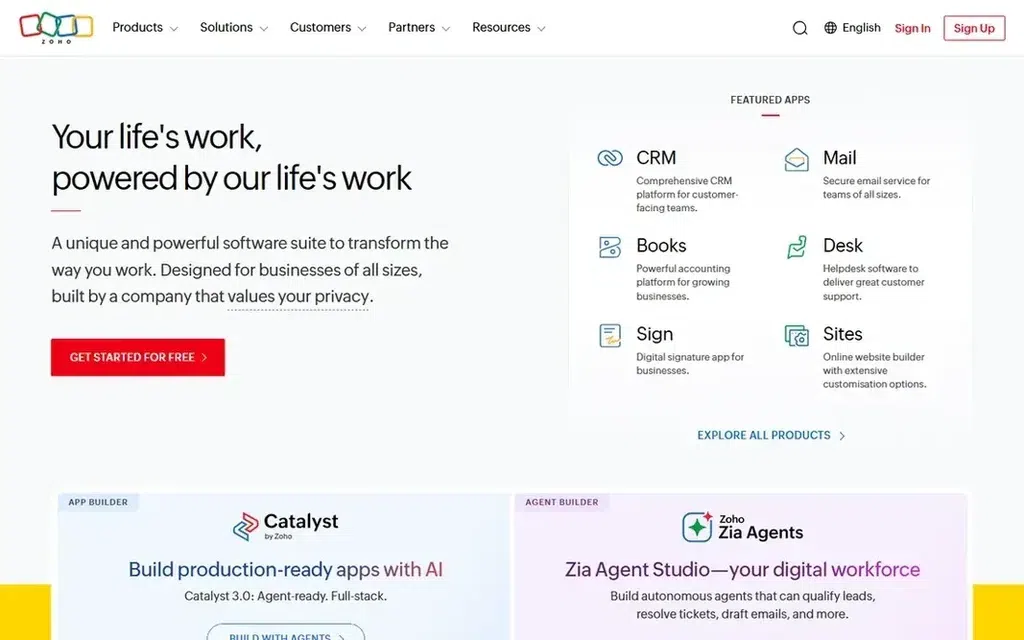
Zoho CRM targets remote sales pipeline management. Zoho CRM is an agentic CRM system built to help teams run sales operations and close more deals. In daily use, for remote teams, it centralizes pipeline activity so distributed sales staff can work from a shared view of contacts, deals and follow-ups.
On top of that, consider a broader cloud ERP or a combined CRM and ERP product when sales data must flow straight into accounting and operations. In daily use, since Zoho CRM centers on sales operations, teams needing integrated finance, inventory or HR may need extra systems alongside it. Zoho CRM shows no starting price here, so confirm the cost on the vendor site. Free options: Not stated.
Honest limits: Advanced needs may suit bigger suites.
- Designed for closing more deals
- Agentic CRM product
- Needs setup to match your process
How the list was put together
Things to verify first
- Confirm the entry price with every vendor: no tool from Workday to Zoho CRM shows a fixed starting price.
- Read the limits listed for Workday first: enterprise orientation may suit bigger teams.
- Read the plan comparison for SAP S/4HANA Cloud carefully; key features often start on a higher tier.
- Ask Workday about contract length, onboarding fees and user minimums before you sign.
- A short pilot of HubSpot CRM with your real workflow tells you more than a feature table.
FAQ
Can I try these tools before paying?
Not by default. None of the tools, from Workday to Zoho CRM, lists a free plan or a free trial here, so ask each vendor for a demo before committing.
Is Workday the right pick for everyone comparing SAP store software for remote teams?
No single tool suits every team. Workday comes first because it fits enterprise HR, finance and IT platform, while HubSpot CRM suits small remote teams organizing contacts and SAP S/4HANA Cloud suits modular cloud ERP for fast-growth teams. Match the tool to your own size, budget and workflow before deciding.
Do these tools publish their prices?
No. None of the tools, from Workday to Zoho CRM, shows a fixed starting price here, so budget time for quotes.
How are the tools for SAP store software for remote teams ordered?
The order follows typical fit for SAP store software for remote teams, with Workday first and Zoho CRM last, then price clarity and free access. It is editorial judgement, not a score, so another team could rank the tools differently.
Sources
- https://www.workday.com
- https://www.hubspot.com/products/crm
- https://www.sap.com/products/erp/s4hana.html
- https://www.microsoft.com/en-us/dynamics-365
- https://www.zoho.com/crm