App Store Optimization Software in 2026: A Guide to 7 Tools
Searching for the best app store optimization software? Here are 7 options with prices and free plans. Caveats come with every verdict. Quick comparison inside.
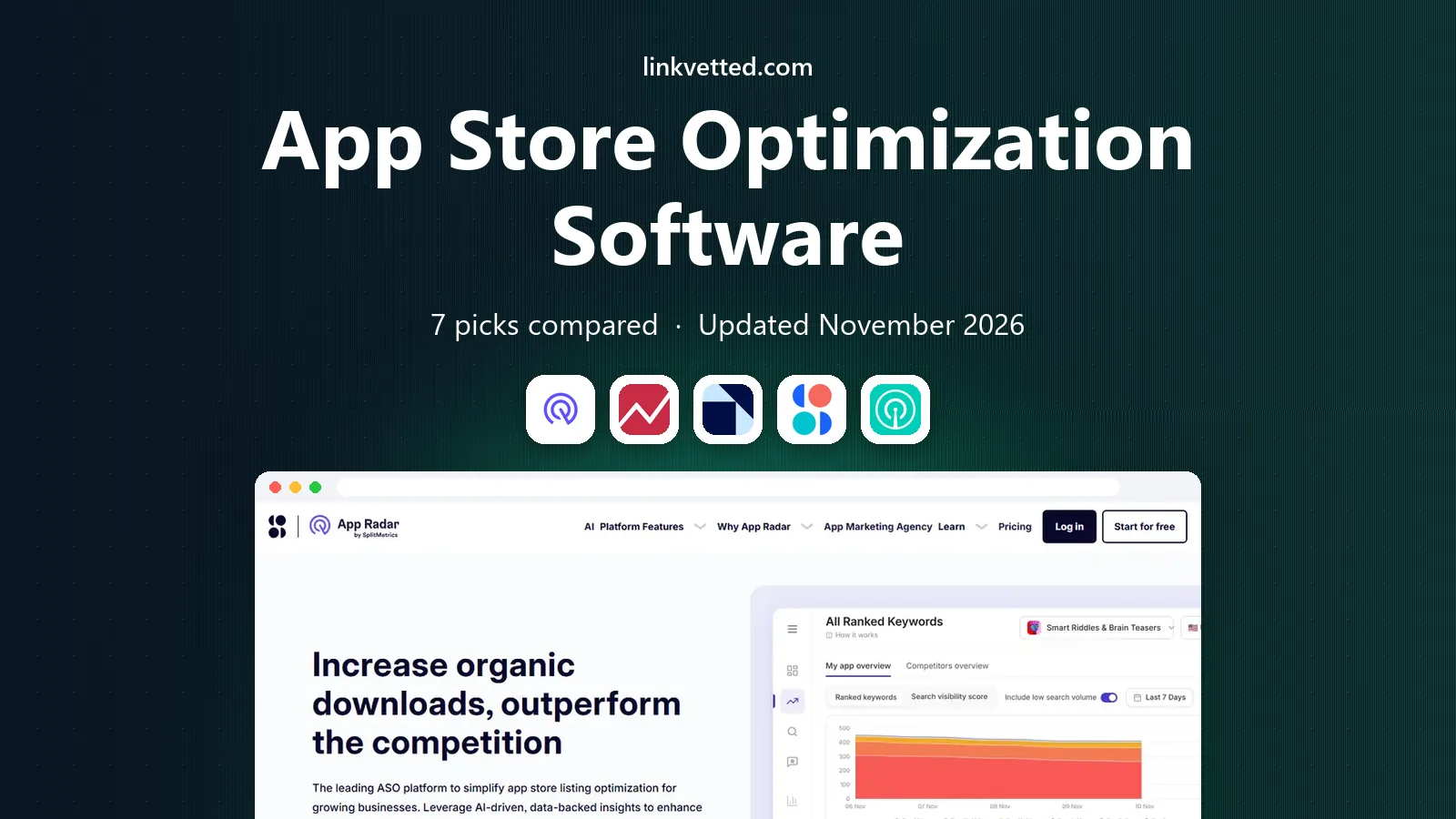
- Editor's choice
 App Radar
Indie developers and small studios on a budget
Starts atSee websiteVisit appradar.comFull review - Great alternative
 AppTweak
Teams wanting ASO, reviews and market data in one place
Starts atSee websiteVisit apptweak.comFull review - Also consider
 ASOdesk
Keyword tracking and semantic core building at low cost
Starts atSee websiteVisit asodesk.comFull review
Direct answer
App Radar leads the list, best for Indie developers and small studios on a budget. Alternatives: AppTweak for teams wanting ASO, reviews and market data in one place, and ASOdesk for keyword tracking and semantic core building at low cost. The other 4 tools in the list cover narrower or pricier cases.
TL;DR:
- Top of the list is App Radar, which targets Indie developers and small studios on a budget.
- One limit worth knowing about SplitMetrics: testing focus means thinner keyword tools, no free plan, experiments need traffic to conclude, pricing is quote-based.
- No starting price is shown for any of the 7 tools, App Radar and AppFollow included, so plan time for sales calls.
- AppFollow fits managing reviews and ratings at scale.
- 4 of 7 tools offer a free plan: App Radar, ASOdesk, Appfigures, AppFollow.
Quick comparison
| Tool | Best for | Starts at | Free plan? | |
|---|---|---|---|---|
| App Radar | Indie developers and small studios on a budget | See website | Yes | Visit |
| AppTweak | Teams wanting ASO, reviews and market data in one place | See website | No | Visit |
| ASOdesk | Keyword tracking and semantic core building at low cost | See website | Yes | Visit |
 SplitMetrics | A/B testing icons, screenshots and metadata | See website | No | Visit |
 Sensor Tower | Publishers who require the deepest market and keyword data | See website | No | Visit |
 Appfigures | Clean reporting and review monitoring | See website | Yes | Visit |
 AppFollow | Managing reviews and ratings at scale | See website | Yes | Visit |
Our 7 picks for app store optimization software
LinkVetted put together this guide to app store optimization software for readers who want a clear shortlist without reading every vendor page. It compares 7 tools on starting price, free plans, who each one suits and where each one falls short.

App Radar is aimed squarely at Indie developers and small studios on a budget. App Radar hands indie teams the ASO essentials without enterprise pricing. Keyword tracking, suggestions and competitor monitoring handle the daily workflow, and a free level lets you start at once.
Watch-outs: review tools are entry-level; Smaller data set than leaders.
More specifically, push metadata updates across locales from one dashboard rather than logging into each store console, and keep a changelog so you can correlate changes with ranking moves. For everyday use, small studios often pair it with manual competitor checks to fill the gaps. Also, data depth does not match Sensor Tower, and market intelligence is lighter, but for a handful of apps it is enough. The publishing tools help run listings across keeps. Pricing for App Radar is not stated here, so ask the vendor for current figures. App Radar offers a free plan.
- Free level for basics
- Publishing workflow tools
- Best for smaller portfolios
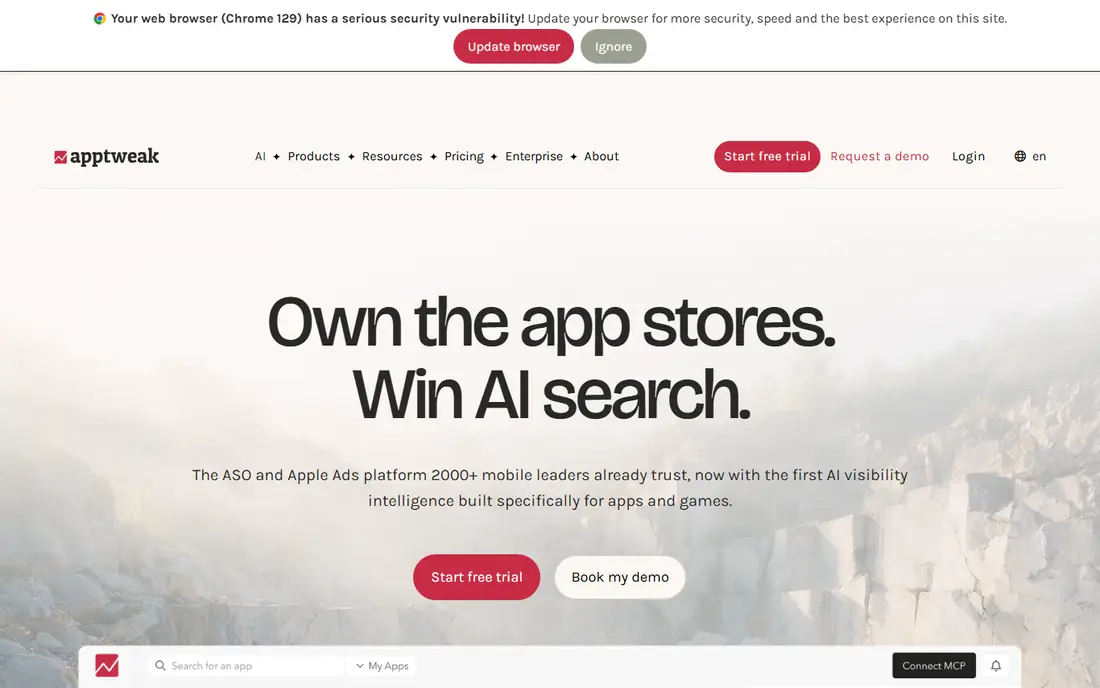
Where AppTweak fits: teams wanting ASO, reviews and market data in one place. Plans scale with the number of apps tracked, so costs stay proportional for small portfolios.
Downsides: some advanced reports need higher levels, ramp-up time.
As for the details, there is no free plan, but trials let you test the data quality against your own rankings before committing. Check the vendor site for AppTweak pricing; none is listed in this comparison. AppTweak has no free tier.
Where AppTweak stands out: Wide feature set.
- Review management included
- Decent keyword suggestions
- Pricing climbs with tracked apps
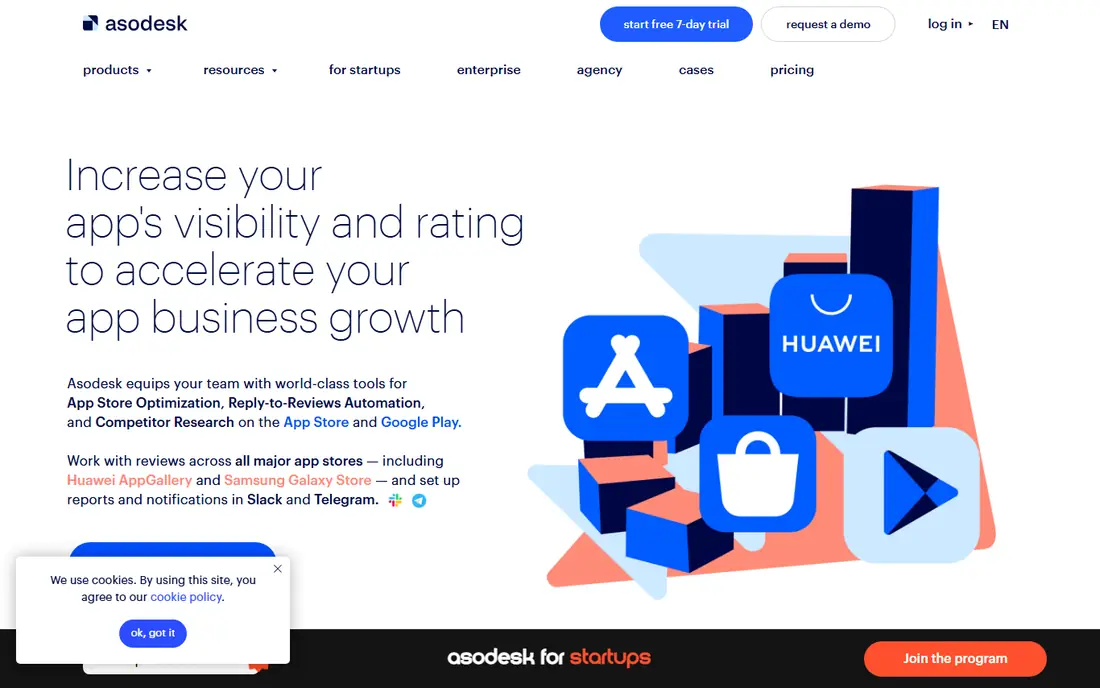
ASOdesk works best for keyword tracking and semantic core building at low cost. The price is among the lowest here, which makes it widely used with freelancers and small agencies managing numerous apps. Also, for the core job of tracking and expanding keyword coverage affordably, it provides.
ASOdesk's semantic grouping helps when you handle numerous keywords across countries. That routine turns a thousand tracked keywords into a manageable system. Check the vendor site for ASOdesk pricing; none is listed in this comparison. Free access exists with ASOdesk.
Limits to weigh: advanced features cost additional; Interface less refined.
- Semantic keyword grouping
- Review reply tools
- Data coverage thinner in smaller locales
SplitMetrics targets a/B testing icons, screenshots and metadata. SplitMetrics answers the question every ASO manager asks: will this new screenshot set convert better? It is a specialist, so pair it with a keyword tool for research.
What SplitMetrics does well: agency services available.
More specifically, teams that iterate on creatives on a regular basis get the most value. If you seldom change your listing, the cost is harder to justify. SplitMetrics experiments need enough traffic to reach confidence, so run them on your highest-volume locales first. This comparison lists no price for SplitMetrics; ask the vendor. SplitMetrics has no free plan.
Where it falls short: Testing focus means thinner keyword tools, no free plan.
- Statistical confidence reporting
- Purpose-built store listing experiments
- Experiments need traffic to conclude, pricing is quote-based
Sensor Tower
Best for: Publishers who require the deepest market and keyword data
Sensor Tower is a good fit for publishers who require the deepest market and keyword data. Its keyword database spans volume and difficulty estimates, and its market intelligence estimates competitor downloads and revenue. The system also tracks featuring, category trends and ad creatives.
What to check first: overkill for a single indie app.
Upsides: category rankings and trends. For a team deciding which keywords are worth chasing, that depth matters. Sensor Tower's download and revenue estimates become most handy when you benchmark against them over time. Sensor Tower shows no starting price here, so confirm the cost on the vendor site. Sensor Tower has no permanent free option.
- Capable competitor intelligence
- Huge keyword and download estimate database
- Enterprise pricing, no free plan, interface takes training
Appfigures is designed for clean reporting and review monitoring. Appfigures excels at the reporting layer: downloads, revenue, ranks and reviews in dashboards that stakeholders actually read.
Where it falls short: Keyword tools lighter than ASO-first rivals; market data is entry-level.
Appfigures' review alerts deserve a Slack integration so the entire team sees rating drops at once. From a buyer's view, developers who live in metrics tend to like it. Appfigures shows no starting price here, so confirm the cost on the vendor site. You can start on Appfigures without paying.
- Review tracking with alerts
- Clear dashboards and reports
- Less guidance for beginners
AppFollow targets managing reviews and ratings at scale. AppFollow is built around the review side of ASO.
It aggregates reviews across keeps, auto-tags sentiment, recommends replies and can route issues to support tools. No starting price is listed for AppFollow here; confirm pricing on the vendor site. A free plan is available with AppFollow.
Watch-outs: setup for automation takes care; overkill if reviews are quiet.
Strengths: sentiment analysis.
- Solid review reply automation
- Competitor review tracking
- ASO keyword features are secondary
A closer look at app store optimization software
Most app downloads start with a store search, and the apps at the top of those searches did not get there by accident. ASO tools split into a handful of jobs. In daily use, keyword research and rank tracking form the core.
More specifically, review management manages the ratings side. On top of that, few teams need every module on day one, so pick the tool that spans your current bottleneck.
How the list was put together
For each of the 7 tools we noted price, free plan or trial, fit for app store optimization software and the main limit, using vendor pages and documentation. Prices and plan limits come from vendor pages and can change, so confirm them on the vendor site before you buy. Tools are placed by general fit for app store optimization software, with price clarity and free access as tie-breakers. A different team can reasonably rank them differently.
Pre-purchase checklist
- Ask each vendor, from App Radar to AppFollow, for a written quote; none of them publishes a starting price.
- Read the fine print on the free plans from App Radar, ASOdesk, Appfigures and AppFollow; seat, project and feature caps differ.
- Before choosing App Radar, weigh its main limit: smaller data set than leaders, fewer market intelligence features, review tools are entry-level, best for smaller portfolios.
- Map your must-have features to a specific SplitMetrics plan before you compare prices.
- Work out what Sensor Tower costs with your real seat count, add-ons and usage, not just the entry price.
FAQ
Can I try these options before paying?
Often, yes. App Radar, ASOdesk, Appfigures and AppFollow have a free plan. Use your own data and a real task during the test, and check what the free tier or trial limits before you rely on it.
Which options for app store optimization software have a free plan?
On this list, App Radar, ASOdesk, Appfigures and AppFollow include a free plan. Caps on seats, usage or features are common, so test the free plan against your real workload.
Do these tools publish their prices?
No. None of the tools, from App Radar to AppFollow, shows a fixed starting price here, so budget time for quotes.
How are the tools for app store optimization software ordered?
App Radar sits first and AppFollow last because the order follows typical fit for app store optimization software, then price clarity and free access. It is a judgement call, so read each profile for fit and limits.