Best Direct Store Delivery Software in 2026: 7 Tools Compared
We compare the best direct store delivery software across 7 tools, covering route accounting, mobile ordering, warehouse, invoicing and proof of delivery.

- Editor's choice
 Encompass Distribution Cloud
Beverage distributors
Starts atSee websiteVisit encompasstech.comFull review - Great alternative
 eoStar
DSD distributors of many sizes
Starts atSee websiteVisit eostar.comFull review - Also consider
 Vori
Grocery suppliers and distributors
Starts atSee websiteVisit vori.comFull review
TL;DR:
- Encompass and eoStar suit full DSD operations with routes, warehouses and driver invoicing.
- Vori, Now Commerce and Orderwerks suit ordering and portal needs, rather than full route accounting.
- MobilePDQ suits small QuickBooks-based route teams at a lower complexity level.
- Test offline mobile use on a real route, since connectivity in stores and trucks is often weak.
Quick comparison
| Tool | Best for | Starts at | Free plan? | |
|---|---|---|---|---|
| Encompass Distribution Cloud | Beverage distributors | See website | No | Visit |
| eoStar | DSD distributors of many sizes | See website | No | Visit |
| Vori | Grocery suppliers and distributors | See website | No | Visit |
 Now Commerce | Wholesale distributors wanting a customer portal | See website | No | Visit |
 Ivy Mobility Industry Cloud | Consumer goods brands and distributors | See website | No | Visit |
 MobilePDQ | Small route sales teams using QuickBooks | See website | No | Visit |
 Orderwerks | Wholesale distributors and brands | See website | No | Visit |
The best direct store delivery software
Direct store delivery, or DSD, means suppliers deliver straight to stores, often with drivers who sell, stock and invoice on site. DSD software must handle routes, mobile orders, inventory, invoicing and proof of delivery, even when connectivity is weak.

First, consider Encompass Distribution Cloud. Encompass Distribution Cloud fits beverage distributors that want route accounting, warehouse management, voice picking and retailer ordering in one cloud system.
Running those tools on one database helps teams avoid conflicting stock and sales figures between office and field, which matters when drivers adjust orders on site.
Distributors outside beverages should check sector fit carefully, since the product history and workflows reflect beverage distribution most closely.
- Route accounting, warehouse and sales tools on one database
- Mobile app for drivers
- Beverage focus may suit other sectors less
- Pricing is quote-based
Next, look at eoStar. eoStar fits DSD distributors that need route accounting, warehouse management, voice picking, forecasting and mobile sales in one platform.
Its route accounting core covers the daily driver workflow, from loading and selling to invoicing and returns, with real-time stock and sales data for the office.
Since pricing and scope are quote-based, buyers should agree on users, routes, warehouses and integrations before signing, to avoid scope growth later.
- End-to-end route accounting
- Warehouse, forecasting and mobile sales tools
- Quote-based pricing
- Implementation scope should be agreed early
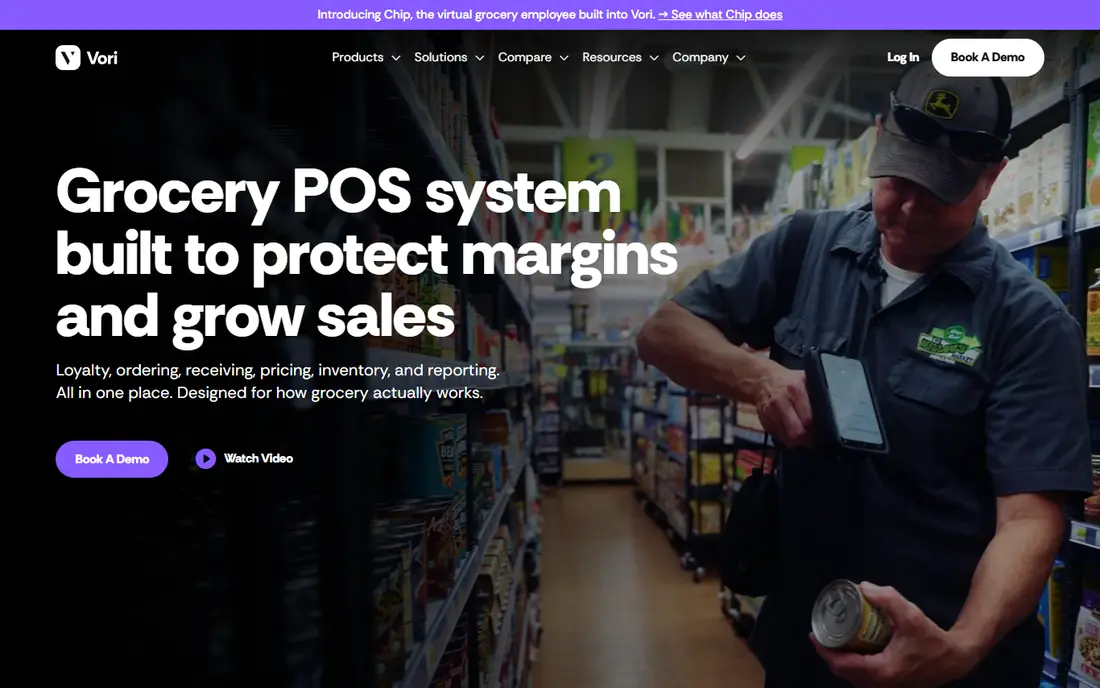
Another strong option is Vori. Vori fits grocery suppliers and distributors that want order guides, promotions and inventory signals in one place for store teams.
Catalogs and order guidance help store teams order the right mix without digging through paper lists or separate supplier portals.
Teams should check how Vori links to their store and back-office systems, since value grows when order, inventory and approval data flow without manual re-entry.
- Supplier catalogs and order guides
- Order and inventory visibility for stores
- Free tier covers basic use
- Full DSD depth depends on store system links
For a different fit, Now Commerce. Now Commerce fits wholesale and distribution businesses that want customers to place and manage orders through an online portal.
A customer portal reduces phone and email orders, and gives buyers visibility of products, prices and order status without calling the office.
Distributors that need full driver route accounting, warehouse picking and mobile invoicing may need a broader DSD platform alongside a portal.
- B2B ordering portal for wholesale customers
- Order and account tools
- Portal focus is narrower than full route accounting
- Pricing varies by plan
Teams with tighter budgets often check Ivy Mobility Industry Cloud. Ivy Mobility Industry Cloud fits consumer goods brands and distributors that run retail execution, field sales and DSD together.
The suite covers guided selling, surveys, audits, merchandising and distributor management, which helps brands that manage many reps and stores.
Smaller distributors should scope only the modules they need first, since a full suite rollout takes more time and training than a single route tool.
- Retail execution, DSD and distributor management in one suite
- Field sales tools
- Suite scope suits larger programs
- Smaller firms should scope modules carefully
A further option is MobilePDQ. MobilePDQ fits small route sales teams that use QuickBooks Desktop and want mobile invoicing without a large DSD platform.
Drivers can create orders and invoices, capture signatures, scan barcodes and take card payments, while sales sync to QuickBooks in the background.
Teams on other accounting systems get less benefit, and buyers should confirm device, printer and offline support for their routes.
- Mobile orders, invoices and inventory at point of sale
- QuickBooks sync
- QuickBooks focus limits fit for other accounting systems
- Smaller vendor scope
If scale matters most, Orderwerks. Orderwerks fits wholesale distributors and brands that want a mobile ordering app and B2B store for their customers.
A customisable mobile app and web store help distributors take orders from many customers without building their own ordering system.
Distributors that need warehouse picking, route accounting and driver settlement should check whether Orderwerks covers those flows, or whether it pairs with another system.
- B2B ordering and mobile app for wholesale distribution
- Catalog tools
- Smaller scope than full route accounting suites
- Pricing needs a quote
How we picked these
We reviewed official feature pages, pricing pages, app store listings, privacy policies and public user reviews for each product, and kept only tools that are available today and that fit the topic directly. We checked that each product offers the core capability in its category, such as SLA rules, key rotation, work orders, pay cycles, supplier mapping, membership billing, route settlement, dunning or order screening, rather than a related feature in a general tool.
We did not claim hands-on testing, and we did not invent prices, awards or ratings. Where a vendor does not publish a starting price, we show See website, and we note where higher tiers carry the features buyers often need. Prices can change, so we recommend confirming the current price on the vendor site before you buy.
We also looked at whether each vendor explains its security, privacy and support terms in plain language on its own site. A clear privacy policy, a named support route and published status information help buyers judge a vendor before a trial, and they matter most when the tool will hold sensitive customer, employee or payment data.
How to test DSD software on a real route
Ride along, or at least recreate a full route in a trial. The driver should load stock, visit stores, adjust orders, handle returns, capture signatures, take payment and settle the route, all from the mobile app. If any step needs a phone call to the office, note it, since those calls add up across many routes each day.
Also check back-office settlement. Invoices, returns, credits, inventory changes and driver cash should reconcile without manual re-entry, and managers should see route progress in real time. Ask how the system handles offline work, price changes mid-route and damaged stock, since those events happen often in store delivery.
Before you sign, ask for a written quote that lists every user, module, add-on and support tier you will need in the first year. Confirm what happens when you add users, change plans or cancel, and check whether data export is included. A clear quote makes it easier to compare tools fairly, and it avoids surprises when the first renewal arrives.
Route data also helps managers plan driver workloads fairly. When routes, stop counts and delivery times are visible in one place, managers can balance difficult routes, spot overtime patterns and adjust territories before drivers burn out. That visibility also supports fair pay discussions, since route difficulty is recorded rather than guessed.
Ask drivers to test the app for a full shift before rollout. Their feedback on button size, offline sync and printer links will reveal problems that office testing misses, and fixing those early saves time on every route after go-live.
FAQ
What is direct store delivery software?
Direct store delivery software manages suppliers that deliver straight to stores, with drivers who may sell, stock and invoice on site. It covers route planning, mobile ordering, inventory, invoicing, returns and proof of delivery. It differs from general delivery software by handling selling and settlement at the store, not just transport.
Do we need route accounting or just route planning?
Route accounting covers selling, invoicing, returns and settlement on the route, while route planning mainly optimises stops and sequences. DSD distributors usually need route accounting, since drivers transact at stores. A planning-only tool leaves invoicing and settlement to separate systems.
How important is offline mobile access?
Offline access is critical for many DSD routes, since stores, warehouses and rural roads often have weak connectivity. Drivers should still take orders, invoice and capture signatures offline, with data syncing when connectivity returns. Test this on a real route, not just in an office demo.
Can DSD software link to our accounting system?
Most DSD platforms link to accounting and ERP systems, but the depth varies. Some offer direct links, while others rely on file imports or custom work. Confirm how invoices, credits, payments and inventory post to your accounting system, and who supports that link after go-live.
What drives DSD software cost?
Cost depends on users, routes, warehouses, devices and modules, and most enterprise DSD pricing is quote-based. Implementation, training, device setup and integration work add to the license fee. Ask for a quote that covers drivers, office users, warehouses and support for your route count.
How long does implementation usually take?
Implementation time varies with team size, data quality and the number of integrations. A small team with clean data can often go live in weeks, while a larger rollout with migration and training can take months. Ask each vendor for a phased plan with clear milestones, and allow time for staff training before the old system is switched off.