Best Enterprise App Store Software for Remote Teams (2026): 6 Picks Checked on Vendor Pages
Compare 6 best enterprise app store software for remote teams, with prices, free plans and who each fits. Verdicts stay brief and factual. Easy to scan.
- Editor's choiceApplivery
API-first automation across systems
Starts atPricing on requestVisit applivery.comFull review - Great alternative
 ManageEngine Endpoint Central
Central management of servers and endpoints
Starts atPricing on requestVisit manageengine.comFull review - Also consider
 Jamf Pro
Apple-centric organizations and schools
Starts atPricing on requestVisit jamf.comFull review
Direct answer
Applivery comes first here, mainly for API-first automation across systems. For a different need, ManageEngine Endpoint Central covers Central management of servers and endpoints and Jamf Pro covers Apple-centric organizations and schools. Details and limits for the rest of the 6 tools are below. None of these vendors publish plan prices, so pricing is on request for every option.
TL;DR:
- Number one here is Applivery, a fit for API-first automation across platforms.
- What to know about Applivery first: AI features should be validated for your workflow.
- For IT teams and managed service providers, Addigy is worth a look.
- Neither Applivery nor Addigy, nor any of the other 4 tools, has a permanent free plan; trials and quotes are the norm.
Last checked November 2026. Pricing on request: vendors did not publish plan prices when this guide was last checked (November 2026), so ask each vendor for a written quote.
Quick comparison
| Tool | Best for | Starts at | Free plan? | |
|---|---|---|---|---|
| Applivery | API-first automation across systems | Pricing on request | Free trial | Visit |
| ManageEngine Endpoint Central | Central management of servers and endpoints | Pricing on request | Not stated | Visit |
| Jamf Pro | Apple-centric organizations and schools | Pricing on request | Not stated | Visit |
| FileWave | Unified endpoint and IT asset control | Pricing on request | Free trial | Visit |
 Microsoft Intune | Mixed Windows, Apple and Android fleets | Pricing on request | Not stated | Visit |
 Addigy | IT teams and managed service providers | Pricing on request | Free trial | Visit |
Enterprise App Store Software for Remote Teams, one by one
If you are comparing enterprise app store software for remote teams, this page covers 6 tools in one place: what each is best for, what it costs to start, whether it has a free plan, and the main limit to know about.
Applivery
Best for: API-first automation across systems
Applivery is designed for API-first automation across systems. Applivery is a unified endpoint management product that handles Android, Apple and Windows from one console. Its API-first design automates patching, apps and compliance, with AI capabilities described as powered by Applivery Intelligence.
Points against: Automation setup requires planning.
Also, choose Applivery when integration and automation are central to your endpoint strategy. Teams needing only basic app distribution may prefer a more straightforward tool. No starting price is listed for Applivery here; confirm pricing on the vendor site. As for free access: Free trial.
- Apple and Windows
- Apps and compliance
- AI features should be validated for your workflow
ManageEngine Endpoint Central
Best for: Central management of servers and endpoints
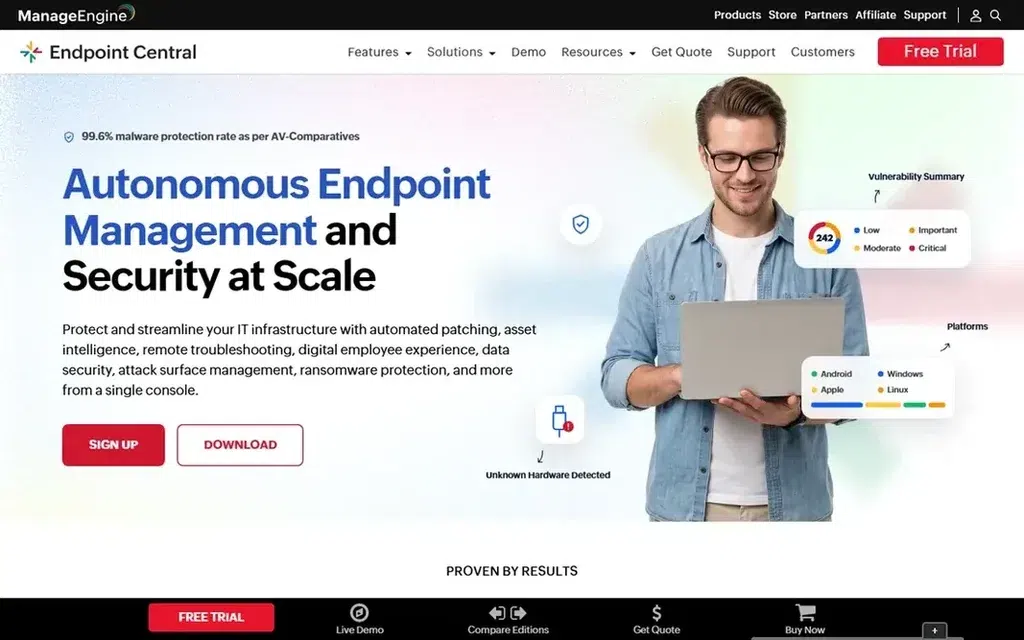
Choose ManageEngine Endpoint Central for Central management of servers and endpoints. ManageEngine Endpoint Central is a unified endpoint management and security option for managing and securing servers, desktops, laptops and mobile devices centrally.
Main advantages: laptops and mobile.
Choose Endpoint Central when central oversight of plenty of endpoint types matters more than specialization. ManageEngine Endpoint Central does not show a starting price in this comparison, so check the vendor site for current pricing. As for free access: Not stated. Honest limits: Needs careful policy planning.
- Unified management and security
- Single central console
- Feature breadth can feel dense
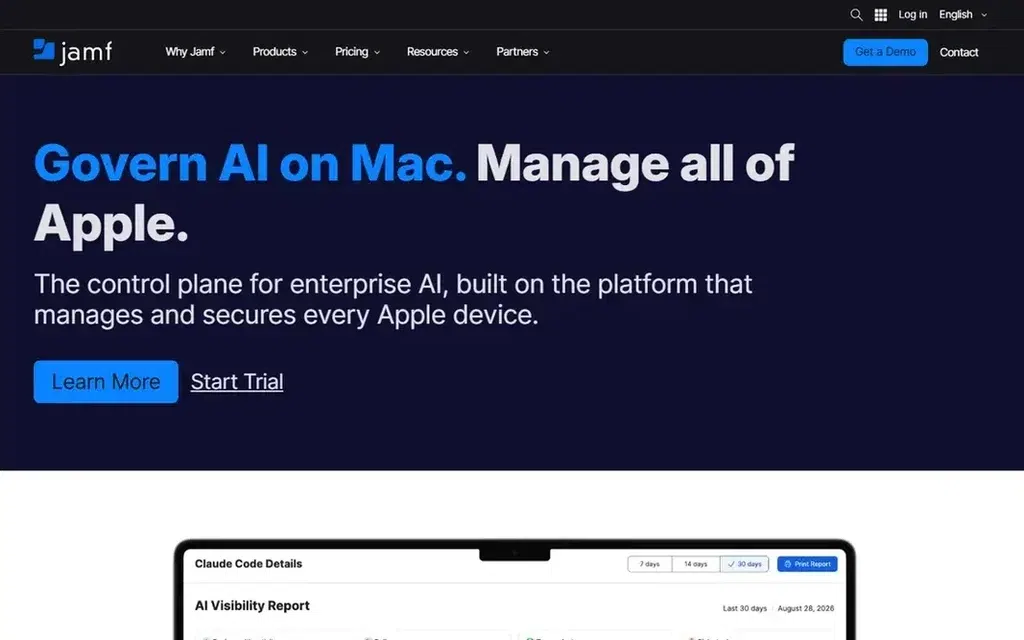
Jamf Pro targets Apple-centric organizations and schools. Jamf Pro is enterprise-level mobile device management software centred on managing and securing Apple devices. It provides advanced tools and integrations geared toward organizations that standardize on Mac, iPhone and iPad.
In practice, Jamf Pro does not run Windows or Android devices, so mixed-fleet teams would need another tool alongside it. The depth of Apple-specific controls can also demand dedicated administrative time. Pick it when Apple management is the core requirement instead of one part of a broader endpoint strategy. For remote teams where most staff use Apple hardware, Jamf Pro supplies a mature path to app distribution, configuration and device security without handling other systems. This comparison lists no price for Jamf Pro; ask the vendor. Trial and free access: Not stated.
Watch-outs: Depth can need trained administrators.
- Runs and secures Apple devices
- Enterprise-level Apple MDM
- Apple devices only
FileWave
Best for: Unified endpoint and IT asset control
For unified endpoint and IT asset control, FileWave is a natural candidate. Supporting multiple operating systems means more configuration decisions and testing before rollout.
FileWave shows no starting price here, so confirm the cost on the vendor site. Free plan details: Free trial.
Downsides: Asset focus may not suit app-only needs.
- IOS and Android
- Single system for mixed devices
- Mixed-platform scope brings configuration work
Microsoft Intune is built with mixed Windows, Apple and Android fleets in mind. Microsoft Intune is a cloud-based unified endpoint management option built on Zero Trust principles. It lets IT handle, secure and govern devices, apps and endpoints from a single service, which fits organizations running a mix of Windows, Apple and Android hardware across distributed locations.
Drawbacks to consider: Wide scope can mean complicated setup.
Remote teams benefit from app deployment and policy enforcement that does not need devices to return to an office. Since Intune spans plenty of device types and security features, initial configuration can take real planning and administrative effort. No starting price is listed for Microsoft Intune here; confirm pricing on the vendor site. Free access: Not stated.
What Microsoft Intune does well: Cloud-based unified endpoint management.
- Governs devices
- Apps and endpoints
- Best value inside the Microsoft ecosystem
Addigy targets IT teams and managed service providers. The platform is Apple-specific, so Windows and Android devices need separate handling. Its service-provider orientation means some capabilities may be more than a small internal team needs.
For everyday use, Addigy is a full-featured Apple MDM product offering live management for IT teams and managed service providers. It presents every Mac, iPhone and iPad live, so issues can be fixed as they happen and compliance can be maintained. That live emphasis helps support remote users who are not on the corporate network and need quick remediation. Pricing for Addigy is not stated here, so ask the vendor for current figures. Free options: Free trial.
Points against: MSP orientation may exceed small-team needs.
- Aimed at IT teams and MSPs
- Live view of Macs
- Apple devices only
What went into this list
For each of the 6 tools we noted price, free plan or trial, fit for enterprise app store software for remote teams and the main limit, using vendor pages and documentation. Seat minimums, billing terms and add-ons can move the real cost, so the starting prices here are a guide and not a quote. Tools are placed by general fit for enterprise app store software for remote teams, with price clarity and free access as tie-breakers. A different team can reasonably rank them differently.
What to confirm before you sign up
- Request quotes from Applivery, Addigy and the others; the list shows no fixed prices.
- Run a trial of Applivery, FileWave and Addigy with real work before paying for a year; your own workflow is the best test.
- Read the limits listed for Applivery first: AI features should be validated for your workflow.
- Ask FileWave which support channels and response times come with the plan you would buy.
- Find out whether the entry plan of Addigy covers your must-haves or only a trimmed-down version.
FAQ
What should we test before rolling out to the entire team?
Pilot the product with a representative group handling each operating system and network condition you support. Confirm that support and documentation include the workflows your team depends on.
Is Applivery the right pick for everyone comparing enterprise app store software for remote teams?
No single tool suits every team. Applivery comes first because it fits API-first automation across platforms, while ManageEngine Endpoint Central suits Central management of servers and endpoints and Jamf Pro suits Apple-centric organizations and schools. Match the tool to your own size, budget and workflow before deciding.
Does any tool for enterprise app store software for remote teams here have a free plan?
A permanent free plan is not offered by Applivery, Addigy or the other tools here. Applivery, FileWave, Addigy offer a trial. Plan a short evaluation period instead.
How are the tools for enterprise app store software for remote teams ordered?
The order follows typical fit for enterprise app store software for remote teams, with Applivery first and Addigy last, then price clarity and free access. It is editorial judgement, not a score, so another team could rank the tools differently.
Do these tools publish their prices?
No. None of the tools, from Applivery to Addigy, shows a fixed starting price here, so budget time for quotes.
Sources
- https://www.applivery.com
- https://www.manageengine.com/products/desktop-central
- https://www.jamf.com/products/jamf-pro
- https://www.filewave.com
- https://www.microsoft.com/en-us/security/business/microsoft-intune
- https://www.addigy.com