6 Windows Security Software Worth Shortlisting in 2026
Best windows security software in 2026: 6 tools with starting prices, free plans and limits. Every pick includes one clear drawback. Read the profiles.
- Editor's choice
 CrowdStrike Falcon
Unified endpoint, identity and cloud security
Starts at$7.99 per device a monthVisit crowdstrike.comFull review - Great alternative
 ESET Protect
Cross-platform business device security
Starts atSee websiteVisit eset.comFull review - Also consider
 Sophos Intercept X
Detection and response focused teams
Starts atSee websiteVisit sophos.comFull review
Direct answer
If you need unified endpoint, identity and cloud security, CrowdStrike Falcon is the first tool to look at here. Listed starting prices: CrowdStrike Falcon from $7.99 per device a month. ESET Protect is the stronger choice for cross-platform business device security, while Sophos Intercept X suits detection and response focused teams. The full list of 6 tools follows, with prices and free plan facts.
TL;DR:
- CrowdStrike Falcon sits first on this list: unified endpoint, identity and cloud security.
- None of the 6 tools, from CrowdStrike Falcon to Microsoft Defender for Business, has a free plan, so budget for a subscription or use a trial.
- Check the limits for Malwarebytes Endpoint Protection before you commit: bundled scope may exceed entry-level needs.
- Starting prices begin at $7.99 per device per month with CrowdStrike Falcon.
Last checked November 2026. Prices and plan details were read from the vendors' own pages in November 2026; vendors change plans often, so confirm the current price on the vendor site before you buy.
Quick comparison
| Tool | Best for | Starts at | Free plan? | |
|---|---|---|---|---|
| CrowdStrike Falcon | Unified endpoint, identity and cloud security | $7.99 per device a month | Free trial | Visit |
| ESET Protect | Cross-platform business device security | See website | Free trial | Visit |
| Sophos Intercept X | Detection and response focused teams | See website | Not stated | Visit |
| Malwarebytes Endpoint Protection | SMBs and MSPs wanting bundled security | See website | Not stated | Visit |
 Trend Micro Apex One | Full threat protection across environments | See website | Not stated | Visit |
 Microsoft Defender for Business | Small companies inside Microsoft ecosystem | See website | Not stated | Visit |
6 options for Windows security software in detail
If you are comparing windows security software, this page covers 6 tools in one place: what each is best for, what it costs to start, whether it has a free plan, and the main limit to know about.
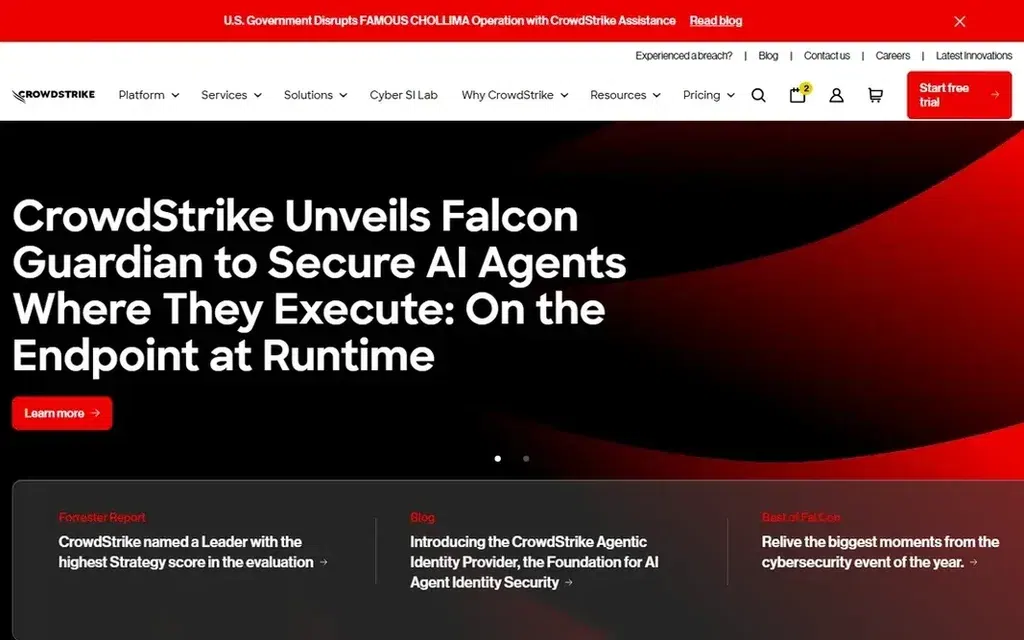
For unified endpoint, identity and cloud security, CrowdStrike Falcon is a natural candidate. CrowdStrike Falcon is described as an AI-native product where one unified console and a single sensor secure endpoint, identity, cloud and AI in live.
Trade-offs to know: Wide system may overwhelm small teams.
Worth adding: organizations seeking a straightforward antivirus-style tool may prefer a lighter choice. For everyday use, Security teams with dedicated staff tend to get the most from its breadth. On cost, CrowdStrike Falcon starts like this: $7.99 per device per month. Free options: Free trial.
- AI-native product positioning
- Single sensor across workloads
- Best value at bigger scale
Choose ESET Protect for cross-platform business device security. ESET Protect spans ESET's business security options for devices, with antivirus and internet security products for Windows, Android, Mac and Linux.
Drawbacks to consider: Advanced response features vary by edition.
Teams familiar with traditional antivirus administration frequently find the transition straightforward. Pricing for ESET Protect is not stated here, so ask the vendor for current figures. Free plan details: Free trial.
- Android and Linux
- Straightforward antivirus heritage
- Management setup needs planning
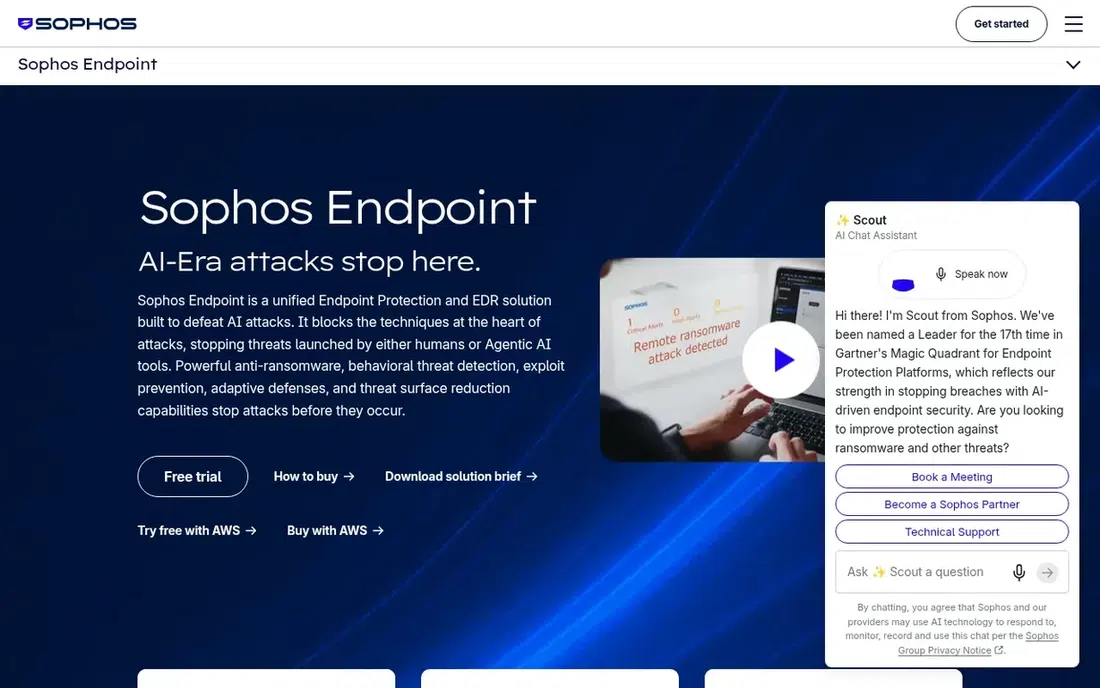
In short, Sophos Intercept X is for detection and response focused teams. Sophos Intercept X, presented under Sophos Endpoint, delivers endpoint protection pitched at stopping advanced attacks before they impact systems. Also, if you primarily need baseline Windows protection, a more straightforward tool may be simpler to run.
Drawbacks to consider: Response workflows need tuning.
The detection and response features reward teams with the time to investigate alerts and tune workflows. In practice, smaller organizations without dedicated security staff may find the console busier than necessary. Sophos Intercept X does not show a starting price in this comparison, so check the vendor site for current pricing. Trial and free access: Not stated.
- Positioned to stop advanced attacks
- Endpoint protection with EDR and XDR
- Full feature set needs skilled operators
Malwarebytes Endpoint Protection
Best for: SMBs and MSPs wanting bundled security
Malwarebytes Endpoint Protection is designed for SMBs and MSPs wanting bundled security. Malwarebytes Endpoint Protection, delivered as ThreatDown, brings together EDR, MDR, patch management and email security in one lightweight system made for SMBs, mid-market organizations and MSPs.
Beyond that, depth in each area should be checked against your requirements. In practice, the bundled scope can be more than a team needing entry-level Windows protection needs, so map modules to actual gaps. Malwarebytes Endpoint Protection does not show a starting price in this comparison, so check the vendor site for current pricing. Free plan details: Not stated.
Honest limits: Feature depth varies by module.
- Contains email security
- MDR and patch management
- Bundled scope may exceed entry-level needs
Pick Trend Micro Apex One if this describes you: full threat protection across environments. On top of that, Trend Micro Apex One sits within Trend Micro's endpoint security lineup, which the vendor describes as full threat protection across your whole environment.
Limits to weigh: Feature depth can add complexity.
In daily use, teams wanting minimal administration may prefer a more straightforward tool. Trend Micro Apex One shows no starting price here, so confirm the cost on the vendor site. Free options: Not stated.
- Established endpoint security focus
- Wide threat protection coverage
- Needs planning for rollout
Microsoft Defender for Business
Best for: Small companies inside Microsoft ecosystem
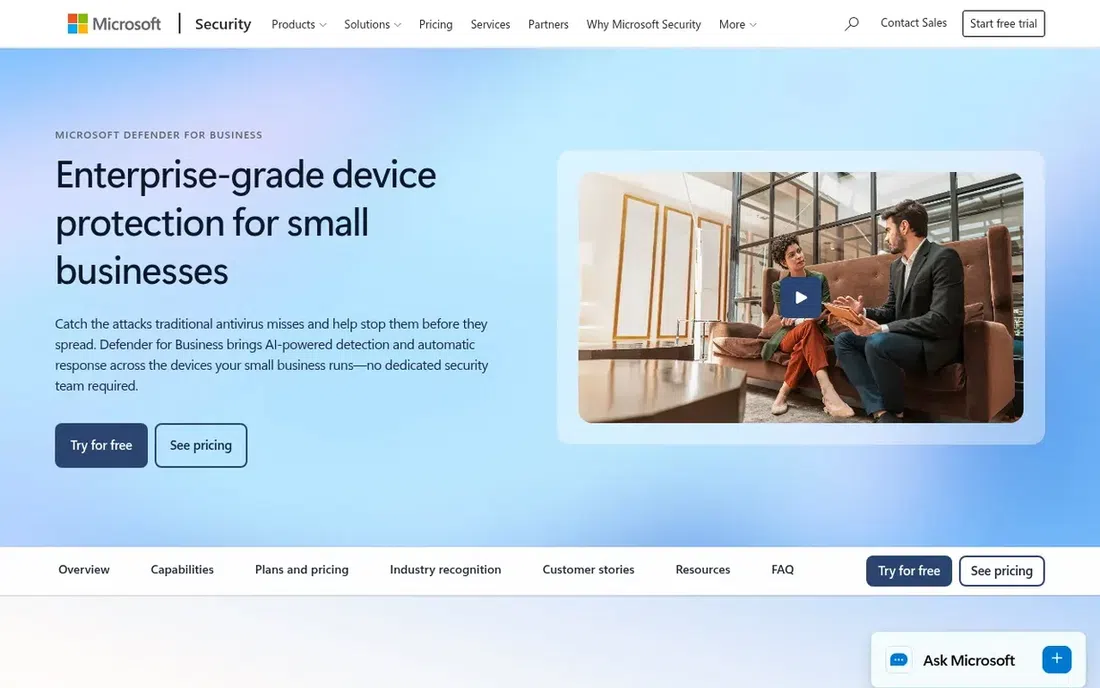
Microsoft Defender for Business is a good fit for small companies inside Microsoft ecosystem. Since it is positioned for small companies, organizations with complicated, multi-platform estates may want broader endpoint systems.
Downsides: Tied closely to Microsoft tooling.
Microsoft Defender for Business is a device security option built to help protect small firms against cybersecurity threats, based on Microsoft. Environments that rely heavily on non-Microsoft infrastructure should check integration carefully. Microsoft Defender for Business shows no starting price here, so confirm the cost on the vendor site. Free plan details: Not stated.
- Centred on core threat protection
- Suits naturally with Microsoft environments
- Less appealing for mixed-vendor stacks
How these tools were picked
Pre-purchase checklist
- Ask ESET Protect, Sophos Intercept X, Malwarebytes Endpoint Protection and others for a written quote, since no starting price is shown.
- Use real work to test the free trial from CrowdStrike Falcon and ESET Protect, rather than a demo project.
- Before choosing CrowdStrike Falcon, weigh its main limit: wide system may overwhelm small teams.
- Test how quickly CrowdStrike Falcon answers a pre-sales question; it hints at how support will feel later.
- Read the plan comparison for Microsoft Defender for Business carefully; key features often start on a higher tier.
FAQ
Do these tools publish their prices?
Not all of them. ESET Protect, Sophos Intercept X, Malwarebytes Endpoint Protection and others publish no starting price, so expect a quote request for those. The rest, CrowdStrike Falcon included, show a starting price, though seats and billing terms still change the final cost.
What is the cheapest option for Windows security software in this list?
On published monthly entry prices, CrowdStrike Falcon is the lowest here at $7.99 per device per month. Entry price is only part of the cost, because seats, add-ons and billing terms can change the total. Each of the 6 options in this windows security software guide has its own card above with the price, free plan and limits.
Is CrowdStrike Falcon the right pick for everyone comparing windows security software?
No single tool suits every team. CrowdStrike Falcon comes first because it fits unified endpoint, identity and cloud security, while ESET Protect suits cross-platform business device security and Sophos Intercept X suits detection and response focused teams. Match the tool to your own size, budget and workflow before deciding.
Is built-in Windows protection enough for a small business?
Microsoft Defender for Business is designed specifically to help small firms protect devices against cybersecurity threats. In daily use, organizations with dedicated security staff commonly look at broader systems.
How are the tools for Windows security software ordered?
The order follows typical fit for Windows security software, with CrowdStrike Falcon first and Microsoft Defender for Business last, then price clarity and free access. It is editorial judgement, not a score, so another team could rank the tools differently.
Sources
- https://www.crowdstrike.com/platform
- https://www.eset.com/us/business/endpoint-protection
- https://www.sophos.com/en-us/products/endpoint-antivirus
- https://www.malwarebytes.com/business
- https://www.trendmicro.com/en_us/business/products/user-protection/sps/endpoint.html
- https://www.microsoft.com/en-us/security/business/endpoint-security/microsoft-defender-business