Best AI Code Security Tools in 2026: 9 Platforms Compared
Compare the best ai code security tools in 2026, from Snyk and Semgrep to GitHub Advanced Security, on detection, fixes, pricing, and fit for your team.
- Editor's choice
 Snyk
Developer first SAST and SCA
Starts at$25 per monthVisit snyk.ioFull review - Great alternative
 Semgrep
Custom rules and fast scans
Starts at$30 per monthVisit semgrep.devFull review - Also consider
 GitHub Advanced Security
GitHub native teams
Starts atSee websiteVisit github.comFull review
TL;DR:
- Snyk and Semgrep are the easiest developer first starting points, with Snyk stronger on dependencies and Semgrep stronger on custom rules.
- GitHub Advanced Security is the lowest friction choice for teams already standardised on GitHub, thanks to CodeQL and Copilot Autofix.
- Socket and Endor Labs focus on a different risk: malicious or unreachable dependencies that traditional scanners flag without context.
- Price is usually per developer or per contributor, so count active contributors, not total employees, before you compare quotes.
Quick comparison
| Tool | Best for | Starts at | Free plan? | |
|---|---|---|---|---|
| Snyk | Developer first SAST and SCA | $25 per month | Yes | Visit |
| Semgrep | Custom rules and fast scans | $30 per month | Yes | Visit |
| GitHub Advanced Security | GitHub native teams | See website | Yes | Visit |
 SonarQube | Quality gates plus security | See website | Yes | Visit |
 Checkmarx One | Enterprise AppSec programmes | See website | No | Visit |
 Socket | Blocking malicious dependencies | See website | Yes | Visit |
 CodeRabbit | AI pull request review | See website | Free trial | Visit |
 Aikido Security | Consolidated AppSec for small teams | See website | Free trial | Visit |
 Endor Labs | Reachability and supply chain risk | See website | Yes | Visit |
The best AI code security tools
We compared code security tools on detection coverage, AI fix quality, false positive handling, integrations with IDEs and CI, and pricing, with attention to how each tool handles AI generated code.
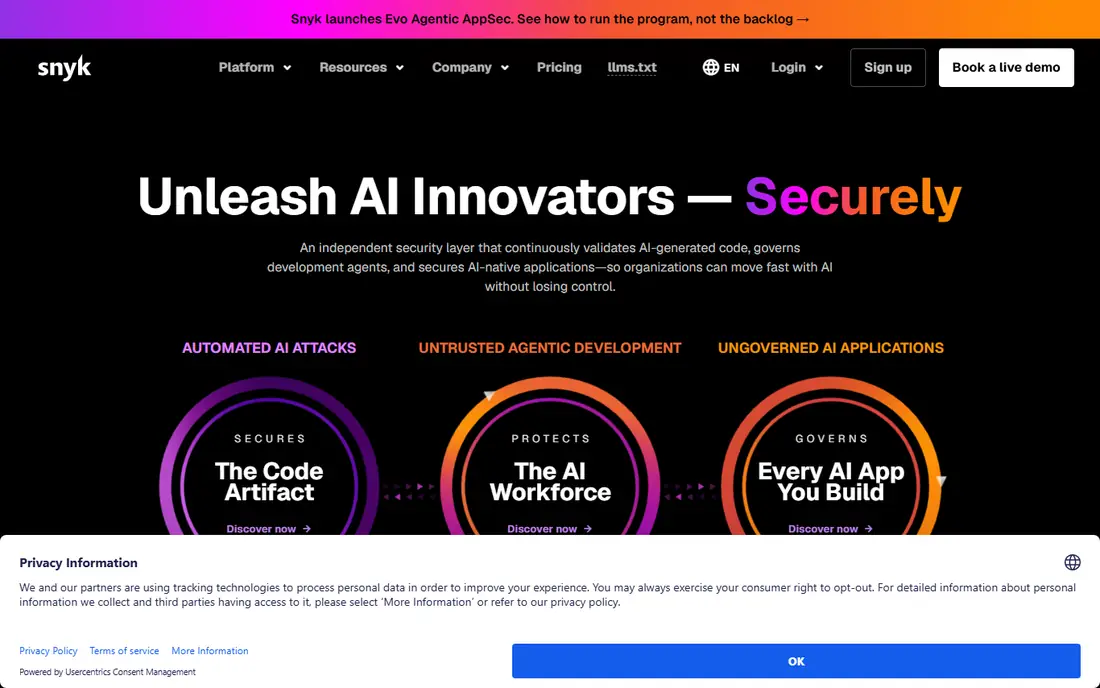
Snyk is a natural first stop for teams that want one vendor across several scan types. Snyk Code covers static analysis, Snyk Open Source covers dependencies, and container and infrastructure scans sit in the same platform, with DeepCode AI offering fix suggestions that developers can review in their IDE or pull request. That breadth matters now that AI tools generate large amounts of code and dependencies at speed. The cost model needs care. The Team plan is listed at $25 per developer per month, with test limits on the free tier, and enterprise pricing moves to prepaid credits. Teams should count contributing developers and check which modules are included, since adding every scan type lifts the total. For developer led teams that want fast setup and broad coverage, Snyk remains a strong default.
- Broad coverage across code, dependencies, containers, and infrastructure
- AI fix suggestions in IDE and pull requests
- Large vulnerability database
- Per developer pricing can rise quickly
- Custom rules need higher tiers
- Some enterprise features sit behind the top plan
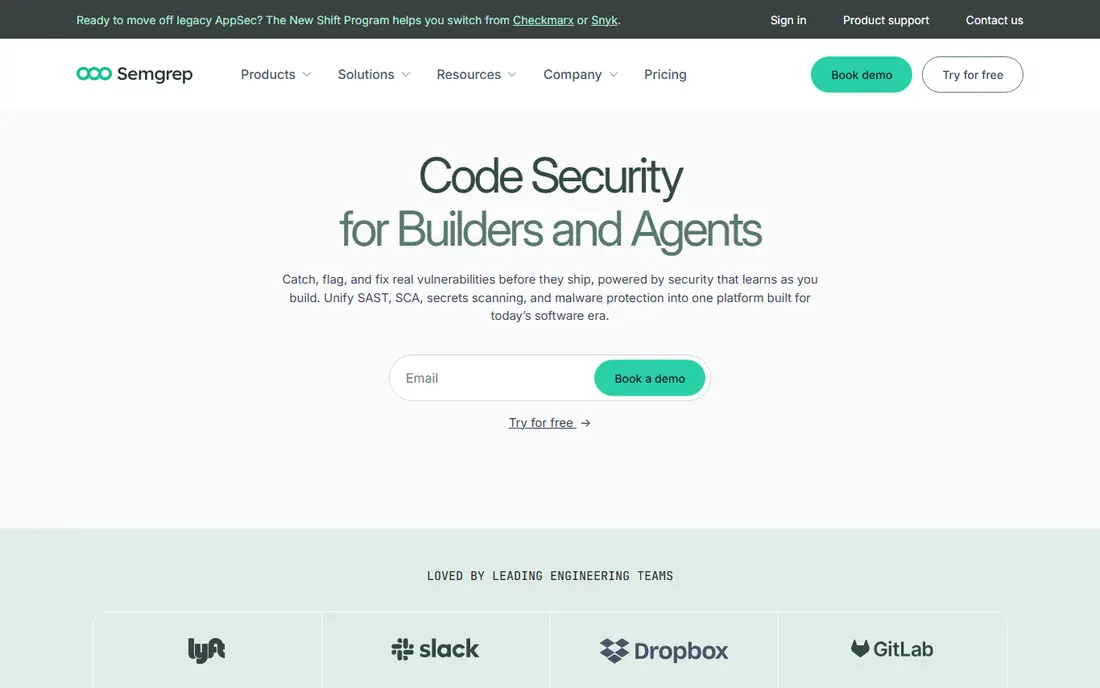
Semgrep appeals to engineers who want to see why a finding fired and to tune the rule themselves. Its pattern based rules are readable, the open source engine runs locally and in CI, and the paid platform adds cross file analysis, Pro rules, and AI assisted triage. That transparency helps teams encode their own banned patterns, framework rules, and internal standards. Pricing is modular, with Code, Supply Chain, and Secrets listed separately per contributor, so a full platform costs more than the headline Code price. Teams that only need SAST will find Semgrep fast and flexible, while teams that need containers and infrastructure scans will need another tool beside it. For rule driven teams, Semgrep offers control that closed AI models cannot match.
- Fast scans and readable custom rules
- Open source engine
- AI triage to cut noise
- Strong IDE and CI support
- Paid modules are priced separately for Code, Supply Chain, and Secrets
- Container scanning is not its focus
- Enterprise governance is thinner than legacy tools

For a team already on GitHub, Advanced Security removes much of the integration work. CodeQL analyses data flow through code, Dependabot flags vulnerable dependencies, secret scanning catches leaked keys, and Copilot Autofix proposes fixes that developers can review. Findings appear where developers already work, in pull requests and security alerts, which helps fixes land faster. The limit is lock in. If your code lives elsewhere, this tool is not a fit, and pricing per active committer needs a careful count for larger teams. Public repositories can use these features for free, which makes it a good learning ground. For GitHub standardised teams, Advanced Security is often the simplest path to solid code security.
- CodeQL semantic analysis
- Dependabot and secret scanning in the same place
- Copilot Autofix suggests patches in pull requests
- Tied to GitHub
- Pricing is per active committer and can add up
- Custom CodeQL rules take time to learn
SonarQube is best understood as a quality and security gate, not just a scanner. Teams set quality gates on new code, block merges that fail them, and track bugs, code smells, and security hotspots in one dashboard. The Community Build is free and self hosted, which makes it easy to trial, while SonarQube Cloud offers a hosted path with a free tier for smaller private projects. Security depth is the caveat. A large share of rules focus on maintainability and reliability, and advanced security analysis is strongest in a subset of languages. Teams that need deep SAST plus SCA and secrets will likely pair SonarQube with Snyk, Semgrep, or GitHub Advanced Security. Teams that want one gate for quality and security in CI will find SonarQube a steady choice.
- Quality gates block risky merges
- Taint analysis for security issues
- Self hosted Community Build is free
- Wide language support
- Many rules target quality, not security
- Advanced taint analysis is limited to some languages
- Pricing is based on lines of code on some plans
Checkmarx One suits large, regulated organisations that need a full application security platform under one contract. It combines static analysis, dependency scanning, dynamic testing, and infrastructure checks, with reporting built for audits and compliance teams. AI features help write queries and flag risks in AI generated code, which matters for enterprises adopting coding assistants at scale. That breadth comes with weight. Pricing is not published, rollout can take weeks, and tuning rules and policies needs AppSec staff. Smaller teams will find Snyk or Semgrep faster to adopt and cheaper to run. For an enterprise with compliance deadlines, many languages, and a central AppSec team, Checkmarx One offers the depth and governance that lighter tools lack.
- Broad SAST, SCA, DAST, and infrastructure coverage
- Strong compliance reporting
- AI query help and AI generated code coverage
- Pricing is quote only
- Setup and tuning need dedicated staff
- Scans can be slower than developer first tools
Socket solves a problem that traditional vulnerability scanners miss: a dependency can be malicious even when it has no known CVE. By analysing package behaviour, install scripts, and supply chain signals, Socket flags suspicious packages before they are merged. That early block is valuable at a time when AI assistants suggest packages quickly and developers install them without deep review. Socket is not a full code scanner, so it should sit beside SAST, not instead of it. It is free for open source projects, with paid plans per contributor for private work. For any team that installs many npm, PyPI, or other open source packages, Socket adds a layer of protection that SAST alone cannot provide.
- Catches typosquats, install script malware, and dependency confusion early
- Free for open source
- Fast pull request checks
- Focus is supply chain, not full SAST
- Paid pricing is per contributor
- Teams still need a SAST tool for code flaws
CodeRabbit brings AI review to the pull request itself, reading the diff in context and commenting on security risks, bugs, and style issues before merge. That timing helps, since a fix in a pull request is cheaper than a fix after release. Summaries also help reviewers grasp large changes faster, which is useful when AI tools produce long diffs. AI review is a complement, not a substitute, for deterministic scanning. It can miss issues that CodeQL or Semgrep would catch, and it can flag issues that are not real, so teams should tune rules and feedback over time. Used beside SAST and dependency scanning, CodeRabbit can raise review quality and catch problems that rules alone might miss.
- Reviews every pull request with context
- Flags security and quality issues early
- Summarises changes for reviewers
- Review quality varies by codebase and language
- Needs tuning to avoid noisy comments
- Not a replacement for SAST or SCA
Aikido aims to give a small team enterprise style coverage without running five separate tools. It combines code scanning, dependency checks, secret detection, and container scanning, with AI triage to reduce noise and autofix suggestions to speed remediation. Integrations with IDEs, pull requests, and ticketing tools keep findings close to developer work. As a newer platform, Aikido lacks the long track record and deep enterprise governance of Checkmarx or Veracode, and larger buyers should test reporting, SSO, and audit features carefully. For a startup or mid size team that wants one dashboard and fewer vendors, Aikido is a practical and modern option. For a regulated enterprise, it is better as a contender to trial than as an assumed default.
- SAST, SCA, secrets, and container checks in one place
- AI triage and autofix
- Low noise focus for small teams
- Newer than legacy vendors
- Enterprise governance is still growing
- Pricing needs a quote for larger teams
Endor Labs focuses on a painful reality of dependency scanning: most flagged vulnerabilities sit in code your app never calls. By tracing whether a vulnerable function is actually reachable, Endor Labs helps teams fix the small share of findings that matter first, rather than chasing every CVE in a large dependency tree. That prioritisation can cut triage time sharply for teams drowning in alerts. The platform is supply chain led, so teams still need SAST for flaws in their own code. A free developer tier for its AI assistant makes it easy to trial, while full platform pricing is custom. For engineering led organisations with large dependency footprints, Endor Labs offers a focused and credible way to turn noisy SCA output into a workable fix list.
- Reachability analysis cuts unreachable vulnerability noise
- Dependency risk graphing
- AI assistant for developers
- Free developer tier
- Pricing is quote based for full platform use
- Focus is supply chain, not general SAST
- Best value at larger scale
How we picked these
We compared official feature pages, pricing pages, documentation, app store and marketplace listings, privacy policies, and public reviews for tools active in October 2026. We looked at scan coverage, AI fix and triage features, false positive handling, IDE and CI integrations, and pricing models, and we favoured tools that handle AI generated code explicitly. We did not treat a vendor claim about fix accuracy or noise reduction as proof, and we noted where a tool covers only part of the AppSec stack.
What to check before you buy
Count contributors, not employees
Most tools charge per active developer or contributor, so count people who commit code in a recent window, not your whole company. Ask how bots, contractors, and AI agents are counted, and what happens when you exceed a band mid term. That count, more than the headline monthly price, decides your yearly bill.
Test on your own code, not a demo repo
Run a trial on a real repository with known issues, including AI generated code if your team uses it. Check scan speed in CI, false positive rate, fix quality, and how findings appear in pull requests. A tool that looks clean on a demo can still flood a real codebase with noise, or miss the patterns your team actually writes.
Layer tools by risk, not by vendor
No single tool here covers every risk well. A common pattern is SAST for your own code, SCA plus reachability for dependencies, secret scanning for keys, and AI review for pull requests. Map each risk to a tool, avoid paying twice for the same scan, and keep one place where developers see prioritised fixes.
FAQ
What is the best AI code security platform?
Snyk is the best all round developer first platform for SAST plus SCA, Semgrep is the best choice for custom rules, and GitHub Advanced Security is the best choice for GitHub native teams. The right pick depends on your host, languages, and if you need containers and infrastructure scans as well.
What is the best AI code security tool for small teams?
Semgrep and Snyk both offer free tiers that suit small teams, while Aikido offers a consolidated platform that reduces vendor sprawl. Socket is also worth adding for free on open source projects, since it catches malicious packages that other scanners miss.
Do AI code security tools replace manual code review?
No, they speed review and catch common flaws, but they still miss business logic issues, design risks, and context that only a human reviewer understands. Use AI fixes as suggestions to review, test the patched code, and keep human review for sensitive areas such as authentication, payments, and access control.
How do AI fixes work in these tools?
Most tools analyse a finding, propose a patch in the IDE or pull request, and let the developer accept, edit, or reject it. Fix quality varies by language and flaw type, so always run tests after applying a patch and do not auto merge security fixes without review, especially in production code.
Is GitHub Advanced Security free?
GitHub Advanced Security features are free for public repositories, while private repositories need a paid plan, usually per active committer. Check current GitHub pricing for your plan, since bundling with GitHub Enterprise changes the total cost.
What is reachability in supply chain security?
Reachability means checking whether your code actually calls the vulnerable part of a dependency. If a CVE sits in unused code, the risk is lower than if it sits in a function your app runs on every request, so reachability helps teams fix the most urgent findings first.