Website Builder for Agencies in 2026: The 6 Best Options Side by Side
Best website builder for agencies: 6 tools compared on price, free plans and fit. Our number one: Shopify, for ecommerce-focused client projects. Start here.
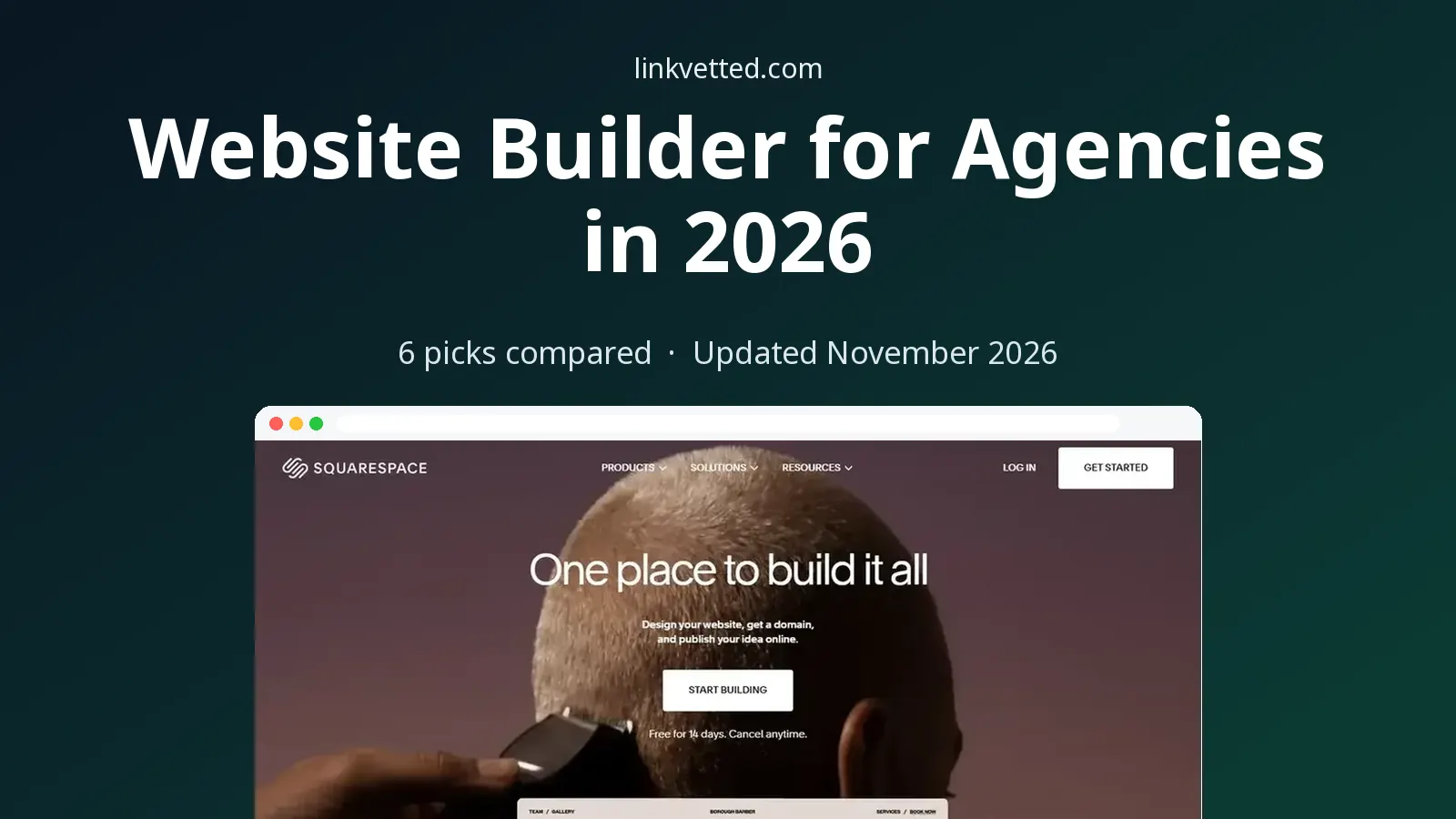
- Editor's choice
 Shopify
Ecommerce-focused client projects
Starts at$19 a monthVisit shopify.comFull review - Great alternative
 Squarespace
Refined templates and straightforward site management
Starts at$12 a monthVisit squarespace.comFull review - Also consider
 Framer
Design-led sites with AI assistance
Starts at$10 per monthVisit framer.comFull review
Direct answer
Shopify is the first pick on this list for ecommerce-focused client projects. Listed starting prices: Shopify from $19 a month, Squarespace from $12 a month and Framer from $10 per month. If your case is different, Squarespace suits refined templates and straightforward site management and Framer suits design-led sites with AI assistance. Prices, free plans and limits for all 6 tools follow.
TL;DR:
- This list starts with Shopify, which is built for ecommerce-focused client projects.
- A free plan is available from 3 of the 6 tools: Framer, Webflow, WordPress.com.
- Duda comes with a trade-off: less known for advanced design adaptability.
- For familiar publishing with built-in hosting, WordPress.com is worth a look.
Last checked November 2026. Prices and plan details were read from the vendors' own pages in November 2026; vendors change plans often, so confirm the current price on the vendor site before you buy.
Quick comparison
| Tool | Best for | Starts at | Free plan? | |
|---|---|---|---|---|
| Shopify | Ecommerce-focused client projects | $19 a month | Free trial | Visit |
| Squarespace | Refined templates and straightforward site management | $12 a month | Free trial | Visit |
| Framer | Design-led sites with AI assistance | $10 per month | Yes | Visit |
 Duda | High-volume client site production | $19 a month | Free trial | Visit |
 Webflow | Design-heavy client sites with CMS needs | $15 a month | Yes | Visit |
 WordPress.com | Familiar publishing with built-in hosting | $4 a month | Yes | Visit |
The 6 tools in detail
If you are comparing website builder for agencies, this page covers 6 tools in one place: what each is best for, what it costs to start, whether it has a free plan, and the main limit to know about.
Shopify makes the most sense for ecommerce-focused client projects. It is built for online keeps and commerce-driven sites. For client projects centered on online selling, Shopify remains a capable, purpose-built platform.
Agencies that build ecommerce experiences for clients will find Shopify a solid choice. It supplies a focused environment for selling products and managing orders. It may also need extra apps for specialized functionality. The starting price for Shopify: $19 per month. Free plan details: Free trial.
What to check first: Primarily ecommerce-focused.
- Full commerce product
- AI tools for business growth
- Less suited to non-commerce content sites
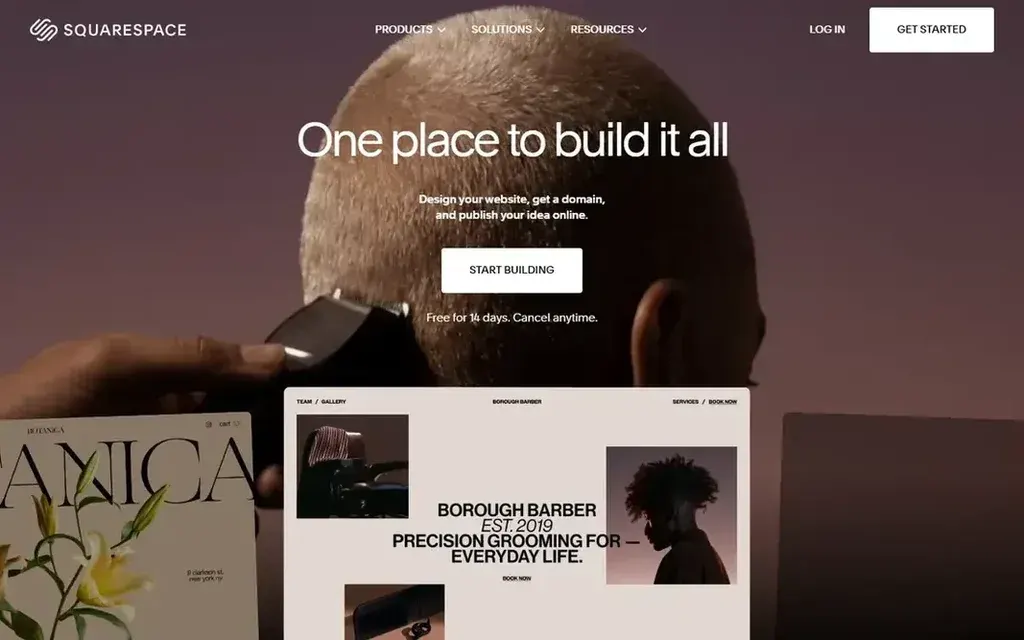
Squarespace makes the most sense for refined templates and simple site management. Squarespace provides less adaptability for highly custom or interactive designs compared to more developer-oriented systems. Squarespace is a website builder known for configurable templates and an AI website builder that helps users launch sites rapidly.
It contains hosting and domain choices in one package. Agencies that often build complicated web applications or need deep CMS customization may need a different tool. Worth adding: the system is well suited to agencies that require to deliver attractive, content-focused sites without broad custom development. It performs well for portfolios, blogs, and small business websites. Squarespace pricing: $12 per month. As for free access: Free trial.
Watch-outs: Restricted developer-focused features.
- High-quality configurable templates
- All-in-one hosting and domains
- Less adaptable for complicated custom layouts
Framer makes the most sense for design-led sites with AI assistance. Framer is a website builder featuring an AI design agent that helps take ideas from concept to launch. It is made for teams that want a design-forward tool with AI assistance.
Agencies concentrated on visual storytelling and rapid prototyping may find it appealing. Its ecosystem is still evolving compared to more established products. For design-centric marketing sites and portfolios, Framer supplies a modern, AI-assisted approach. Framer pricing: $10 per month. Framer offers a free plan.
Watch-outs: Newer product with evolving ecosystem.
- Editable changes after launch
- AI design agent for rapid iteration
- May be less suited to complicated web apps
Duda was built for high-volume client site production. Duda is an AI web presence product purpose-built for professionals, emphasizing the creation of client websites that rank and convert. More specifically, the product aims to help scale business operations with AI-powered features.
Agencies that prioritize intricate custom interactions might have to look elsewhere. That said, for agencies centred on volume and search performance, Duda gives you a targeted set of tools. On cost, Duda starts like this: $19 per month. Free options: Free trial.
Points against: May be less right for highly custom projects.
- AI-powered product for pros
- Made for scaling web presence
- Less known for advanced design adaptability
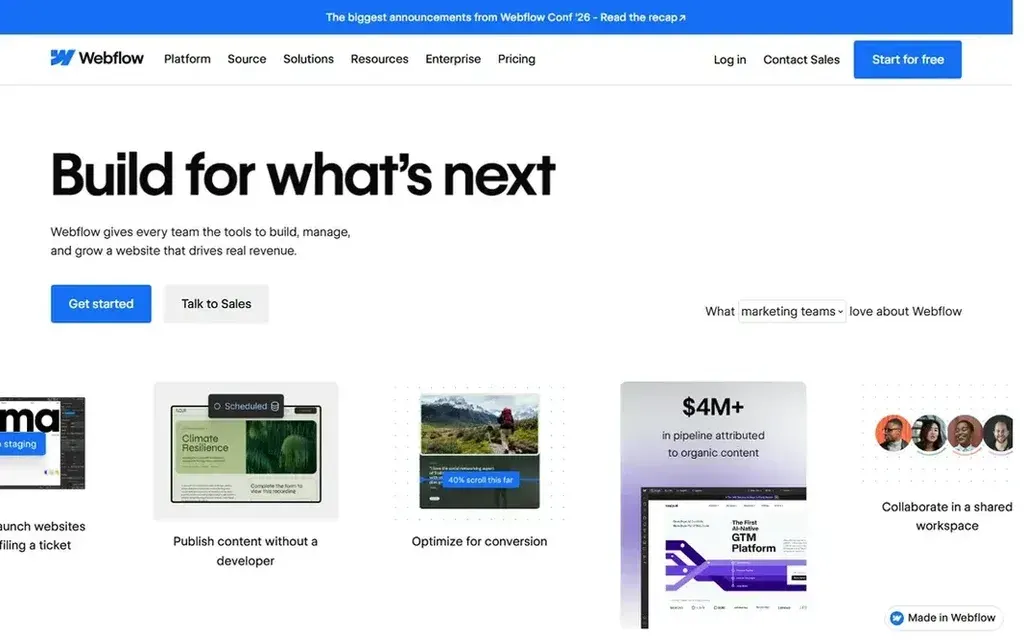
Webflow serves design-heavy client sites with CMS needs. Webflow is a visual development system that lets agencies design, build, and host client websites with precise control over layout and interactions. It comes with a CMS, hosting, and security features suited to modern business sites.
Limits to weigh: Steeper learning curve for beginners.
In daily use, the ramp-up time can be steep for team members used to more straightforward drag-and-drop builders, and complicated projects may need custom code or integrations. In practice, agencies seeking the simplest possible onboarding might prefer a more template-driven builder, whereas those prioritizing design freedom will find Webflow a solid fit. Entry price for Webflow: $15 per month. Webflow offers a free plan.
- Fine-grained design control
- Enterprise-grade security features
- Can need more setup for complicated integrations
Choose WordPress.com for familiar publishing with built-in hosting. WordPress.com is a hosted version of the WordPress system, offering built-in hosting, premium themes, and feature-rich publishing tools.
It is made for users who want to produce a website without technical setup. As for the details, for straightforward publishing and site management, WordPress.com remains a practical choice. Price to start with WordPress.com: $4 per month. WordPress.com offers a free plan.
The main drawbacks: May require plugins for advanced features.
- No technical setup required
- Built-in hosting and premium themes
- Less design adaptability than some visual builders
Selection criteria
Pricing pages, product documentation and feature lists were the main sources, and every entry carries at least one honest drawback. Treat prices as a snapshot: vendors change plans often, so check the vendor site for the figure that applies today. Order on the page follows fit for the typical buyer first, then price transparency and free access. Your own requirements should decide the final pick.
Pre-purchase checklist
- Confirm the entry price on the vendor page: WordPress.com starts at $4 per month, but seat counts and billing terms change the total.
- Read the fine print on the free plans from Framer, Webflow and WordPress.com; seat, project and feature caps differ.
- Use real work to test the free trial from Shopify, Squarespace and Duda, rather than a demo project.
- Before choosing Shopify, weigh its main limit: primarily ecommerce-focused.
- Before you load data into Squarespace, check what an export looks like and who can run it.
- Let daily users try WordPress.com on real work; their feedback beats any feature checklist.
FAQ
Do these tools publish their prices?
Yes. Every tool from Shopify to WordPress.com shows a starting price, though seats, add-ons and billing terms still change the final cost.
Can I try these tools before paying?
Often, yes. Framer, Webflow and WordPress.com have a free plan and Shopify, Squarespace and Duda offer a free trial. Use your own data and a real task during the test, and check what the free tier or trial limits before you rely on it.
What is the best website builder for agencies overall?
Shopify is the pick this page puts first, mainly for ecommerce-focused client projects. If your situation differs, Squarespace suits refined templates and straightforward site management, and Framer suits design-led sites with AI assistance. Compare price and limits before you decide.
How are the website builder for agencies ordered?
Shopify sits first and WordPress.com last because the order follows typical fit for website builder for agencies, then price clarity and free access. It is a judgement call, so read each profile for fit and limits.
Which website builder for agencies have a free plan?
On this list, Framer, Webflow and WordPress.com include a free plan. Caps on seats, usage or features are common, so test the free plan against your real workload. Several others offer a trial instead.
How important is design adaptability for agency website builders?
Products like Webflow and Framer offer high design control, while template-driven builders like Squarespace prioritize speed and ease. Consider your usual project requirements when choosing.
Sources
- https://www.shopify.com
- https://www.squarespace.com
- https://www.framer.com
- https://www.duda.co
- https://webflow.com
- https://wordpress.com