Best Webinar Software for Universities for 2026: Our 5 Vetted Picks
Best webinar software for universities in 2026: 5 contenders with entry costs and free tiers. Every pick gets a straight assessment. Read the profiles.
- Editor's choice
 GoTo Webinar
Recurring public-facing university events
Starts atSee websiteVisit goto.comFull review - Great alternative
 Kaltura
Campus-wide video and media management
Starts atSee websiteVisit corp.kaltura.comFull review - Also consider
 Panopto
Lecture capture and searchable video knowledge
Starts atSee websiteVisit panopto.comFull review
Direct answer
For recurring public-facing university events, GoTo Webinar is where this list starts. Listed starting prices: Microsoft Teams Webinars from $4.00 per user a month. Kaltura is the stronger choice for Campus-wide video and media management, while Panopto suits lecture capture and searchable video knowledge. Prices, free plans and limits for all 5 tools follow.
TL;DR:
- GoTo Webinar takes the first slot, best suited to recurring public-facing university events.
- Microsoft Teams Webinars suits universities standardized on Microsoft 365.
- Panopto comes with a trade-off: not a dedicated live event system.
- GoTo Webinar, Microsoft Teams Webinars and the 3 others all need a premium plan or a trial, since no free plan is listed.
Last checked November 2026. Prices and plan details were read from the vendors' own pages in November 2026; vendors change plans often, so confirm the current price on the vendor site before you buy.
Quick comparison
| Tool | Best for | Starts at | Free plan? | |
|---|---|---|---|---|
| GoTo Webinar | Recurring public-facing university events | See website | Free trial | Visit |
| Kaltura | Campus-wide video and media management | See website | Free trial | Visit |
| Panopto | Lecture capture and searchable video knowledge | See website | Free trial | Visit |
 Zoom Webinars | Large campus events and guest lectures | See website | Not stated | Visit |
| Microsoft Teams Webinars | Universities standardized on Microsoft 365 | $4.00 per user a month | Free trial | Visit |
Webinar Software for Universities, one by one
This LinkVetted guide covers 5 webinar software for universities. Each profile lists a starting price, free plan details, strengths and drawbacks, so you can drop poor fits quickly.
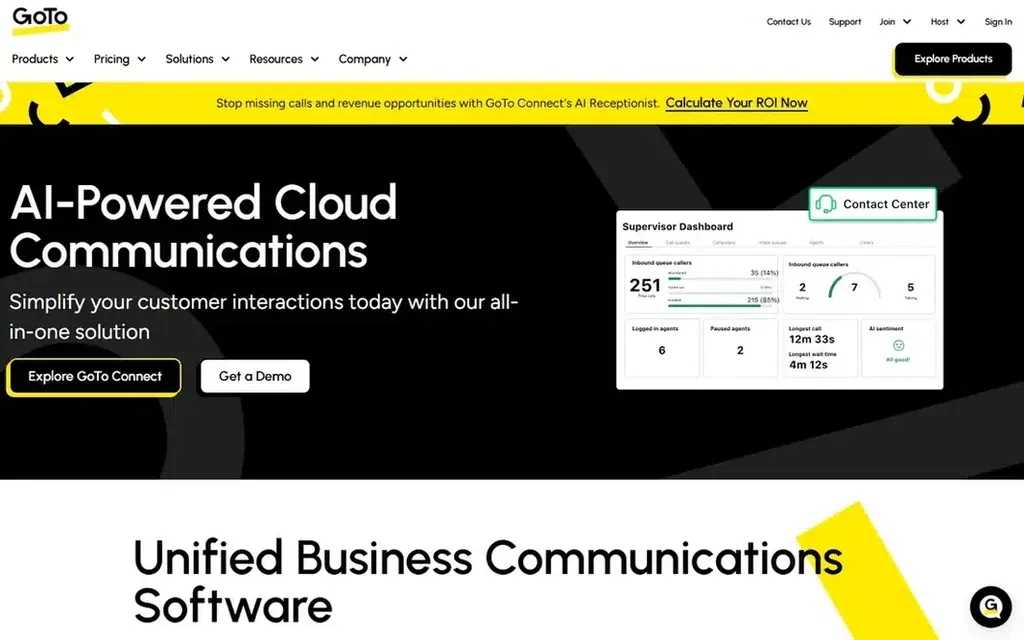
GoTo Webinar serves recurring public-facing university events. For universities it suits admissions events, alumni sessions and public lectures where the priority is engaging a remote audience.
In daily use, since it is a standalone event product, it may not link as naturally to teaching workflows and learning management systems as campus-wide video tools. Pricing for GoTo Webinar is not stated here, so ask the vendor for current figures. As for free access: Free trial.
What to check first: Separate administration from campus systems.
- Established event workflow
- Engagement tools for remote audiences
- Less tied to everyday teaching tools
Kaltura makes the most sense for Campus-wide video and media management. Institutions needing only occasional webinars may find a focused event product quicker to deploy.
In practice, Kaltura is a video product used widely in higher education for media management, publishing and sharing across an institution. No starting price is listed for Kaltura here; confirm pricing on the vendor site. Free access: Free trial.
Where it is weaker: Webinar use is one part of a bigger suite.
- Typical in higher education settings
- Supports media sharing across an organization
- Wide system needs configuration
Panopto is a good fit for lecture capture and searchable video knowledge. Panopto describes itself as a video knowledge system for training, onboarding and lecture capture, letting organizations record, search and share video.
Panopto performs best as the recording and video knowledge layer alongside a live product. On top of that, the product is oriented toward learning and workplace knowledge instead of marketing webinars. Check the vendor site for Panopto pricing; none is listed in this comparison. As for free access: Free trial.
Points against: Not a dedicated live event system.
- Aimed at lecture capture and training video
- Fits learning and onboarding use
- Live webinar features are secondary
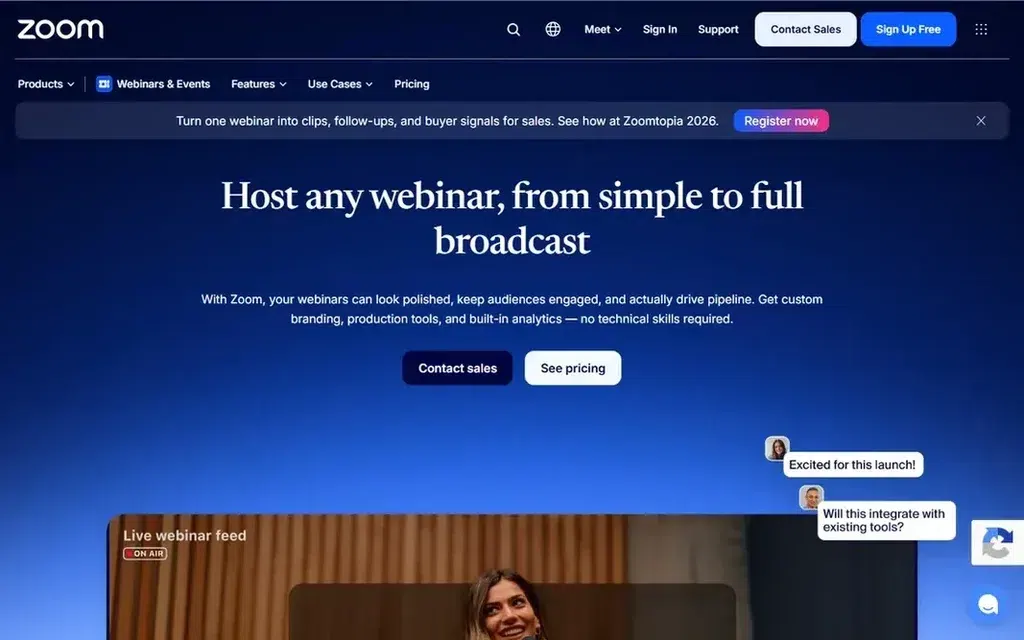
Zoom Webinars works best for large campus events and guest lectures. Since it is part of a wider Zoom product family, administrators must be clear about which capabilities belong to webinars versus standard meetings.
Strengths: Wide ecosystem of integrations.
The main drawbacks: Advanced event controls take time to learn. Zoom Webinars builds on the meeting system plenty of universities already use, adding event-oriented controls for bigger audiences and professional broadcasts. Also, the vendor positions it as a way to turn virtual events into high-impact experiences. Pricing for Zoom Webinars is not stated here, so ask the vendor for current figures. Free access: Not stated.
- High-impact virtual events
- Supports professional
- Webinar features sit alongside separate meeting products
Microsoft Teams Webinars
Best for: Universities standardized on Microsoft 365
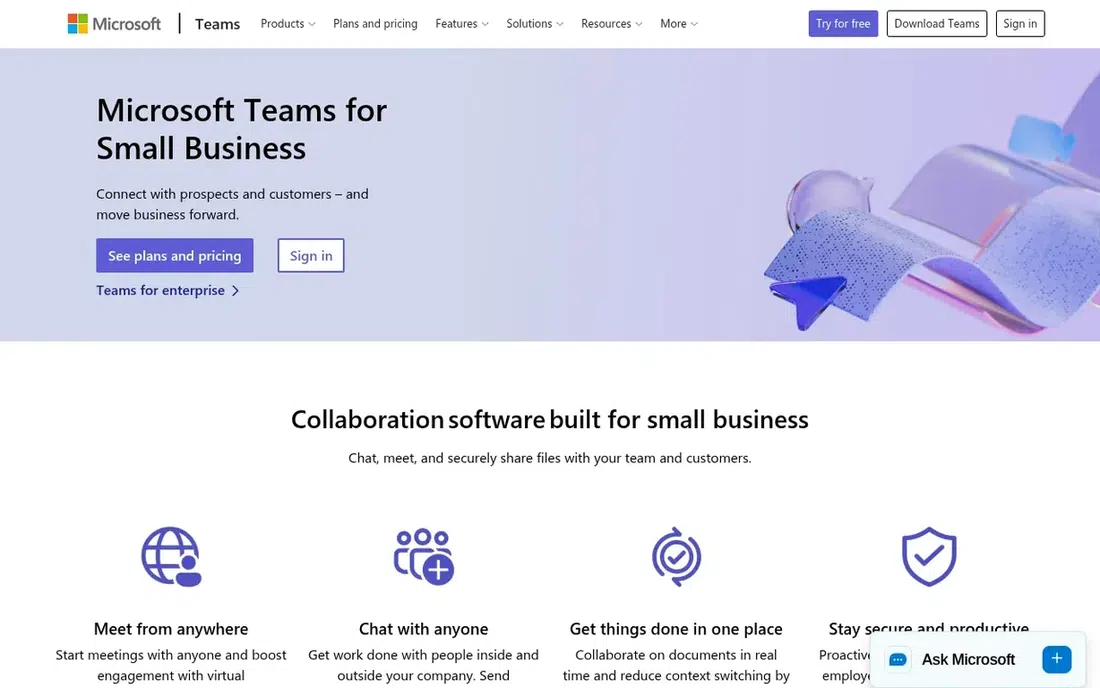
Choose Microsoft Teams Webinars for universities standardized on Microsoft 365. Microsoft Teams Webinars brings webinar hosting into the Teams environment that plenty of universities already run for communication and collaboration.
Drawbacks to consider: Webinar depth is narrower than dedicated event systems.
As for the details, the vendor frames Teams around communication for organizations of different sizes. Starting cost for Microsoft Teams Webinars: $4.00 per user per month. As for free access: Free trial.
- Suits existing Microsoft 365 administration
- Merges communication and webinar workflows
- Feature availability varies by license setup
Our selection method
Selection started from tools commonly considered for webinar software for universities, then narrowed to 5 that have clear pricing information or a clear quote process. Where a vendor does not publish a price, the entry says quote. Where a price depends on seats or billing term, the entry says so. Order on the page follows fit for the typical buyer first, then price transparency and free access. Your own requirements should decide the final pick.
What to check before you buy
- Ask GoTo Webinar, Kaltura, Panopto and Zoom Webinars for a written quote, since no starting price is shown.
- Run a trial of GoTo Webinar, Kaltura, Panopto and Microsoft Teams Webinars with real work before paying for a year; your own workflow is the best test.
- Before choosing GoTo Webinar, weigh its main limit: less tied to everyday teaching tools.
- Before you load data into GoTo Webinar, check what an export looks like and who can run it.
- Ask Zoom Webinars about contract length, onboarding fees and user minimums before you sign.
FAQ
What about accessibility and captions?
Accessibility should be a core buying criterion, since universities serve diverse audiences and frequently have legal obligations. Ask vendors how captions, transcripts and screen reader support are handled, and confirm the details on their sites before deciding.
Do these tools publish their prices?
Not all of them. GoTo Webinar, Kaltura, Panopto and Zoom Webinars publish no starting price, so expect a quote request for those. The rest, Microsoft Teams Webinars included, show a starting price, though seats and billing terms still change the final cost.
How are the tools for webinar software for universities ordered?
The order follows typical fit for webinar software for universities, with GoTo Webinar first and Microsoft Teams Webinars last, then price clarity and free access. It is editorial judgement, not a score, so another team could rank the tools differently.
How important is lecture capture for a university webinar tool?
It matters if students have to revisit sessions or study asynchronously. If most sessions are live and interactive, a dedicated webinar product may be the better primary choice.
Is GoTo Webinar the right pick for everyone comparing webinar software for universities?
No single tool suits every team. GoTo Webinar comes first because it fits recurring public-facing university events, while Kaltura suits Campus-wide video and media management and Panopto suits lecture capture and searchable video knowledge. Match the tool to your own size, budget and workflow before deciding.
Does any tool for webinar software for universities here have a free plan?
No tool in this list, GoTo Webinar and Microsoft Teams Webinars included, has a permanent free plan. GoTo Webinar, Kaltura, Panopto, Microsoft Teams Webinars offer a trial. Trials and quotes are the usual route, so plan a short evaluation period.
Sources
- https://www.goto.com/webinar
- https://corp.kaltura.com
- https://www.panopto.com
- https://zoom.us/webinar
- https://www.microsoft.com/en-us/microsoft-teams/webinars