Survey Software for Universities in 2026: The 5 Best Options Side by Side
Searching for the best survey software for universities? Here are 5 options with prices and free plans. Each pick lists its main limit. Narrow your shortlist.
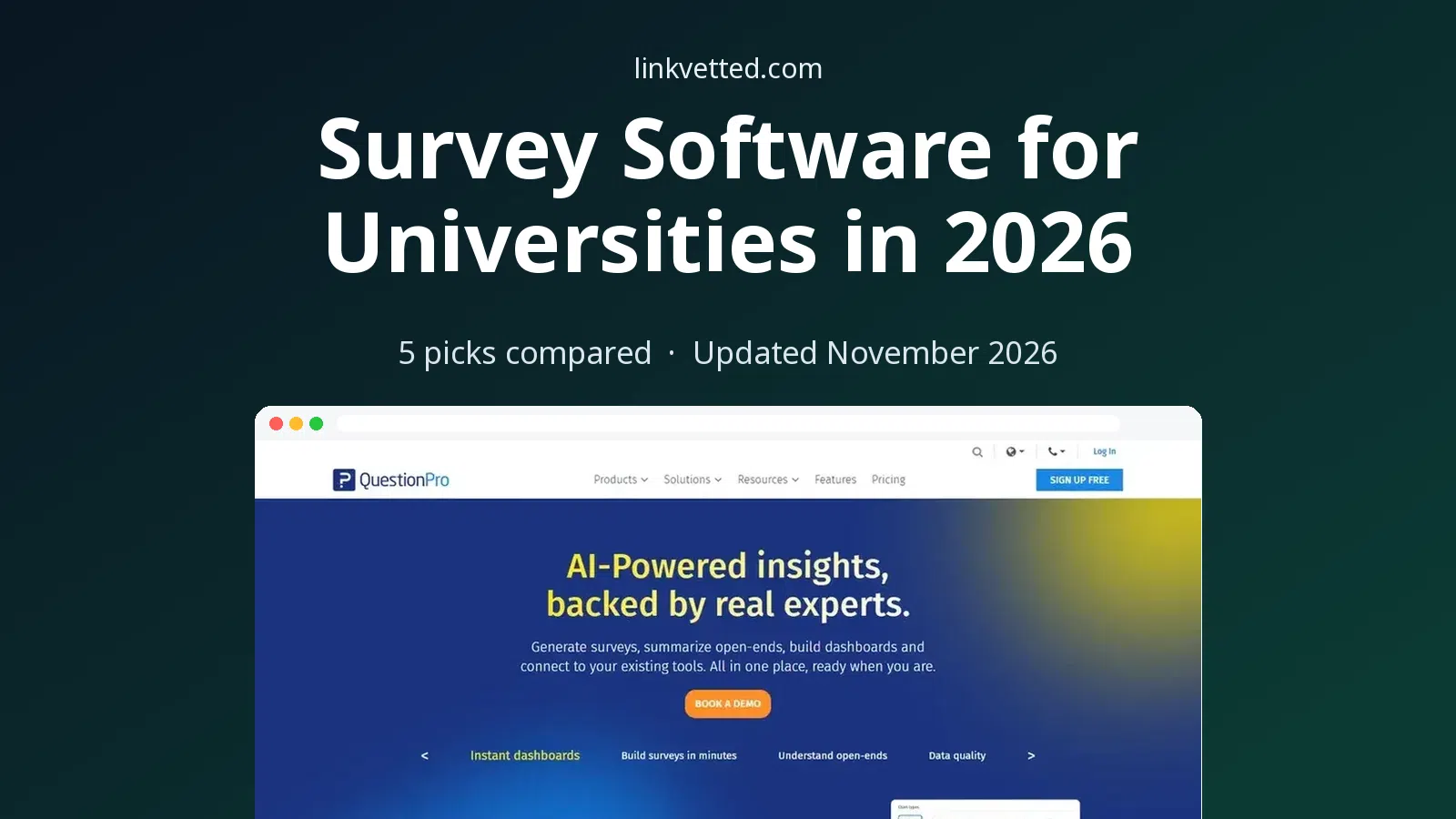
- Editor's choice
 QuestionPro
Wide question types and templates
Starts at$83 per user per monthVisit questionpro.comFull review - Great alternative
 SurveyMonkey
Fast departmental surveys and polls
Starts at$25 per user a monthVisit surveymonkey.comFull review - Also consider
 Jotform
Quick, straightforward form and survey creation
Starts at$34 a monthVisit jotform.comFull review
Direct answer
For broad question types and templates, QuestionPro is where this list starts. Listed starting prices: QuestionPro from $83 per user per month, SurveyMonkey from $25 per user a month and Jotform from $34 a month. For a different need, SurveyMonkey covers fast departmental surveys and polls and Jotform covers quick, straightforward form and survey creation. All 5 tools are compared below on price, free plan and limits.
TL;DR:
- This list starts with QuestionPro, which is built for wide question types and templates.
- For compliance-focused experience management, SoGoSurvey is worth a look.
- One limit worth knowing about Qualtrics: feature depth may overwhelm casual users.
- 2 of 5 tools offer a free plan: SurveyMonkey, Jotform.
- SurveyMonkey is the lowest-priced starter here at $25 per user per month.
Last checked November 2026. Prices and plan details were read from the vendors' own pages in November 2026; vendors change plans often, so confirm the current price on the vendor site before you buy.
Quick comparison
| Tool | Best for | Starts at | Free plan? | |
|---|---|---|---|---|
| QuestionPro | Wide question types and templates | $83 per user per month | Free trial | Visit |
| SurveyMonkey | Fast departmental surveys and polls | $25 per user a month | Yes | Visit |
| Jotform | Quick, straightforward form and survey creation | $34 a month | Yes | Visit |
 Qualtrics | Institutional experience management programs | See website | Not stated | Visit |
| SoGoSurvey | Compliance-focused experience management | See website | Not stated | Visit |
Survey Software for Universities, one by one
LinkVetted compared 5 survey software for universities. The goal is a practical shortlist: published prices, free plan facts, best-fit use cases and honest limits for every entry.
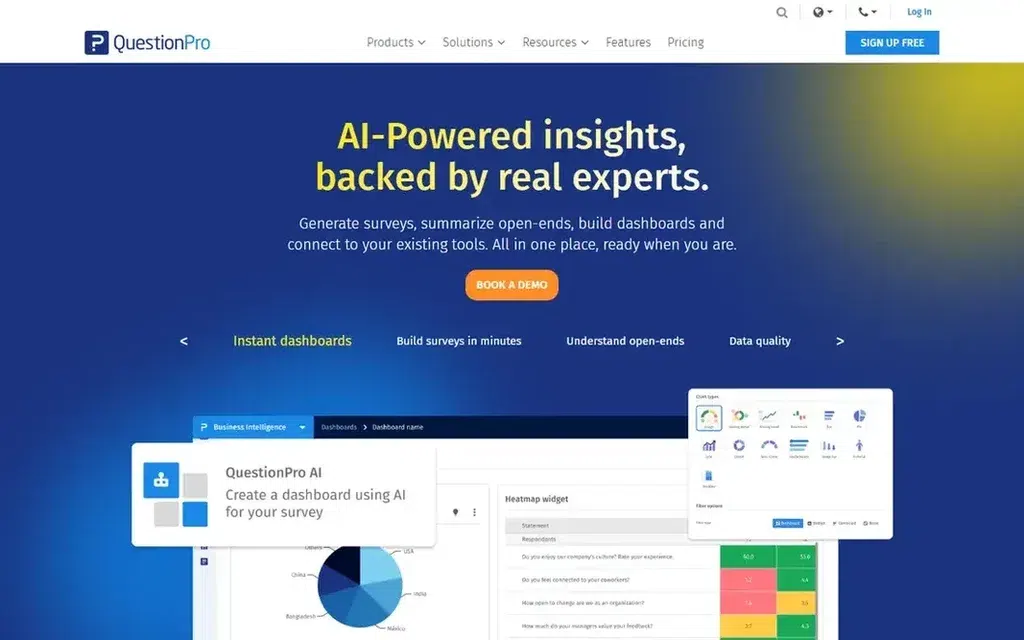
QuestionPro is built with wide question types and templates in mind. For universities, that combination supports both teaching-related polling and departmental research where varied question formats are handy. Institutions needing deep experience management across plenty of departments may outgrow it.
The main drawbacks: Interface can feel dense for new users.
In daily use, choose QuestionPro when question variety and template speed are the priority. QuestionPro presents itself as an online survey platform with a large library of question types and ready-made templates, geared toward helping users build surveys rapidly. The starting price for QuestionPro: $83 per user per month. On free options: Free trial.
- Broad range of question types
- Survey creation in minutes
- Advanced options need time to learn
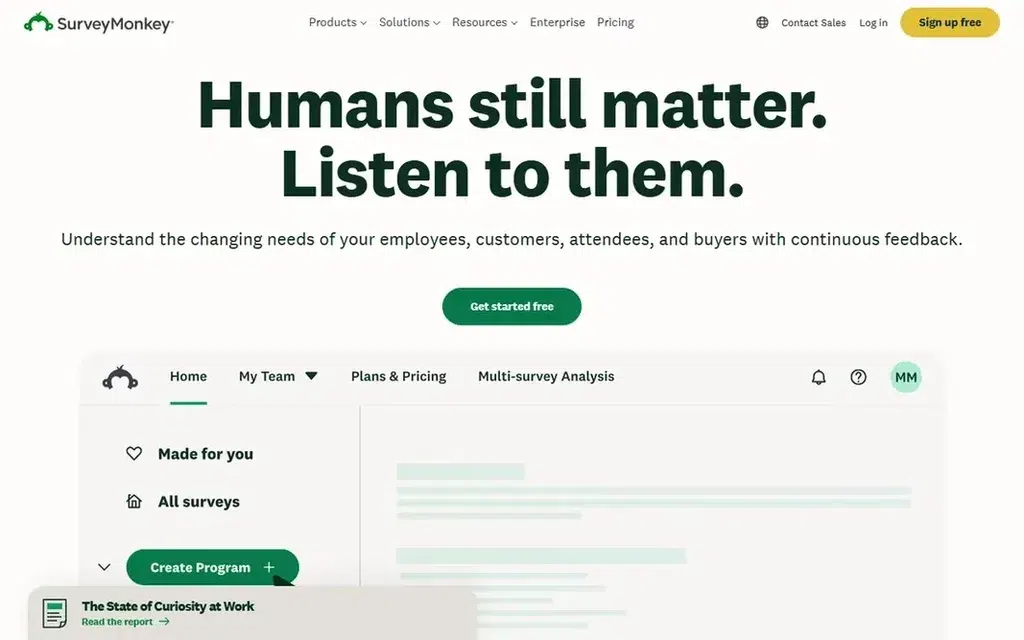
SurveyMonkey makes the most sense for fast departmental surveys and polls. Faculties with demanding methodological requirements may prefer a research-oriented system. From a buyer's view, SurveyMonkey describes itself as a widely used survey system for building surveys and forms with AI and templates, including employee and customer feedback, market research and event registrations.
That versatility makes it a comfortable pick for academic departments, student societies and administrative offices that require a straightforward questionnaire without a long setup process. Its strength is simplicity, which also means it is not the deepest choice for complicated longitudinal research or advanced logic. More specifically, pick SurveyMonkey when speed and simplicity matter more than specialized research tooling. Starting cost for SurveyMonkey: $25 per user per month. You can start on SurveyMonkey without paying.
Where it falls short: Advanced research features are limited.
- Research and registration
- Spans feedback
- Less suited to complicated institutional programs
Jotform is built with quick, straightforward form and survey creation in mind. Choose Jotform for fast, practical forms and entry-level surveys. As a general form builder, it lacks the research-specific depth and experience management scope of dedicated survey products.
Downsides: Not built around experience management.
For everyday use, Jotform is a form builder that lets users produce forms and surveys rapidly, which makes it handy for university offices collecting routine information, registrations or short feedback. It performs best for light administrative tasks instead of complicated research instruments. On cost, Jotform starts like this: $34 per month. Jotform has a free plan.
- Straightforward starting point
- Fast form and survey building
- Restricted depth for advanced research
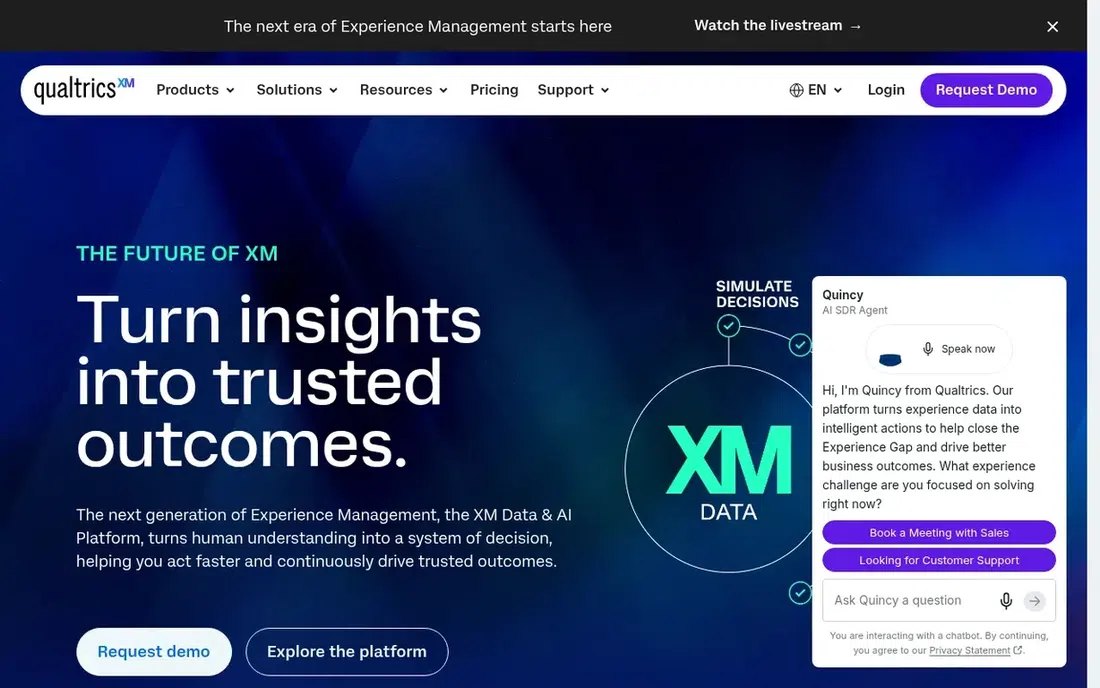
In short, Qualtrics is for institutional experience management programs. Qualtrics positions itself as an experience management system built around simulating and predicting customer and employee experiences.
Worth adding: if your goal is a fast departmental questionnaire with minimal setup, a more straightforward tool will likely serve you better. Qualtrics does not show a starting price in this comparison, so check the vendor site for current pricing. Free access: Not stated.
Limits to weigh: Feature depth may overwhelm casual users.
- Deals with research and feedback together
- Wide experience management scope
- Heavier setup for small departments
SoGoSurvey
Best for: Compliance-focused experience management
Choose SoGoSurvey for compliance-focused experience management. For universities, the compliance emphasis is relevant to research involving sensitive data and to staff and student feedback programs.
More specifically, choose SoGoSurvey when compliance and experience management are central requirements. The enterprise positioning can feel heavyweight for a single department running a short poll, and the rebranding may cause confusion when comparing options. No starting price is listed for SoGoSurvey here; confirm pricing on the vendor site. Free access: Not stated.
Points against: Enterprise framing may be heavy for small teams.
- AI-assisted survey creation
- Experience management for CX and EX
- Less familiar branding after rebrand
How we compared the tools
Pricing pages, product documentation and feature lists were the main sources, and every entry carries at least one honest drawback. Where a vendor does not publish a price, the entry says quote. Where a price depends on seats or billing term, the entry says so. Tools are placed by general fit for survey software for universities, with price clarity and free access as tie-breakers. A different team can reasonably rank them differently.
Before you commit
- Get a written quote from Qualtrics and SoGoSurvey; the list shows no starting price for them.
- Check what the free option really includes: SurveyMonkey and Jotform offer a free plan, and usage caps differ.
- Take the trial from QuestionPro and push a live task through it before you pay.
- Read the limits listed for QuestionPro first: interface can feel dense for new users.
- Test the integrations you rely on with Jotform before committing; some connectors sit on upper tiers.
- Ask the daily users to test QuestionPro on a live task before you roll it out to everyone.
FAQ
Is QuestionPro the right pick for everyone comparing survey software for universities?
No single tool suits every team. QuestionPro comes first because it fits broad question types and templates, while SurveyMonkey suits quick departmental surveys and polls and Jotform suits fast, simple form and survey creation. Match the tool to your own size, budget and workflow before deciding.
Which options for survey software for universities have a free plan?
On this list, SurveyMonkey and Jotform include a free plan. Caps on seats, usage or features are common, so test the free plan against your real workload. One other tool offers a trial instead. All 5 picks in this Survey software for Universities comparison list a starting price, free plan details and the main limits on their cards above.
Do these tools publish their prices?
Not all of them. Qualtrics and SoGoSurvey publish no starting price, so expect a quote request for those. The rest, QuestionPro included, show a starting price, though seats and billing terms still change the final cost.
Which survey software is a good match for academic research at a university?
QuestionPro comes first here and is built for wide question types and templates. Buyers with other needs may prefer SurveyMonkey (for fast departmental surveys and polls) or Jotform (for quick, straightforward form and survey creation). Compare costs and limits first.
Can I try these tools before paying?
Often, yes. SurveyMonkey and Jotform have a free plan and QuestionPro offers a free trial. Use your own data and a real task during the test, and check what the free tier or trial limits before you rely on it. For the full picture, the cards above cover all 5 entries of this Survey software for Universities list, including price, free plan and limits.
Sources
- https://www.questionpro.com
- https://www.surveymonkey.com
- https://www.jotform.com
- https://www.qualtrics.com
- https://www.sogosurvey.com