Best Webinar Software for Medical Clinics for 2026: Our 6 Vetted Picks
Best webinar software for medical clinics: 6 tools compared on price, free plans and fit. Strengths and weak spots are spelled out. Narrow your shortlist.
- Editor's choice
 Livestorm
Marketing-led patient education campaigns
Starts at€2.50 per attendeeVisit livestorm.coFull review - Great alternativeAdobe Connect
Training and continuing education
Starts atSee websiteVisit adobe.comFull review - Also consider
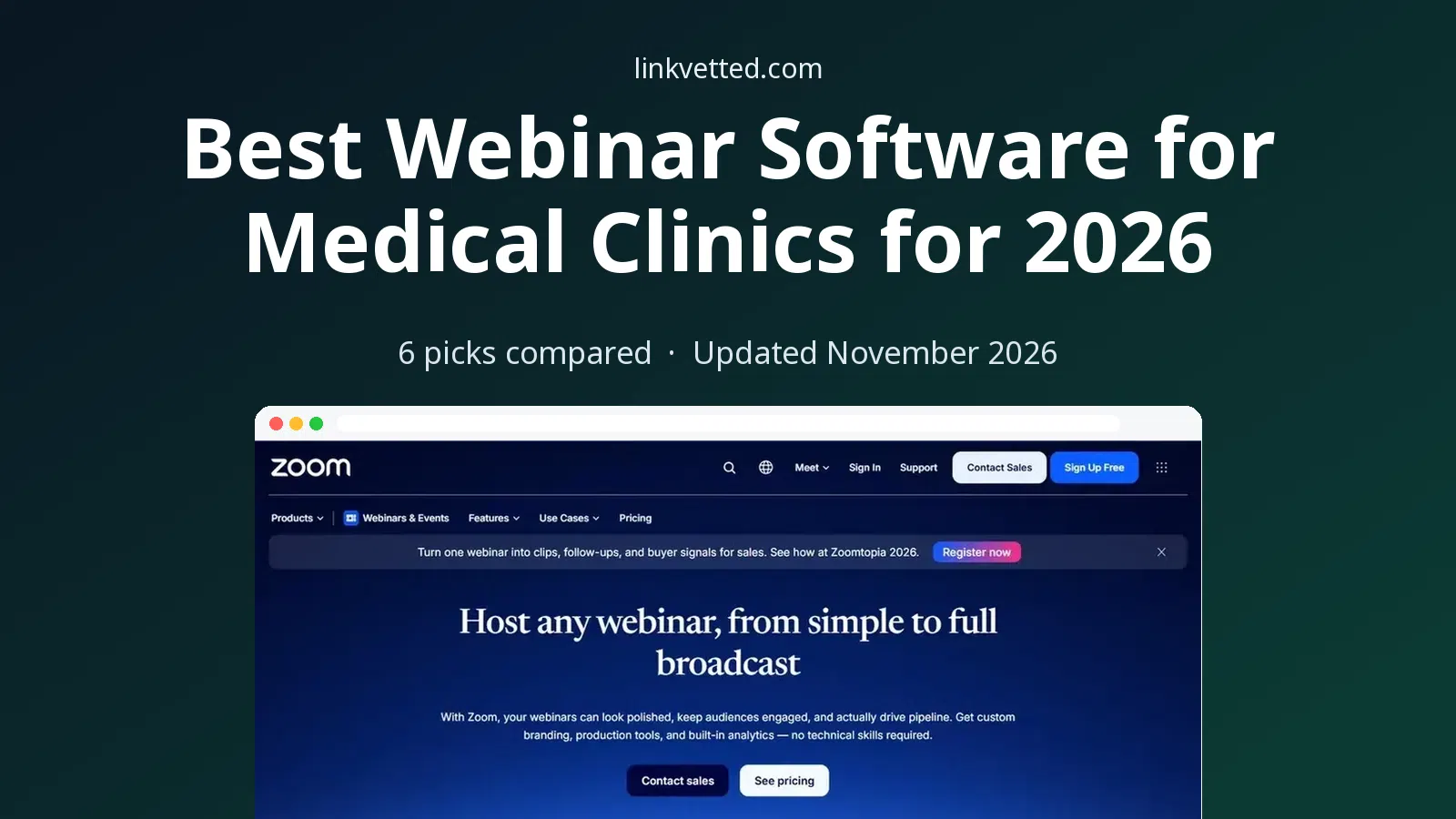
 Zoom Webinars
Steady hosting for clinic events
Starts atSee websiteVisit zoom.usFull review
Direct answer
For marketing-led patient education campaigns, Livestorm is where this list starts. Listed starting prices: Livestorm from €2.50 per attendee. For a different need, Adobe Connect covers training and continuing education and Zoom Webinars covers dependable hosting for clinic events. The remaining 3 options are covered below with prices and limits.
TL;DR:
- Top of the list is Livestorm, which targets marketing-led patient education campaigns.
- Expect to ask for a quote from Adobe Connect, Zoom Webinars, WebinarJam and others; the other tools show a starting price.
- The main caution on Livestorm: marketing focus may exceed clinical needs.
- Zoho Webinar suits clinics within the Zoho ecosystem.
- None of the 6 tools, from Livestorm to Zoho Webinar, has a free plan, so budget for a subscription or use a trial.
Last checked November 2026. Prices and plan details were read from the vendors' own pages in November 2026; vendors change plans often, so confirm the current price on the vendor site before you buy.
Quick comparison
| Tool | Best for | Starts at | Free plan? | |
|---|---|---|---|---|
| Livestorm | Marketing-led patient education campaigns | €2.50 per attendee | Not stated | Visit |
| Adobe Connect | Training and continuing education | See website | Not stated | Visit |
| Zoom Webinars | Steady hosting for clinic events | See website | Not stated | Visit |
 WebinarJam | Live and automatic event promotion | See website | Not stated | Visit |
 GoTo Webinar | Established, structured event programs | See website | Free trial | Visit |
 Zoho Webinar | Clinics within the Zoho ecosystem | See website | Free trial | Visit |
Webinar Software for Medical Clinics, one by one
LinkVetted compared 6 webinar software for medical clinics. The goal is a practical shortlist: published prices, free plan facts, best-fit use cases and honest limits for every entry.
Livestorm is aimed squarely at marketing-led patient education campaigns. Livestorm is an all-in-one webinar product pitched at marketing teams, with branded events, engagement insights and CRM syncing. Also, for clinics running public health campaigns or patient education series, that marketing orientation can help track interest and follow up with attendees.
Pick Livestorm when outreach and follow-up are central to the webinar program. On top of that, since attendees join from the browser, the experience is straightforward for patients who may be less comfortable installing software before a session. Livestorm pricing: €2.50 per attendee. As for free access: Not stated.
Where it falls short: Advanced automation relies on setup.
- Browser-based access for attendees
- Engagement insights and CRM syncing
- Marketing focus may exceed clinical needs
Adobe Connect
Best for: Training and continuing education
Adobe Connect is built with training and continuing education in mind. It provides presenters tools to keep participants involved throughout longer sessions.
Some clinics may find setup and orientation take longer than with meeting-first tools. This comparison lists no price for Adobe Connect; ask the vendor. Free options: Not stated.
Limits to weigh: Less suited to fast informal sessions.
- Measurable outcome reporting
- Aimed at training and engagement
- Can feel complicated for casual hosts
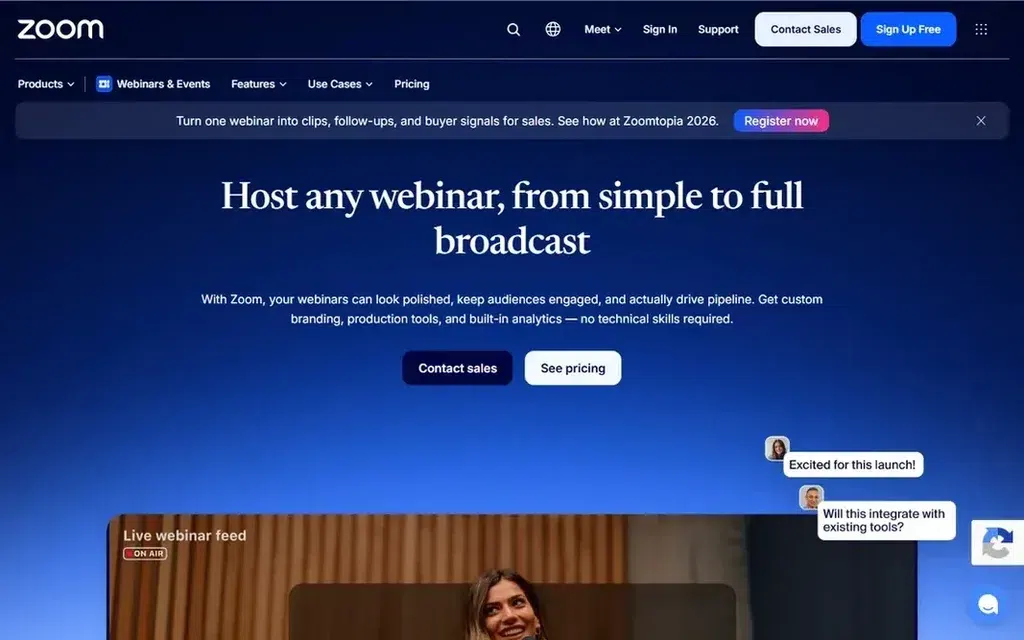
Zoom Webinars was built for dependable hosting for clinic events. Zoom Webinars is a dedicated broadcast-style layer on top of the widely used Zoom meeting experience, made for professional virtual events.
Drawbacks to consider: Advanced features may need higher levels.
Clinics needing deep CRM syncing or marketing automation may prefer a marketing-focused system. Zoom Webinars does not show a starting price in this comparison, so check the vendor site for current pricing. Free plan details: Not stated.
- Capable event controls for large audiences
- Wide device and browser support
- Attendee management is entry-level for large programs
WebinarJam serves live and automatic event promotion. The automatic event choice can also help repeat educational content without a live host each time.
Drawbacks to consider: Automation needs careful content planning.
As for the details, consider WebinarJam when outreach and follow-up action are the central goals. The conversion-oriented design may feel out of step with the measured tone numerous clinics prefer, and automatic sessions need careful content planning. This comparison lists no price for WebinarJam; ask the vendor. Free plan details: Not stated.
- Live and evergreen event choices
- HD streaming focus
- Conversion focus may not fit clinical tone
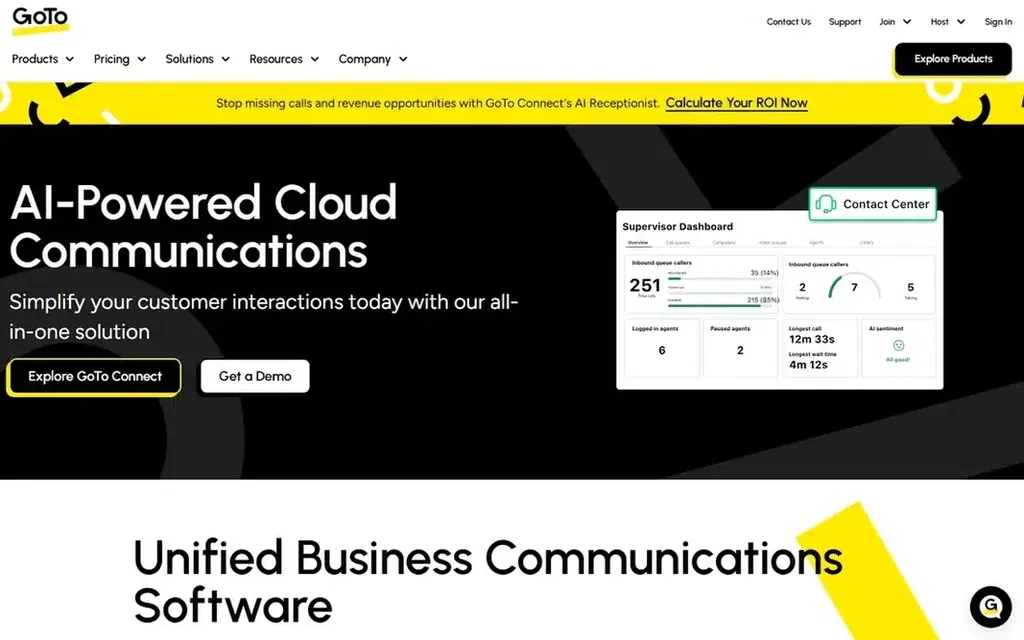
In short, GoTo Webinar is for established, structured event programs. Clinics running recurring patient education series or regular staff training may appreciate its structured event model and reporting. The system has a long track record in the webinar category, which can make it a comfortable choice for organizations that want a purpose-built tool instead of a meeting product adapted for events.
Some users find the interface less modern than newer entrants, and certain features sit in higher levels. It is less suited to clinics that primarily need fast internal meetings. GoTo Webinar shows no starting price here, so confirm the cost on the vendor site. Free plan details: Free trial.
The main drawbacks: Some advanced choices need higher levels.
- Does well for recurring sessions
- Solid registration and reporting tools
- Interface can feel dated to new users
Zoho Webinar is designed for clinics within the Zoho ecosystem. Zoho Webinar is a webinar and video conferencing system for planning, hosting and managing events, positioned to help organizations expand reach through virtual conferences.
From a buyer's view, clinics already using Zoho business applications may appreciate keeping webinar activity within the same ecosystem. Zoho Webinar shows no starting price here, so confirm the cost on the vendor site. On free options: Free trial.
What to check first: Best value when already using Zoho apps.
- Planning
- Suits Zoho business app stacks
- Fewer standalone marketing features
How we chose
What to check before you buy
- Get a written quote from Adobe Connect, Zoom Webinars, WebinarJam and others; the list shows no starting price for them.
- Take the trial from GoTo Webinar and Zoho Webinar and push a live task through it before you pay.
- Read the limits listed for Livestorm first: marketing focus may exceed clinical needs.
- Confirm the exact GoTo Webinar plan that includes your must-have features.
- Check whether Zoho Webinar bills monthly or annually, and what cancelling early costs.
FAQ
Do these tools publish their prices?
Not all of them. Adobe Connect, Zoom Webinars, WebinarJam and others publish no starting price, so expect a quote request for those. The rest, Livestorm included, show a starting price, though seats and billing terms still change the final cost.
Is Livestorm the right pick for everyone comparing webinar software for medical clinics?
No single tool suits every team. Livestorm comes first because it fits marketing-led patient education campaigns, while Adobe Connect suits training and continuing education and Zoom Webinars suits reliable hosting for clinic events. Match the tool to your own size, budget and workflow before deciding.
Does any tool for webinar software for medical clinics here have a free plan?
A permanent free plan is not offered by Livestorm, Zoho Webinar or the other tools here. GoTo Webinar, Zoho Webinar offer a trial. Plan a short evaluation period instead.
How are the tools for webinar software for medical clinics ordered?
The order follows typical fit for webinar software for medical clinics, with Livestorm first and Zoho Webinar last, then price clarity and free access. It is editorial judgement, not a score, so another team could rank the tools differently.
Which webinar software is a good match for patient education sessions?
Start with Livestorm if you need marketing-led patient education campaigns. Adobe Connect is the better match for training and continuing education, and Zoom Webinars for dependable hosting for clinic events. The best choice depends on budget, team size and workflow.
Sources
- https://livestorm.co
- https://www.adobe.com/products/adobeconnect.html
- https://zoom.us/webinar
- https://webinarjam.com
- https://www.goto.com/webinar
- https://www.zoho.com/webinar