Best Video Conferencing Software for Therapists (2026): 6 Picks Checked on Vendor Pages
6 products for the best video conferencing software for therapists, ranked by fit, with starting costs and free tiers. Strengths and gaps are listed per tool.

- Editor's choice
 Cisco Webex
AI-assisted collaboration and devices
Starts atSee websiteVisit webex.comFull review - Great alternative
 SimplePractice
Sessions plus practice management
Starts at$49 per monthVisit simplepractice.comFull review - Also consider
 Zoom
Adaptable, familiar video meetings
Starts atSee websiteVisit zoom.usFull review
Direct answer
Start with Cisco Webex if you need AI-assisted collaboration and devices. Listed starting prices: SimplePractice from $49 per month. If your case is different, SimplePractice suits sessions plus practice management and Zoom suits adaptable, familiar video meetings. The other 3 tools in the list cover narrower or pricier cases.
TL;DR:
- Cisco Webex is the opening pick, best for AI-assisted collaboration and devices.
- One limit worth knowing about Cisco Webex: feature depth may overwhelm solo users.
- Cisco Webex is the only tool of the 6 with a free plan.
- Starting prices begin at $49 per month with SimplePractice.
- Doxy.me is the one to check for telehealth-focused therapy sessions.
Last checked November 2026. Prices and plan details were read from the vendors' own pages in November 2026; vendors change plans often, so confirm the current price on the vendor site before you buy.
Quick comparison
| Tool | Best for | Starts at | Free plan? | |
|---|---|---|---|---|
| Cisco Webex | AI-assisted collaboration and devices | See website | Yes | Visit |
| SimplePractice | Sessions plus practice management | $49 per month | Free trial | Visit |
| Zoom | Adaptable, familiar video meetings | See website | Not stated | Visit |
 GoTo Meeting | Straightforward web conferencing | See website | Not stated | Visit |
 Microsoft Teams | Practices already using Microsoft tools | See website | Not stated | Visit |
 Doxy.me | Telehealth-focused therapy sessions | See website | Not stated | Visit |
The 6 tools in detail
Choosing video conferencing software for therapists usually comes down to price, fit and limits. This LinkVetted guide sets 6 tools side by side on those three points, with the facts kept short and checkable.
Cisco Webex is built with AI-assisted collaboration and devices in mind. It suits bigger counseling organizations or group practices that require room systems and wide collaboration support alongside video meetings.
This comparison lists no price for Cisco Webex; ask the vendor. Free access exists with Cisco Webex.
Points against: Feature depth may overwhelm solo users.
- Device and product choices
- Fits bigger organizations
- General-purpose focus
In short, SimplePractice is for sessions plus practice management. Therapists who only need occasional video calls may find a more straightforward conferencing choice sufficient.
The main drawbacks: Broader commitment than a meeting tool.
Also, choose SimplePractice when you want sessions tied straight into how your practice runs. SimplePractice cost at the entry level: $49 per month. Free options: Free trial.
- EHR and practice management combined
- Video alongside records
- Geared toward practice operations, not just calls
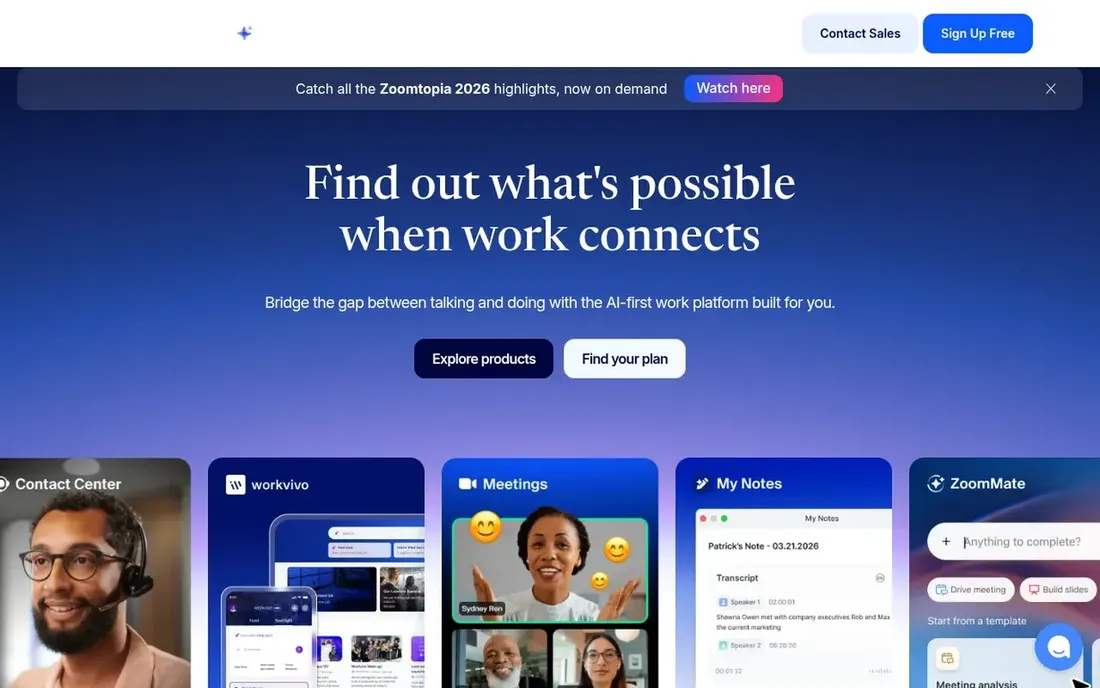
Pick Zoom if this describes you: adaptable, familiar video meetings. Its familiarity makes it simple for clients to join. The range of features supports therapists who also run group sessions, consultations, or supervision meetings.
Where it is weaker: Plenty of features to configure.
From a buyer's view, Zoom is a general meeting system, so therapy-specific workflows like clinical documentation are not its focus. As for the details, settings can be adjusted to support privacy expectations for virtual appointments. Zoom does not show a starting price in this comparison, so check the vendor site for current pricing. As for free access: Not stated.
- Widely recognized by clients
- Chat and phone choices
- General-purpose instead of therapy-specific
GoTo Meeting is aimed squarely at straightforward web conferencing. Therapists who want a conventional meeting tool for one-on-one or group sessions can use it for scheduled calls.
The main drawbacks: Fewer clinical integrations.
GoTo Meeting does not center on clinical workflows, so documentation and practice management sit elsewhere. Practices that want sessions and records together may prefer an EHR with video built in. GoTo Meeting does not show a starting price in this comparison, so check the vendor site for current pricing. Free access: Not stated.
- Positioned for business meetings
- Meeting-focused feature set
- Not therapy-specific

Microsoft Teams is built with practices already using Microsoft tools in mind. Microsoft Teams brings video meetings, calling, chat, and shared files into one workspace.
What Microsoft Teams does well: Suits Microsoft-centric workflows.
Watch-outs: Can feel heavy for solo practice.
Choose Teams when your practice already runs on Microsoft collaboration. The system is meant to keep conversations and files organized around continuing work. Microsoft Teams does not show a starting price in this comparison, so check the vendor site for current pricing. Free options: Not stated.
- Organized workspace
- Files together
- Setup relies on an account structure

In short, Doxy.me is for telehealth-focused therapy sessions. Doxy.me is a telehealth product designed around virtual care visits instead of general meetings.
Downsides: Narrower than general meeting suites.
Clients join through a browser link, so the workflow stays close to a standard appointment. This comparison lists no price for Doxy.me; ask the vendor. Free plan details: Not stated.
- Made for telehealth visits
- Straightforward for clients to join
- Fewer collaboration extras
Our selection method
Selection started from tools commonly considered for video conferencing software for therapists, then narrowed to 6 that have clear pricing information or a clear quote process. Treat prices as a snapshot: vendors change plans often, so check the vendor site for the figure that applies today. The order reflects how well each tool fits the most common buying scenario for video conferencing software for therapists, then price clarity, then free plan access. It is a starting point, not a verdict.
Questions to settle before buying
- Confirm the entry price on the vendor page. For Cisco Webex, Zoom, GoTo Meeting and others that means a quote rather than a fixed price.
- Test the free plan from Cisco Webex against your real workload before relying on it.
- Take the trial from SimplePractice and push a live task through it before you pay.
- Before choosing Cisco Webex, weigh its main limit: feature depth may overwhelm solo users.
- Confirm that Doxy.me connects to the apps your team already uses, on the plan you would actually buy.
- Run a one or two week pilot of Microsoft Teams with the people who will use it every day.
FAQ
Can I try these tools before paying?
Often, yes. Cisco Webex has a free plan and SimplePractice offers a free trial. Use your own data and a real task during the test, and check what the free tier or trial limits before you rely on it. Each of the 6 options in this video Conferencing software for therapists guide has its own card above with the price, free plan and limits.
Which options for video conferencing software for therapists have a free plan?
Cisco Webex is the only tool in this list with a free plan. Free plans usually cap users, projects or features, so check the limits on the vendor page. One other tool offers a trial instead. All 6 picks in this video Conferencing software for therapists comparison list a starting price, free plan details and the main limits on their cards above.
Do group practices need different features than solo therapists?
Group practices frequently need shared workspaces, several hosts, and file organization, which products like Microsoft Teams and Cisco Webex support. Solo therapists typically prioritize a straightforward session link and simple client joining.
How are the tools for video conferencing software for therapists ordered?
Cisco Webex sits first and Doxy.me last because the order follows typical fit for video conferencing software for therapists, then price clarity and free access. It is a judgement call, so read each profile for fit and limits.
Can I combine video sessions with practice management?
SimplePractice merges EHR and practice management with video sessions for health and wellness professionals. In daily use, standalone meeting tools remain a choice if you already have records handled elsewhere.
What is the cheapest option for video conferencing software for therapists in this list?
On published monthly entry prices, SimplePractice is the lowest here at $49 per month. Entry price is only part of the cost, because seats, add-ons and billing terms can change the total. For the full picture, the cards above cover all 6 entries of this video Conferencing software for therapists list, including price, free plan and limits.
Sources
- https://www.webex.com
- https://www.simplepractice.com
- https://zoom.us
- https://www.goto.com/meeting
- https://www.microsoft.com/en-us/microsoft-teams/group-chat-software
- https://doxy.me