Top 5 Video Conferencing for Remote Therapy Sessions for 2026 (Prices and Free Plans)
5 best video conferencing for remote therapy sessions, with entry costs, free tiers and the buyer each one serves. With pricing notes and limits. Decide faster.

- Editor's choice
 GoTo Meeting
Straightforward business web conferencing
Starts atSee websiteVisit goto.comFull review - Great alternative
 Cisco Webex
Enterprise-grade collaboration and devices
Starts atSee websiteVisit webex.comFull review - Also consider
 Doxy.me
Telehealth-first, straightforward client joining
Starts atSee websiteVisit doxy.meFull review
Direct answer
GoTo Meeting is the first pick on this list for straightforward business web conferencing. Listed starting prices: SimplePractice from $49 per month. Cisco Webex fits enterprise-grade collaboration and devices; Doxy.me fits telehealth-first, simple client joining. The remaining 2 options are covered below with prices and limits.
TL;DR:
- Top of the list is GoTo Meeting, which targets straightforward business web conferencing.
- What to know about SimplePractice first: broader commitment than meeting software.
- SimplePractice is the lowest-priced starter here at $49 per month.
- Just one of the 5 tools, Cisco Webex, has a free plan.
- Zoom is the one to check for familiar, feature-rich general meetings.
Last checked November 2026. Prices and plan details were read from the vendors' own pages in November 2026; vendors change plans often, so confirm the current price on the vendor site before you buy.
Quick comparison
| Tool | Best for | Starts at | Free plan? | |
|---|---|---|---|---|
| GoTo Meeting | Straightforward business web conferencing | See website | Not stated | Visit |
| Cisco Webex | Enterprise-grade collaboration and devices | See website | Yes | Visit |
| Doxy.me | Telehealth-first, straightforward client joining | See website | Not stated | Visit |
 SimplePractice | All-in-one practice management with video | $49 per month | Free trial | Visit |
 Zoom | Familiar, feature-rich general meetings | See website | Not stated | Visit |
Our 5 video conferencing for remote therapy sessions
If you are comparing video conferencing for remote therapy sessions, this page covers 5 tools in one place: what each is best for, what it costs to start, whether it has a free plan, and the main limit to know about.
In short, GoTo Meeting is for straightforward business web conferencing. GoTo Meeting is web conferencing software built around virtual meetings for firms.
Points against: No therapy-specific workflows.
On top of that, for therapy sessions, it supplies the essentials: scheduling, joining by link and a meeting interface without excessive complexity. Beyond that, GoTo Meeting is not made for healthcare or therapy workflows, so privacy configuration and recordkeeping are the practitioner's responsibility. This comparison lists no price for GoTo Meeting; ask the vendor. Trial and free access: Not stated.
- Suited to one-to-one and small meetings
- Straightforward scheduling and joining
- Fewer clinical integrations
Choose Cisco Webex for enterprise-grade collaboration and devices. Webex is not built around clinical documentation or therapy workflows. Solo practitioners may prefer a lighter telehealth tool, whereas organizations benefit from its managed collaboration approach.
From a buyer's view, the emphasis on devices and enterprise collaboration makes it a fit where sessions run alongside broader organizational communication needs. Its depth is also its drawback for small practices: clients may find the feature set and interface more than they need for a single conversation. Cisco Webex shows no starting price here, so confirm the cost on the vendor site. Free access exists with Cisco Webex.
The main drawbacks: Aimed more at organizations than solo practice.
- Solid collaboration feature set
- Supports meeting devices and rooms
- Feature depth can overwhelm clients

Doxy.me targets telehealth-first, straightforward client joining. Doxy.me is a telehealth system designed around remote clinical visits. Its core idea is simplicity for both sides: the provider sets up a room and clients join through a link without installing an app.
That makes it a natural fit for therapists who want a focused tool for sessions and who value low friction for clients who are less comfortable with technology. As a telehealth-focused product, it gives you less in the way of wide meeting features, webinars or chat collaboration than general platforms. Pricing for Doxy.me is not stated here, so ask the vendor for current figures. Free plan details: Not stated.
Honest limits: Narrower than full practice software.
- Clients join from a browser link
- Minimal setup for providers
- Fewer general meeting features
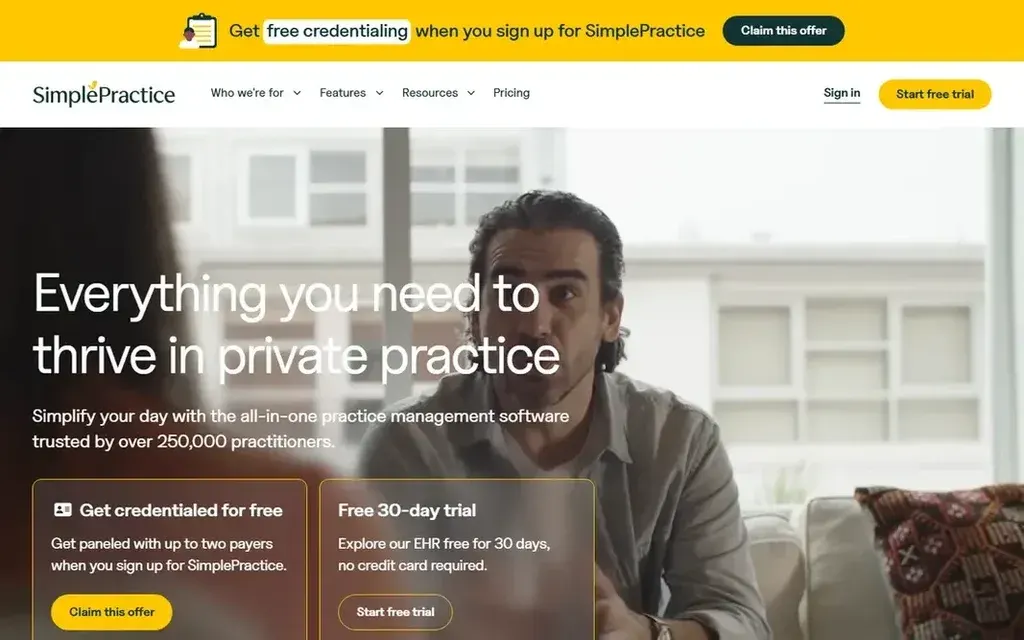
SimplePractice makes the most sense for all-in-one practice management with video. SimplePractice is EHR and practice management software pitched at health and wellness professionals, with video sessions included alongside scheduling and clinical documentation.
Honest limits: Broader commitment than meeting software.
The focus on clinical workflows is its primary distinction from general conferencing systems. On top of that, practitioners who only need occasional video calls, or who already run a separate EHR, may find a standalone conferencing tool lighter. What you pay to start with SimplePractice: $49 per month. On free options: Free trial.
- Aimed at health and wellness professionals
- Takes care of scheduling and records
- More setup than a standalone video tool
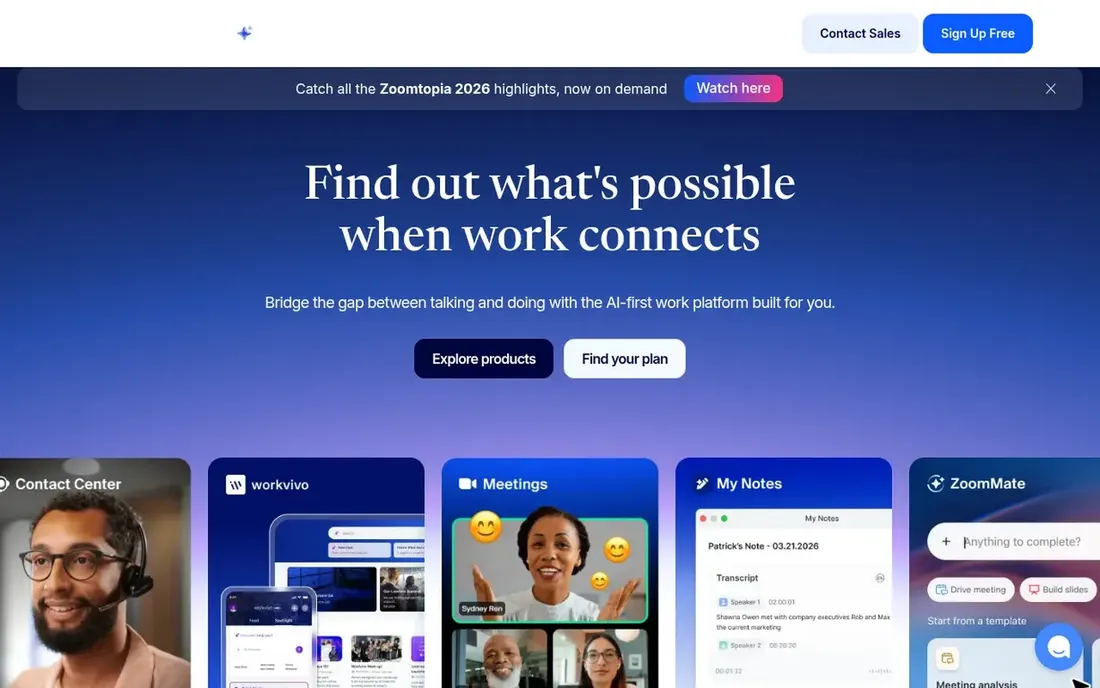
Choose Zoom for familiar, feature-rich general meetings. For therapy sessions, its central advantage is familiarity: most clients have used it and can join without much instruction.
What to check first: Not designed specifically for therapy.
Beyond that, Zoom is a general collaboration product handling video meetings, chat, phone and webinars. From a buyer's view, practitioners must manage consent, session privacy and recordkeeping through separate tools. Zoom does not show a starting price in this comparison, so check the vendor site for current pricing. Trial and free access: Not stated.
- Widely recognized by clients
- Works across devices
- Settings need careful configuration
How we chose
Selection started from tools commonly considered for video conferencing for remote therapy sessions, then narrowed to 5 that have clear pricing information or a clear quote process. Figures are shown as the vendors publish them. Billing terms, seat minimums and add-ons can change the real cost. Order on the page follows fit for the typical buyer first, then price transparency and free access. Your own requirements should decide the final pick.
Pre-purchase checklist
- Confirm the entry price on the vendor page. For GoTo Meeting, Cisco Webex, Doxy.me and Zoom that means a quote rather than a fixed price.
- Look at the free plan from Cisco Webex closely: its caps decide whether it is usable for real work.
- Use real work to test the free trial from SimplePractice, rather than a demo project.
- Read the limits listed for GoTo Meeting first: no therapy-specific workflows.
- Pick one real project and run it in GoTo Meeting first; a small pilot shows fit faster than a checklist.
- The entry price of Cisco Webex is only the starting point; model the full cost with seats and extras.
FAQ
Is a telehealth-specific system better than general video software for therapy?
Telehealth-specific systems tend to ease client joining and are designed around clinical visits, which can cut friction and privacy mistakes. The right choice relies on whether you want an all-in-one clinical workflow.
Is GoTo Meeting the right pick for everyone comparing video conferencing for remote therapy sessions?
No single tool suits every team. GoTo Meeting comes first because it fits straightforward business web conferencing, while Cisco Webex suits enterprise-grade collaboration and devices and Doxy.me suits telehealth-first, simple client joining. Match the tool to your own size, budget and workflow before deciding.
Do clients have to install software to join a therapy session?
It varies by system. General meeting products often support browser joining too, but the experience can rely on the client's device and account setup.
Do these tools publish their prices?
Not all of them. GoTo Meeting, Cisco Webex, Doxy.me and Zoom publish no starting price, so expect a quote request for those. The rest, SimplePractice included, show a starting price, though seats and billing terms still change the final cost.
How are the tools for video conferencing for remote therapy sessions ordered?
The order follows typical fit for video conferencing for remote therapy sessions, with GoTo Meeting first and Zoom last, then price clarity and free access. It is editorial judgement, not a score, so another team could rank the tools differently.
Which options for video conferencing for remote therapy sessions have a free plan?
Cisco Webex is the only tool in this list with a free plan. Free plans usually cap users, projects or features, so check the limits on the vendor page. One other tool offers a trial instead. Prices, free plan details and limits for all 5 tools in this video Conferencing for remote therapy sessions roundup sit on the individual cards above.
Sources
- https://www.goto.com/meeting
- https://www.webex.com
- https://doxy.me
- https://www.simplepractice.com
- https://zoom.us