Best Video Conferencing Software for Dental Practices in 2026: Prices, Free Plans and 6 Picks
Best video conferencing software for dental practices in 2026: 6 contenders with entry costs and free tiers. Read the caveats before you buy. Clear verdicts.
- Editor's choice
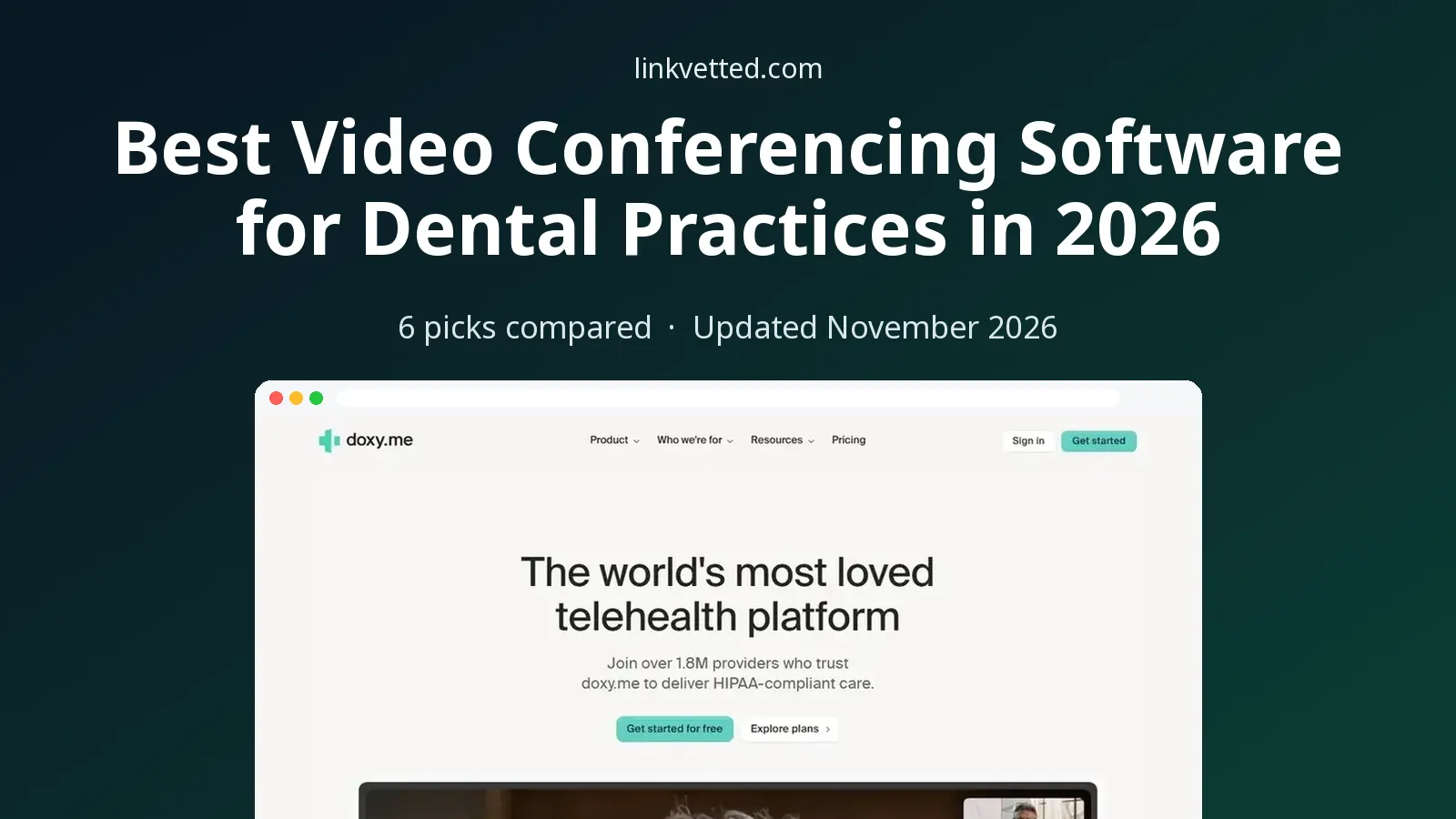
 Doxy.me
Straightforward virtual patient consultations
Starts atSee websiteVisit doxy.meFull review - Great alternative
 Microsoft Teams
Practices already using Microsoft tools
Starts atSee websiteVisit microsoft.comFull review - Also considerVSee
HIPAA-compliant telemedicine visits
Starts at$29 a month per providerVisit vsee.comFull review
Direct answer
Our first pick is Doxy.me, best for straightforward virtual patient consultations. Listed starting prices: VSee from $29 a month per provider. For a different need, Microsoft Teams covers practices already using Microsoft tools and VSee covers HIPAA-compliant telemedicine visits. Prices, free plans and limits for all 6 tools follow.
TL;DR:
- Doxy.me is the opening pick, best for straightforward virtual patient consultations.
- What to know about Microsoft Teams first: interface can feel busy for occasional users.
- 2 of 6 tools offer a free plan: VSee, Cisco Webex.
- For all-around meetings and patient consults, Zoom Workplace is worth a look.
- Starting prices begin at $29 per month per provider with VSee.
Last checked November 2026. Prices and plan details were read from the vendors' own pages in November 2026; vendors change plans often, so confirm the current price on the vendor site before you buy.
Quick comparison
| Tool | Best for | Starts at | Free plan? | |
|---|---|---|---|---|
| Doxy.me | Straightforward virtual patient consultations | See website | Not stated | Visit |
| Microsoft Teams | Practices already using Microsoft tools | See website | Not stated | Visit |
| VSee | HIPAA-compliant telemedicine visits | $29 a month per provider | Yes | Visit |
 Cisco Webex | Enterprise-grade meetings and devices | See website | Yes | Visit |
| Lifesize | Enterprise video communication suites | See website | Not stated | Visit |
 Zoom Workplace | All-around meetings and patient consults | See website | Not stated | Visit |
6 video conferencing software for dental practices in detail
This LinkVetted guide covers 6 video conferencing software for dental practices. Each profile lists a starting price, free plan details, strengths and drawbacks, so you can drop poor fits quickly.

Choose Doxy.me for straightforward virtual patient consultations. For dental practices offering virtual consultations, follow-ups or pre-screening conversations, it keeps the focus on the clinical encounter instead of general collaboration. Choose Doxy.me when patient-facing simplicity is the priority.
Where it falls short: Fewer general meeting features than suites.
Doxy.me is a telehealth system designed for providers to meet patients remotely, with a straightforward browser-based experience and quick sign-up. As for the details, since it centers on telehealth, it supplies fewer of the wide meeting, chat and event features found in general suites. Pricing for Doxy.me is not stated here, so ask the vendor for current figures. On free options: Not stated.
- Telehealth-focused product design
- Built around provider and patient workflow
- Less suited to complicated internal collaboration
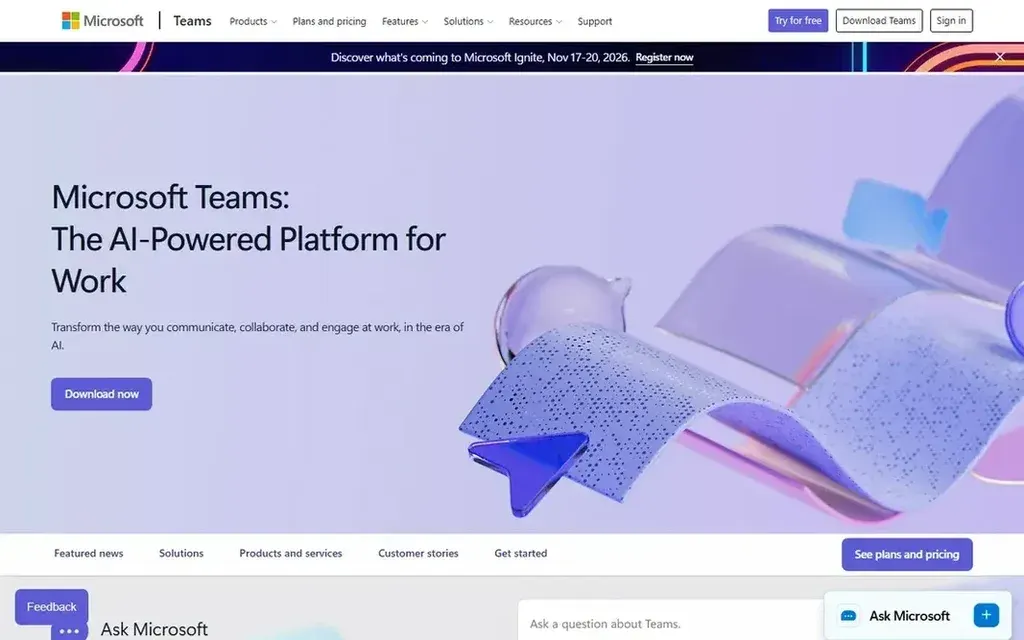
Microsoft Teams is built with practices already using Microsoft tools in mind. Microsoft Teams combines video meetings, calling and group chat with shared files and channels meant to keep teams organized.
If you primarily need fast patient-facing video visits, a lighter telehealth tool may be simpler. Pick Teams for internal collaboration depth. Microsoft Teams does not show a starting price in this comparison, so check the vendor site for current pricing. Trial and free access: Not stated.
Where Microsoft Teams stands out: Organized channels for front and back office. Downsides: Best value relies on existing Microsoft setup.
- Natural fit with Microsoft productivity tools
- Meetings
- Interface can feel busy for occasional users
VSee
Best for: HIPAA-compliant telemedicine visits
VSee is designed for HIPAA-compliant telemedicine visits. Offices that chiefly need internal staff meetings may find it more specialized than required. For dental practices exploring virtual consultations with compliance in mind, it gives you a clinical starting point.
Its clinical focus means fewer general-purpose meeting and collaboration features than wide suites offer. In practice, pick VSee when compliant telemedicine support is the deciding factor. In practice, VSee is a telemedicine option positioned around HIPAA-compliant virtual care, and its homepage notes use in demanding environments including space station operations and large healthcare organizations. On cost, VSee starts like this: $29 per month per provider. You can start on VSee without paying.
What to check first: Narrower general meeting feature set.
- Telemedicine-focused design
- HIPAA-compliant positioning
- Clinical focus may limit non-medical use
Cisco Webex makes the most sense for enterprise-grade meetings and devices. Choose Webex when device integration and enterprise-grade collaboration are genuine requirements.
More specifically, Cisco Webex gives you AI-powered collaboration, customer experience tools, meeting devices and product options aimed at organizations of scale. In daily use, the depth of the system can overwhelm a small office, and administration may benefit from IT help. Cisco Webex does not show a starting price in this comparison, so check the vendor site for current pricing. Cisco Webex offers a free plan.
The main drawbacks: Feature depth can overwhelm small teams.
- AI-powered collaboration features
- Meeting devices and product options
- Setup and administration may need IT support
Lifesize
Best for: Enterprise video communication suites
Lifesize works best for enterprise video communication suites. Lifesize, now part of Enghouse Video, centres on adaptable enterprise video options for business communications. Consider Lifesize when enterprise video infrastructure is the goal instead of straightforward patient calls.
What to check first: Less tailored to small clinical offices.
Beyond that, the product is oriented toward bigger organizations, so a single practice may find it heavier than necessary. Dental groups with formal IT support and a need for corporate-grade video deployment may consider it alongside other enterprise choices. Check the vendor site for Lifesize pricing; none is listed in this comparison. As for free access: Not stated.
- Thorough enterprise video options
- Adaptable communications choices
- Pitched at bigger organizations

For all-around meetings and patient consults, Zoom Workplace is a natural candidate. Zoom Workplace bundles video meetings with chat, VoIP phone, whiteboard, webinars, contact center and events on a single product. The breadth of the system can feel like more than a small practice needs, and configuring advanced meeting controls takes some learning.
Main advantages: Meetings, chat.
Where it falls short: Advanced controls can need setup time.
As for the details, choose Zoom when versatility and patient familiarity matter most. If your priority is a narrowly focused telehealth room with minimal setup, a dedicated clinical product may be more straightforward. Zoom Workplace does not show a starting price in this comparison, so check the vendor site for current pricing. Free plan details: Not stated.
- Webinars and events for bigger sessions
- Phone and whiteboard in one product
- Many features may exceed small-practice needs
How these tools were picked
The comparison looks at four things: starting price, free access, how well the feature set matches video conferencing software for dental practices, and the main limit of each tool. Treat prices as a snapshot: vendors change plans often, so check the vendor site for the figure that applies today. Tools are placed by general fit for video conferencing software for dental practices, with price clarity and free access as tie-breakers. A different team can reasonably rank them differently.
Things to verify first
- Confirm the entry price on the vendor page. For Doxy.me, Microsoft Teams, Cisco Webex and others that means a quote rather than a fixed price.
- Check what the free option really includes: VSee and Cisco Webex offer a free plan, and usage caps differ.
- Read the limits listed for Doxy.me first: less suited to complicated internal collaboration.
- Check the integration list for Lifesize against the tools you run today, and note which ones need a higher plan.
- Get the contract term, renewal terms and any onboarding fees from Cisco Webex in writing.
FAQ
How are the tools for video conferencing software for dental practices ordered?
The order follows typical fit for video conferencing software for dental practices, with Doxy.me first and Zoom Workplace last, then price clarity and free access. It is editorial judgement, not a score, so another team could rank the tools differently.
Which video tool is best for patient consultations in a dental office?
This list starts with Doxy.me, which fits straightforward virtual patient consultations. For other needs, Microsoft Teams is aimed at practices already using Microsoft tools, and VSee at HIPAA-compliant telemedicine visits. Check each tool's price and main limit first.
Do these tools publish their prices?
Not all of them. Doxy.me, Microsoft Teams, Cisco Webex and others publish no starting price, so expect a quote request for those. The rest, VSee included, show a starting price, though seats and billing terms still change the final cost.
What is the cheapest option for video conferencing software for dental practices in this list?
On published monthly entry prices, VSee is the lowest here at $29 per month per provider. Entry price is only part of the cost, because seats, add-ons and billing terms can change the total. All 6 picks in this video Conferencing software for Dental practices comparison list a starting price, free plan details and the main limits on their cards above.
Can I try these tools before paying?
Often, yes. VSee and Cisco Webex have a free plan. Use your own data and a real task during the test, and check what the free tier or trial limits before you rely on it.
Sources
- https://doxy.me
- https://www.microsoft.com/en-us/microsoft-teams/group-chat-software
- https://vsee.com
- https://www.webex.com
- https://www.lifesize.com
- https://www.zoom.com