6 Best Video Conferencing Software for Healthcare Practices for 2026, Vetted and Compared
Best video conferencing software for healthcare practices: 6 contenders ranked by fit, with entry costs and free tiers. Each pick comes with its main catch.
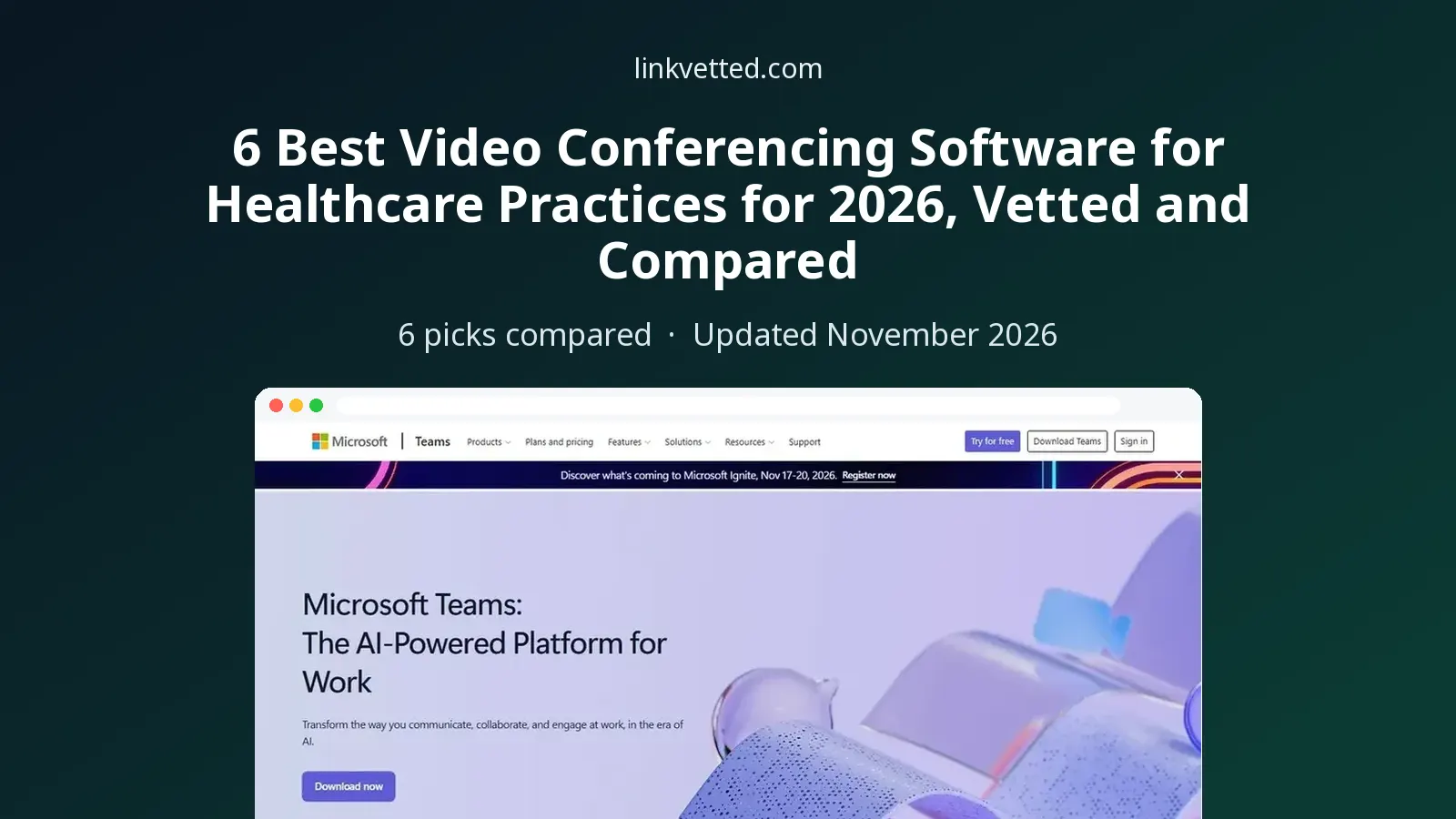
- Editor's choice
 Microsoft Teams
Organizations already using Microsoft tools
Starts atSee websiteVisit microsoft.comFull review - Great alternative
 Doxy.me
Straightforward telehealth visits
Starts atSee websiteVisit doxy.meFull review - Also consider
 Zoom
Wide meeting and collaboration features
Starts atSee websiteVisit zoom.usFull review
Direct answer
Microsoft Teams leads the list, best for organizations already using Microsoft tools. Listed starting prices: VSee from $29 a month per provider. For a different need, Doxy.me covers straightforward telehealth visits and Zoom covers wide meeting and collaboration features. The remaining 3 options are covered below with prices and limits.
TL;DR:
- Microsoft Teams takes the first slot, best suited to organizations already using Microsoft tools.
- A free plan is available from 2 of the 6 tools: Cisco Webex, VSee.
- VSee has the lowest monthly starting price in this list: $29 per month per provider.
- For HIPAA-compliant telemedicine, VSee is worth a look.
Last checked November 2026. Prices and plan details were read from the vendors' own pages in November 2026; vendors change plans often, so confirm the current price on the vendor site before you buy.
Quick comparison
| Tool | Best for | Starts at | Free plan? | |
|---|---|---|---|---|
| Microsoft Teams | Organizations already using Microsoft tools | See website | Not stated | Visit |
| Doxy.me | Straightforward telehealth visits | See website | Not stated | Visit |
| Zoom | Wide meeting and collaboration features | See website | Not stated | Visit |
| Updox | Telehealth plus practice communication tools | See website | Not stated | Visit |
 Cisco Webex | AI-powered collaboration and devices | See website | Yes | Visit |
| VSee | HIPAA-compliant telemedicine | $29 a month per provider | Yes | Visit |
Video Conferencing Software for Healthcare Practices compared in detail
LinkVetted put together this guide to video conferencing software for healthcare practices for readers who want a clear shortlist without reading every vendor page. It compares 6 tools on starting price, free plans, who each one suits and where each one falls short.

Microsoft Teams is aimed squarely at organizations already using Microsoft tools. Microsoft Teams is a collaboration hub that brings video conferencing, meetings, calling, chat, and files together.
What Microsoft Teams does well: Meetings, chat.
Consider Teams when internal collaboration and meeting features are as important as the video call itself. Worth adding: if you need a light tool concentrated on clinical video visits, a specialized telehealth platform may be more straightforward. This comparison lists no price for Microsoft Teams; ask the vendor. Free access: Not stated. Limits to weigh: Healthcare configuration relies on organizational setup.
- Aimed at natural connection and organization
- Suits Microsoft-centric workplaces
- Can be complicated for patient-facing use

Where Doxy.me fits: straightforward telehealth visits. Doxy.me is a telehealth product built around straightforward, secure video visits. It is pitched at healthcare providers who want a straightforward way to connect with patients remotely without a complicated setup.
Drawbacks to consider: Feature set centers on telehealth instead of general meetings.
Since Doxy.me concentrates on telehealth, it may not replace a full collaboration suite for internal team meetings, chat, and file sharing. Choose Doxy.me when telehealth simplicity is the central goal. Beyond that, practices that primarily need one-to-one or small-group clinical video visits may find it a natural fit, particularly if they want a tool dedicated to telehealth rather than general business meetings. Pricing for Doxy.me is not stated here, so ask the vendor for current figures. Trial and free access: Not stated.
- Telehealth-focused product
- Straightforward sign-up process
- Less suited to wide business collaboration
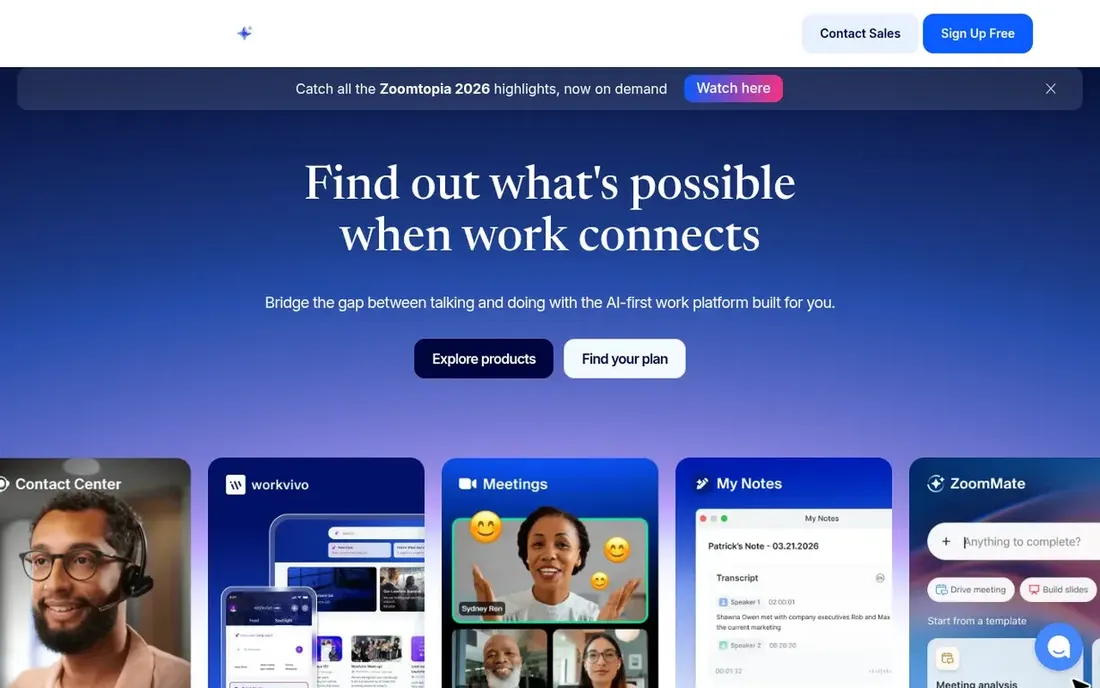
Zoom serves wide meeting and collaboration features. Zoom is a collaboration product that handles video meetings along with chat, VoIP phone, webinars, whiteboard, contact center, and events.
In daily use, choose Zoom when you want a versatile meeting system that can extend beyond clinical video visits. For healthcare practices, it can serve both internal team huddles and patient-facing virtual visits when configured appropriately. Check the vendor site for Zoom pricing; none is listed in this comparison. Free options: Not stated.
Points against: Healthcare-specific workflows may need configuration.
- Familiar interface for patients and staff
- Broad feature set beyond video meetings
- Feature breadth can add complexity
Updox
Best for: Telehealth plus practice communication tools
Updox is designed for telehealth plus practice communication tools. Updox is a healthcare communication product that brings telehealth video, online forms, HIPAA-compliant texting, and electronic faxing into one inbox. It is designed for practices that want to support both virtual and in-person care whereas managing patient communication in a consolidated way.
If you only need straightforward telehealth video, a focused tool for example Doxy.me may be simpler to adopt. Also, since Updox spans multiple communication tools, practices should consider whether they need the full set or chiefly video visits. In practice, practices that deal with lots of faxes, forms, and patient messages alongside video visits may find the combined approach efficient. This comparison lists no price for Updox; ask the vendor. Free access: Not stated.
Downsides: Video is one part of a broader product.
- One inbox for several communication types
- Merges telehealth with fax, forms, texting
- May need setup across several tools
Choose Cisco Webex for AI-powered collaboration and devices. Cisco Webex is an AI-powered collaboration product that spans meetings, customer experience, devices, and system options. It is positioned for organizations that want a thorough communication environment.
Also, if you want a simpler telehealth-first tool, Doxy.me or Updox could be a better match. Choose Webex when integrated collaboration and devices are part of the plan. Healthcare practices with broader collaboration and device needs may find Webex relevant, especially if they are already using Cisco infrastructure or want a system that extends beyond entry-level video meetings. This comparison lists no price for Cisco Webex; ask the vendor. Cisco Webex offers a free plan.
Trade-offs to know: May be more than small practices need.
- Suited to bigger organizations
- Bundles devices and platform options
- Healthcare-specific workflows need review
VSee
Best for: HIPAA-compliant telemedicine
VSee serves HIPAA-compliant telemedicine. VSee is a telemedicine option described as HIPAA compliant and used in demanding settings. It is targeted at healthcare organizations that require a dedicated telemedicine system for remote consultations.
Where it is weaker: Not intended for broad business meetings.
On top of that, VSee is not positioned as a general collaboration suite, so it may not handle internal chat, file sharing, or wide meeting needs. In daily use, practices looking for a tool centered on clinical video visits, instead of general business meetings, may find VSee relevant, particularly when compliance and telemedicine focus are key requirements. The starting price for VSee: $29 per month per provider. VSee has a free plan.
- Used in demanding environments
- Concentrated on telemedicine use cases
- Narrower than general collaboration suites
How the list was put together
LinkVetted used vendor pricing pages and product documentation as the base, then compared plans, free access and documented limits for 6 tools. Prices and plan limits come from vendor pages and can change, so confirm them on the vendor site before you buy. Tools are placed by general fit for video conferencing software for healthcare practices, with price clarity and free access as tie-breakers. A different team can reasonably rank them differently.
What to confirm before you sign up
- Ask Microsoft Teams, Doxy.me, Zoom and others for a written quote, since no starting price is shown.
- Check what the free option really includes: Cisco Webex and VSee offer a free plan, and usage caps differ.
- Read the limits listed for Microsoft Teams first: can be complicated for patient-facing use.
- Ask Zoom how an export works before you move any records in; an easy exit lowers the risk.
- List the apps you already depend on and check that Doxy.me supports each one on the plan you would buy.
FAQ
How are the tools for video conferencing software for healthcare practices ordered?
The order follows typical fit for video conferencing software for healthcare practices, with Microsoft Teams first and VSee last, then price clarity and free access. It is editorial judgement, not a score, so another team could rank the tools differently.
Can I try these tools before paying?
Often, yes. Cisco Webex and VSee have a free plan. Use your own data and a real task during the test, and check what the free tier or trial limits before you rely on it.
Which options for video conferencing software for healthcare practices have a free plan?
On this list, Cisco Webex and VSee include a free plan. Caps on seats, usage or features are common, so test the free plan against your real workload.
What should I look for in healthcare video conferencing software?
Look for documented compliance support, clear privacy controls, and a workflow that suits your practice. Integration with existing systems and simplicity for patients are also important.
What is the cheapest option for video conferencing software for healthcare practices in this list?
On published monthly entry prices, VSee is the lowest here at $29 per month per provider. Entry price is only part of the cost, because seats, add-ons and billing terms can change the total. All 6 picks in this video Conferencing software for healthcare practices comparison list a starting price, free plan details and the main limits on their cards above.
Sources
- https://www.microsoft.com/en-us/microsoft-teams/group-chat-software
- https://doxy.me
- https://zoom.us
- https://www.updox.com
- https://www.webex.com
- https://vsee.com