Best Cloud Based Dental Software in 2026: 8 Platforms Compared
Compare the best cloud based dental software for scheduling, charting, imaging, billing and patient messaging, with options for single offices and groups.
- Editor's choice
 Dentrix Ascend
Practices moving from Dentrix
Starts atSee websiteVisit dentrixascend.comFull review - Great alternative
 Curve Dental
All-cloud practice management
Starts atSee websiteVisit curvedental.comFull review - Also consider
 CareStack
Multi-location dental groups
Starts atSee websiteVisit carestack.comFull review
TL;DR:
- Dentrix Ascend and Curve Dental suit practices that want a full cloud practice management system from a large vendor.
- tab32 and similar lower-priced options suit new or small practices that need core charting and billing without a large contract.
- Cloud dental software removes the office server, but internet quality and data migration still need checking before a move.
- Ask for a written quote, since most vendors in this list price by practice size, location count and included modules.
Quick comparison
| Tool | Best for | Starts at | Free plan? | |
|---|---|---|---|---|
| Dentrix Ascend | Practices moving from Dentrix | See website | No | Visit |
| Curve Dental | All-cloud practice management | See website | No | Visit |
| CareStack | Multi-location dental groups | See website | No | Visit |
 Denticon | Large groups and DSOs | See website | No | Visit |
 tab32 | Small and new practices | $125 per month | Free trial | Visit |
 Cloud 9 Software | Orthodontic and pediatric practices | See website | No | Visit |
 DentiMax | Cloud charting and imaging | See website | No | Visit |
 Adit | Patient communication plus practice tools | See website | No | Visit |
The best cloud based dental software
Cloud based dental practice management software runs scheduling, charting, imaging, billing and patient communication from a browser, with no server in the office. That makes it easier to work across locations and to access records outside the office, but it also makes internet reliability and data ownership important. We compared official feature pages, pricing pages and public reviews, and we focused on full practice management systems rather than single-purpose add-ons.

Dentrix Ascend is the cloud practice management system from Henry Schein One, and it is the natural next step for many Dentrix offices. It covers scheduling, charting, treatment planning, claims, imaging and patient communication in one browser-based system. Recent additions such as voice notes aim to cut the time spent on clinical documentation after a visit.
The main limits are price transparency and migration effort. Ascend does not publish a price, so a practice needs a demo and a written quote. Moving charts, images and financial data from a server system also needs a conversion plan and a check of what transfers cleanly. Ascend fits practices that want a large-vendor cloud system and are ready to move their whole practice management workflow at once.
- Cloud-native design
- Strong Henry Schein One support
- Voice notes and imaging tools
- Pricing by quote
- Migration from server Dentrix takes planning
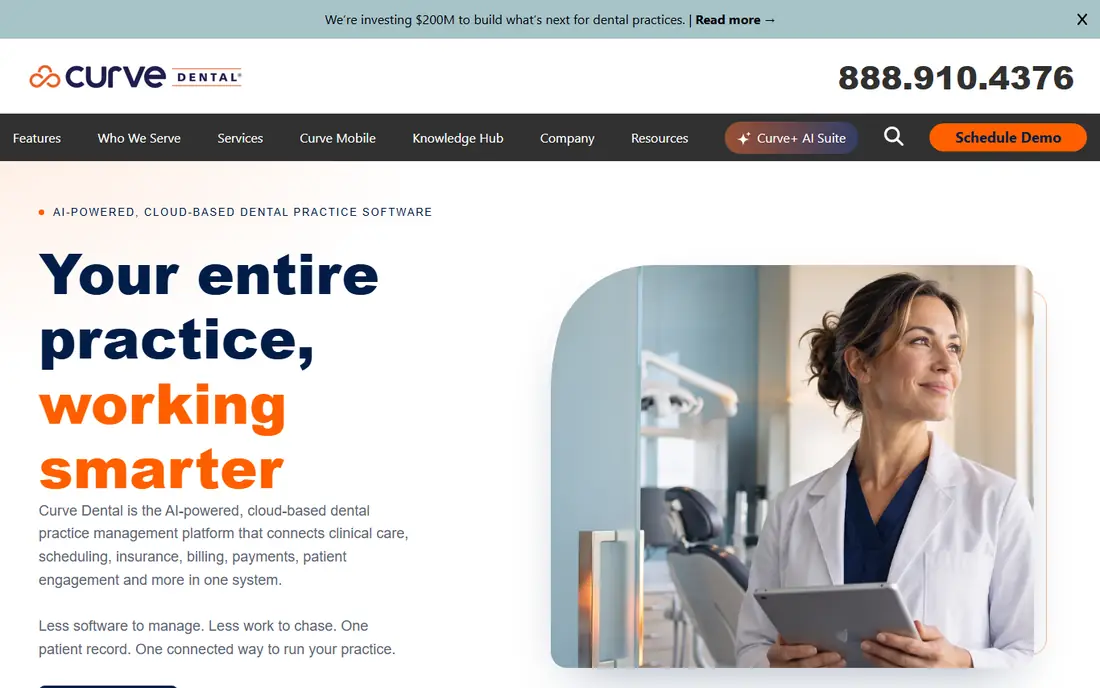
Curve Dental is a cloud practice management system built for dental offices that want to work without a local server. It includes scheduling, charting, imaging, treatment planning, billing and patient communication, with support for practices that run more than one location. Staff can check schedules and records from any connected device, which helps owners who split time between offices.
Pricing is by quote, so a single office and a small group may pay quite different amounts. Some reporting and workflow settings also need configuration to match a practice exactly. Curve Dental suits practices that want a proven cloud system and value being able to manage several locations from one login.
- Built for the cloud from the start
- Imaging and charting included
- Multi-location support
- Pricing by quote
- Some advanced reporting needs configuration
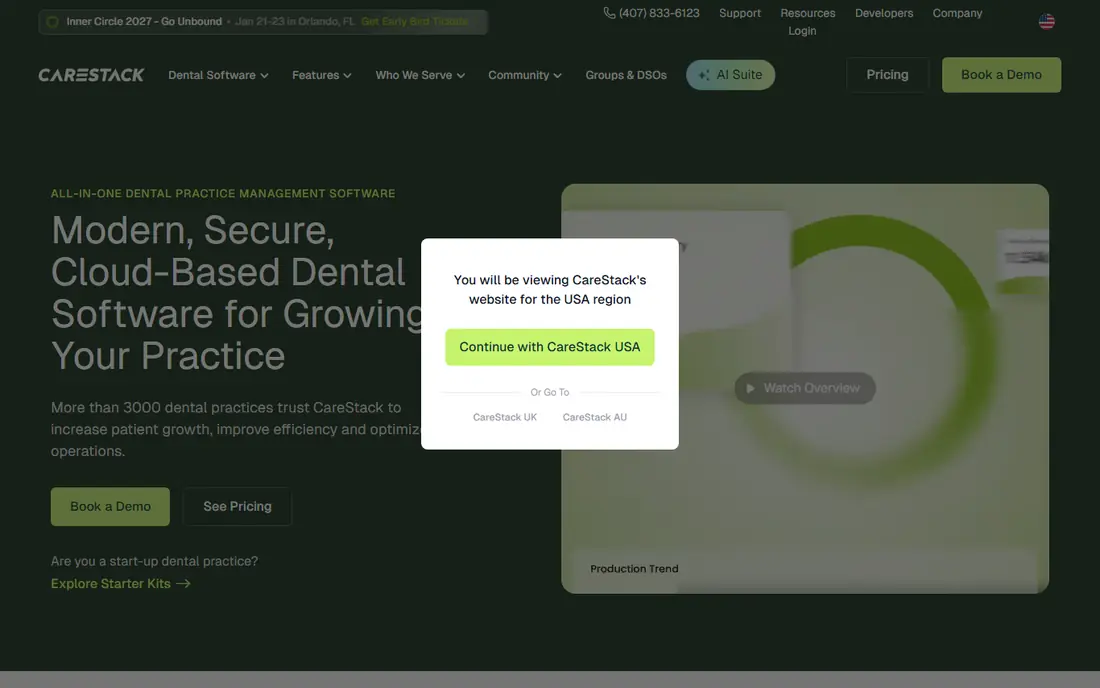
CareStack is designed for dental groups and multi-location practices, with central dashboards, shared patient records and group-level reporting. It covers scheduling, charting, billing, insurance, payments and patient messaging, and it aims to give owners one view across locations rather than separate reports from each office. That central view is its clearest advantage over single-office systems.
A single small office may find CareStack larger and pricier than needed, and pricing is by quote. Implementation for a group also needs planning around location settings, fee schedules and user permissions. CareStack fits growing groups and DSOs that need consistency across offices and a central picture of performance.
- Strong group and DSO tools
- Central reporting
- Integrated payments and communication
- Pricing by quote
- May be more than a single office needs
Denticon, from Planet DDS, is a cloud practice management system used by many larger dental groups and DSOs. It provides scheduling, charting, imaging, billing and reporting with central controls for multi-location operations. Groups that need standard workflows, central fee schedules and consolidated reporting will find those strengths familiar and useful.
The interface is less modern than some newer cloud systems, and staff used to newer designs may need time to adjust. Pricing is by quote, and the total depends on locations and modules. Denticon fits larger organizations that value proven group management over the newest interface, and that want a vendor experienced with DSO scale.
- Long history with dental groups
- Central management
- Broad practice tools
- Pricing by quote
- Interface feels older than newer cloud rivals
tab32 offers cloud dental software with a published starting price that is easier to compare than quote-only rivals. Its first-year price has been listed at 125 dollars per month for up to three providers, rising after year one, with a free trial to test the system. It covers scheduling, charting, imaging, billing and patient messaging, which covers the daily needs of a small practice.
The trade-off is scale and depth. A large multi-location group may find reporting and central management thinner than in CareStack or Denticon. Support and integration coverage should also be checked against the imaging and clearinghouse tools a practice already uses. tab32 fits new, small and single-location practices that want cloud software at a clear, lower starting cost.
- Lower published starting price
- Cloud charting and billing
- Patient communication tools
- Smaller vendor than Dentrix or Planet DDS
- Advanced group features are thinner
Cloud 9 Software focuses on orthodontic and pediatric dental practices, with workflows shaped around those specialties rather than general dentistry alone. It covers scheduling, charting, treatment tracking and billing in a cloud system, and it supports imaging and patient communication for practices that manage long treatment plans. Specialty focus means templates and workflows match the visit types these practices actually run.
General practices may find some features less relevant, and pricing is by quote. A general office should compare Cloud 9 against a general cloud system before choosing on specialty strength alone. Cloud 9 fits ortho and pediatric practices that want cloud access plus workflows built for their patient flow.
- Specialty workflows for ortho and pediatric care
- Cloud access
- Imaging support
- Pricing by quote
- Less suited to general practices that need broad tools
DentiMax is known for dental charting, imaging and practice management tools, with cloud options alongside its longer-standing local products. Its imaging support, including sensors and intraoral cameras, matters for practices that want images tied closely to the chart. Scheduling, billing and patient tools round out the daily workflow.
The range of packages can make comparison tricky, since charting, imaging and full practice management may be priced differently. Ask for a quote that lists exactly which modules are included and how imaging hardware connects. DentiMax fits practices that place imaging and charting at the center of their workflow and want a vendor with deep experience in that area.
- Charting and imaging focus
- Cloud and local options
- Sensor and imaging support
- Pricing by quote
- Practice management depth varies by package
Adit combines patient communication, phones, scheduling, recall and practice management tools, with a strong focus on keeping chairs filled. It offers messaging, reminders, online scheduling and call handling alongside charting and billing features, which helps front-desk teams reduce missed calls and no-shows. Analytics for schedules and production help owners see where gaps appear.
Adit is not always the best choice as a sole large-group PMS, since some very large groups may prefer a dedicated enterprise platform for central reporting. Pricing is by quote, so compare it against both communication add-ons and full practice systems. Adit fits practices that want communication and scheduling strength built into their daily system, not bolted on afterwards.
- Strong patient messaging and phones
- Scheduling and recall tools
- Practice analytics
- Not a full replacement for every large PMS
- Pricing by quote
How we picked these
We compared official feature pages, pricing pages and public reviews for the best cloud-based dental software that covers scheduling, charting and billing as a core system. We mixed large vendors with smaller options, and we favored systems with real multi-location or specialty strengths where those mattered. We did not claim hands-on testing, and we used quote-based pricing language where vendors do not publish a price.
What to check before you choose
A cloud move touches every part of a practice, so test the parts that fail most often in real use.
Check internet and backup plans
Cloud software needs a steady connection, so check bandwidth at each location and what happens during an outage. Ask how the vendor handles downtime, how often data is backed up, and how a practice can access key schedules if the connection drops. A written backup and outage plan should be part of the contract discussion.
Test data migration with your own records
Ask for a migration plan that covers charts, images, treatment plans, insurance and balances, and check what does not transfer cleanly. Run the check on a sample of your own records, not just demo data. Poor migration creates weeks of manual fixes, so this step deserves time before signing.
Compare imaging and clearinghouse fit
Confirm that your imaging hardware, sensors and clearinghouse connect to the new system without extra middleware costs. Ask about fees for claims, eligibility checks and patient payments, since those can add to the monthly bill. A system that looks cheap can become costly if key connections need paid add-ons.
Confirm HIPAA controls and data export
Ask about access controls, audit logs, encryption, backups and data ownership. Confirm how patient data can be exported if you leave, and in what format. Practices should confirm HIPAA and payer requirements with their own advisers, since software alone does not guarantee compliance.
FAQ
What is the best cloud based dental practice management software?
For many general practices, Dentrix Ascend and Curve Dental are strong starting points because they offer full cloud practice management from established vendors. Small practices may prefer tab32 for its lower published starting price. The best choice depends on practice size, locations and imaging needs, so shortlist two or three and compare written quotes.
Is cloud dental software safe for patient records?
Reputable vendors use encryption, access controls, backups and audit logs, but safety also depends on practice policies for passwords, devices and staff access. Ask vendors for their security and backup details in writing, and confirm HIPAA duties with your own advisers. Also confirm how data can be exported if you change vendors.
Does cloud dental software work for multi-location practices?
Yes, and that is one of its main strengths. CareStack and Denticon are built for groups, while Curve Dental also supports multiple locations. Check central reporting, shared fee schedules and permission controls, since those decide whether group management is actually simpler in practice.
What does cloud dental software cost?
Prices vary widely, from a published tab32 starting price of 125 dollars per month in year one to quote-based pricing for most larger systems. Location count, provider count and modules all affect the total. Request a written quote that includes claims, payments and support fees, not just the software subscription.
Can I keep my existing imaging hardware?
Often yes, but confirm compatibility before signing. Ask the vendor to list supported sensors, cameras and imaging software, and whether any adapter or extra fee is needed. Test imaging during a trial with your own hardware where possible.