The 8 Best Patient Education Platforms for Care Teams
We reviewed the best patient education platforms for trusted content, workflow fit, and patient use, to help care teams choose tools patients will use.
- Editor's choice
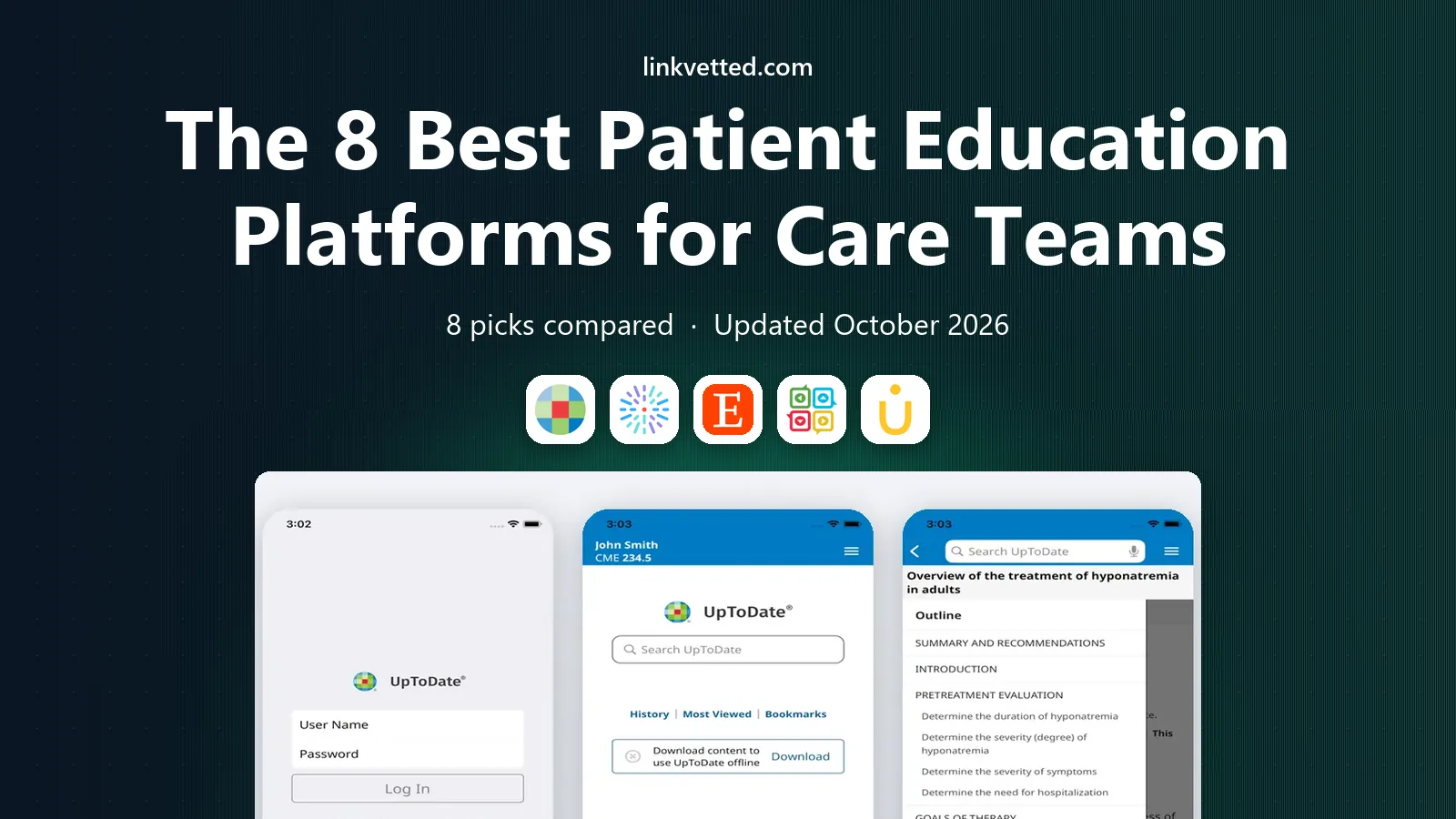
 UpToDate Patient Education
Hospitals and clinics that already use UpToDate clinical content
Starts atSee websiteVisit uptodate.comFull review - Great alternative
 WebMD Ignite
Health systems that want Krames and Healthwise content in one portfolio
Starts atSee websiteVisit webmdignite.comFull review - Also consider
 Elsevier PatientPass
Health systems that want video and interactive patient education
Starts atSee websiteVisit elsevier.comFull review
TL;DR:
- Trusted, reviewed content matters more than a large library alone, so check review process and update frequency.
- Workflow fit matters, because material that staff cannot send quickly will not reach patients.
- Language, reading level, and accessibility options affect whether patients can actually use the material.
- Tracking open and completion rates helps teams follow up on gaps, rather than guessing.
- Print, portal, and in-room options together serve patients with different access and preferences.
Quick comparison
| Tool | Best for | Starts at | Free plan? | |
|---|---|---|---|---|
| UpToDate Patient Education | Hospitals and clinics that already use UpToDate clinical content | See website | No | Visit |
| WebMD Ignite | Health systems that want Krames and Healthwise content in one portfolio | See website | No | Visit |
| Elsevier PatientPass | Health systems that want video and interactive patient education | See website | No | Visit |
 Mytonomy | Hospitals that want short video microlearning for patients | See website | No | Visit |
 pCare | Hospitals that want bedside and in-room patient education | See website | No | Visit |
 Epic MyChart | Health systems already running Epic for records and portals | See website | No | Visit |
 PatientPoint | Clinics and waiting rooms that want in-office education | See website | No | Visit |
 MedlinePlus | Patients and small clinics that want free, trusted health information | See website | Yes | Visit |
The best patient education platforms for care teams
UpToDate Patient Education
Best for: Hospitals and clinics that already use UpToDate clinical content

UpToDate Patient Education is a strong pick for teams that already trust UpToDate for clinical decisions. This article gives general information only, and it is not medical advice. Talk with a qualified clinician about care decisions for a specific person. Its patient material pairs well with clinician content, which helps staff send consistent information after a visit.
The strongest choice usually pairs trusted content with a workflow that clinicians will use and patients can follow. The honest trade-off is enterprise pricing needs a quote, setup depends on system integration, so check that point against your own needs before you commit. For hospitals and clinics that already use UpToDate clinical content, this is a practical shortlist option, and it is worth comparing it with one or two others on this list before you decide.
- Clinically reviewed patient material, links to clinical topics, many languages in some offerings
- Enterprise pricing needs a quote, setup depends on system integration
WebMD Ignite
Best for: Health systems that want Krames and Healthwise content in one portfolio
WebMD Ignite brings together long-standing patient education libraries under one health system portfolio. Ask how content is reviewed, how often it is updated, and whether clinicians can adapt it for reading level and language. That scale suits large systems, but buyers should ask which products share a roadmap and which remain separate.
Short, plain-language material often works better than long documents, especially before a procedure or a new medicine. The honest trade-off is portfolio changes after acquisitions need a roadmap check, pricing needs a quote, so check that point against your own needs before you commit. For health systems that want Krames and Healthwise content in one portfolio, this is a practical shortlist option, and it is worth comparing it with one or two others on this list before you decide.
- Large reviewed content library, EHR and portal delivery options, multilingual material
- Portfolio changes after acquisitions need a roadmap check, pricing needs a quote
Elsevier PatientPass
Best for: Health systems that want video and interactive patient education

Elsevier PatientPass, with its video-focused offerings, suits teams that want more than text handouts. Check how the platform connects with your record system and patient portal, because a tool that staff skip will not help patients. Video can help patients learn skills and prepare for procedures, especially when paired with written aftercare steps.
Video can help for skills and procedures, while text and print can help for reference after a visit. The honest trade-off is pricing needs a quote, integration work varies by system, so check that point against your own needs before you commit. For health systems that want video and interactive patient education, this is a practical shortlist option, and it is worth comparing it with one or two others on this list before you decide.
- Video and interactive modules, care pathway content, clinical review processes
- Pricing needs a quote, integration work varies by system
Mytonomy focuses on short, clear videos that patients can watch at home before or after care. Look for tracking that shows whether patients opened, read, or finished the material, so follow-up can focus on real gaps. Its microlearning style suits busy patients, and its tracking helps teams see who finished key material.
Teams should test material with a few patients first, and watch for questions that show where wording needs work. The honest trade-off is now part of Elsevier, roadmap and packaging need a current check, so check that point against your own needs before you commit. For hospitals that want short video microlearning for patients, this is a practical shortlist option, and it is worth comparing it with one or two others on this list before you decide.
- Short video modules, condition and procedure pathways, engagement tracking
- Now part of Elsevier, roadmap and packaging need a current check
pCare from Uniguest is built for the hospital room, where patients can learn, order meals, and message staff from one screen. Review language options, accessibility, and print options, since patients learn in different ways and in different settings. That in-room presence helps reach patients who may not check a portal, and it supports education during a stay.
A platform that supports many languages and reading levels will serve a wider group of patients well. The honest trade-off is hardware and room setup can add cost, pricing needs a quote, so check that point against your own needs before you commit. For hospitals that want bedside and in-room patient education, this is a practical shortlist option, and it is worth comparing it with one or two others on this list before you decide.
- Interactive bedside education, entertainment and care tools in one system, long hospital track record
- Hardware and room setup can add cost, pricing needs a quote
Epic MyChart is the natural pick for health systems already on Epic, since education can sit inside the portal patients already use. This article gives general information only, and it is not medical advice. Talk with a qualified clinician about care decisions for a specific person. After-visit summaries and portal messages make follow-up material easy to find, without a separate login.
The strongest choice usually pairs trusted content with a workflow that clinicians will use and patients can follow. The honest trade-off is only fits Epic customers, customization depends on Epic build, so check that point against your own needs before you commit. For health systems already running Epic for records and portals, this is a practical shortlist option, and it is worth comparing it with one or two others on this list before you decide.
- Patient portal education, after-visit summaries, secure messaging, broad Epic integration
- Only fits Epic customers, customization depends on Epic build
PatientPoint
Best for: Clinics and waiting rooms that want in-office education
PatientPoint turns waiting time into learning time, with screens that show condition and wellness content. Ask how content is reviewed, how often it is updated, and whether clinicians can adapt it for reading level and language. Its clinic network suits practices that want consistent, reviewed material in the office, even for patients who skip portals.
Short, plain-language material often works better than long documents, especially before a procedure or a new medicine. The honest trade-off is content is mainly in-office, pricing needs a quote, so check that point against your own needs before you commit. For clinics and waiting rooms that want in-office education, this is a practical shortlist option, and it is worth comparing it with one or two others on this list before you decide.
- Waiting room and exam room screens, condition-specific content, broad clinic network
- Content is mainly in-office, pricing needs a quote
MedlinePlus
Best for: Patients and small clinics that want free, trusted health information
MedlinePlus is a free, trusted starting point for patients and small clinics that need plain-language health information. Check how the platform connects with your record system and patient portal, because a tool that staff skip will not help patients. It does not replace an enterprise platform, but it is a strong, no-cost resource to link from a portal or handout.
Video can help for skills and procedures, while text and print can help for reference after a visit. The honest trade-off is not a full enterprise platform, no EHR workflow or tracking for large systems, so check that point against your own needs before you commit. For patients and small clinics that want free, trusted health information, this is a practical shortlist option, and it is worth comparing it with one or two others on this list before you decide.
- Free trusted information from the National Library of Medicine, plain language, many languages
- Not a full enterprise platform, no EHR workflow or tracking for large systems
How we picked these
We compared official product pages, content review descriptions, delivery options, and public reviews, and we favored platforms with clear clinical review, language options, and workflow delivery. We included enterprise libraries, video platforms, bedside systems, portal tools, and a free public resource, so small and large teams can find a fit. We did not rank on library size alone, since material that patients cannot understand or staff cannot send has limited value.
How to choose a patient education platform for your team
Start with the moment of need. Pre-visit material should prepare patients for a procedure, while after-visit material should support recovery and medicine use. Bedside tools suit hospital stays, portal tools suit follow-up at home, and waiting room screens suit in-office learning. Check review, language, and reading level. Ask who reviews content, how often it is updated, and whether it is available in the languages your patients speak. Test material with a few patients, and watch for wording that causes confusion or extra questions. Test workflow and tracking. Staff should be able to send the right material in a few clicks, and managers should see open and completion rates. If tracking is weak, follow-up will rely on guesswork, and gaps will stay hidden.
FAQ
What are the best patient education platforms reviews saying?
Reviews often praise UpToDate Patient Education for clinical trust, WebMD Ignite for library depth, and pCare for bedside use, while noting that enterprise pricing needs a quote. Video platforms such as Mytonomy and Elsevier PatientPass earn praise for patient engagement. Always test with your own staff and patients, since workflow fit varies.
How do patient education platforms work with EHR systems?
Many enterprise platforms deliver content through the EHR, patient portal, or bedside system, so clinicians can send material during or after a visit. Integration depth varies, so ask about your specific EHR, portal, and single sign-on setup. A demo with your real workflow is more useful than a feature list.
Are patient education platforms free for patients?
Some resources, such as MedlinePlus, are free for patients, while enterprise platforms are usually paid by health systems and offered to patients at no direct cost. Ask whether patient access needs a portal account, an app, or only a web link. Print options help patients with limited internet access.
What languages do patient education platforms support?
Support varies by platform and by topic, with larger libraries often offering Spanish and other common languages. Ask for the exact language list for the conditions you treat most, and check whether video, text, and print share the same language coverage. Accessibility options, such as captions and large text, also matter.
How can teams tell if patient education is working?
Teams can track opens, video completion, portal logins, and follow-up questions, and they can link those signals to missed appointments or readmissions with care. Short surveys after a visit can reveal whether material was clear. Use tracking to improve wording and follow-up, not only to report numbers.
Sources
https://www.uptodate.com https://www.webmdignite.com https://www.elsevier.com https://www.mytonomy.com https://www.uniguest.com https://www.epic.com https://www.patientpoint.com https://medlineplus.gov