5 Webinar Software for Dental Practices Worth Shortlisting in 2026
Weighing the best webinar software for dental practices? We lined up 5 products by cost, free access and fit. Caveats come with every verdict. Pick by budget.
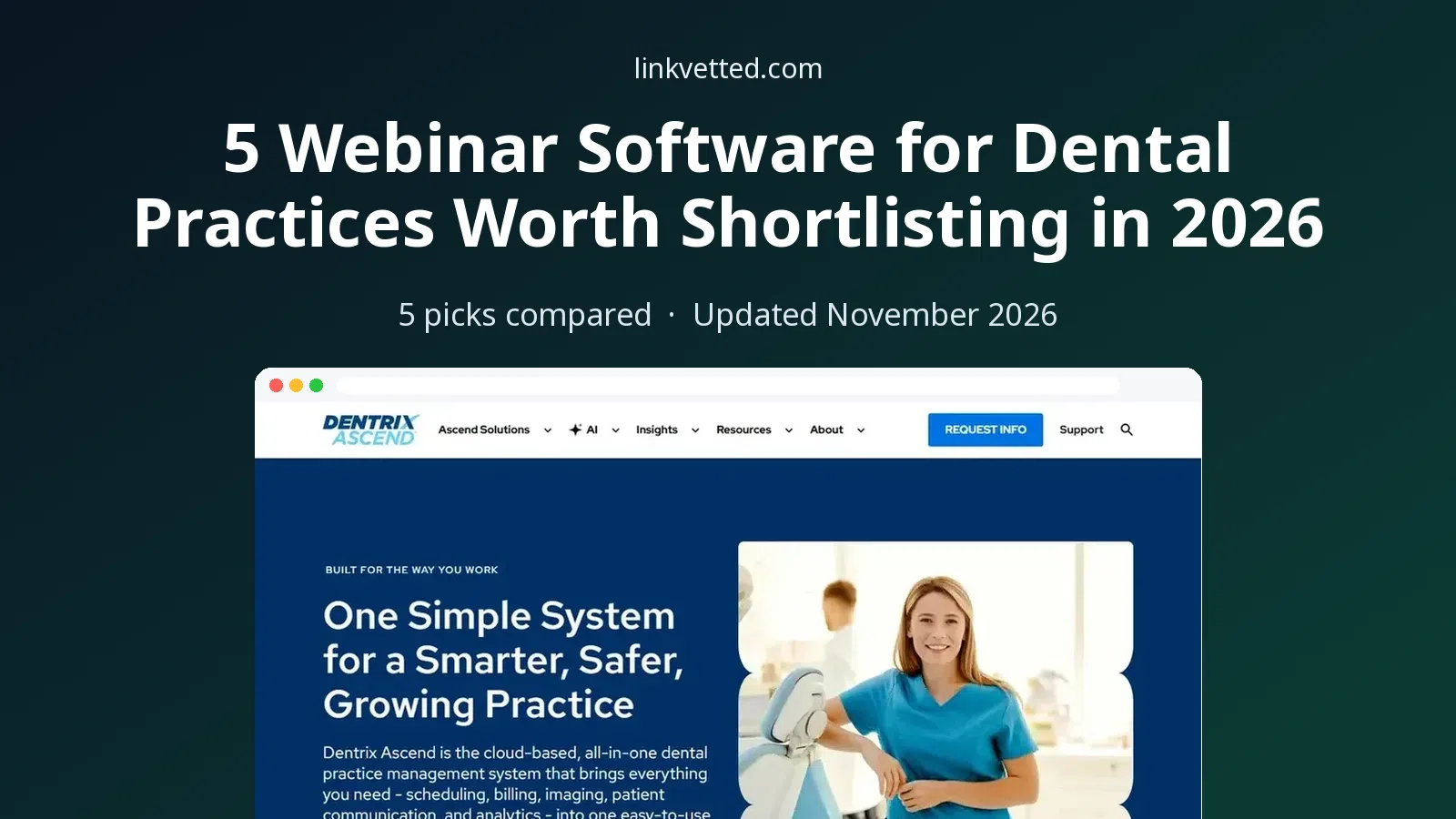
- Editor's choice
 Webex
AI-assisted collaboration and devices
Starts atSee websiteVisit webex.comFull review - Great alternative
 ClickMeeting
Browser-based webinars with no install
Starts atSee websiteVisit clickmeeting.comFull review - Also consider
 Livestorm
Marketing-led patient education campaigns
Starts at€2.50 per attendeeVisit livestorm.coFull review
Direct answer
If you need AI-assisted collaboration and devices, Webex is the first tool to look at here. Listed starting prices: Livestorm from €2.50 per attendee. If your case is different, ClickMeeting suits browser-based webinars with no install and Livestorm suits marketing-led patient education campaigns. The full list of 5 tools follows, with prices and free plan facts.
TL;DR:
- Webex sits first on this list: AI-assisted collaboration and devices.
- 2 of 5 tools offer a free plan: Webex, ClickMeeting.
- Webex, ClickMeeting, Dentrix Ascend and GoTo Webinar: pricing is by quote only, so plan time for a sales conversation.
- Livestorm comes with a trade-off: geared toward marketing teams instead of clinicians.
- GoTo Webinar fits bigger patient and community events.
Last checked November 2026. Prices and plan details were read from the vendors' own pages in November 2026; vendors change plans often, so confirm the current price on the vendor site before you buy.
Quick comparison
| Tool | Best for | Starts at | Free plan? | |
|---|---|---|---|---|
| Webex | AI-assisted collaboration and devices | See website | Yes | Visit |
| ClickMeeting | Browser-based webinars with no install | See website | Yes | Visit |
| Livestorm | Marketing-led patient education campaigns | €2.50 per attendee | Not stated | Visit |
 Dentrix Ascend | Practices wanting webinars inside dental workflow | See website | Not stated | Visit |
 GoTo Webinar | Bigger patient and community events | See website | Free trial | Visit |
The best webinar software for dental practices
If you are comparing webinar software for dental practices, this page covers 5 tools in one place: what each is best for, what it costs to start, whether it has a free plan, and the main limit to know about.
Webex is a good fit for AI-assisted collaboration and devices. Webex by Cisco is described as AI-powered collaboration including customer experience, devices, and product options. Beyond that, administrators may need more time to configure meetings and permissions.
Limits to weigh: Wide enterprise scope can feel complicated.
Choose Webex when device integration and AI-assisted collaboration across locations are genuine requirements. A dental group with several locations can use it for meetings, patient-facing sessions, and room devices in conference spaces. Check the vendor site for Webex pricing; none is listed in this comparison. You can start on Webex without paying.
- Supports customer experience use cases
- AI-powered collaboration features
- Setup may need more administrative effort
Think of ClickMeeting for browser-based webinars with no install. ClickMeeting is a general webinar product, so it does not plug into dental practice management or clinical records. For everyday use, practices needing tight scheduling and patient communication integration should look at a dental product instead.
Also, ClickMeeting is a webinar product for capturing leads on repeat, supporting live, automatic, and on-demand webinars that keep collecting leads after the event ends. It works in the browser with no install, which fits dental teams joining from front desk or operatory computers. Consider ClickMeeting when simple browser access and on-demand replays are the central goals. Check the vendor site for ClickMeeting pricing; none is listed in this comparison. ClickMeeting offers a free plan.
Points against: Fewer ties to dental-specific workflows.
Upsides: Lead capture continues after events.
- Supports live, automatic
- On-demand webinars
- Advanced production may need additional planning
Livestorm is designed for marketing-led patient education campaigns. Livestorm is oriented toward marketing workflows instead of clinical operations, so it will not link to scheduling or patient records the way a dental system can.
Practices without a marketing owner may find the feature set beyond their needs. Starting cost for Livestorm: €2.50 per attendee. Trial and free access: Not stated.
Where it is weaker: Less connected to dental practice systems.
- Engagement insights and CRM sync
- All-in-one webinar system for marketing
- Targeted at marketing teams instead of clinicians
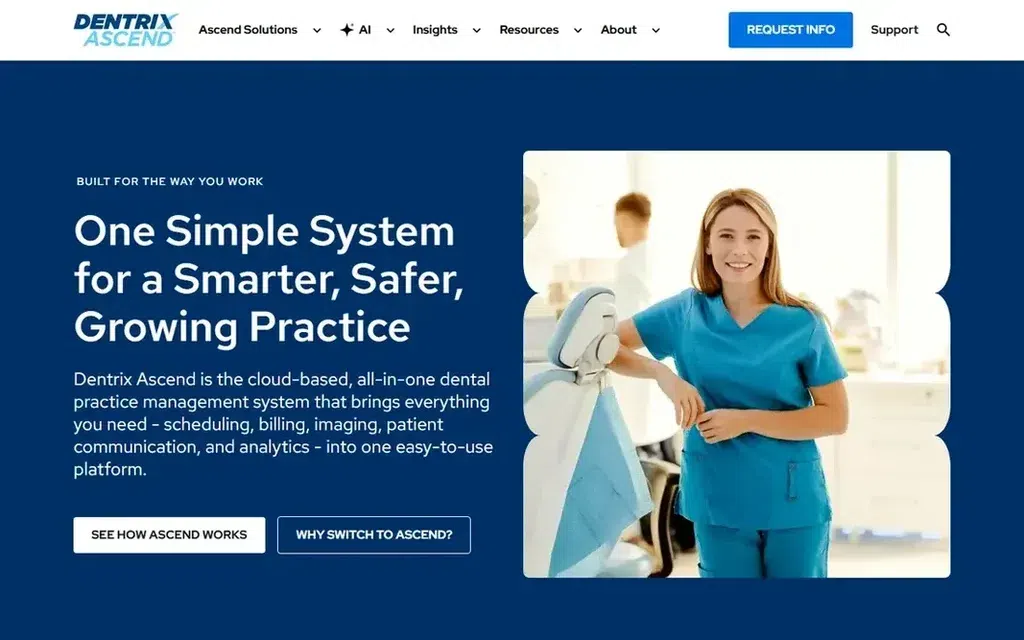
Dentrix Ascend makes the most sense for practices wanting webinars inside dental workflow. For dental practices, that means patient education sessions and internal briefings can sit alongside the same system that runs daily operations.
What to check first: Best value only for practices already on the system.
Choose Ascend when integration with scheduling and patient records matters more than event marketing depth. Dentrix Ascend does not show a starting price in this comparison, so check the vendor site for current pricing. Free plan details: Not stated.
- Cloud-based practice management
- Built-in patient communication tools
- Webinar features are secondary to practice management
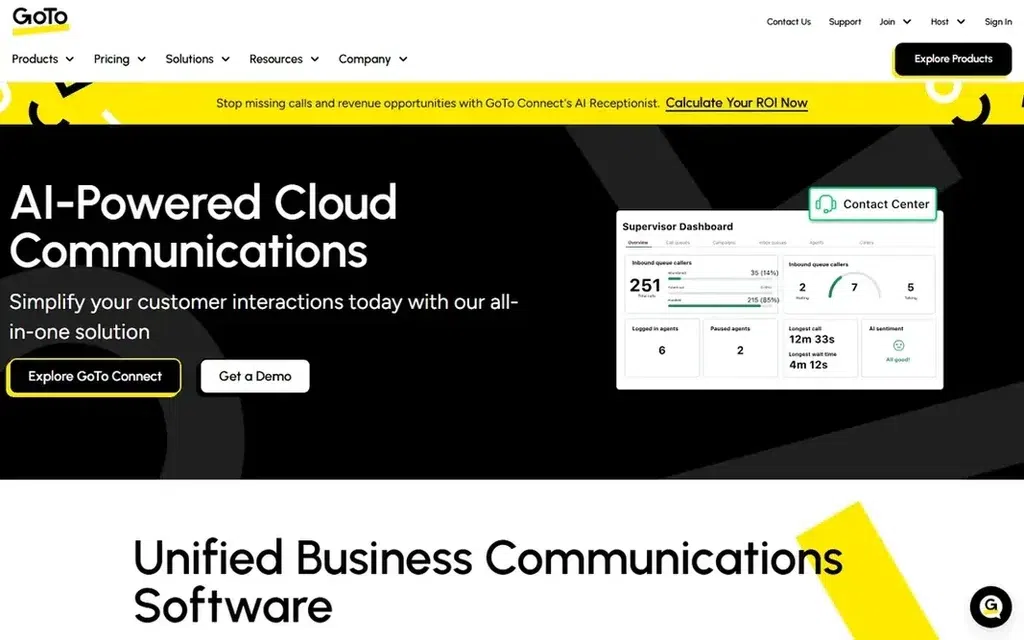
In short, GoTo Webinar is for bigger patient and community events. GoTo Webinar is presented as a webinar software and virtual conference product for engaging audiences through virtual conferences and events.
Limits to weigh: Event setup takes more planning than a straightforward call.
For everyday use, smaller practices with occasional sessions may not need its event-oriented structure. Consider it when audience engagement and conference-style formats are the priority. Pricing for GoTo Webinar is not stated here, so ask the vendor for current figures. On free options: Free trial.
- Focus on audience engagement
- Well suited to structured presentations
- Less handy for everyday internal meetings
How we compared the tools
Selection started from tools commonly considered for webinar software for dental practices, then narrowed to 5 that have clear pricing information or a clear quote process. Where a price is missing, the vendor does not list one publicly or ties it to a quote. Always confirm before budgeting. We ordered the tools by general fit, then by how clearly pricing is shown, then by free access. A buyer with unusual needs may reorder them.
Things to verify first
- Ask Webex, ClickMeeting, Dentrix Ascend and GoTo Webinar for a written quote, since no starting price is shown.
- Check what the free option really includes: Webex and ClickMeeting offer a free plan, and usage caps differ.
- Use real work to test the free trial from GoTo Webinar, rather than a demo project.
- Read the limits listed for Webex first: wide enterprise scope can feel complicated.
- A short pilot of Dentrix Ascend with your real workflow tells you more than a feature table.
- Test how quickly GoTo Webinar answers a pre-sales question; it hints at how support will feel later.
FAQ
Which options for webinar software for dental practices have a free plan?
Webex and ClickMeeting offer a free plan in this list. Free plans usually cap users, projects or features, so check the limits on the vendor page. One other tool offers a trial instead.
What should a small practice check first?
Start with how patients join, whether sessions can be recorded, and how much setup staff must manage. A browser-based choice like ClickMeeting cuts installation steps, whereas tools your patients already know can boost attendance.
How are the tools for webinar software for dental practices ordered?
The order follows typical fit for webinar software for dental practices, with Webex first and GoTo Webinar last, then price clarity and free access. It is editorial judgement, not a score, so another team could rank the tools differently.
Is Webex the right pick for everyone comparing webinar software for dental practices?
No single tool suits every team. Webex comes first because it fits AI-assisted collaboration and devices, while ClickMeeting suits browser-based webinars with no install and Livestorm suits marketing-led patient education campaigns. Match the tool to your own size, budget and workflow before deciding.
Do these tools publish their prices?
Not all of them. Webex, ClickMeeting, Dentrix Ascend and GoTo Webinar publish no starting price, so expect a quote request for those. The rest, Livestorm included, show a starting price, though seats and billing terms still change the final cost.
Sources
- https://www.webex.com
- https://clickmeeting.com
- https://livestorm.co
- https://www.dentrixascend.com
- https://www.goto.com/webinar