Top 6 Webinar Software for Healthcare Practices for 2026 (Prices and Free Plans)
Best webinar software for healthcare practices in 2026: 6 tools with starting prices, free plans and limits. Each pick comes with its main catch. Details below.
- Editor's choice
 Livestorm
Marketing-focused webinars with CRM sync
Starts at€2.50 per attendeeVisit livestorm.coFull review - Great alternativeMicrosoft Teams Webinars
Practices using Microsoft 365
Starts at$4.00 per user a monthVisit microsoft.comFull review - Also considerRingCentral Webinar
Simple town halls with AI assistance
Starts at$30 per organizer a monthVisit ringcentral.comFull review
Direct answer
Start with Livestorm if you need marketing-focused webinars with CRM sync. Listed starting prices: Livestorm from €2.50 per attendee, Microsoft Teams Webinars from $4.00 per user a month and RingCentral Webinar from $30 per organizer a month. For a different need, Microsoft Teams Webinars covers practices using Microsoft 365 and RingCentral Webinar covers simple town halls with AI assistance. The other 3 tools in the list cover narrower or pricier cases.
TL;DR:
- Number one here is Livestorm, a fit for marketing-focused webinars with CRM sync.
- Adobe Connect is the one to check for training and engaging webinars.
- For the cheapest start, look at Microsoft Teams Webinars: $4.00 per user per month.
- A permanent free plan is missing from all 6 tools, Livestorm and Adobe Connect included; plan for a trial or a premium start.
Last checked November 2026. Prices and plan details were read from the vendors' own pages in November 2026; vendors change plans often, so confirm the current price on the vendor site before you buy.
Quick comparison
| Tool | Best for | Starts at | Free plan? | |
|---|---|---|---|---|
| Livestorm | Marketing-focused webinars with CRM sync | €2.50 per attendee | Not stated | Visit |
| Microsoft Teams Webinars | Practices using Microsoft 365 | $4.00 per user a month | Free trial | Visit |
| RingCentral Webinar | Simple town halls with AI assistance | $30 per organizer a month | Free trial | Visit |
 GoTo Webinar | Large-scale virtual conferences and events | See website | Free trial | Visit |
 Zoom Webinars | Steady patient education and staff meetings | See website | Not stated | Visit |
| Adobe Connect | Training and engaging webinars | See website | Not stated | Visit |
6 webinar software for healthcare practices in detail
Choosing webinar software for healthcare practices usually comes down to price, fit and limits. This LinkVetted guide sets 6 tools side by side on those three points, with the facts kept short and checkable.
Livestorm makes the most sense for marketing-focused webinars with CRM sync. Livestorm's marketing focus means it may be more complicated than necessary for straightforward staff training or patient education.
Also, the product bundles AI enhancements to help analyze attendee behavior. Price to start with Livestorm: €2.50 per attendee. Trial and free access: Not stated.
Trade-offs to know: May be overkill for internal training.
- AI-enhanced engagement insights
- All-in-one system with marketing automation
- Less known in healthcare sector
Microsoft Teams Webinars
Best for: Practices using Microsoft 365
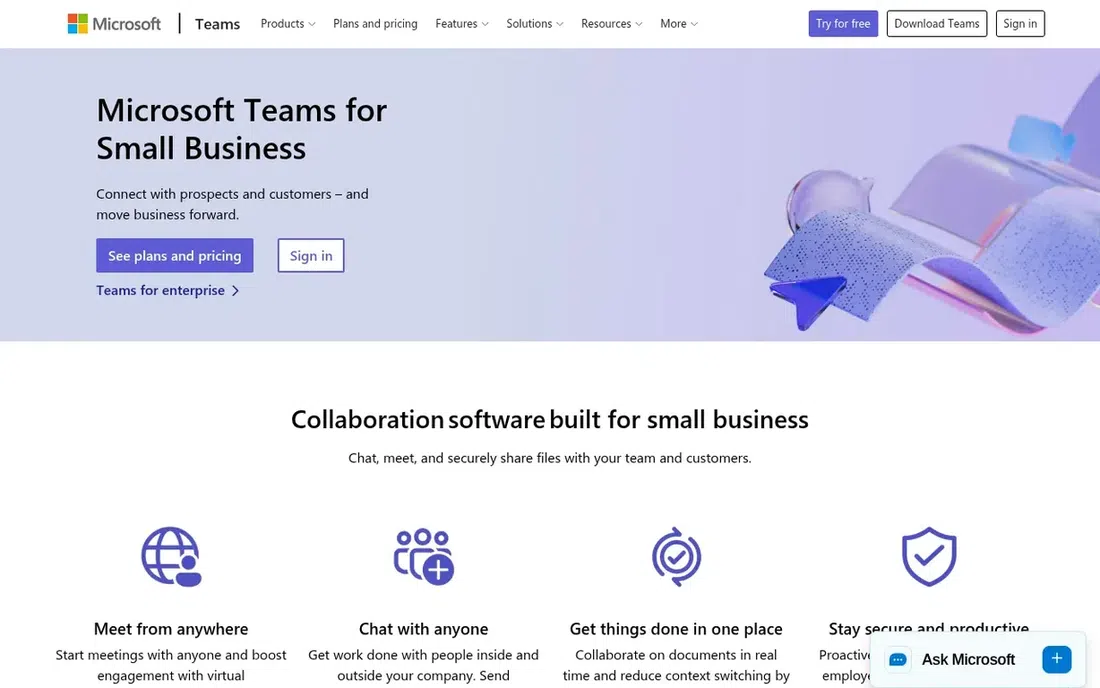
Microsoft Teams Webinars is a good fit for practices using Microsoft 365. The tool provides registration, attendee reporting, and interactive features, making it a practical choice for internal training and patient education. In daily use, Microsoft Teams Webinars extends the Teams collaboration system to support webinar-style events.
It is well suited to healthcare practices already using Microsoft 365, as it links up with calendars, email, and files. More specifically, branding and marketing features are more restricted compared with dedicated webinar systems. So it may not suit practices concentrated on external marketing events. The webinar capabilities are tied to a Microsoft 365 subscription, so practices not already in that ecosystem may find it less economical. Microsoft Teams Webinars starts at: $4.00 per user per month. On free options: Free trial.
Points against: Needs Microsoft 365 subscription.
- Smooth integration with Microsoft 365
- Familiar interface for Teams users
- Less configurable branding than dedicated tools
RingCentral Webinar
Best for: Simple town halls with AI assistance
Pick RingCentral Webinar if this describes you: simple town halls with AI assistance. As part of the RingCentral ecosystem, it may be most beneficial for organizations already using RingCentral communications.
Downsides: May need RingCentral ecosystem.
Worth adding: the product is especially handy for large internal meetings or patient information sessions. Also, practices outside that ecosystem might find fewer integrations or higher costs compared with standalone webinar tools. The starting price for RingCentral Webinar: $30 per organizer per month. On free options: Free trial.
- AI assistance and automatic emails
- Browser-based access for attendees
- Less known as standalone webinar tool
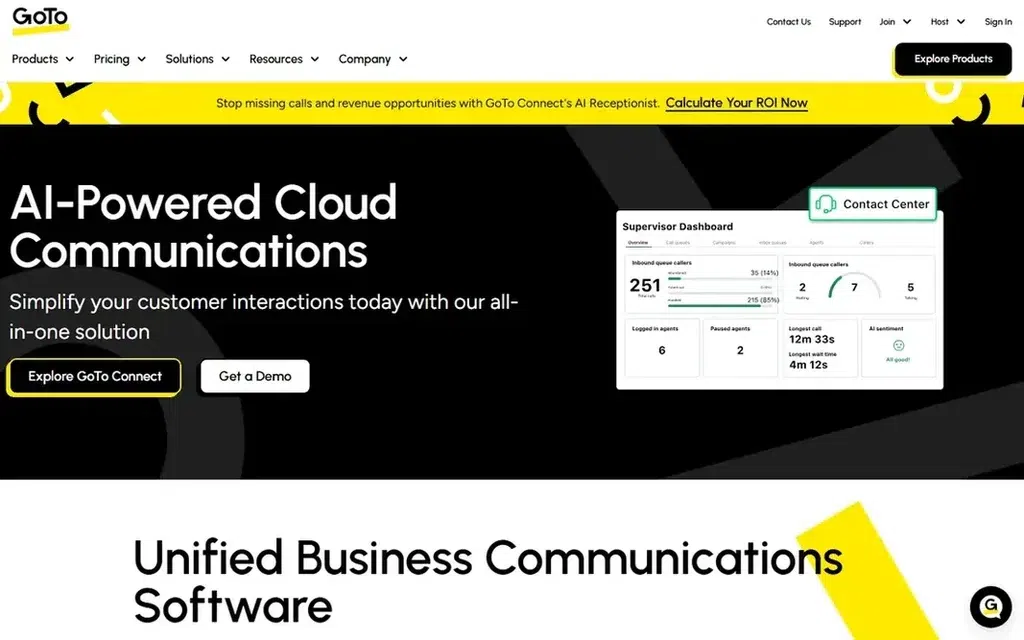
GoTo Webinar is built with large-scale virtual conferences and events in mind. GoTo Webinar is a dedicated system made for virtual conferences and events.
What to check first: Pricing may be higher for small practices.
It provides a thorough set of features including registration, polling, and analytics, making it right for healthcare practices hosting bigger patient education sessions or professional conferences. Check the vendor site for GoTo Webinar pricing; none is listed in this comparison. Free options: Free trial.
- Supports large audiences
- Comes with analytics and reporting
- Can be complicated for straightforward meetings
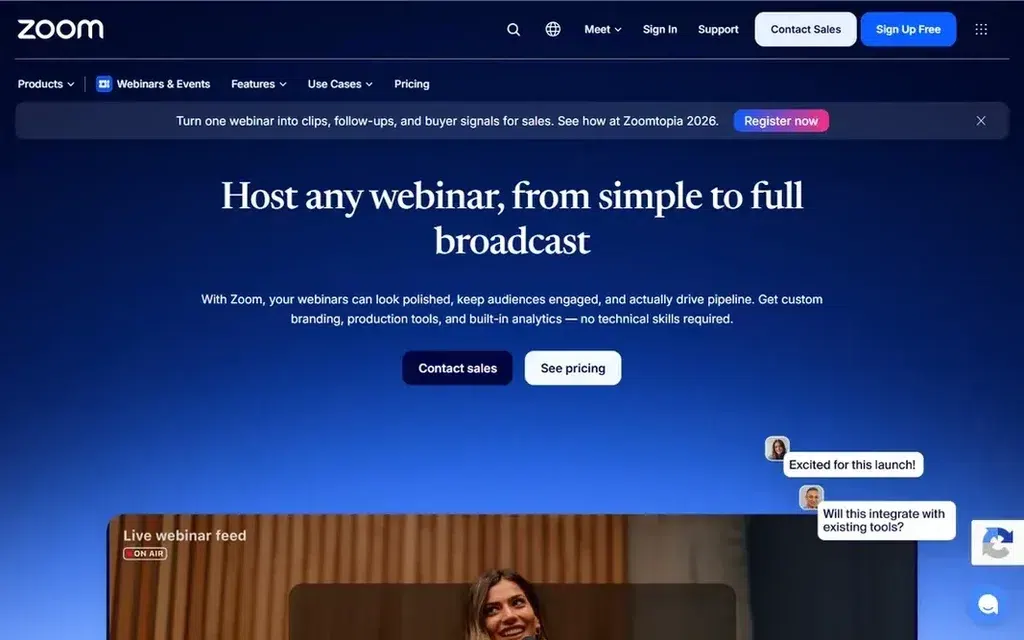
Zoom Webinars is built with steady patient education and staff meetings in mind. Zoom Webinars is a dedicated webinar option from the well-known video conferencing provider. It supports professional events with features like Q&A, polls, and registration, making it a good match for patient education sessions, staff training, and community outreach.
Downsides: Advanced features may need extras.
Practices that already use Zoom for telehealth or internal meetings will find the interface familiar and simple to adopt. As for the details, Whereas Zoom Webinars is solid, some advanced features for example large audience capacity or certain integrations may need extra subscriptions. Practices seeking deep marketing automation or CRM sync might have to look at specialized marketing webinar tools instead. Zoom Webinars does not show a starting price in this comparison, so check the vendor site for current pricing. Trial and free access: Not stated.
- Solid reliability and global access
- Widely used and familiar interface
- Less concentrated on marketing automation
Adobe Connect
Best for: Training and engaging webinars
For training and engaging webinars, Adobe Connect is a natural candidate. Some users find Adobe Connect's interface less modern and easy-to-learn than newer products, and it may need more initial setup.
Limits to weigh: Needs more setup for branding.
Pricing for Adobe Connect is not stated here, so ask the vendor for current figures. Free access: Not stated.
- Capable engagement and training features
- Configurable layouts and persistent rooms
- Interface can feel dated
How we chose
The comparison looks at four things: starting price, free access, how well the feature set matches webinar software for healthcare practices, and the main limit of each tool. Plan names, prices and limits change often. Treat the figures here as a starting point and verify them with the vendor. The order reflects how well each tool fits the most common buying scenario for webinar software for healthcare practices, then price clarity, then free plan access. It is a starting point, not a verdict.
What to check before you buy
- Confirm the entry price on the vendor page. For GoTo Webinar, Zoom Webinars and Adobe Connect that means a quote rather than a fixed price.
- Take the trial from Microsoft Teams Webinars, RingCentral Webinar and GoTo Webinar and push a live task through it before you pay.
- Before choosing Livestorm, weigh its main limit: may be overkill for internal training.
- Confirm that GoTo Webinar connects to the apps your team already uses, on the plan you would actually buy.
- Confirm minimum seats and billing terms with Microsoft Teams Webinars before you commit to an annual plan.
FAQ
Does any tool for webinar software for healthcare practices here have a free plan?
A permanent free plan is not offered by Livestorm, Adobe Connect or the other tools here. Microsoft Teams Webinars, RingCentral Webinar, GoTo Webinar offer a trial. Plan a short evaluation period instead.
Is Livestorm the right pick for everyone comparing webinar software for healthcare practices?
No single tool suits every team. Livestorm comes first because it fits marketing-focused webinars with CRM sync, while Microsoft Teams Webinars suits practices using Microsoft 365 and RingCentral Webinar suits easy town halls with AI assistance. Match the tool to your own size, budget and workflow before deciding.
What is the cheapest option for webinar software for healthcare practices in this list?
On published monthly entry prices, Microsoft Teams Webinars is the lowest here at $4.00 per user per month. Entry price is only part of the cost, because seats, add-ons and billing terms can change the total. For the full picture, the cards above cover all 6 entries of this webinar software for healthcare practices list, including price, free plan and limits.
Is Zoom Webinars HIPAA compliant for patient education?
Zoom provides HIPAA-compliant configurations for healthcare use, but practices must ensure a business associate agreement is in place. Confirm with Zoom straight and configure settings appropriately.
Can I try these tools before paying?
Often, yes. Microsoft Teams Webinars, RingCentral Webinar and GoTo Webinar offer a free trial. Use your own data and a real task during the test, and check what the free tier or trial limits before you rely on it.
Sources
- https://livestorm.co
- https://www.microsoft.com/en-us/microsoft-teams/webinars
- https://www.ringcentral.com/webinar.html
- https://www.goto.com/webinar
- https://zoom.us/webinar
- https://www.adobe.com/products/adobeconnect.html