The 6 Best Web Developer Portfolio Websites in 2026, Ranked
6 best web developer portfolio websites, compared on pricing, free plans and best-fit use. Trade-offs are spelled out for each entry. Narrow your shortlist.
- Editor's choice
 WordPress.com
Familiar CMS-based portfolio sites
Starts at$4 per monthVisit wordpress.comFull review - Great alternative
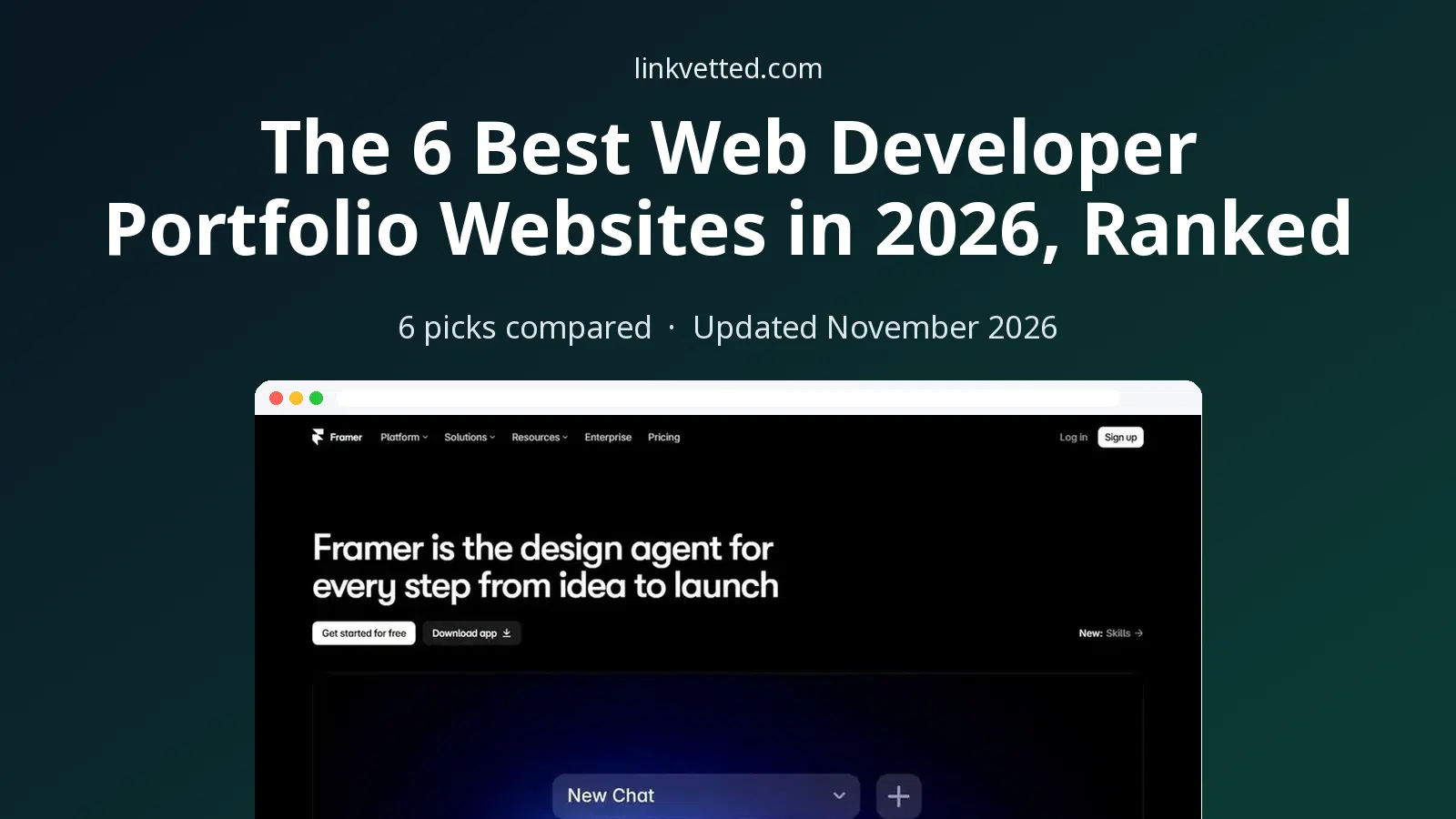
 Framer
AI-assisted design-first portfolio sites
Starts at$10 a monthVisit framer.comFull review - Also consider
 Webflow
Precise design and CMS-driven portfolios
Starts at$15 per monthVisit webflow.comFull review
Direct answer
This list puts WordPress.com first for familiar CMS-based portfolio sites. Listed starting prices: WordPress.com from $4 per month, Framer from $10 a month and Webflow from $15 per month. Look at Framer for AI-assisted design-first portfolio sites, and at Webflow for precise design and CMS-driven portfolios. The other 3 tools in the list cover narrower or pricier cases.
TL;DR:
- WordPress.com takes the first slot, best suited to familiar CMS-based portfolio sites.
- WordPress.com, Framer, Webflow: these are the 3 tools out of 6 that offer a free plan.
- Wix fits all-in-one site with business tools.
- Before buying Framer, weigh this: less suited to complicated custom code.
Last checked November 2026. Prices and plan details were read from the vendors' own pages in November 2026; vendors change plans often, so confirm the current price on the vendor site before you buy.
Quick comparison
| Tool | Best for | Starts at | Free plan? | |
|---|---|---|---|---|
| WordPress.com | Familiar CMS-based portfolio sites | $4 per month | Yes | Visit |
| Framer | AI-assisted design-first portfolio sites | $10 a month | Yes | Visit |
| Webflow | Precise design and CMS-driven portfolios | $15 per month | Yes | Visit |
 Carrd | Straightforward one-page developer portfolios | See website | Not stated | Visit |
 Squarespace | Template-driven refined portfolio sites | $12 per month | Free trial | Visit |
 Wix | All-in-one site with business tools | See website | Not stated | Visit |
The 6 tools in detail
LinkVetted put together this guide to web developer portfolio websites for readers who want a clear shortlist without reading every vendor page. It compares 6 tools on starting price, free plans, who each one suits and where each one falls short.
Where WordPress.com fits: familiar CMS-based portfolio sites. The hosted service can restrict theme and plugin customization compared to self-managed WordPress, so highly custom portfolios may feel constrained. WordPress.com offers a hosted way to create a WordPress website with themes and built-in hosting.
Its homepage notes that no technical setup is required. Choose it when CMS familiarity and straightforward publishing matter, and consider a visual builder when layout freedom is the primary goal. WordPress.com pricing: $4 per month. WordPress.com offers a free plan.
The main drawbacks: Less visual design freedom than some builders.
- Built-in hosting
- No technical setup required to start
- Theme and plugin limits on hosted plans

Choose Framer for AI-assisted design-first portfolio sites. Framer is a website builder centered on design, with an agent that takes a concept toward a launchable site whereas keeping changes editable. Its homepage lists hosting, CMS, analytics, SEO, and AEO as built-in features.
Where it falls short: Design-first workflow may limit deep CMS structures.
Since the workflow is design-led, portfolios that rely on intricate custom code or unusual data structures may hit limits. For everyday use, consider a more code-oriented product if your portfolio is really an application demo, and choose Framer when presentation and speed of iteration are the priority. What you pay to start with Framer: $10 per month. Framer has a free plan. Where it shines: Design agent opens from an idea.
- Analytics built in
- Hosting, CMS
- Less suited to complicated custom code
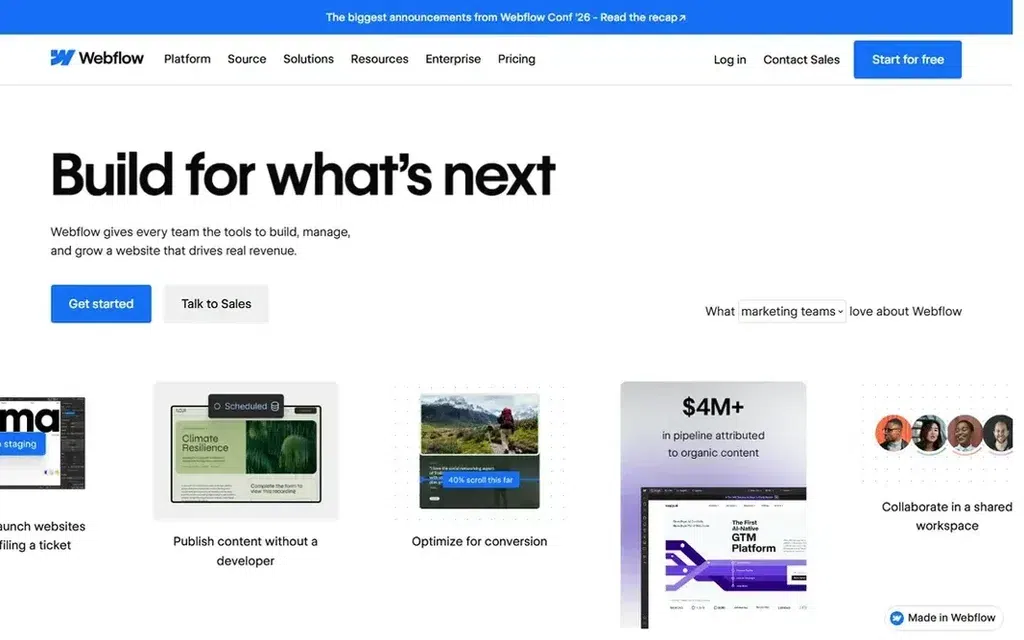
For precise design and CMS-driven portfolios, Webflow is a natural candidate. Webflow is a visual development system for building and hosting websites with in-depth layout control. It merges a designer interface with a CMS, hosting, and security features, and its homepage notes optimization and search visibility tools.
More specifically, pick something more straightforward if you only need a single scrolling page, and choose Webflow when structured project content and design precision matter. For everyday use, the system assumes some willingness to learn its model of classes, breakpoints, and CMS collections, so fast one-page portfolios can feel heavy. Entry price for Webflow: $15 per month. Webflow has a free plan.
The main drawbacks: Ramp-up time for advanced layouts.
- Visual design with structured CMS
- Optimization and search features included
- Less suited to very straightforward one-page sites
Carrd makes the most sense for straightforward one-page developer portfolios. The one-page model limits how much project detail and structure you can present.
So it is not a strong match for broad case studies or a large archive. In daily use, pick Carrd for a lean personal page, and move to a CMS-backed builder when your portfolio grows beyond a single screen. Check the vendor site for Carrd pricing; none is listed in this comparison. As for free access: Not stated.
Downsides: Not aimed at large project archives.
- Straightforward setup for a single page
- Completely responsive one-page sites
- Restricted to one-page structures
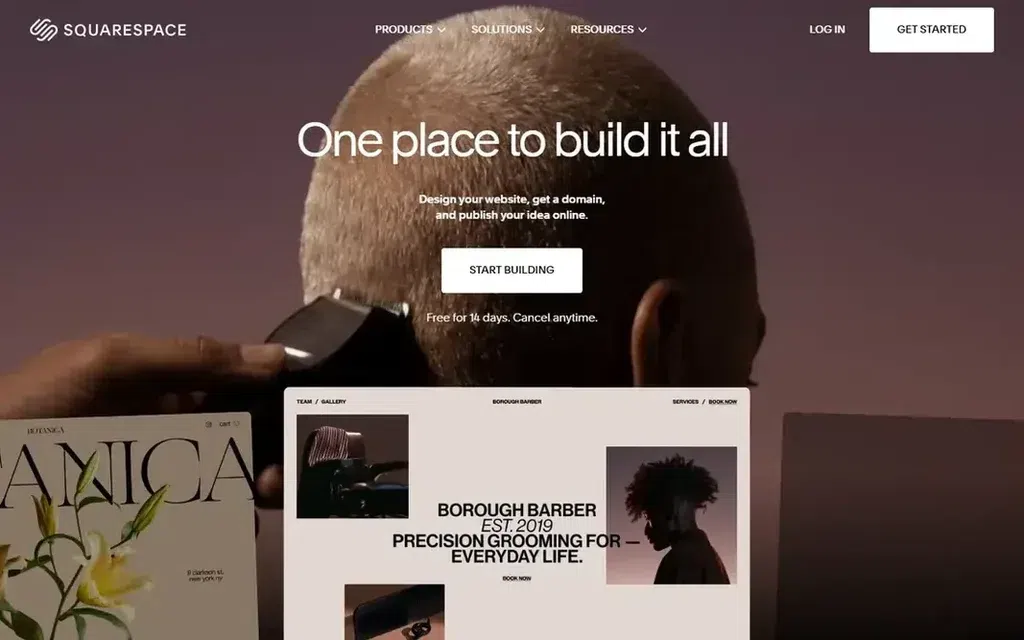
Choose Squarespace for template-driven refined portfolio sites. Squarespace is a website builder known for configurable templates and integrated tools for creating a site and expanding a business. Its homepage flags AI website builder tools and domain choices alongside template-based design.
Honest limits: Less granular design control.
If you need pixel-level control over every section, look elsewhere; choose Squarespace when a capable starting design and straightforward editing are more valuable. From a buyer's view, template-driven design can make highly specific portfolio layouts harder to achieve than on a visual development product. Price to start with Squarespace: $12 per month. Free plan details: Free trial.
- Configurable website templates
- AI website builder tools
- Template structure can constrain unusual layouts
For all-in-one site with business tools, Wix is a natural candidate. Wix is a system for building a website with hosting, domains, and marketing tools included, as described on its homepage. It provides a broad editing environment and templates pitched at numerous kinds of sites.
Pick Wix when you value an all-in-one setup, and look at a more design-focused tool if your portfolio relies on unusual layouts or interactions. Beyond that, the range of features can add complexity for a simple portfolio, and fine design control is not as deep as on visual development products. Pricing for Wix is not stated here, so ask the vendor for current figures. Trial and free access: Not stated.
Watch-outs: Feature breadth can feel overwhelming.
- Marketing and business tools included
- Wide template and editing choices
- Design control is less precise than code-first tools
How we built this list
The comparison looks at four things: starting price, free access, how well the feature set matches web developer portfolio websites, and the main limit of each tool. Where a vendor does not publish a price, the entry says quote. Where a price depends on seats or billing term, the entry says so. Order on the page follows fit for the typical buyer first, then price transparency and free access. Your own requirements should decide the final pick.
Pre-purchase checklist
- Confirm the entry price on the vendor page. For Carrd and Wix that means a quote rather than a fixed price.
- Read the fine print on the free plans from WordPress.com, Framer and Webflow; seat, project and feature caps differ.
- Run a trial of Squarespace with real work before paying for a year; your own workflow is the best test.
- Before choosing WordPress.com, weigh its main limit: theme and plugin limits on hosted plans.
- Make sure Framer lets you export your data in a format another tool can read.
- Test the integrations you rely on with Webflow before committing; some connectors sit on upper tiers.
FAQ
Which options for web developer portfolio websites have a free plan?
WordPress.com, Framer and Webflow offer a free plan in this list. Free plans usually cap users, projects or features, so check the limits on the vendor page. One other tool offers a trial instead.
Do these tools publish their prices?
Not all of them. Carrd and Wix publish no starting price, so expect a quote request for those. The rest, WordPress.com included, show a starting price, though seats and billing terms still change the final cost.
Can I try these tools before paying?
Often, yes. WordPress.com, Framer and Webflow have a free plan and Squarespace offers a free trial. Use your own data and a real task during the test, and check what the free tier or trial limits before you rely on it.
What is the difference between Carrd and the bigger builders?
Carrd concentrates on straightforward, completely responsive one-page sites, which fits a compact personal profile. Bigger builders offer more structure for several projects, CMS features, and broader site sections.
Which system is a good match for a developer portfolio with detailed case studies?
The first pick on this list is WordPress.com, because it suits familiar CMS-based portfolio sites. Framer is better for AI-assisted design-first portfolio sites, and Webflow for precise design and CMS-driven portfolios. Check price and limits against your own needs before choosing.
What is the cheapest option for web developer portfolio websites in this list?
On published monthly entry prices, WordPress.com is the lowest here at $4 per month. Entry price is only part of the cost, because seats, add-ons and billing terms can change the total. For the full picture, the cards above cover all 6 entries of this web developer portfolio websites list, including price, free plan and limits.
Sources
- https://wordpress.com
- https://www.framer.com
- https://webflow.com
- https://carrd.co
- https://www.squarespace.com
- https://www.wix.com