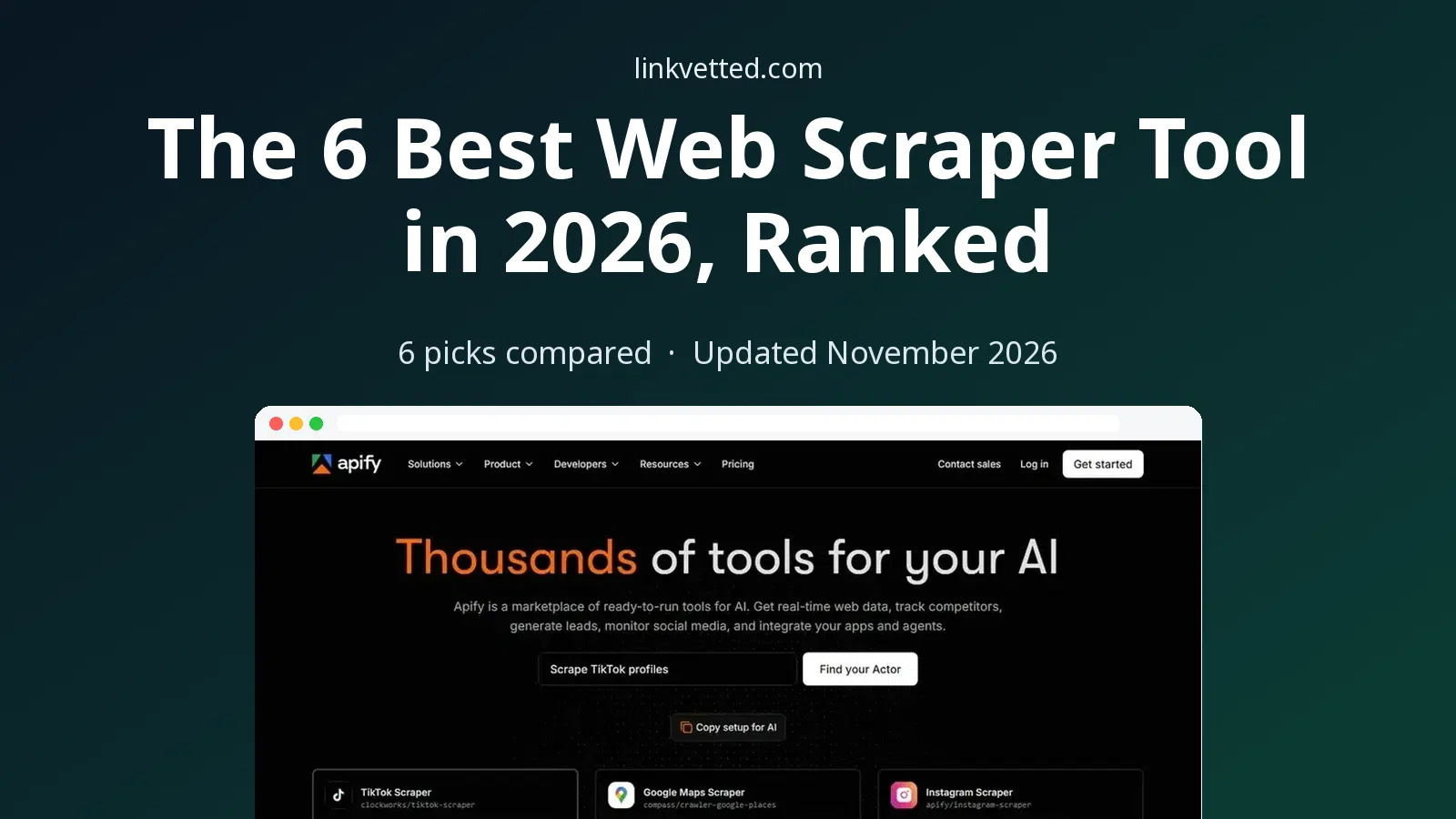
The 6 Best Web Scraper Tool in 2026, Ranked
Weighing the best web scraper tool? We lined up 6 products by cost, free access and fit. Strengths and weak spots are spelled out. Refreshed for 2026.
- Editor's choice
 ScrapingBee
Developers wanting a managed scraping API
Starts at$19 a monthVisit scrapingbee.comFull review - Great alternative
 Apify
Marketplace of ready-made automation tools
Starts at$19 a monthVisit apify.comFull review - Also consider
 Octoparse
No-code scraping for business users
Starts at$19 per monthVisit octoparse.comFull review
Direct answer
ScrapingBee leads the list, best for developers wanting a managed scraping API. Listed starting prices: ScrapingBee from $19 a month, Apify from $19 a month and Octoparse from $19 per month. Apify is better for marketplace of ready-made automation tools, and Octoparse is better for no-code scraping for business users. Details, prices and limits for the rest of the 6 tools are below.
TL;DR:
- Number one here is ScrapingBee, a fit for developers wanting a managed scraping API.
- Only 3 of the 6 tools have a free plan (Apify, Octoparse, Bright Data), so check the caps.
- ScrapingBee has the lowest monthly starting price in this list: $19 per month.
- One limit worth knowing about Octoparse: less suited to highly custom engineering needs.
Last checked November 2026. Prices and plan details were read from the vendors' own pages in November 2026; vendors change plans often, so confirm the current price on the vendor site before you buy.
Quick comparison
| Tool | Best for | Starts at | Free plan? | |
|---|---|---|---|---|
| ScrapingBee | Developers wanting a managed scraping API | $19 a month | Not stated | Visit |
| Apify | Marketplace of ready-made automation tools | $19 a month | Yes | Visit |
| Octoparse | No-code scraping for business users | $19 per month | Yes | Visit |
 Bright Data | Large-scale web data infrastructure | See website | Yes | Visit |
 ParseHub | Point-and-click scraping of dynamic pages | See website | Not stated | Visit |
 Zyte | Managed data collection and delivery | $0.06 per 1,000 successful responses | Free trial | Visit |
Every option for web scraper tool explained
LinkVetted compared 6 tools for web scraper tool. The goal is a practical shortlist: published prices, free plan facts, best-fit use cases and honest limits for every entry.
ScrapingBee works best for developers wanting a managed scraping API. ScrapingBee is a web scraping API that runs proxies and headless browsers on the user's behalf, so developers can concentrate on extracting the data they need.
Its homepage positions it as an API product instead of a visual tool. More specifically, choose ScrapingBee when you have developers in place and want the scraping layer abstracted away. On cost, ScrapingBee starts like this: $19 per month. Free access: Not stated.
Points against: Not geared toward non-technical users.
- Takes care of proxies and headless browsers for you
- Focus on extraction instead of browser plumbing
- Requires coding to use
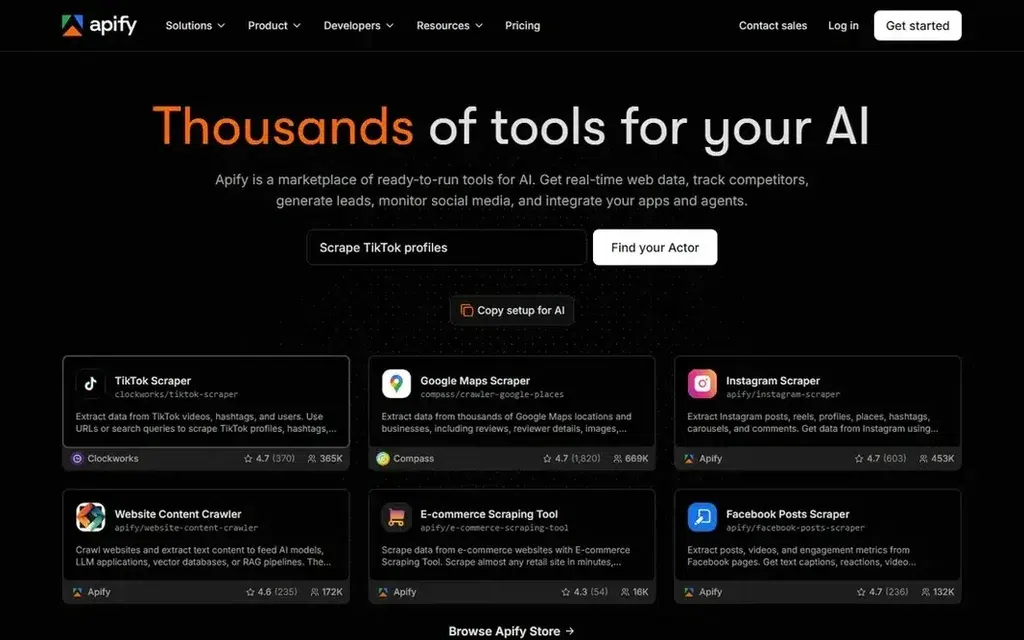
Apify was built for marketplace of ready-made automation tools. Apify presents itself as a marketplace of ready-to-run tools for automation and AI. Its homepage flags getting live web data, tracking competitors, generating leads and connecting apps and AI agents.
That makes it a fit for teams that want to assemble scraping and automation from prebuilt components instead of start from a blank project. Also, pick Apify when you want prebuilt automation blocks, and look at a dedicated scraper when you need one tightly controlled extraction pipeline. With a marketplace model, quality and behavior can vary between individual tools, so evaluation before committing is worthwhile. Entry price for Apify: $19 per month. A free plan is available with Apify.
What to check first: Breadth can mean more time choosing tools.
- Supports lead generation and competitor tracking
- Large marketplace of ready-to-run tools
- Some actors may need configuration knowledge
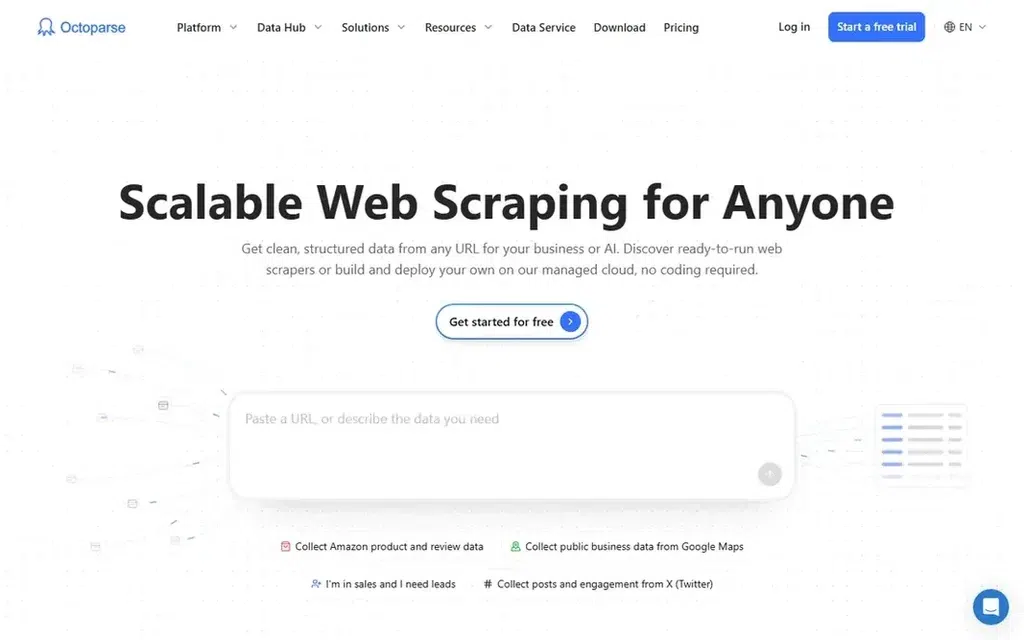
Think of Octoparse for no-code scraping for business users. Octoparse is a no-code web scraping product that turns any URL into structured data. It supplies ready-to-run scrapers for typical sites and lets users build their own extraction routines through a visual interface.
Downsides: Less suited to highly custom engineering needs.
Main advantages: Produces clean structured data.
Also, the homepage frames it around business and AI use cases. Pick Octoparse when speed of setup and simplicity matter more than low-level control over every request. In practice, since it is built around a visual workflow, teams with unusual anti-bot challenges or deeply custom pipelines may find a developer-focused API a better fit. On cost, Octoparse starts like this: $19 per month. You can start on Octoparse without paying.
- Ready-to-run scraper templates
- Build custom scrapers without code
- Complicated sites may still need workarounds
Bright Data makes the most sense for large-scale web data infrastructure. Its positioning targets organizations that require steady access to public data at scale instead of a single straightforward scraper.
Watch-outs: Heavier than needed for small one-off jobs.
For a small, one-time extraction task, this level of infrastructure is more than most users need. Bright Data does not show a starting price in this comparison, so check the vendor site for current pricing. Free access exists with Bright Data.
- Emphasis on operating across the public web
- Infrastructure for search
- Setup fits teams with technical resources
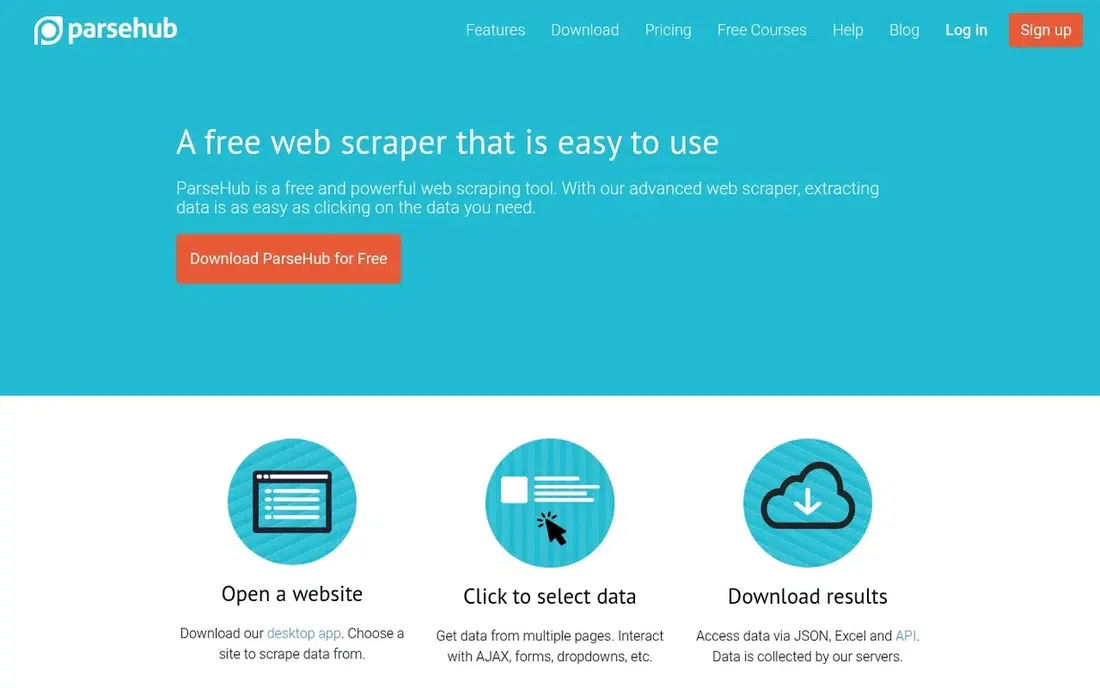
ParseHub targets point-and-click scraping of dynamic pages. ParseHub is a web scraping tool built around a visual project builder where users select page elements and define how to navigate through a site. It is often used for sites that load content dynamically, since its browser-based approach can interact with pages rather than only reading static HTML.
In practice, projects that grow complicated can become harder to maintain in a visual interface. Teams needing programmatic control may prefer an API-first tool. In daily use, choose ParseHub when you want a guided, click-based workflow for structured extraction. No starting price is listed for ParseHub here; confirm pricing on the vendor site. On free options: Not stated.
Where it falls short: Advanced needs may need technical workarounds.
- Deals with pages that load content dynamically
- Visual project builder
- Ramp-up time for complicated projects
Zyte is built with managed data collection and delivery in mind. Pick Zyte when you want a partner-style setup for sustained data collection and delivery.
Downsides: Full product scope can be more than straightforward jobs need.
In daily use, Zyte describes itself as an all-in-one, AI-powered web scraping product paired with a data delivery team, framed around the question of whether your developers or theirs deal with collection. What you pay to start with Zyte: $0.06 per 1,000 successful responses. Free plan details: Free trial.
- AI-powered scraping system positioning
- Choice to have data delivered by a team
- Managed services may suit bigger operations
Selection criteria
Selection started from tools commonly considered for web scraper tool, then narrowed to 6 that have clear pricing information or a clear quote process. Figures are shown as the vendors publish them. Billing terms, seat minimums and add-ons can change the real cost. The order reflects how well each tool fits the most common buying scenario for web scraper tool, then price clarity, then free plan access. It is a starting point, not a verdict.
Things to verify first
- Ask Bright Data and ParseHub for a written quote, since no starting price is shown.
- Check what the free option really includes: Apify, Octoparse and Bright Data offer a free plan, and usage caps differ.
- Use real work to test the free trial from Zyte, rather than a demo project.
- Read the limits listed for ScrapingBee first: needs coding to use.
- Ask whether ScrapingBee integrates with your current software, and whether that comes standard or as an add-on.
- Confirm the exact Octoparse plan that includes your must-have features.
FAQ
How are the tools for web scraper tool ordered?
The order follows typical fit for web scraper tool, with ScrapingBee first and Zyte last, then price clarity and free access. It is editorial judgement, not a score, so another team could rank the tools differently.
Do these tools publish their prices?
Not all of them. Bright Data and ParseHub publish no starting price, so expect a quote request for those. The rest, ScrapingBee included, show a starting price, though seats and billing terms still change the final cost.
Can I try these tools before paying?
Often, yes. Apify, Octoparse and Bright Data have a free plan and Zyte offers a free trial. Use your own data and a real task during the test, and check what the free tier or trial limits before you rely on it.
What is the cheapest option for web scraper tool in this list?
On published monthly entry prices, ScrapingBee is the lowest here at $19 per month. Entry price is only part of the cost, because seats, add-ons and billing terms can change the total.
Can web scrapers manage pages that load content dynamically?
Plenty of modern tools use browser-based rendering so they can interact with pages that load content after the initial response. Tools differ in how much of this they manage automatically. Check the vendor documentation for how dynamic pages are supported.
Sources
- https://www.scrapingbee.com
- https://apify.com
- https://www.octoparse.com
- https://brightdata.com
- https://www.parsehub.com
- https://www.zyte.com