Best Company Earnings Websites in 2026: 9 Websites Compared
Compare the best company earnings websites, with earnings calendars, EPS estimates, surprise history, transcripts, and alerts for investors and traders.
- Editor's choice
 Yahoo Finance
Free all-round earnings calendar
Starts atFreeVisit finance.yahoo.comFull review - Great alternative
 Nasdaq
Clean official calendar
Starts atFreeVisit nasdaq.comFull review - Also consider
 StockAnalysis
Surprise history and fundamentals
Starts atFreeVisit stockanalysis.comFull review
TL;DR:
- Yahoo Finance and Nasdaq offer the best free earnings calendars for casual investors who want dates, estimates, and basic surprise history.
- StockAnalysis and MarketBeat offer cleaner surprise history and screening at low or no cost, while Koyfin and TradingView add deeper research tools.
- Transcripts and filings matter more than headlines, since guidance and management tone often move a stock more than the EPS beat or miss.
- Earnings dates can change, so check the company investor relations page before trading around a report.
- This article is general information, not financial advice. Earnings data can be revised, and past surprise history does not predict future results.
Quick comparison
| Tool | Best for | Starts at | Free plan? | |
|---|---|---|---|---|
| Yahoo Finance | Free all-round earnings calendar | Free | Yes | Visit |
| Nasdaq | Clean official calendar | Free | Yes | Visit |
| StockAnalysis | Surprise history and fundamentals | Free | Yes | Visit |
 MarketBeat | Calendar with analyst context | Free | Yes | Visit |
 Zacks | Rank and estimate revisions | Free | Yes | Visit |
 TradingView | Charts plus earnings calendar | $12.95 per month | Free trial | Visit |
 Seeking Alpha | News and earnings analysis | Free | Yes | Visit |
 Benzinga | Trader-focused earnings news | Free | Yes | Visit |
 Koyfin | Transcript-led research | Free | Yes | Visit |
The best company earnings websites
These sites cover earnings calendars, estimates, results, and related research. Free tiers cover calendars and basic estimates, while transcripts, deep history, and exports often need a paid plan.
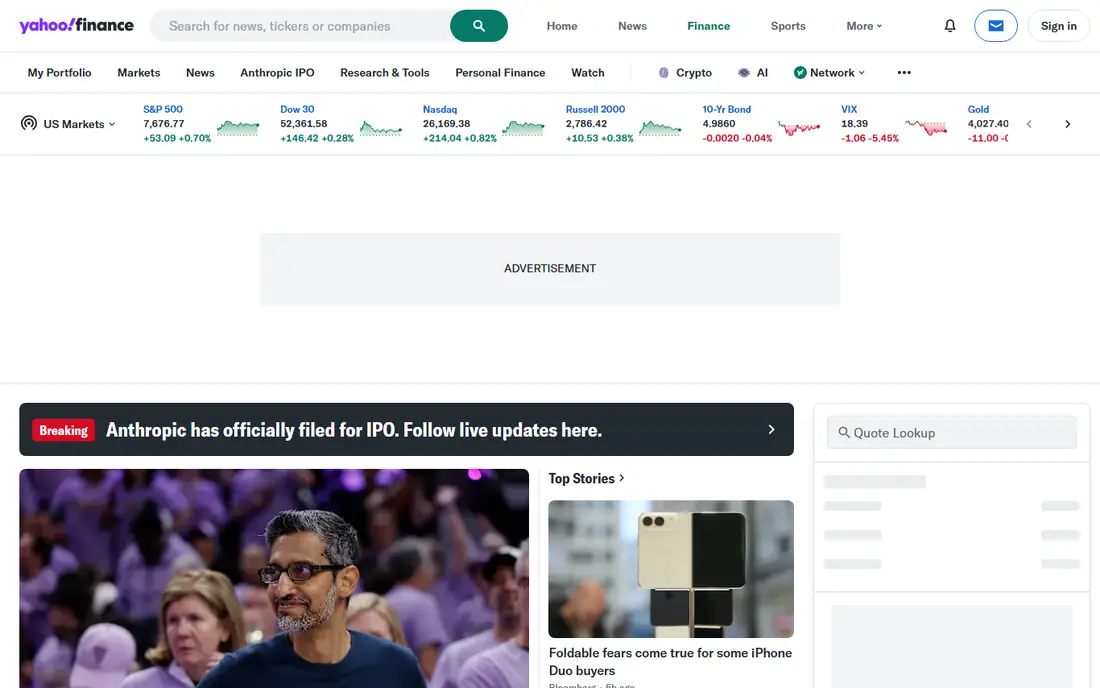
Yahoo Finance is the best free starting point for most investors because the earnings calendar, stock pages, news, and charts live in one familiar place. The calendar shows report dates, EPS estimates, revenue estimates, and whether a report lands before the open or after the close. Each ticker page links to recent news, financials, and price charts, so you can put a result in context without opening another site.
The free tier is ad-supported, and deeper research, Morningstar data, and long historical exports sit behind paid tiers in published pricing, with Plus plans from about $20 per month in some comparisons. Calendar filtering is also basic compared with MarketBeat or Koyfin. For casual tracking and quick checks, Yahoo Finance remains the most convenient free earnings site.
- Free earnings calendar for thousands of companies
- EPS and revenue estimates
- News and charts on each ticker page
- Ads on the free tier
- Research reports and deep history need paid tiers
- Calendar filters are basic
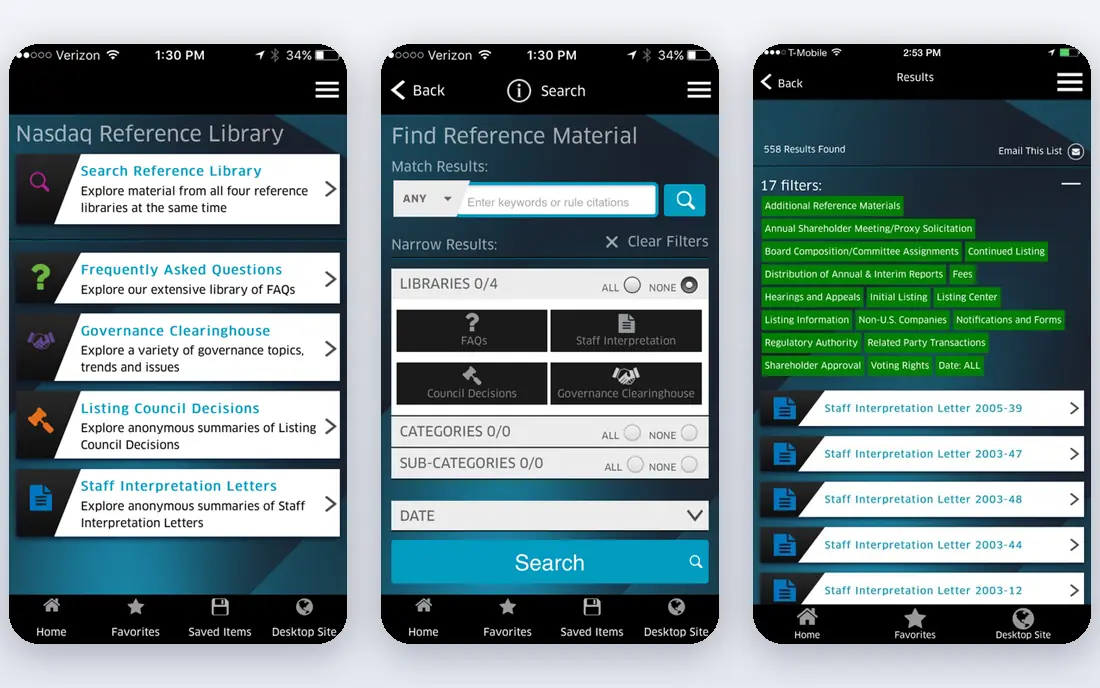
Nasdaq earnings calendar is a clean, official-feeling alternative to Yahoo Finance. Filter by date, symbol, or sector, and view upcoming reports with consensus EPS forecasts and historical results on company pages. The layout suits investors who want a quick date check without news, ads, or social features in the way. It is especially useful for large technology companies listed on Nasdaq.
The site offers less editorial analysis and transcript depth than research-led rivals, and some features benefit from a free Nasdaq account. Coverage is broad, but the emphasis naturally favors Nasdaq-listed names. Use Nasdaq when you want a fast, reliable calendar, and pair it with a transcript or news site for analysis after the report.
- Clean, easy-to-filter calendar
- Consensus EPS forecasts
- Historical earnings data on company pages
- Less editorial analysis than Seeking Alpha
- Some tools need a Nasdaq account
- Coverage emphasis on Nasdaq-listed firms
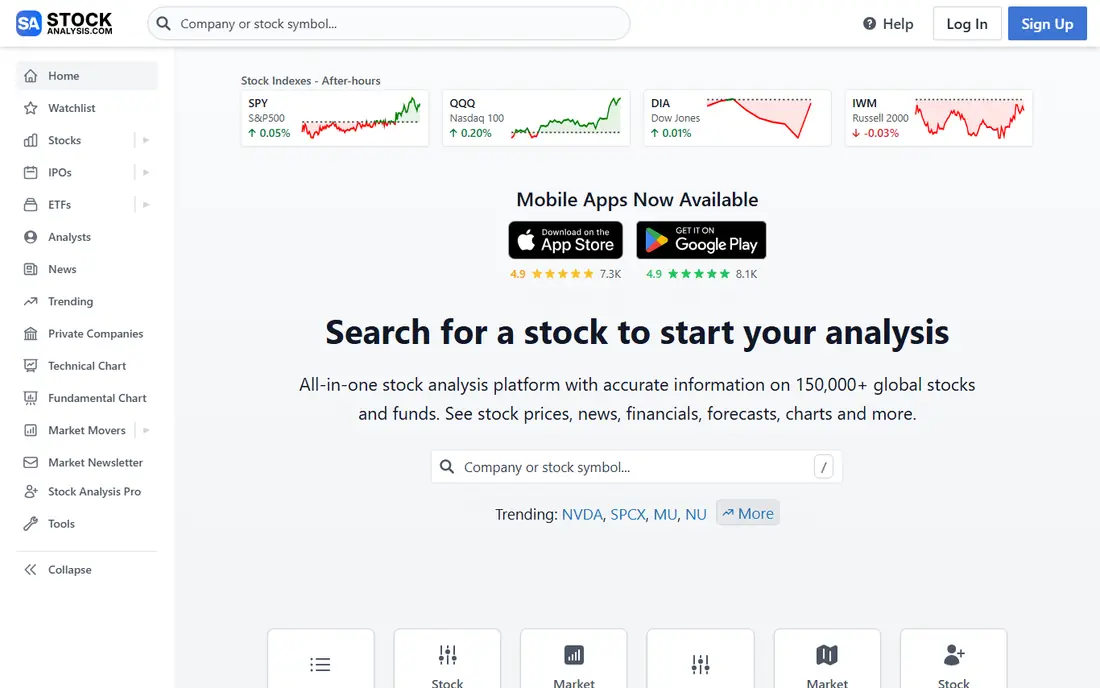
StockAnalysis is a favorite for investors who care about surprise history and fundamentals in a clean layout. Company pages show earnings dates, estimates, actual results, and surprise percentages, alongside financial statements and ratios. The free tier covers a wide range, while Pro, from $6.58 per month on annual billing in published comparisons, adds longer history and exports. The interface loads quickly and avoids the clutter of larger portals.
News and editorial depth are thinner than Yahoo Finance or Seeking Alpha, and transcript coverage varies by company. StockAnalysis is best as a research companion: check the calendar and surprise history here, then read the press release and transcript elsewhere. For value and clarity at low cost, it is one of the strongest picks on this list.
- Clear earnings surprise history
- Broad fundamentals and long history on Pro
- Clean interface
- Pro needed for full history and exports
- Less news depth than Yahoo Finance
- Transcript coverage varies
MarketBeat suits investors who want an earnings calendar plus analyst context in one view. Filter by date, sector, and market cap, and view EPS surprise history alongside analyst ratings and price targets. That combination helps you judge whether a beat was already expected by analysts or came as a surprise. The free calendar is genuinely useful, with premium features adding alerts and deeper data.
Premium subscriptions give access to more alerts, screeners, and research tools, so heavy users may need to pay. Ads also appear on the free tier. For a balance of calendar clarity and analyst context without a steep learning curve, MarketBeat is a strong free choice.
- Clean calendar with sector and market cap filters
- EPS surprise history
- Analyst commentary links
- Some premium features need a subscription
- Ads on the free tier
- Alert limits vary by plan
Zacks Investment Research adds a layer that pure calendars lack: estimate revisions and the Zacks Rank, which scores stocks partly on earnings estimate trends. The calendar highlights key companies, surprise history, and revision direction, which helps investors who follow earnings momentum. Free access covers the calendar and basic Rank data, with deeper research behind paid plans.
The site is busy, with many prompts for premium services, and some data can lag on free tiers. Zacks is best for investors who already follow estimate revisions and want to blend that signal with earnings dates. Casual calendar users may prefer the cleaner layouts of Nasdaq or StockAnalysis.
- Earnings calendar with surprise history
- Zacks Rank scores
- Analyst revision tracking
- Premium research needs a paid plan
- Interface is busy
- Some data is delayed on free tiers
TradingView is the pick for traders who want earnings events inside their charting workflow. The earnings calendar integrates with watchlists, so you can see upcoming reports for stocks you follow, filter by country and sector, and view surprise history alongside price charts. Earnings markers on charts show how a stock reacted to past reports, which helps with timing and risk planning.
Full features need a paid plan, from $12.95 per month on annual billing in published comparisons, and research depth is less than a dedicated earnings platform such as Koyfin. New users also face a learning curve from the many charting tools. For traders who already use TradingView for technical analysis, the integrated calendar is a clear win.
- Earnings calendar integrated with charts and watchlists
- Earnings surprise markers on charts
- Customizable filters
- Paid plan needed for full features
- Earnings research depth is less than Koyfin
- Learning curve for new users
Seeking Alpha is best for reading what a result means, not only what the numbers were. Earnings news lands quickly, with analysis from contributors and analysts, and transcripts for many large companies help you check guidance in management's own words. The earnings calendar and stock pages link news, estimates, and historical results in one place.
Full access to transcripts, premium analysis, and some tools needs a subscription, and contributor articles vary in quality, so cross-check claims against the company press release. Seeking Alpha works best after a report, when you want interpretation and transcript access, rather than as a bare calendar alone.
- Fast earnings news and analysis
- Transcripts for many companies
- Contributor and analyst coverage
- Full transcript and premium analysis need a subscription
- Contributor quality varies
- Ads on free tiers
Benzinga suits day traders and active investors who need earnings timing and news speed. The calendar shows whether a company reports before the open or after the close, with EPS and revenue expectations and confirmed versus estimated dates. Breaking news integration means a result, guidance change, or analyst reaction appears alongside the calendar entry, which helps traders react quickly.
The full Pro platform, with faster alerts and deeper tools, needs a paid subscription, and the free news flow can feel overwhelming. Benzinga is best for traders who already follow market news closely and want earnings timing at the center of that flow. Long-term investors may prefer a calmer calendar such as Nasdaq or StockAnalysis.
- Trader-friendly calendar with report timing
- EPS and revenue expectations
- Breaking news integration
- Full Benzinga Pro features need a paid plan
- News volume can overwhelm
- Some calendar depth needs Pro
Koyfin is the research-led pick for investors who want transcripts, estimates, and screening in one workspace. Published comparisons cite over 100,000 global transcript records, with a free plan for basic use and Plus at $39 per month and Premium at $79 per month for deeper tools. Earnings calendars, watchlists, and company pages connect dates to transcripts, estimates, and financials, which suits serious fundamental research.
The price and learning curve put Koyfin above casual needs. Free users get a useful taste, but full transcript and screening power needs a paid plan. For investors who read transcripts regularly and track many companies, Koyfin is worth the cost. For a simple date check, Yahoo Finance or Nasdaq will be faster.
- Transcript-led equity research
- Large transcript library
- Estimates and watchlist tools
- Plus plan at $39 per month in published terms
- Learning curve
- Less casual news than Yahoo Finance
How we picked these
We compared official site features, pricing pages, and published earnings platform comparisons for sites that offer a company earnings calendar with estimates and results. We favored sites with a free calendar, clear estimate and surprise data, and a stated pricing tier for deeper tools. We left out broker-only calendars that require an account, single-company investor pages, and data vendors with no public calendar. Earnings dates and estimates change, so check the company investor relations page for the final report time.
Using earnings data without overreacting
An earnings beat or miss alone rarely tells the full story. Compare actual EPS and revenue with estimates, then read guidance for the next quarter, since guidance often moves a stock more than the past quarter result. Check the press release for one-off items, buybacks, and segment results that can distort headline numbers. Transcripts add tone: cautious language on demand or margins can matter more than a small beat.
Set alerts for companies you own or follow, and note whether reports land before the open or after the close, since that decides when you can react. Avoid trading on a single surprise without checking the calendar for peers reporting in the same week, since sector results can move related stocks together. This is general information, not financial advice, and position size should reflect your risk tolerance around volatile earnings events.
FAQ
What is the best free earnings calendar website?
Yahoo Finance and Nasdaq offer the best free earnings calendars for most investors, with dates, EPS estimates, and basic surprise data. StockAnalysis and MarketBeat add cleaner surprise history and filters at low or no cost. Choose Yahoo Finance for an all-round portal, Nasdaq for a clean calendar, and StockAnalysis for fundamentals and surprise history.
How do I find when a company reports earnings?
Search the company ticker on Yahoo Finance, Nasdaq, StockAnalysis, or MarketBeat, and open the earnings calendar or company page. The entry shows the expected date and whether the report lands before the open or after the close. Confirm the final date on the company investor relations page, since dates can shift.
What does an earnings surprise mean?
An earnings surprise is the difference between actual EPS and the consensus estimate, expressed as a percentage. A positive surprise means actual EPS beat estimates, while a negative surprise means it missed. Surprise history shows whether a company beats often, but a beat can still lead to a price fall if guidance disappoints.
Where can I read earnings call transcripts for free?
Seeking Alpha offers transcripts for many large companies, with full access often behind a subscription, while Koyfin offers a large transcript library with paid tiers for deeper access. Company investor relations pages also publish press releases, slides, and sometimes call replays free. Check the company site first for the official transcript or replay.
Do earnings websites show analyst estimates?
Yes. Yahoo Finance, Nasdaq, StockAnalysis, MarketBeat, and Zacks all show consensus EPS and revenue estimates, with revision history on some platforms. Estimates change as analysts update forecasts, so note the estimate date and the number of analysts behind the consensus. A narrow consensus from few analysts is less reliable than a broad one.
Can I get alerts for upcoming earnings?
Yes. Most sites on this list offer watchlists and alerts, though alert depth varies by free or paid tier. Yahoo Finance, MarketBeat, TradingView, and Koyfin all support watchlist alerts for earnings dates. Set alerts a few days before a report, not only on the day, so you have time to review estimates and guidance expectations.