Best Visual Testing Tools in 2026: Prices, Free Plans and 6 Picks
Best visual testing tools: 6 contenders ranked by fit, with entry costs and free tiers. Concise write-ups of every option. Last reviewed November 2026.
- Editor's choice
 LambdaTest
Agentic QA across web and mobile
Starts at$15 a month billed annuallyVisit lambdatest.comFull review - Great alternativeVisual Studio Test Platform
Microsoft-centric test execution
Starts at$45 per user a monthVisit visualstudio.microsoft.comFull review - Also consider
 BrowserStack
Cross browser and real device coverage
Starts at$29 a monthVisit browserstack.comFull review
Direct answer
Our first pick is LambdaTest, best for agentic QA across web and mobile. Listed starting prices: LambdaTest from $15 a month billed annually, Visual Studio Test Platform from $45 per user a month and BrowserStack from $29 a month. Visual Studio Test Platform is better for Microsoft-centric test execution, and BrowserStack is better for cross browser and real device coverage. The other 3 tools in the list cover narrower or pricier cases.
TL;DR:
- Number one here is LambdaTest, a fit for agentic QA across web and mobile.
- Only 2 of the 6 tools have a free plan (LambdaTest, Chromatic), so check the caps.
- Chromatic fits Frontend UI and component review.
- LambdaTest has the lowest monthly starting price in this list: $15 per month billed annually.
- Check the limits for BrowserStack before you commit: Visual diffing is not the core focus.
Last checked November 2026. Prices and plan details were read from the vendors' own pages in November 2026; vendors change plans often, so confirm the current price on the vendor site before you buy.
Quick comparison
| Tool | Best for | Starts at | Free plan? | |
|---|---|---|---|---|
| LambdaTest | Agentic QA across web and mobile | $15 a month billed annually | Yes | Visit |
| Visual Studio Test Platform | Microsoft-centric test execution | $45 per user a month | Not stated | Visit |
| BrowserStack | Cross browser and real device coverage | $29 a month | Free trial | Visit |
 TestComplete | Desktop, web and mobile automation | See website | Not stated | Visit |
 Applitools | AI-driven visual comparison at scale | See website | Not stated | Visit |
 Chromatic | Frontend UI and component review | $179 a month | Yes | Visit |
Every option for visual testing tools explained
This LinkVetted guide covers 6 visual testing tools. Each profile lists a starting price, free plan details, strengths and drawbacks, so you can drop poor fits quickly.
Where LambdaTest fits: agentic QA across web and mobile. LambdaTest presents itself as agentic QA for web and mobile, plus chat, voice, IVR and agent assurance for enterprises and AI-first businesses.
Where it falls short: Visual testing is one part of the offering.
Consider LambdaTest when conversational and agent testing are also on the roadmap. More specifically, if your need is narrowly visual regression on a web frontend, a dedicated visual tool may be more straightforward. LambdaTest cost at the entry level: $15 per month billed annually. A free plan is available with LambdaTest.
- Handles chat
- Agentic testing for web and mobile
- Wide scope needs clear planning
Visual Studio Test Platform
Best for: Microsoft-centric test execution
Visual Studio Test Platform was built for Microsoft-centric test execution. Choose it when standardizing test execution inside Visual Studio matters more than built-in visual review. Teams outside the Microsoft ecosystem may prefer a runner native to their stack.
On top of that, the Visual Studio Test Platform is the test execution engine behind Visual Studio, offered alongside a cross-platform IDE and code editor. It is a test runner, not a visual comparison service, so you still need a tool that records and diffs screenshots. Visual Studio Test Platform starts at: $45 per user per month. Free access: Not stated.
Drawbacks to consider: Needs pairing for screenshot comparison.
- Suits Visual Studio workflows
- Open and extensible test system
- Not a visual diffing product itself
BrowserStack targets cross browser and real device coverage. BrowserStack supplies instant access to a large catalog of browsers and real iOS and Android devices for cross browser testing. It helps teams ship apps and websites that work consistently everywhere.
Limits to weigh: Visual diffing is not the core focus.
In practice, Visual checks can be layered onto that coverage. More specifically, pick a focused visual tool if environment coverage is already handled elsewhere. Beyond that, manual exploration across the matrix also takes discipline to keep efficient. What you pay to start with BrowserStack: $29 per month. Free access: Free trial.
- Real iOS and Android devices
- Supports cross browser testing at scale
- Breadth can mean more configuration
Choose TestComplete for desktop, web and mobile automation. Teams wanting a light visual review loop may find it heavier than needed. As for the details, organizations already using SmartBear tools will find the integration path familiar.
What TestComplete does well: web and mobile apps; Supports UI test automation.
Its strength is functional UI automation instead of dedicated visual comparison, so screenshot diffing may need extras or companion tools. In practice, TestComplete is a SmartBear product for automating tests across mobile, web and desktop applications. Consider it when wide application automation is the primary goal. This comparison lists no price for TestComplete; ask the vendor. Free access: Not stated.
Points against: Visual diffing is secondary.
- Automates desktop
- Suits SmartBear tooling
- Licensing and setup need review
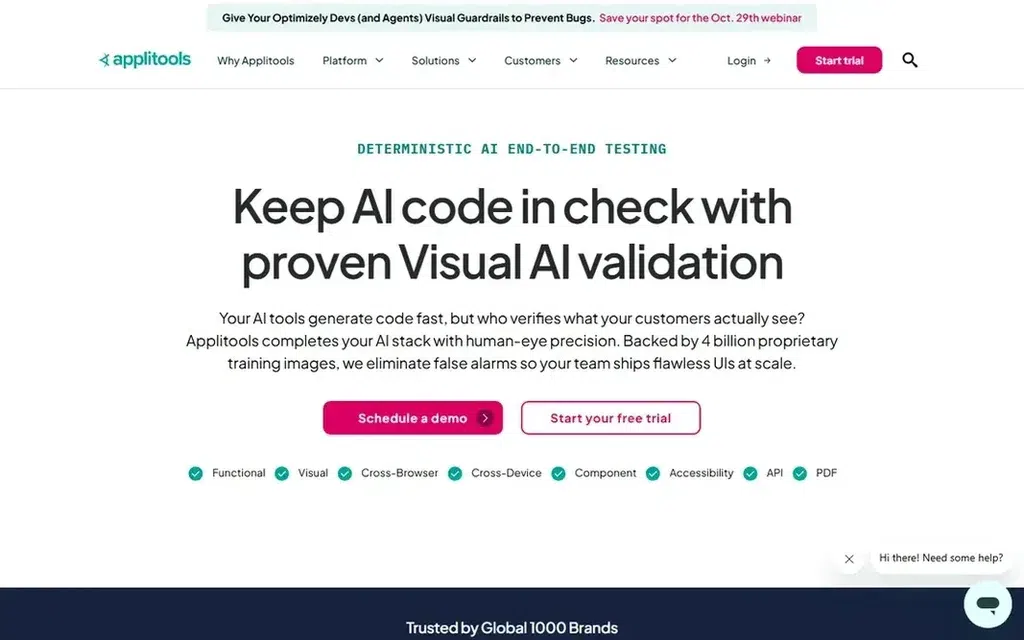
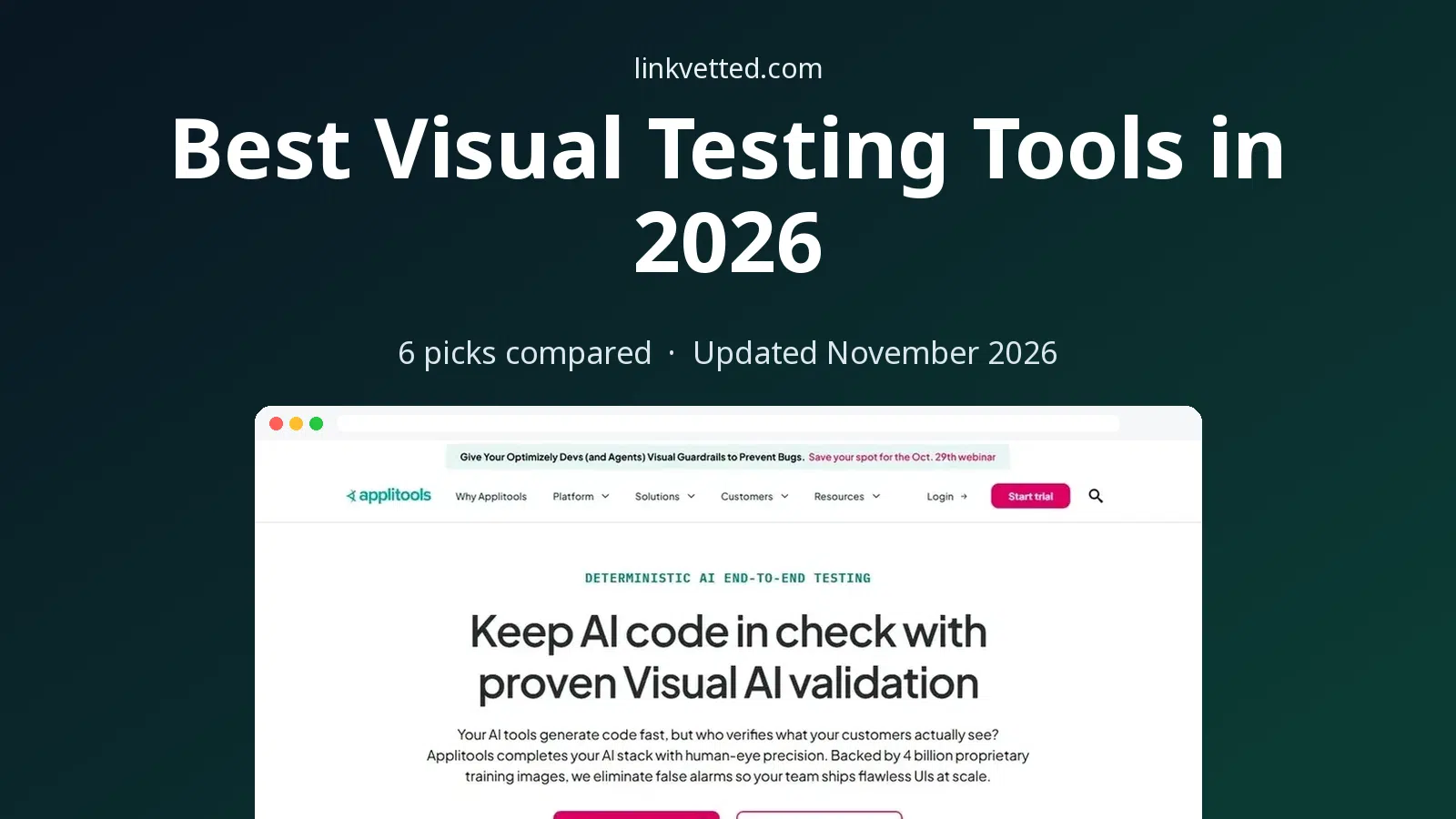
Applitools works best for AI-driven visual comparison at scale. It is built to maximize test coverage while automating maintenance and reducing false positives, which fits teams running large or fast-changing UI suites.
Watch-outs: Broad system may overwhelm small teams.
Smaller projects with straightforward static pages may find lighter choices sufficient. Applitools does not show a starting price in this comparison, so check the vendor site for current pricing. Free options: Not stated.
- No-code and GenAI-assisted testing
- Aims to cut false positives
- Setup depth varies by framework
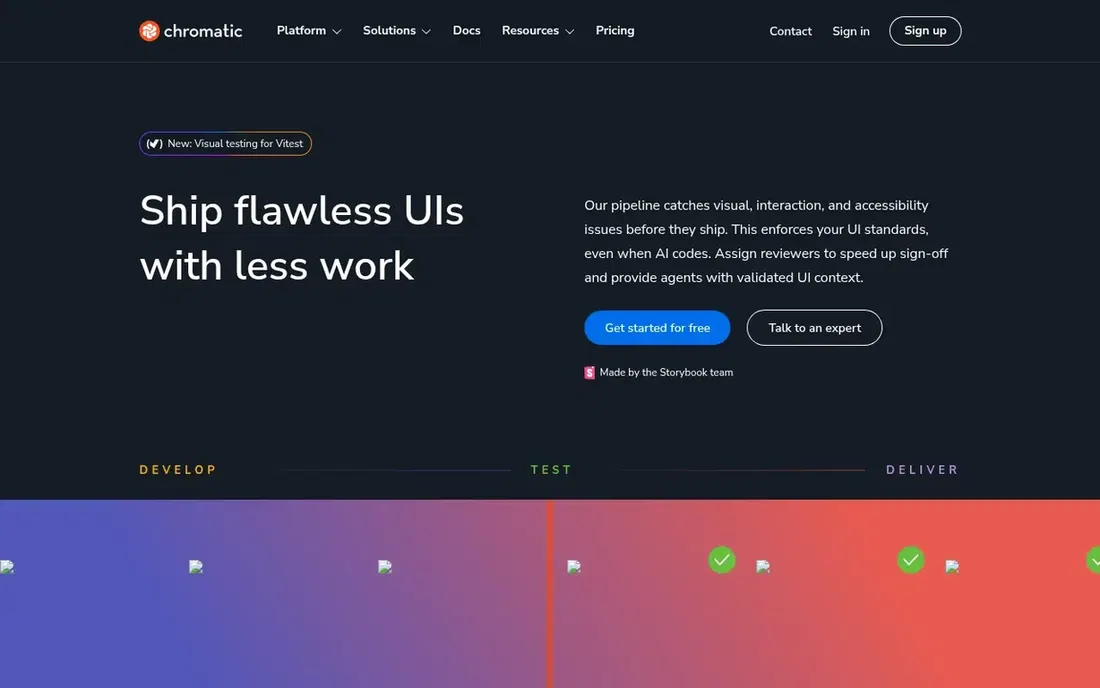
Chromatic is a good fit for Frontend UI and component review. Teams without a component-based frontend may get less value.
As for the details, if you need wide cross browser coverage across numerous devices, combine it with a dedicated device cloud. Entry price for Chromatic: $179 per month. Chromatic has a free plan.
Watch-outs: Centered on frontend component workflows.
- Catches visual and interaction issues
- Accessibility checks included
- Less suited to non-web systems
How the list was put together
For each of the 6 tools we noted price, free plan or trial, fit for visual testing tools and the main limit, using vendor pages and documentation. Figures are shown as the vendors publish them. Billing terms, seat minimums and add-ons can change the real cost. The sequence is a judgement call: typical use case first, then pricing transparency, then free access. Use the profiles to check fit.
Pre-purchase checklist
- Confirm the entry price on the vendor page. For TestComplete and Applitools that means a quote rather than a fixed price.
- Read the fine print on the free plans from LambdaTest and Chromatic; seat, project and feature caps differ.
- Run a trial of BrowserStack with real work before paying for a year; your own workflow is the best test.
- Before choosing LambdaTest, weigh its main limit: wide scope needs clear planning.
- A short pilot of Chromatic with your real workflow tells you more than a feature table.
- Check whether BrowserStack bills monthly or annually, and what cancelling early costs.
FAQ
How are the tools for visual testing tools ordered?
The order follows typical fit for visual testing tools, with LambdaTest first and Chromatic last, then price clarity and free access. It is editorial judgement, not a score, so another team could rank the tools differently.
Do I need a separate cross browser cloud?
Purpose-built visual tools focus on diffing and review, whereas clouds like BrowserStack or LambdaTest supply the browser and device matrix. Some teams combine both so visual checks run across numerous environments.
Which options for visual testing tools have a free plan?
On this list, LambdaTest and Chromatic include a free plan. Caps on seats, usage or features are common, so test the free plan against your real workload. One other tool offers a trial instead.
Is LambdaTest the right pick for everyone comparing visual testing tools?
No single tool suits every team. LambdaTest comes first because it fits agentic QA across web and mobile, while Visual Studio Test Platform suits Microsoft-centric test execution and BrowserStack suits cross browser and real device coverage. Match the tool to your own size, budget and workflow before deciding.
Can I add visual checks to an existing test suite?
Typically yes. Plenty of tools plug into typical CI pipelines and runners, including the Visual Studio Test Platform, so visual assertions sit alongside functional tests.
What is the cheapest option for visual testing tools in this list?
On published monthly entry prices, LambdaTest is the lowest here at $15 per month billed annually. Entry price is only part of the cost, because seats, add-ons and billing terms can change the total. Each of the 6 options in this visual testing tools guide has its own card above with the price, free plan and limits.
Sources
- https://www.lambdatest.com
- https://visualstudio.microsoft.com
- https://www.browserstack.com
- https://smartbear.com/product/testcomplete
- https://applitools.com
- https://www.chromatic.com