Top 5 Visual Platforms for Quick Website Launch for 2026 (Prices and Free Plans)
5 products for the best visual platforms for quick website launch, ranked by fit, with starting costs and free tiers. We note where every tool falls short.
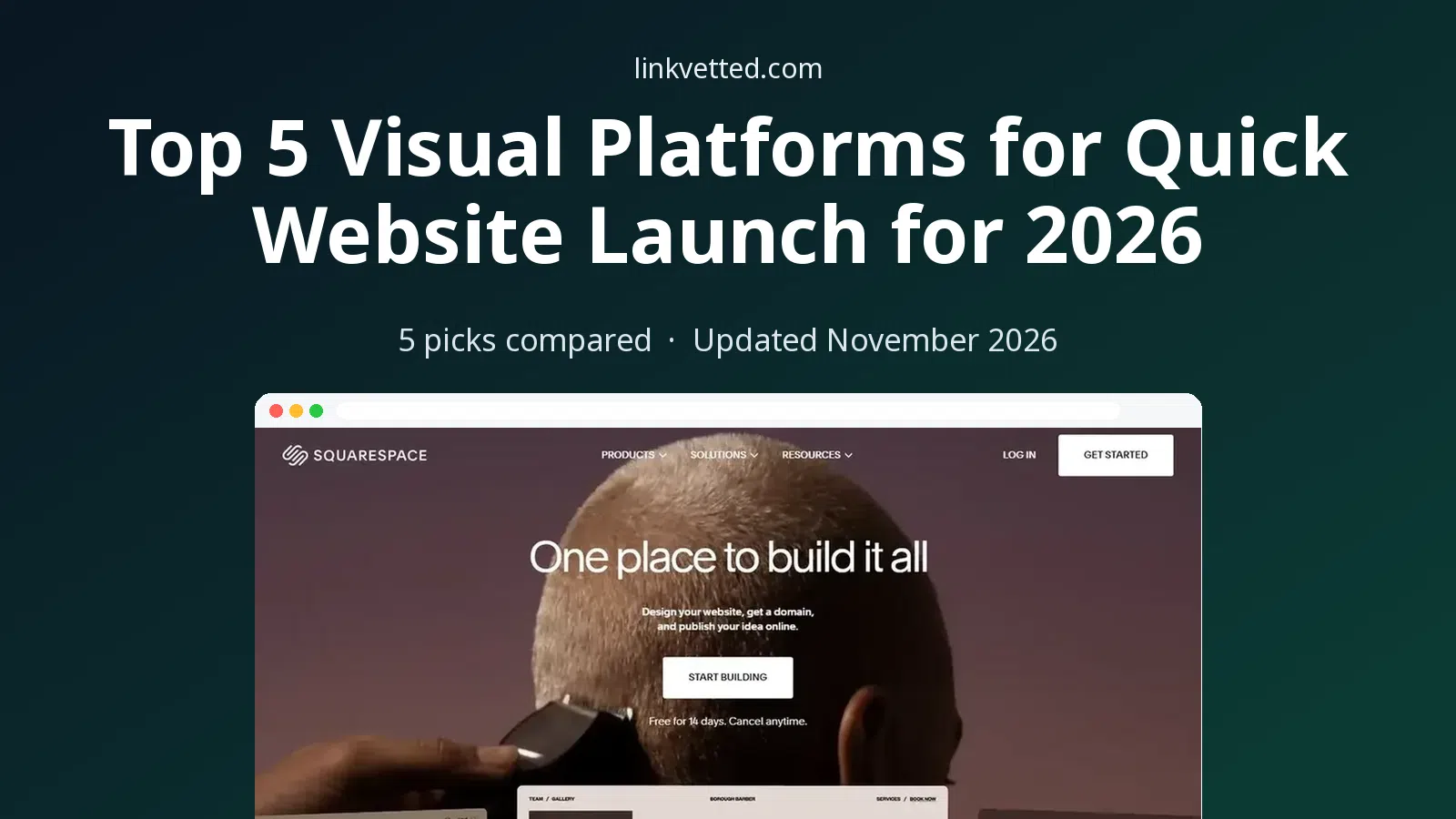
- Editor's choice
 WordPress.com
Hosted WordPress with themes
Starts at$4 per monthVisit wordpress.comFull review - Great alternative
 Shopify
Launching an online store
Starts at$19 a monthVisit shopify.comFull review - Also consider
 Squarespace
Design-forward template-based websites
Starts at$12 a monthVisit squarespace.comFull review
Direct answer
WordPress.com comes first here, mainly for hosted WordPress with themes. Listed starting prices: WordPress.com from $4 per month, Shopify from $19 a month and Squarespace from $12 a month. Alternatives: Shopify for launching an online store, and Squarespace for design-forward template-based websites. Details, prices and limits for the rest of the 5 tools are below.
TL;DR:
- The list opens with WordPress.com, aimed at hosted WordPress with themes.
- Before buying Shopify, weigh this: built around selling, not general sites.
- Free plans exist at 2 of 5 tools (WordPress.com, Webflow).
- The lowest published monthly entry price here is $4 per month, from WordPress.com.
Last checked November 2026. Prices and plan details were read from the vendors' own pages in November 2026; vendors change plans often, so confirm the current price on the vendor site before you buy.
Quick comparison
| Tool | Best for | Starts at | Free plan? | |
|---|---|---|---|---|
| WordPress.com | Hosted WordPress with themes | $4 per month | Yes | Visit |
| Shopify | Launching an online store | $19 a month | Free trial | Visit |
| Squarespace | Design-forward template-based websites | $12 a month | Free trial | Visit |
 Webflow | Designers wanting precise control | $15 per month | Yes | Visit |
 Wix | All-in-one visual site building | See website | Not stated | Visit |
Visual Platforms for Quick Website Launch profiles
LinkVetted compared 5 tools for visual platforms for quick website launch. The goal is a practical shortlist: published prices, free plan facts, best-fit use cases and honest limits for every entry.
Think of WordPress.com for hosted WordPress with themes. WordPress.com provides a hosted way to produce a WordPress website with built-in hosting, premium themes and tools aimed at people who want to skip technical setup.
If you need full control over the installation, a self-hosted setup may suit you better. Price to start with WordPress.com: $4 per month. Free access exists with WordPress.com.
Points against: Some adaptability tied to the hosted service.
- Built-in hosting
- No technical setup required
- Fewer choices than self-hosted WordPress
Shopify serves launching an online store. Shopify is an all-in-one commerce product for building and expanding a business online, with tools that go beyond ecommerce software to manage operations. It supports a quick path from setup to selling.
What to check first: Less suited to non-commerce content sites.
Choose Shopify when the launch centers on products, orders and store management. As for the details, a general website builder can be more straightforward for non-selling projects. As for the details, if your site is primarily editorial or informational, Shopify's commerce orientation may be more than you need. Shopify pricing: $19 per month. Free access: Free trial. Where Shopify stands out: Commerce-focused product.
- Tools to handle the entire business
- AI-assisted setup choices
- Built around selling, not general sites
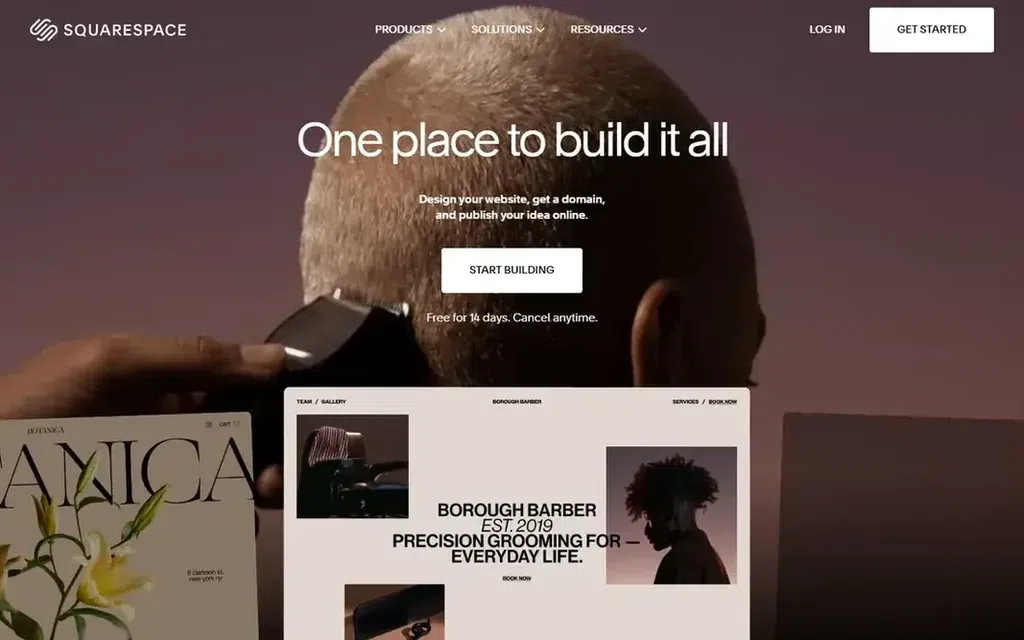
Squarespace is designed for design-forward template-based websites. Squarespace is a website builder built around configurable templates, with AI-assisted tools and domain choices for getting a site live. In practice, since templates guide the structure, very unusual layouts can need workarounds.
Points against: Templates shape the design workflow.
Where it shines: AI website builder tools.
If you need full control over every element or a complicated content model, consider a more technical product. Pick Squarespace when a refined starting design and a guided build are the priority. Price to start with Squarespace: $12 per month. Trial and free access: Free trial.
- Configurable template library
- Domain registration available
- Less open-ended than code-first builders
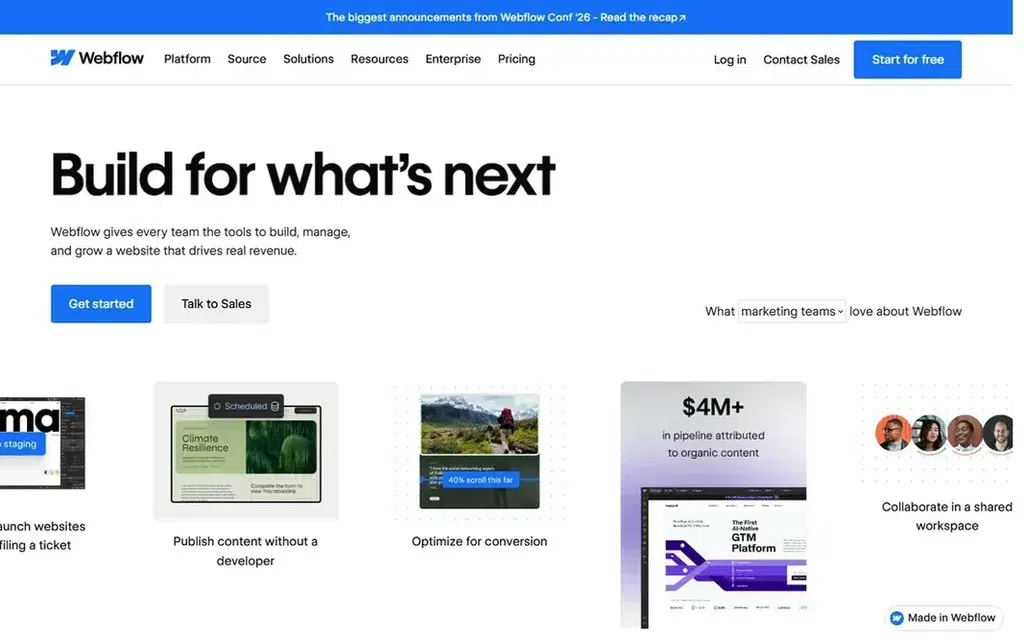
Webflow targets designers wanting precise control. Webflow is a visual web system for designing, building and hosting sites with fine control over layout and structure, including a CMS and hosting.
More specifically, the depth includes a ramp-up time, and beginners may find the interface slower to pick up than template-first builders. Entry price for Webflow: $15 per month. Free access exists with Webflow.
What to check first: Steeper ramp-up time.
- Visual design with code-level control
- Security and optimization features
- More setup than template-first builders
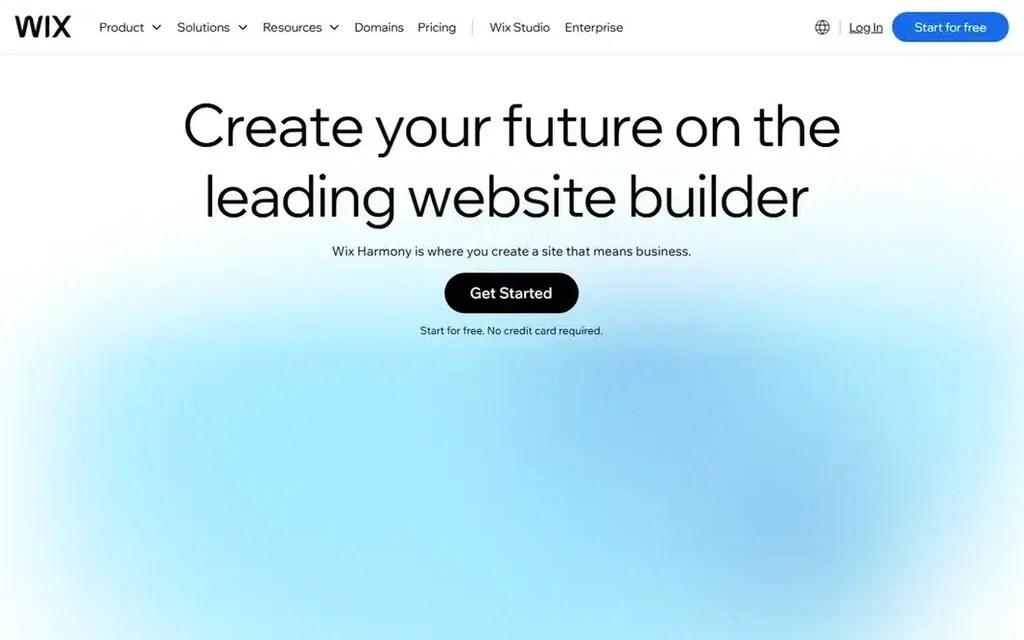
Wix is a good fit for all-in-one visual site building. The trade-off is adaptability at the code level, since Wix favors its own visual workflow over hand-built front ends.
In practice, choose Wix when speed and an integrated toolkit matter most. This comparison lists no price for Wix; ask the vendor. Free access: Not stated.
Trade-offs to know: Less code-level control than developer tools.
- Hosting
- Business tools included
- Editor can feel busy for large sites
What went into this list
A buyer's checklist
- Ask Wix for a written quote, since no starting price is shown.
- Check what the free option really includes: WordPress.com and Webflow offer a free plan, and usage caps differ.
- Take the trial from Shopify and Squarespace and push a live task through it before you pay.
- Before choosing WordPress.com, weigh its main limit: fewer choices than self-hosted WordPress.
- Test the integrations you rely on with Wix before committing; some connectors sit on upper tiers.
- Add up seats, add-ons and usage charges for Squarespace before comparing it with cheaper entries.
FAQ
Is WordPress.com the right pick for everyone comparing visual platforms for quick website launch?
No single tool suits every team. WordPress.com comes first because it fits hosted WordPress with themes, while Shopify suits launching an online store and Squarespace suits design-forward template-based websites. Match the tool to your own size, budget and workflow before deciding.
How does WordPress.com differ from other builders?
WordPress.com supplies hosted WordPress with themes and built-in hosting, targeted at content-focused sites without technical setup. It differs from self-hosted WordPress in adaptability. Choose it when a managed, content-first workflow matters.
What is the cheapest option for visual platforms for quick website launch in this list?
On published monthly entry prices, WordPress.com is the lowest here at $4 per month. Entry price is only part of the cost, because seats, add-ons and billing terms can change the total. All 5 picks in this visual platforms for quick website launch comparison list a starting price, free plan details and the main limits on their cards above.
Do these tools publish their prices?
Not all of them. Wix publishes no starting price, so expect a quote request for it. The rest, WordPress.com included, show a starting price, though seats and billing terms still change the final cost. For the full picture, the cards above cover all 5 entries of this visual platforms for quick website launch list, including price, free plan and limits.
How are the tools for visual platforms for quick website launch ordered?
WordPress.com sits first and Wix last because the order follows typical fit for visual platforms for quick website launch, then price clarity and free access. It is a judgement call, so read each profile for fit and limits.
Is Shopify only for online keeps?
Shopify is built around commerce, with tools to handle a business beyond the storefront. For editorial or informational sites, a general website builder is commonly a more straightforward fit.
Sources
- https://wordpress.com
- https://www.shopify.com
- https://www.squarespace.com
- https://webflow.com
- https://www.wix.com